
When Is The Best Time To Buy Airpods For Savings
The best time to buy AirPods is during major sales events like Black Friday or after new model releases when prices tend to drop.…
The best time to buy AirPods is during major sales events like Black Friday or after new model releases when prices tend to drop.…
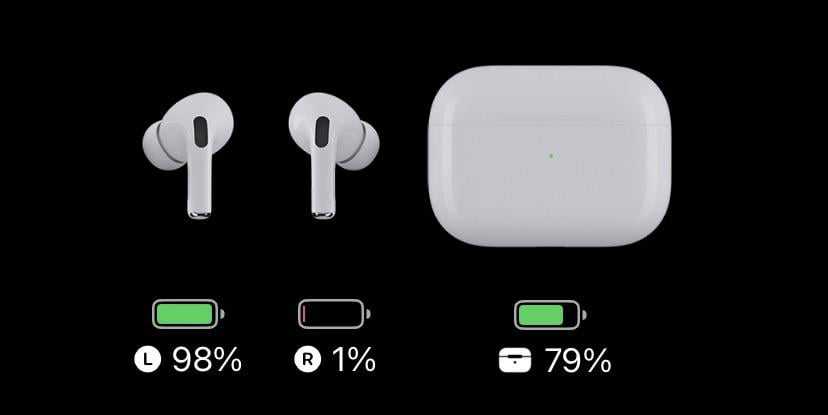
The best time to charge your AirPods is when their battery is around 20-30%, rather than letting them drain completely or charging all the…
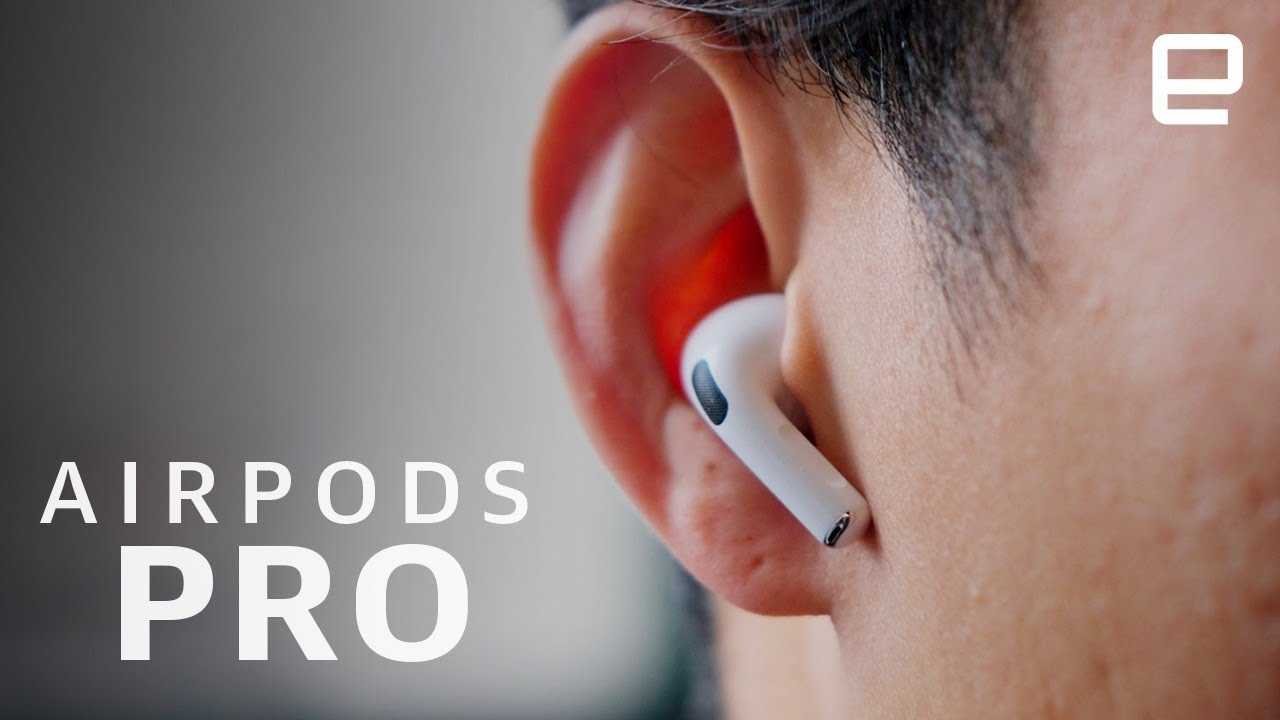
The quickest way to enjoy your AirPods Pro is to gently insert them into your ears with a slight tilt, ensuring a snug fit…

Want to unlock the full potential of your AirPods Pro? With a few smart tips, you can enhance your listening experience, maximize comfort, and…
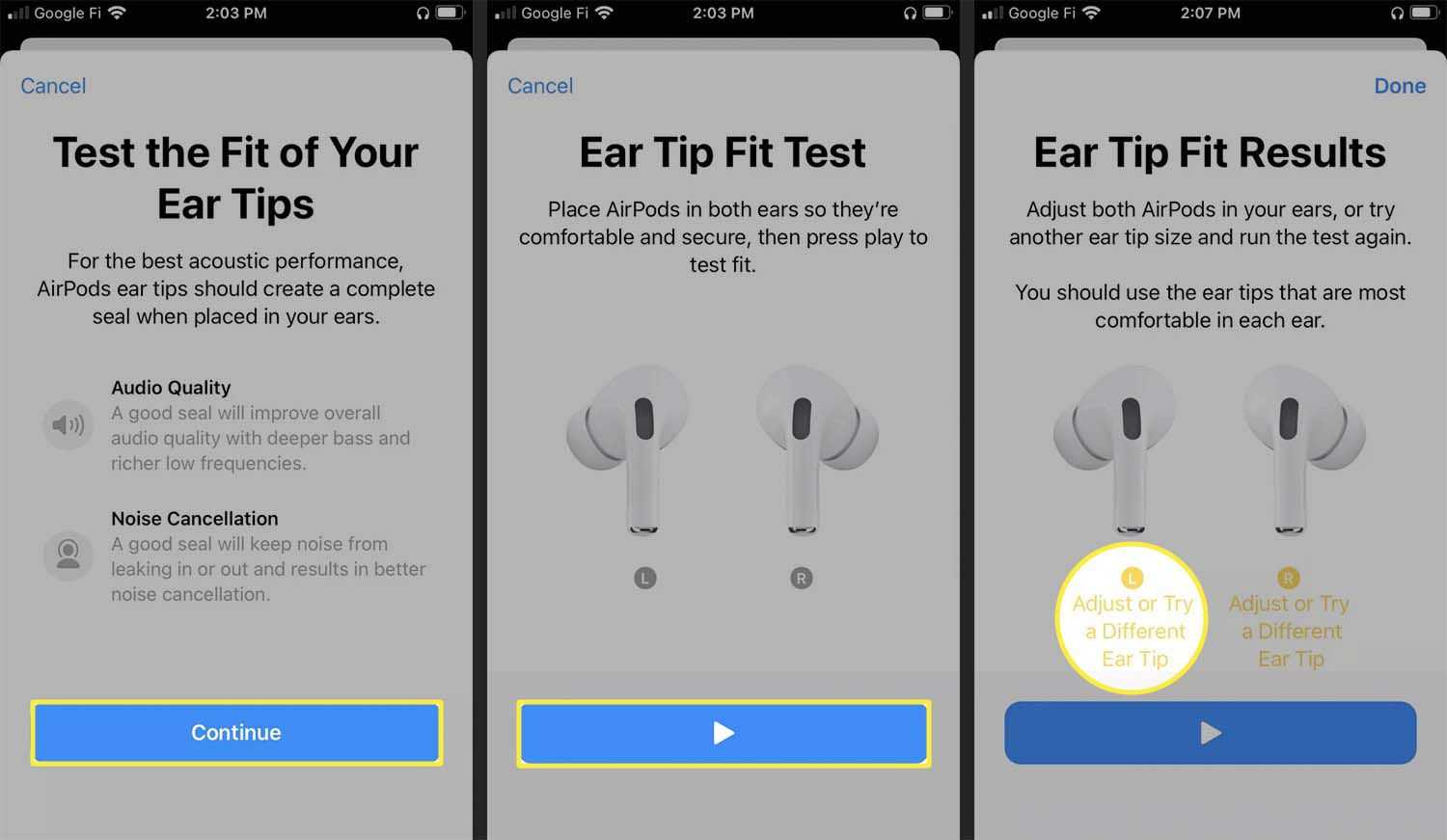
To pick the right AirPods Pro tips, focus on finding a comfortable fit that seals your ear well for optimal sound quality and noise…
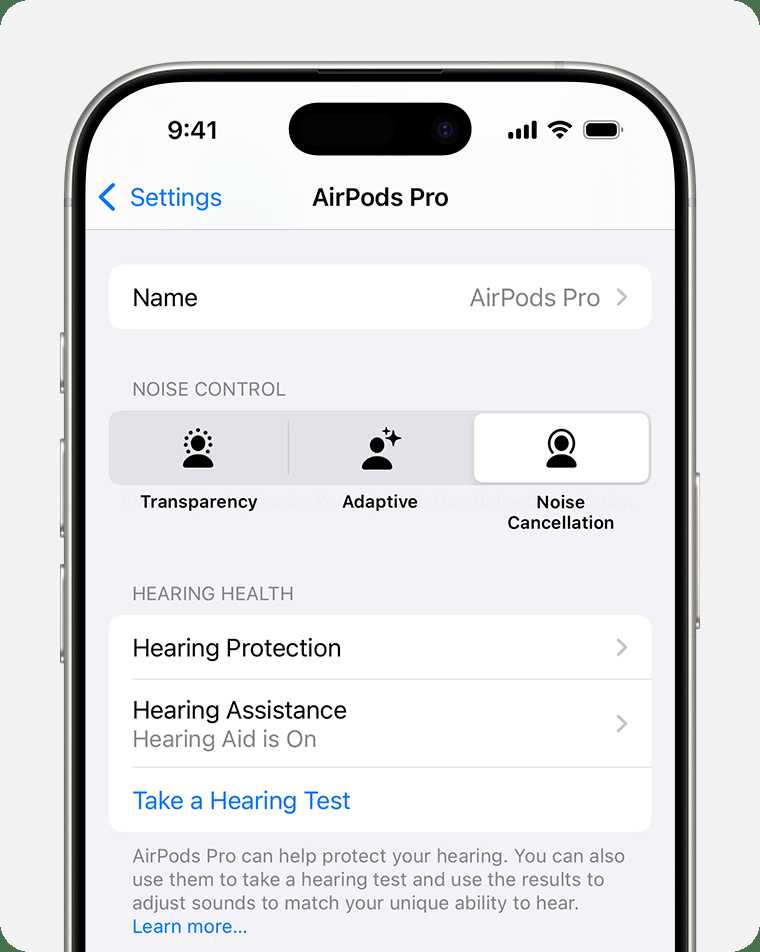
To use AirPods Pro as a hearing aid, activate the Live Listen feature in your iPhone settings and connect your AirPods. Place your AirPods…

If you’re on the fence about whether to buy the latest Apple AirPods Pro now or wait for future releases, you’re not alone. The…

To pick the perfect AirPods Pro, focus on your needs, fit, and budget, and pay attention to features like noise cancellation and battery life.…

To instantly boost your AirPods Pro 2 mic quality, ensure they are clean, update their firmware, and test different device settings. Using noise reduction…
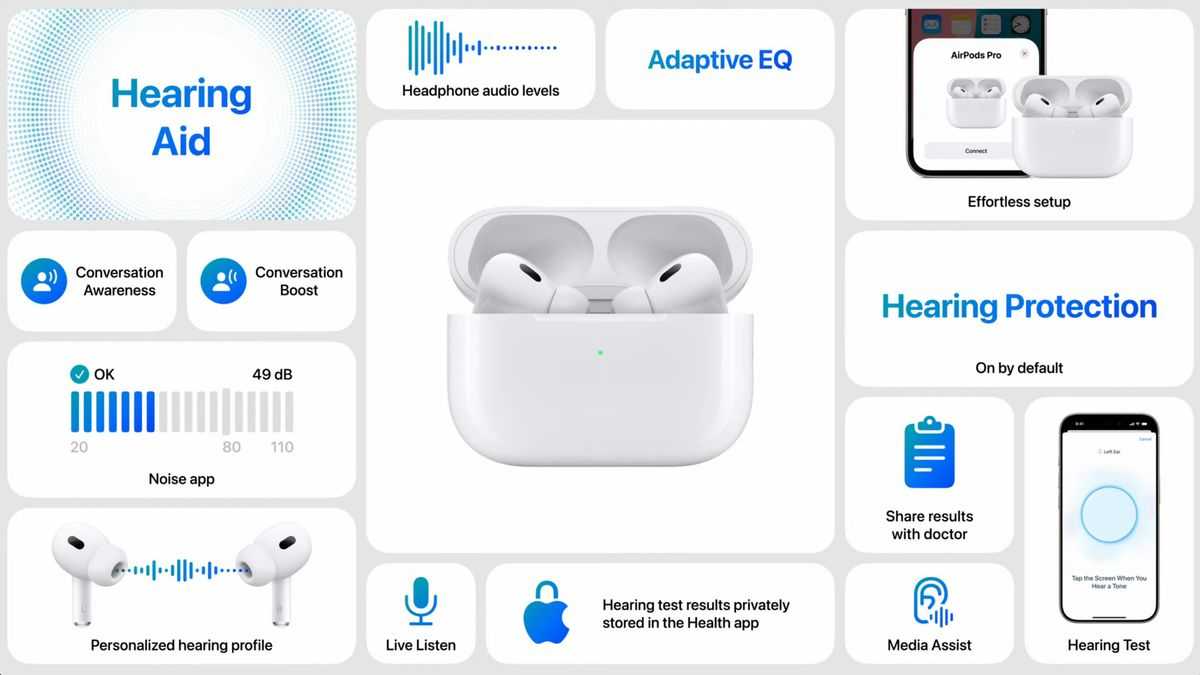
The AirPods Pro are a game-changer in wireless audio, offering superior sound quality, active noise cancellation, and a snug fit for all-day comfort. These…

You should replace your AirPods Pro tips roughly every 6 to 12 months, or sooner if you notice wear and tear. Regularly swapping out…
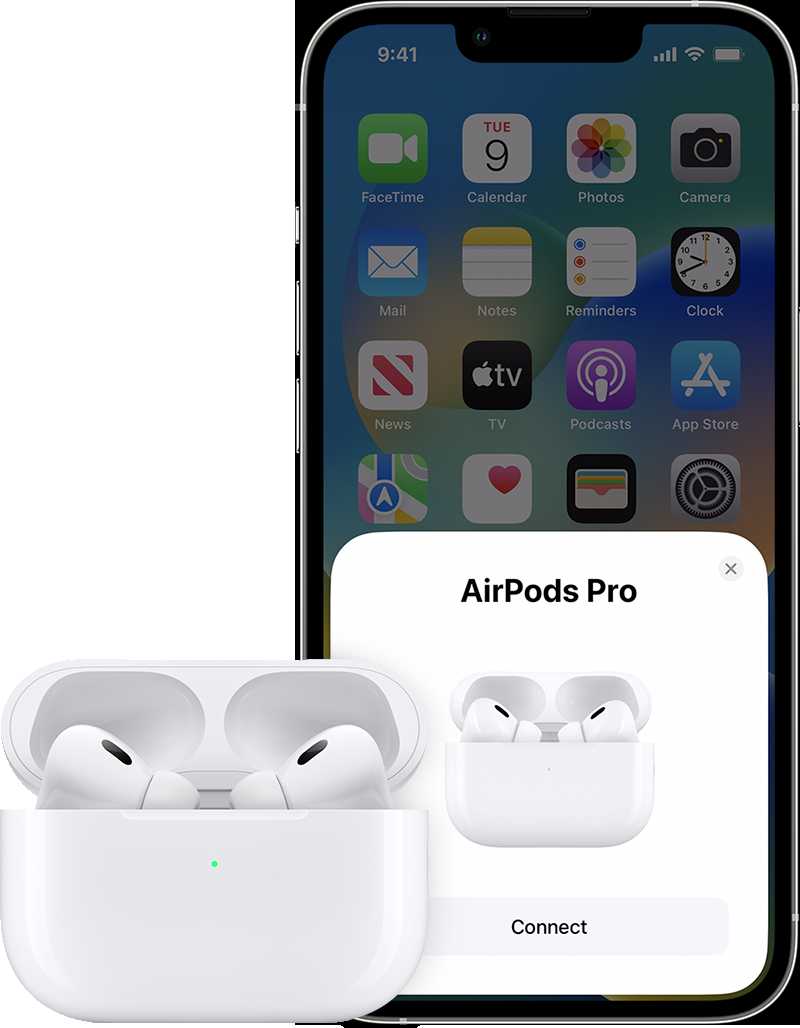
To turn on your AirPods for the first time, simply take them out of their charging case, and they will automatically power on and…









