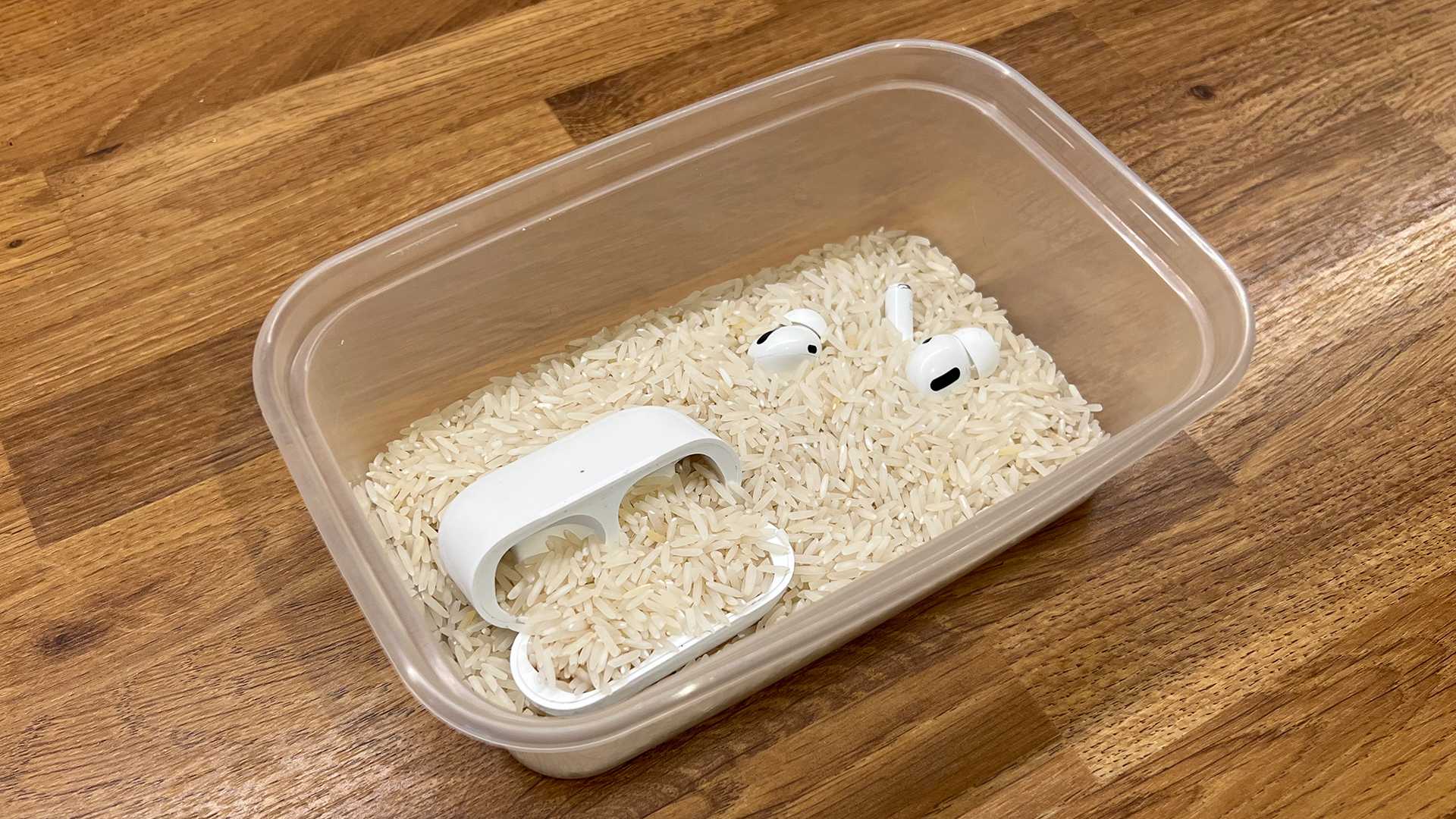
What To Do If Airpods Go Through The Wash Tips
If your AirPods have taken an unexpected plunge into the wash, don’t panic! The key is to act quickly and carefully to minimize damage.…
If your AirPods have taken an unexpected plunge into the wash, don’t panic! The key is to act quickly and carefully to minimize damage.…

The AirPods 4 offer a range of improvements over the AirPods 3, including better sound quality, enhanced battery life, and more advanced features like…

The main difference between AirPods 2 and AirPods 3 lies in design, sound quality, and features, giving users a more immersive experience with the…

To know if your AirPods are fully charged, simply check the battery status on your iPhone, iPad, or Mac, or look for the LED…
No, it is not safe to wear AirPods in the shower. Water and electronics don’t mix, and even if your AirPods are water-resistant, they…
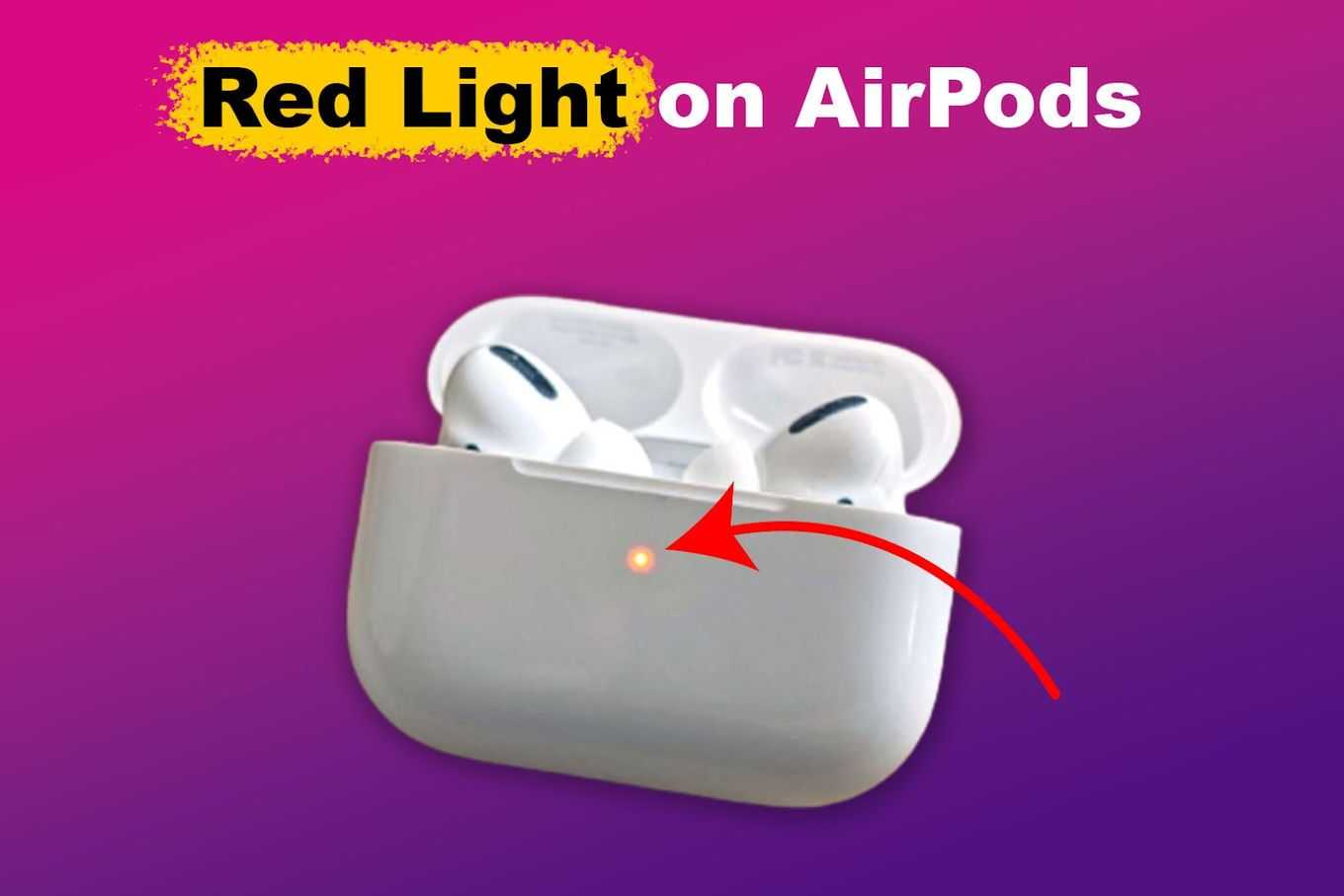
A red light blinking on your AirPods can be pretty startling, but don’t panic—it’s usually just a sign that something needs your attention. The…
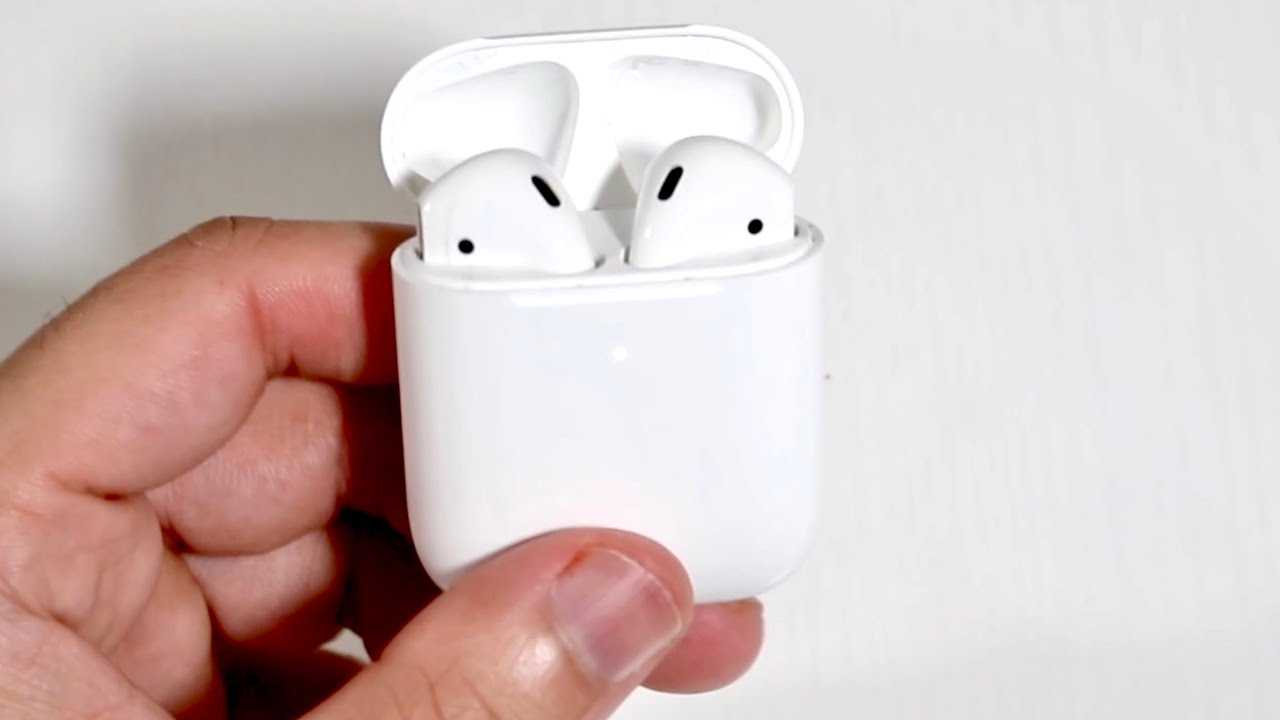
A white light flashing on your AirPods case can feel puzzling, but it actually offers valuable insight into what’s happening with your device. Essentially,…
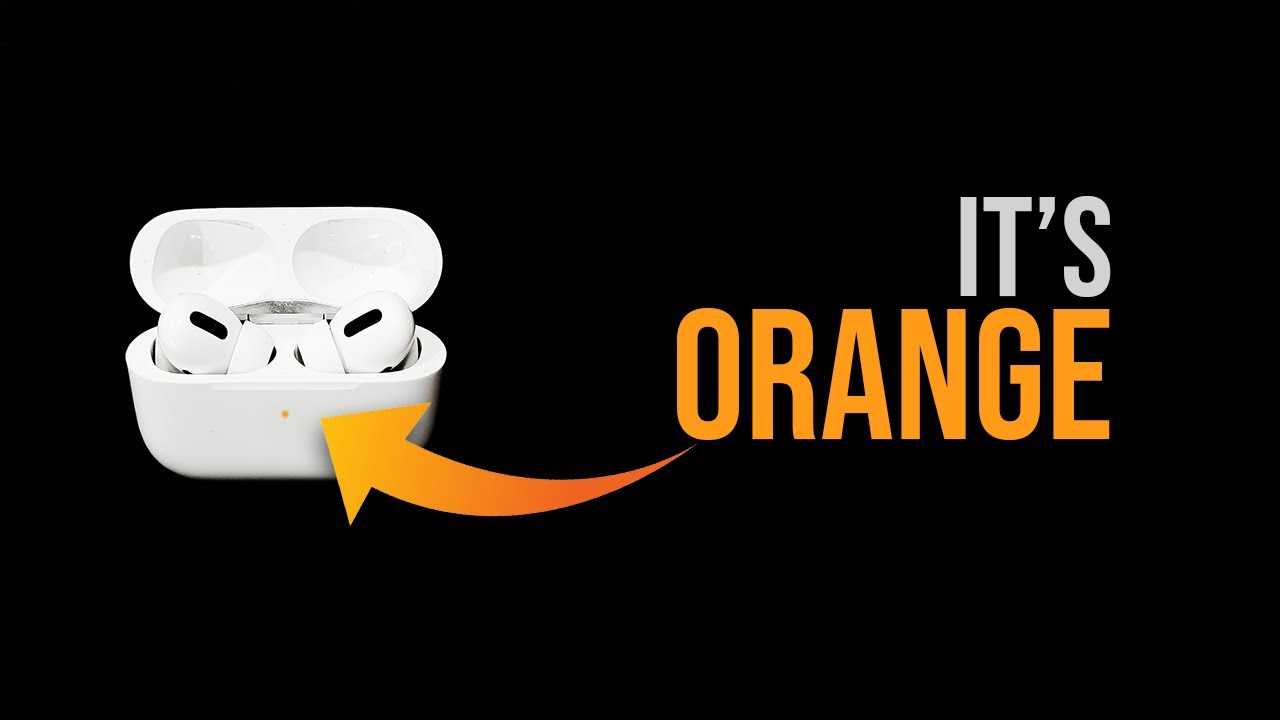
An orange light on your AirPods case might look confusing at first, but it’s actually a helpful indicator! It typically signals a device issue,…

It’s best to limit your AirPods usage to around 1-2 hours at a time to protect your ears from potential damage. Giving your ears…

To quickly check if your AirPods 4 are charging, simply look at the status light on the case or connect them to your device…
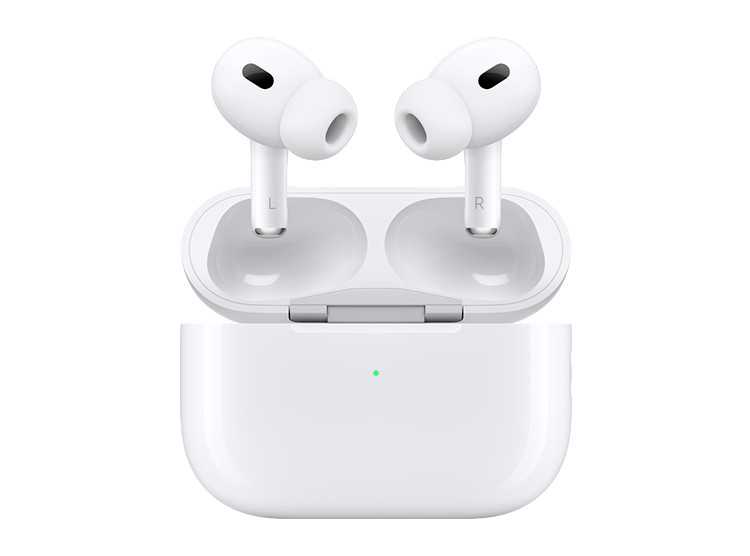
AirPods typically cost between $159 and $249, depending on the model and features you choose at the Apple Store. The latest AirPods Pro are…
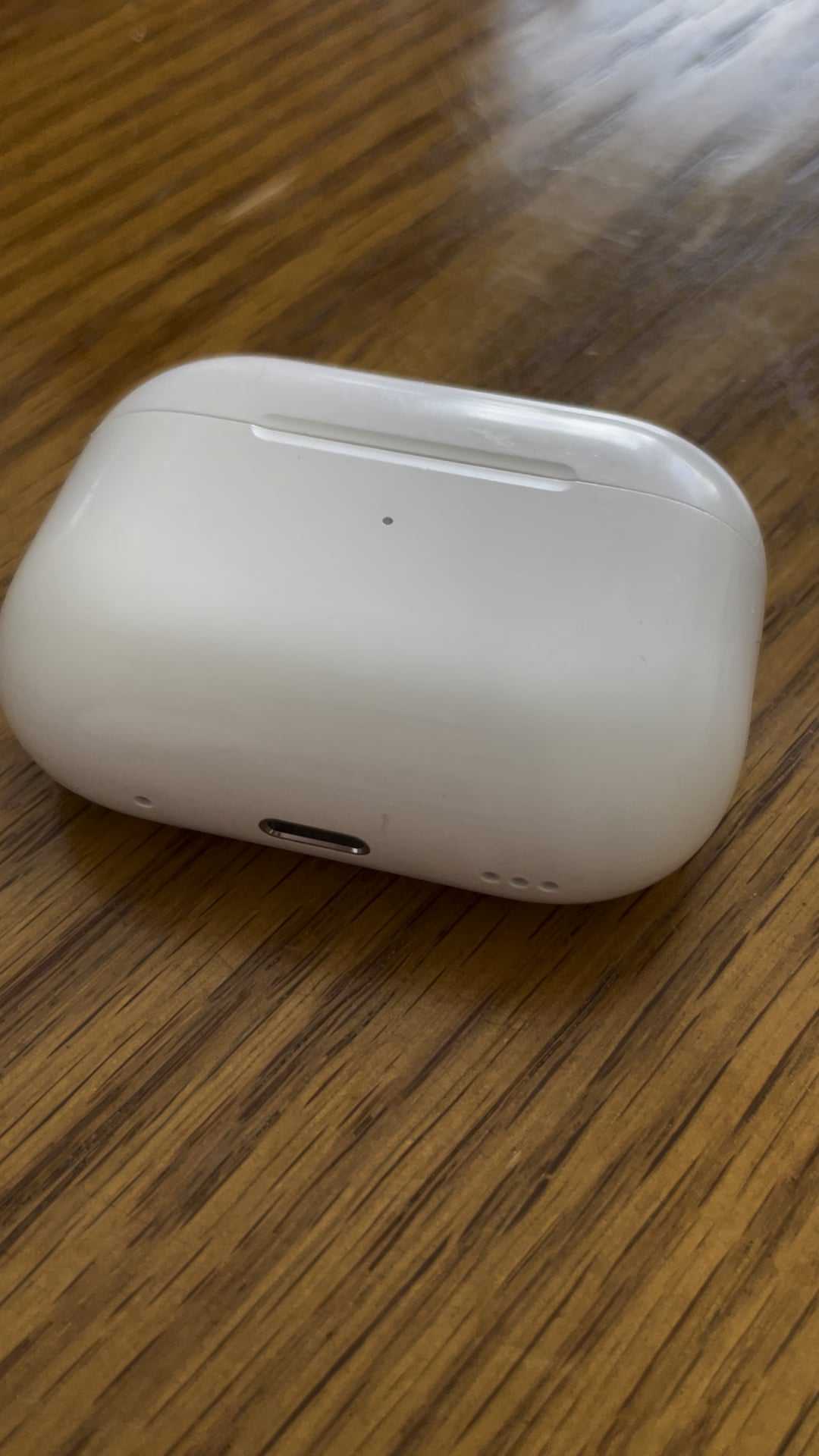
Putting your AirPods back in their case all the time isn’t inherently bad, but it can have some downsides if done excessively. The main…









