Disabling Auto Sync For Unnecessary Accounts For Better
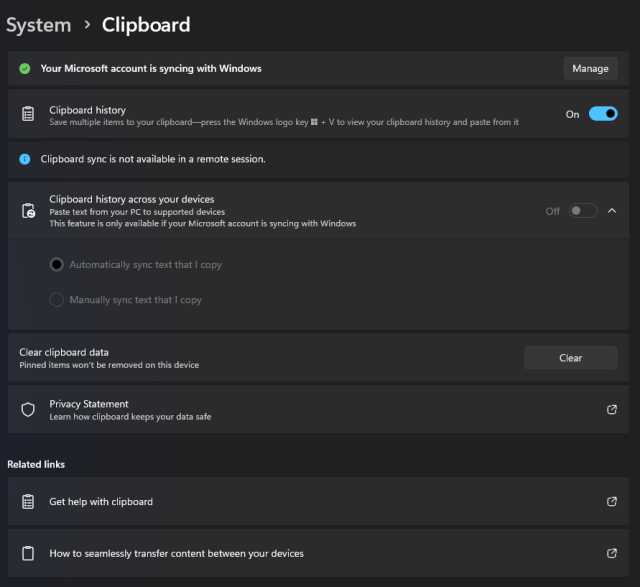
To stop unnecessary accounts from syncing automatically, simply head into your device’s settings and turn off auto-sync for those specific accounts. This quick adjustment…
To stop unnecessary accounts from syncing automatically, simply head into your device’s settings and turn off auto-sync for those specific accounts. This quick adjustment…

To limit background activity in developer options, simply turn on the “Limit background processes” feature and select the number of processes you want to…
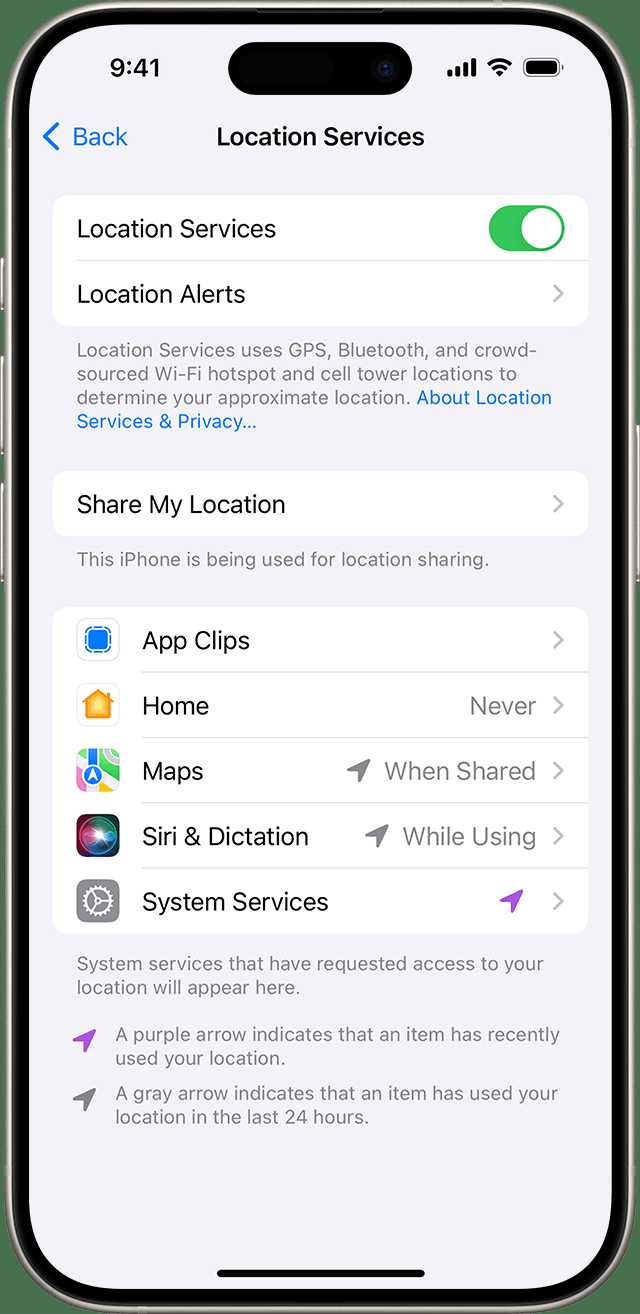
Turning off GPS, Bluetooth, and WiFi when you’re not using them is a simple yet effective way to save your device’s battery and protect…
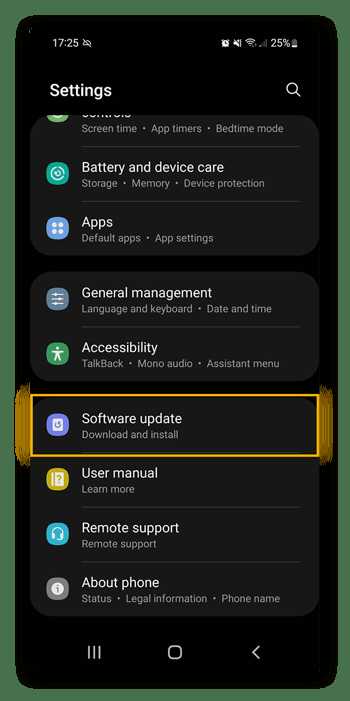
Keeping your Android device up to date is essential for smooth performance and security. Regular updates ensure you get the latest features, bug fixes,…
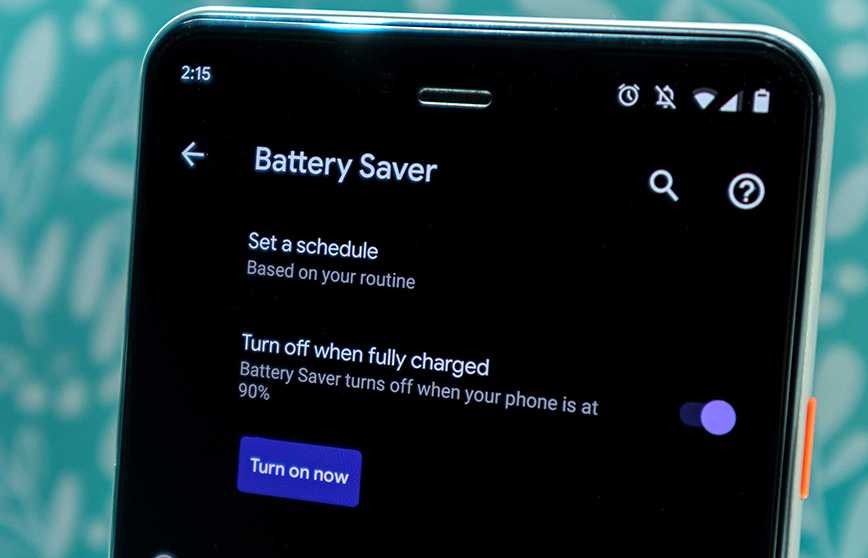
Enabling battery saver mode can significantly extend your device’s battery life just when you need it most. A quick toggle can help conserve power…
Lowering your screen timeout duration is a quick and effective way to save battery life. By setting your device to turn off the display…
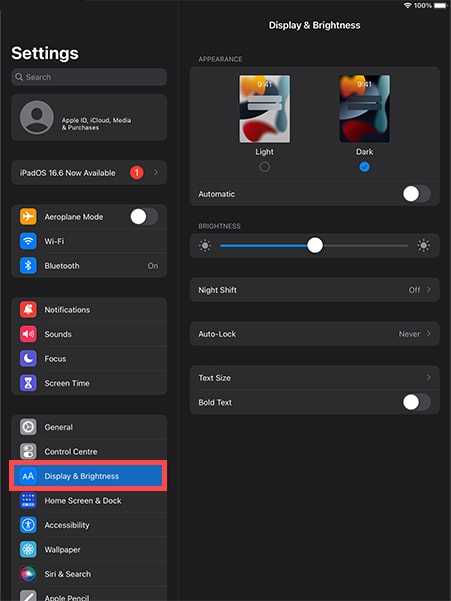
If you find auto brightness making your screen fluctuate unexpectedly or draining your battery faster, turning it off and setting your screen brightness manually…

To boost your device’s performance and save battery life, it’s crucial to get rid of or disable those pesky background apps you no longer…
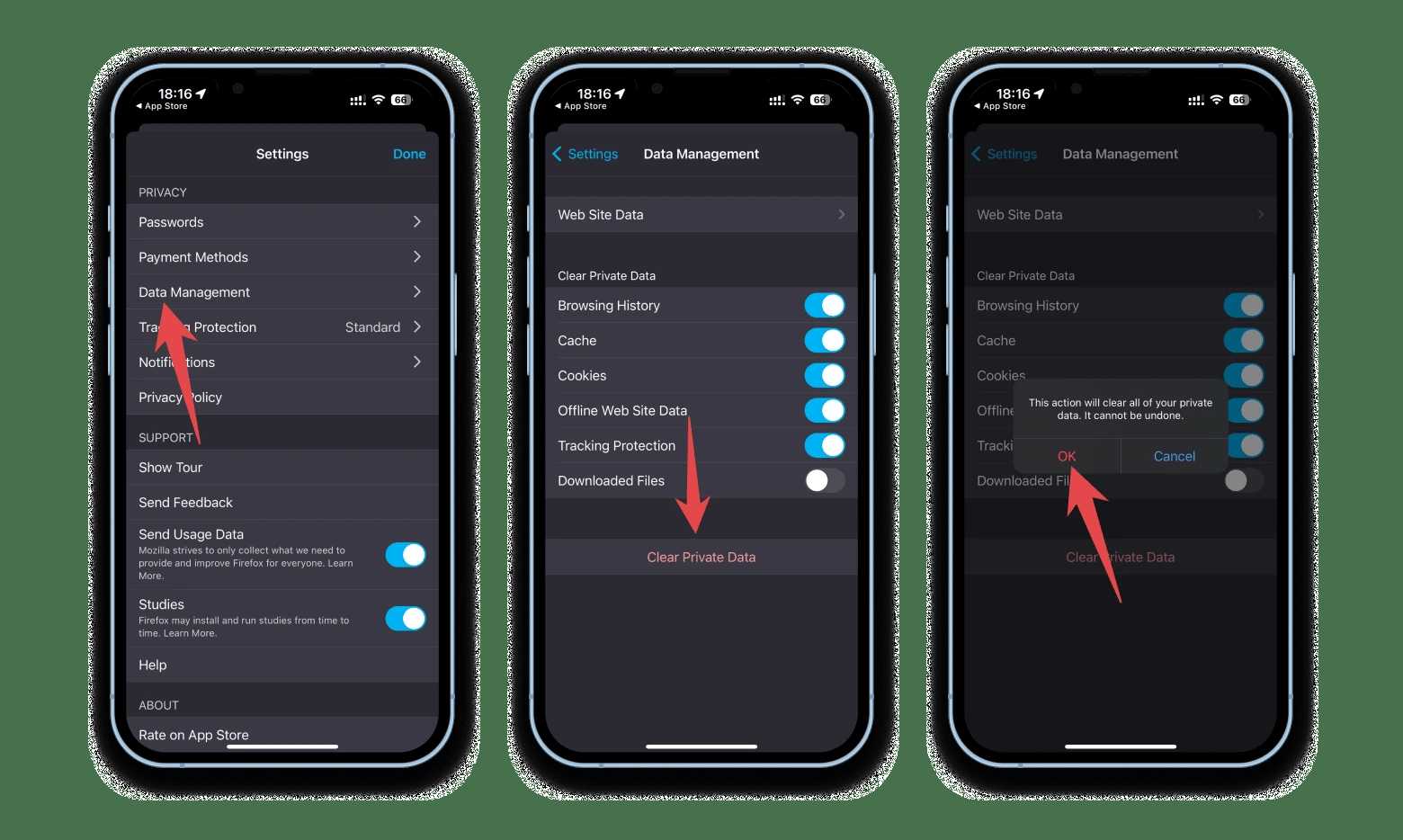
To tame your battery-draining apps, start by clearing their cache and data—it’s a quick fix that can significantly boost your device’s longevity. Clearing cache…

To find out which apps are hogging your battery, simply check your device’s battery usage stats. This quick step reveals the culprits so you…

To keep your device running smoothly, regularly checking your battery’s health is essential. Using built-in features or trusted third-party apps, you can easily monitor…
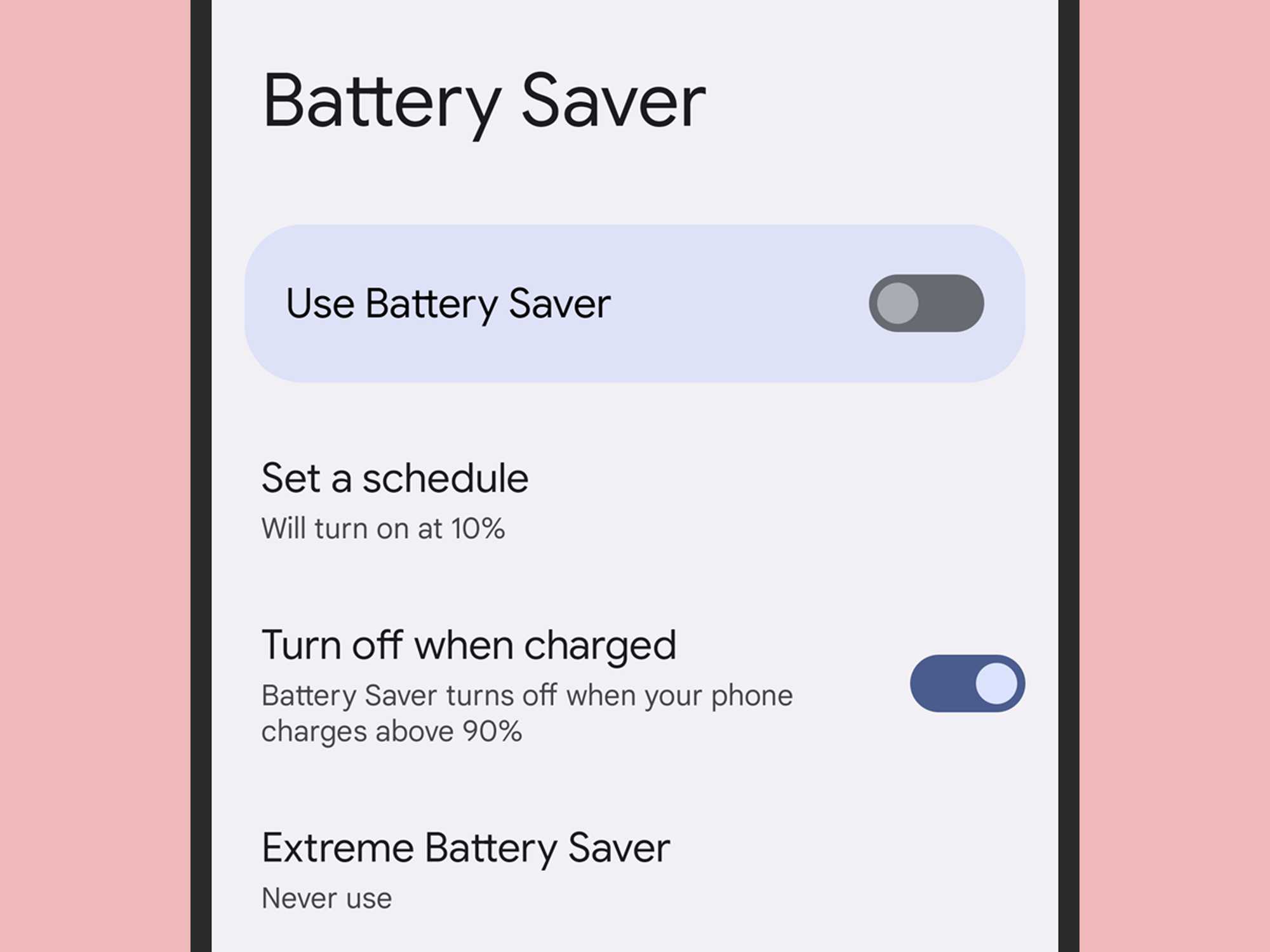
Want to extend your device’s battery life effortlessly? Setting up scheduled automatic power-saving mode activation is the perfect solution. With just a few clicks,…









