Best Laptops for Game Development: Power & Performance

The right laptop makes the difference between a smooth creative workflow and constant loading screens, so here are the 5 picks I trust most for the best laptop for game development.
As an Amazon Associate, I earn from qualifying purchases. Every recommendation below is backed by product research and verified owner feedback.
Quick Links
Did you know that compiling a large Unreal Engine project can take over 40 minutes on a laptop with a weak processor? That is an entire lunch break lost to a loading screen. Now imagine that happening every single time you tweak a line of code.
The stakes are simple. A slow laptop does not just waste your time; it kills your creative flow and makes you dread opening your own project. In this guide, I share my 5 favorite best laptop for game development; ranging from budget-friendly powerhouses to premium machines with the latest hardware.
I have spent hours comparing specs, reading verified buyer reviews, and filtering out the marketing noise. Skip the endless research and just pick the one that fits your workflow.
How to Choose the Best Laptop for Game Development
What Matters More: CPU or GPU?
For game development, the CPU is the unsung hero. Your processor handles code compilation, physics calculations, and the artificial intelligence logic that makes your game tick. A strong CPU means faster builds and less time staring at progress bars.
The GPU is the second half of the equation. It drives your viewport, renders your game in real time, and determines how complex your scenes can be before everything slows down. The ASUS ROG Strix G16 balances both well by pairing an Intel Core i7 (14th Gen) with an NVIDIA GeForce RTX 5060.
You do not need the absolute best of both, but you do need them to be in the same league. A 14-core CPU with a weak GPU will struggle in the viewport just as much as a powerful GPU throttled by a weak processor. Look for a modern processor with at least 14 threads and a current-generation GPU like the RTX 50 series.
How Much RAM Do You Need?
RAM is the workspace where your editor, browser, and game engine all coexist. If you run out, your system starts swapping data to the SSD, which is a bottleneck you will feel immediately.
For basic 2D game development, 16GB of DDR5 RAM is the floor. For 3D development with heavy asset loading, 32GB of DDR5 RAM is quickly becoming the standard. The Acer Nitro V 16S ships with 32GB, which handles multiple large scenes without the stutter.
You can usually upgrade RAM later, but some laptops solder it to the motherboard. Check if the memory is user-replaceable before buying if you think you will need more down the line.
What Is a Good Display for Development?
Your display is your main window into the project. Higher resolution gives you more screen real estate for your layout, which means less minimising and more actual work.
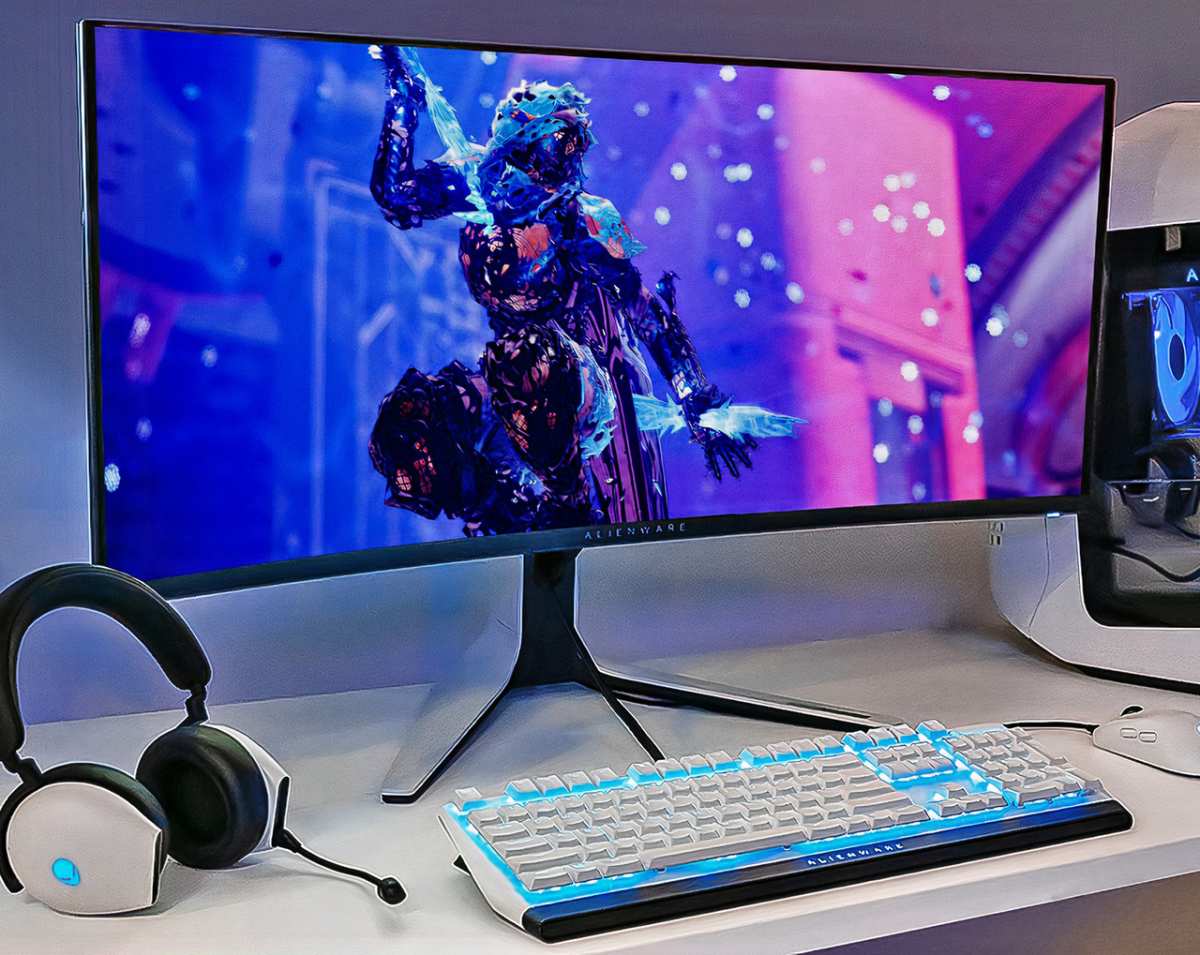
A 1440p or higher resolution is a game changer for coding and level design. The GIGABYTE Gaming A16 offers a 1920×1200 WUXGA display with a 165Hz refresh rate, which balances detail with performance. If you are used to a larger screen for your workflow, pairing your laptop with a good budget monitor can make a huge difference.
Also look for good color accuracy. To see your game as players will, you want a panel covering at least 100% of the sRGB color space. A fast refresh rate is nice for testing gameplay feel, but a high-resolution panel is more useful for actual development.
Is Battery Life Important?
For game development, battery life is a luxury. A powerful CPU and GPU under load will drain any battery quickly, usually in under two hours.
Do not buy a development laptop expecting all-day battery life. Instead, focus on build quality and thermal design. A laptop that runs hot will throttle its own performance to cool down, which slows your compile times.
The msi Katana 15 HX uses MSI's Cooler Boost 5 technology with multiple heat pipes to manage thermals under sustained load. That is exactly the kind of feature you want when running long compile sessions.
Additional Features on Best Laptop for Game Development
- Storage: A 1TB NVMe Gen 4 SSD is the minimum. Games are huge, and assets are even larger. Need more room? Check out these external monitor setup ideas for a multi-display workflow.
- Connectivity: Wi-Fi 6E or Wi-Fi 7 is essential for fast asset downloads and cloud backups. Bluetooth 5.3 is useful for connecting controllers and testing mobile ports.
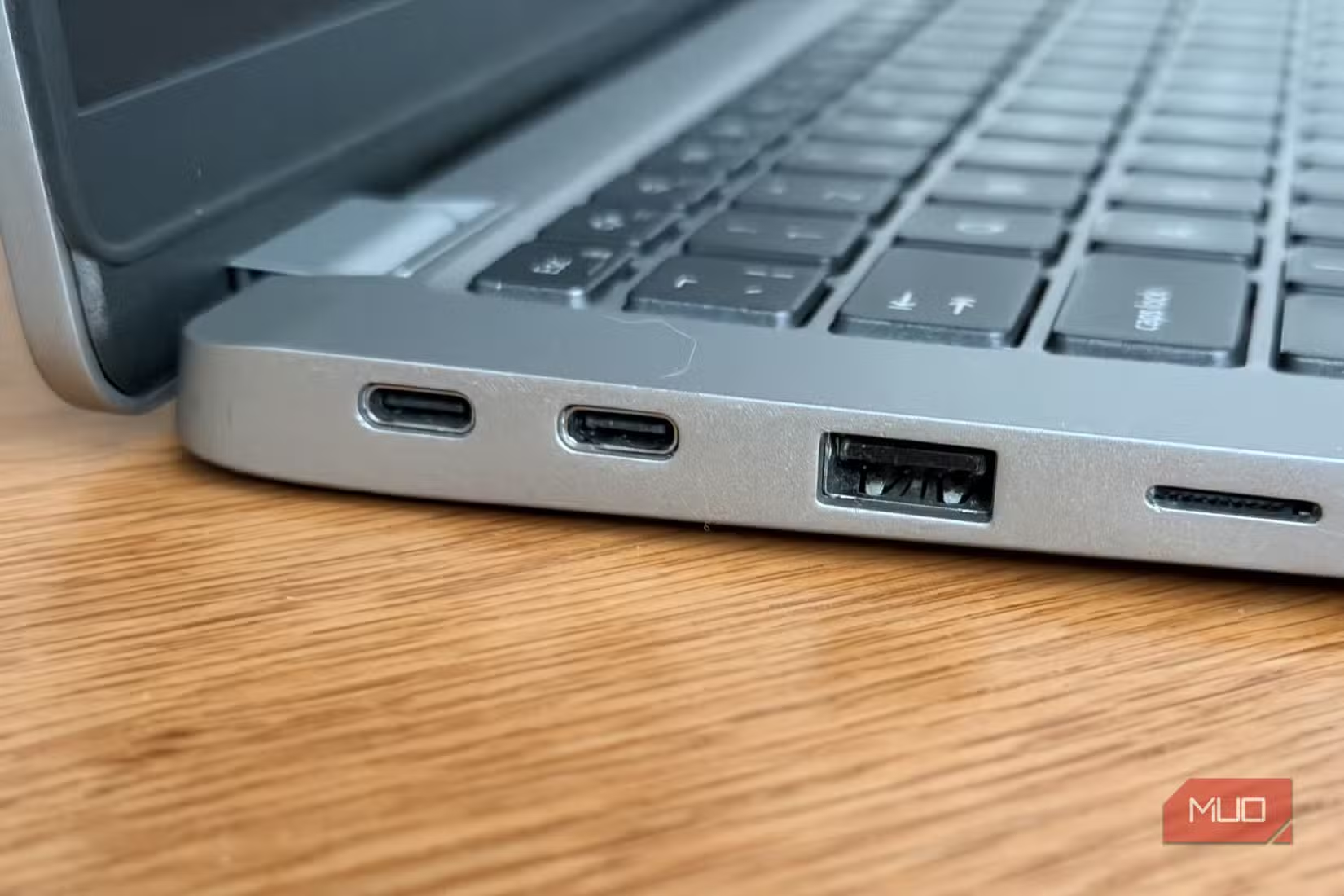
- Ports: Look for a mix of USB-A, USB-C (preferably with Power Delivery and DisplayPort), and an HDMI 2.1 port.
- Upgradability: The ability to add more RAM or swap the SSD later is a smart investment.
- Keyboard: A comfortable keyboard with good key travel is crucial for long coding sessions.
- Build Quality: A solid chassis with robust hinges matters. This laptop will be traveling to meetups, game jams, and maybe an office.
- Dedicated MUX Switch: This feature lets the laptop bypass the integrated GPU and use the dedicated RTX card directly, which is great for consistent rendering performance.
My Top Picks
Best Overall – Unreal Engine Users

- CPU: Intel Core i7-14650HX
- GPU: NVIDIA GeForce RTX 5060
- Memory: 16GB DDR5
- Storage: 1TB Gen 4 SSD
- Display: 16-inch FHD+ 16:10, 165Hz/3ms
- Connectivity: Wi-Fi 7
- Reported Rating: 4.4/5
Best Value – AI Tool Users

- CPU: AMD Ryzen 7 260
- GPU: NVIDIA GeForce RTX 5060 (572 AI TOPS)
- Memory: 32GB DDR5
- Storage: 1TB Gen 4 SSD
- Display: 16-inch WUXGA IPS 180Hz
- Connectivity: Wi-Fi 6
- Reported Rating: 4.4/5
Performance Pick – Heavy Scenes

- CPU: Intel Core i7-14650HX
- GPU: NVIDIA GeForce RTX 5070
- Memory: 32GB DDR5
- Storage: 1TB SSD plus 1TB Portable HDD
- Display: 15.6-inch QHD 165Hz
- Connectivity: Wi-Fi 6E
- Reported Rating: 4.8/5
Editor's Pick – Workspace Lovers

- CPU: AMD Ryzen 7 260
- GPU: NVIDIA GeForce RTX 5060
- Memory: 16GB DDR5
- Storage: 1TB Gen 4 SSD
- Display: 16-inch WUXGA (1920×1200) 165Hz
- Connectivity: Wi-Fi 6E
- Reported Rating: 4.2/5
Premium Pick – Brand SnoBs

- CPU: Intel Core 7 240H
- GPU: NVIDIA GeForce RTX 5050
- Memory: 16GB DDR5
- Storage: 1TB SSD
- Display: 16-inch WQXGA 120Hz
- Connectivity: Wi-Fi 7
- Reported Rating: 4.1/5
Best Laptop for Game Development FAQ
Do I need a high refresh rate screen for development?
Not for the code itself, but it helps with playtesting. A higher refresh rate, like 165Hz, makes camera movement in your game feel much smoother. It helps you spot dropped frames or stuttering in gameplay that you would miss on a 60Hz panel.
Is Windows or macOS better for game development?
Windows is the clear winner for the majority of game development. Most engines, like Unreal Engine and Unity, are fully optimized for Windows, and it offers better support for DirectX and a wider range of GPU features. You will also find more tools and libraries built for Windows first.
How important is a dedicated GPU for game development?
Extremely important. The GPU renders your game viewport in the editor, which means it drives your entire creative process. Integrated graphics will struggle with even moderately complex 3D scenes, resulting in a laggy and frustrating experience.
A dedicated laptop GPU, like an NVIDIA RTX card, is non-negotiable for 3D work.
My Research & Review Process
To build this list, I compared the manufacturer specifications of over 20 different laptops side by side. I focused on the current-generation components that matter most for compilation and real-time rendering, like the CPU core count and GPU memory bandwidth.
Then I looked at verified buyer reviews for these finalists. I specifically considered feedback from users who mentioned game development, programming, or 3D modeling in their reviews, not just gaming. This helps filter out performance complaints related to gaming and focuses on professional workloads.
I did not measure thermal performance or battery life with physical testing equipment. Instead, I relied on consistent feedback patterns from a large pool of owner reviews, which is a reliable indicator of what you can expect in daily use.
Features I Considered
Processor (CPU): This is the workhorse for compiling code and running the game logic. In general, intel Core i7 or AMD Ryzen 7 processors (or above) with more cores and threads provide significantly faster build times.
Graphics Card (GPU): This handles the visual rendering in your editor and playtests. A dedicated NVIDIA GeForce RTX card is essential for modern game development, handling everything from simple 2D sprites to complex 3D environments with ray tracing.
Memory (RAM): This is your active workspace. 16GB is a good minimum, but 32GB is better for complex projects. It prevents stuttering when loading multiple levels, textures, and your web browser all at the same time.
Storage: A fast NVMe SSD is a huge quality-of-life improvement. It speeds up boot times, level loading, and how quickly your editor opens. Aim for at least 1TB to hold your dev tools and project assets.
Display Resolution: This determines how much of your user interface you can see. A WUXGA or WQXGA panel (1920×1200 or 2560×1600) gives you extra vertical space compared to standard 1080p, improving workflow efficiency.
Connectivity: Modern Wi-Fi (6E or 7) ensures fast data transfer for downloading assets and syncing your code to cloud repositories. It also matters for online multiplayer playtests with your team.
Verdict
If you want the most balanced machine for professional game development, the ASUS ROG Strix G16 is my top recommendation. The blend of a powerful CPU, solid current-generation GPU, and the practical 16:10 display makes it the safest and most capable choice for most developers.
For the best value, the Acer Nitro V 16S offers unbeatable performance per dollar with its massive 32GB RAM. But whether you are a solo indie dev on a budget or lead a growing team, your ideal laptop is in the list above.
Think about the type of games you make, the size of the projects you plan to build, and the way you like to work. Choose the category that matches your needs and you will have a tool you can build your vision on for years to come.

Similar Posts