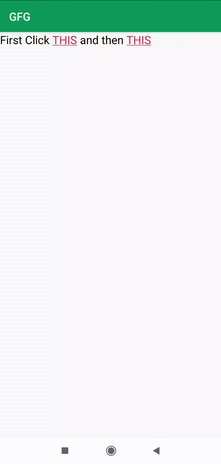
How to Make TextView Clickable in Android for Better UI
A static TextView is often a missed opportunity. In many Android apps, tapping on a piece of text should launch a link, open a…
A static TextView is often a missed opportunity. In many Android apps, tapping on a piece of text should launch a link, open a…
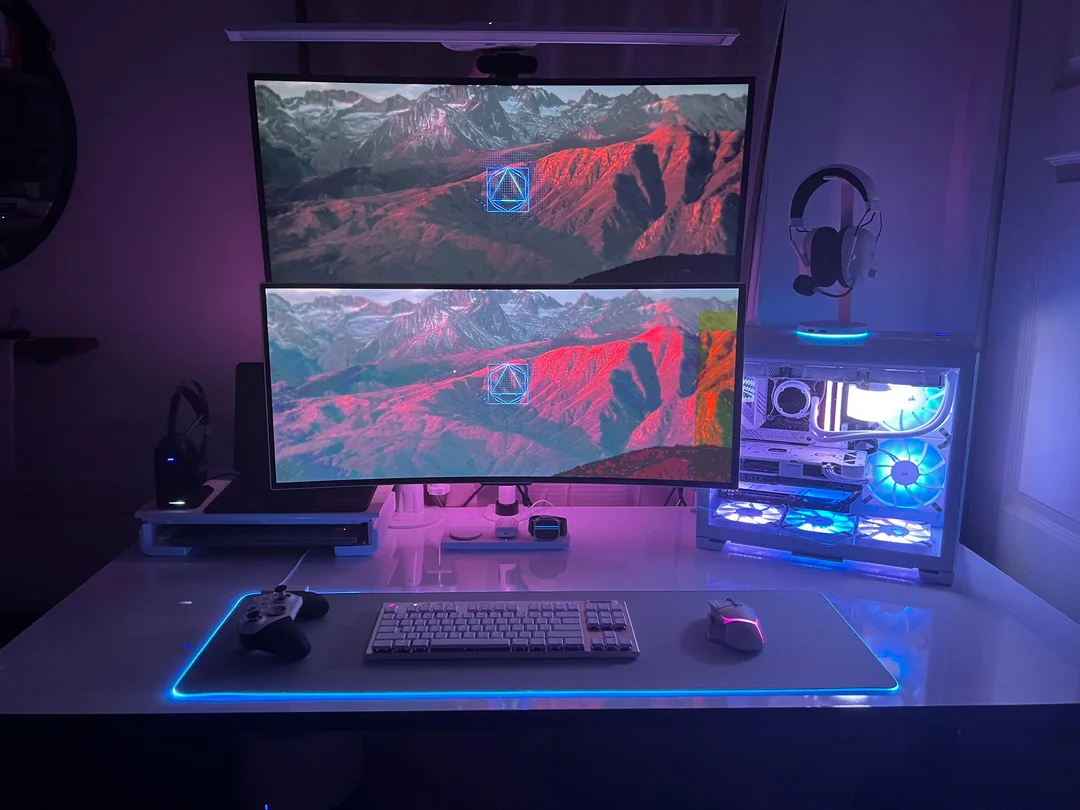
You know that feeling when you spend hours editing a photo, only to see it look completely different on someone else’s screen? That’s the…
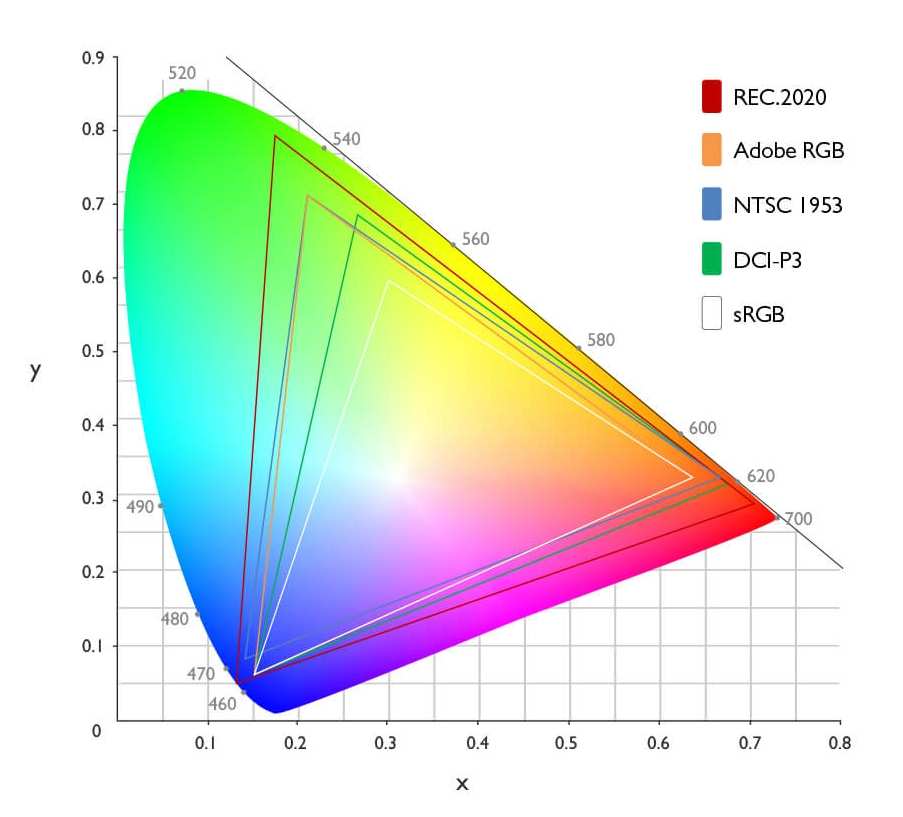
If you have ever corrected a photo on your monitor only to see it look dull and oversaturated on your phone, you already know…

So you're sitting in your grading suite, staring at a monitor that cost more than your first car, and you start wondering if there's…
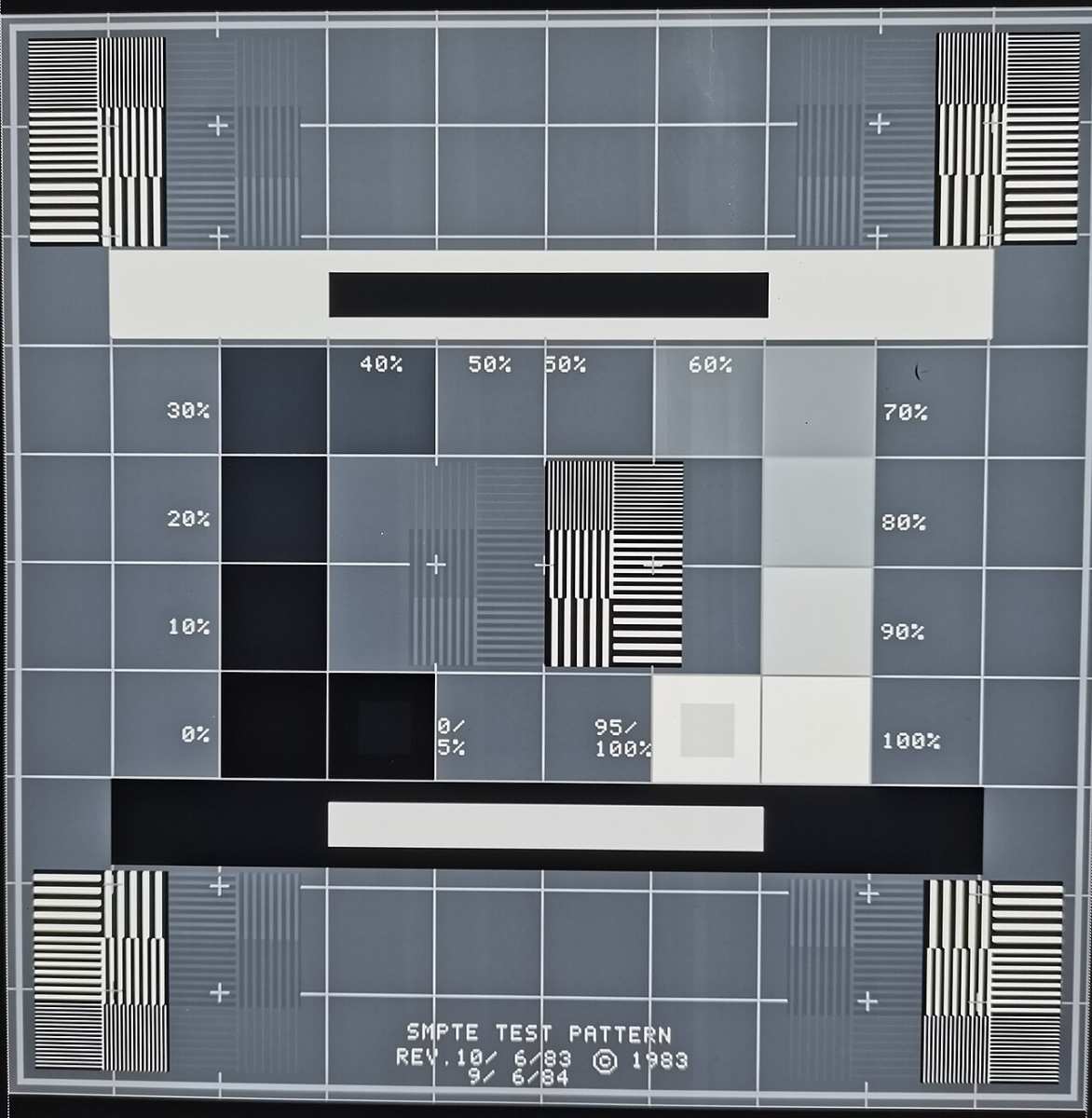
You’ve probably noticed your monitor looks fine to you, but your photos come out too blue when you print them. Or maybe the skin…
Android TV Sound Not Working: Troubleshooting Tips If your Android TV sound is not working, the first step is to check your audio settings…
Have you ever accidentally swiped that voicemail notification to the left, hit “Delete,” and instantly felt your stomach drop? You’re not alone, it happens…

Finding a high-quality smart TV on a tight budget doesn’t mean you have to settle for a sluggish interface or poor picture. A cheapest…

Finding a 55-inch Android TV that delivers solid performance without draining your wallet is easier than you think. The market now offers several models…
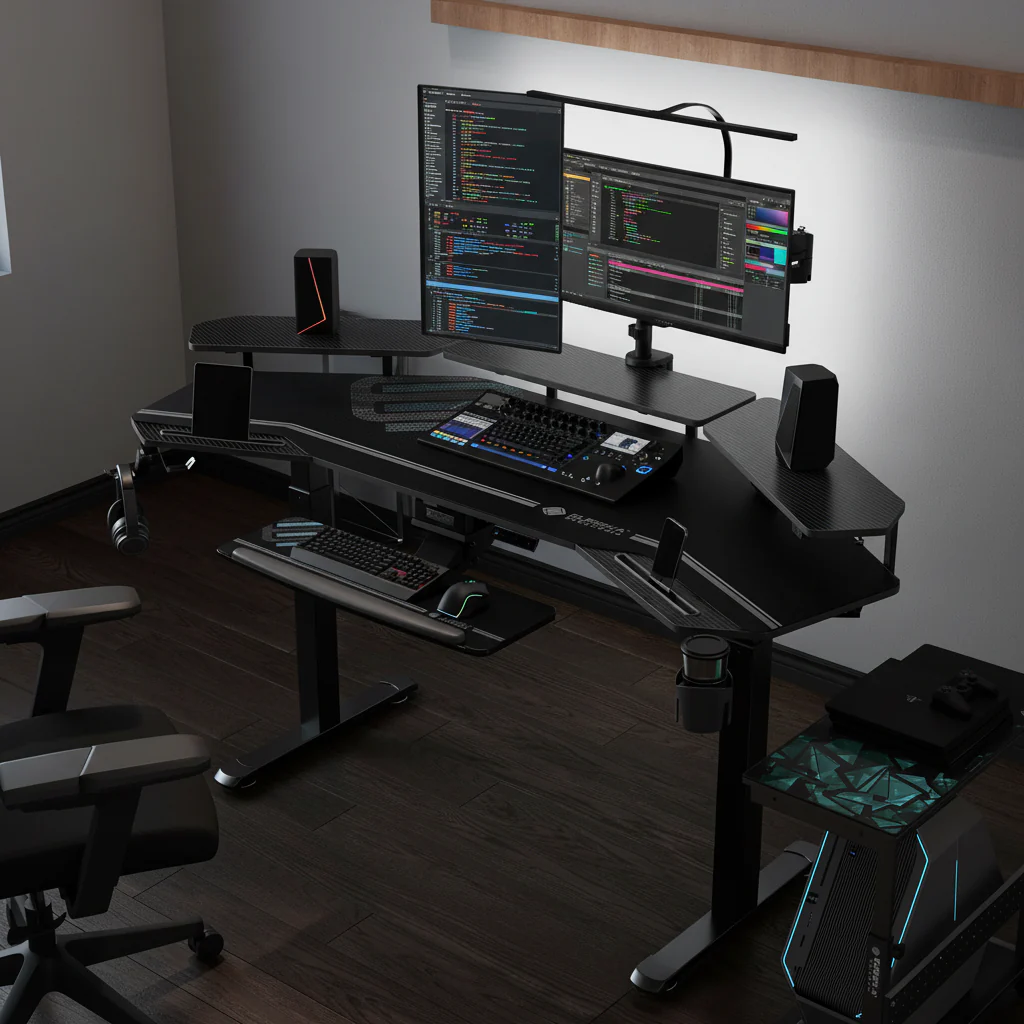
When you're trying to figure out what brightness setting is ideal for editing rooms, it's easy to get lost in technical jargon. Many people…
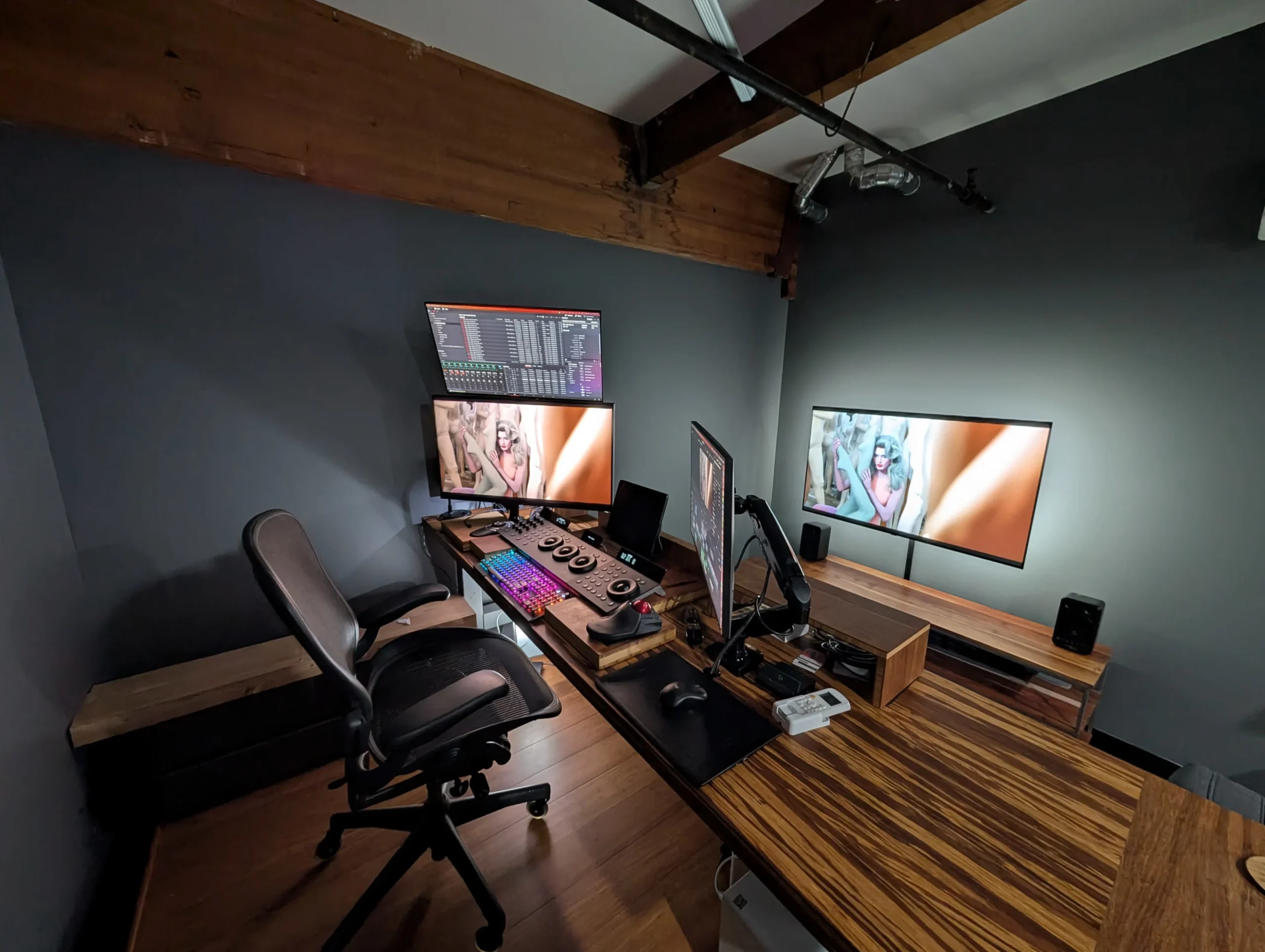
whydo video editors use high nits monitors? Standard 300‑nit displays clip specular highlights that carry story detail. A sunset’s sparkle, a neon sign’s…
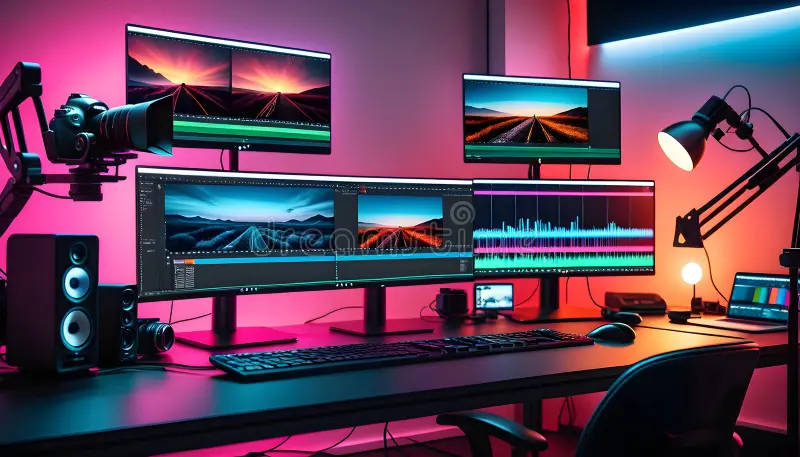
Your Premiere timeline stutters when you add a second monitor. Mercury Transmit drops frames. The reference monitor shows Rec.709 while your program monitor…