Iphone Screen Broken Not Working Causes And Fixes

Dealing with an iPhone Screen That Is Broken and Not Working
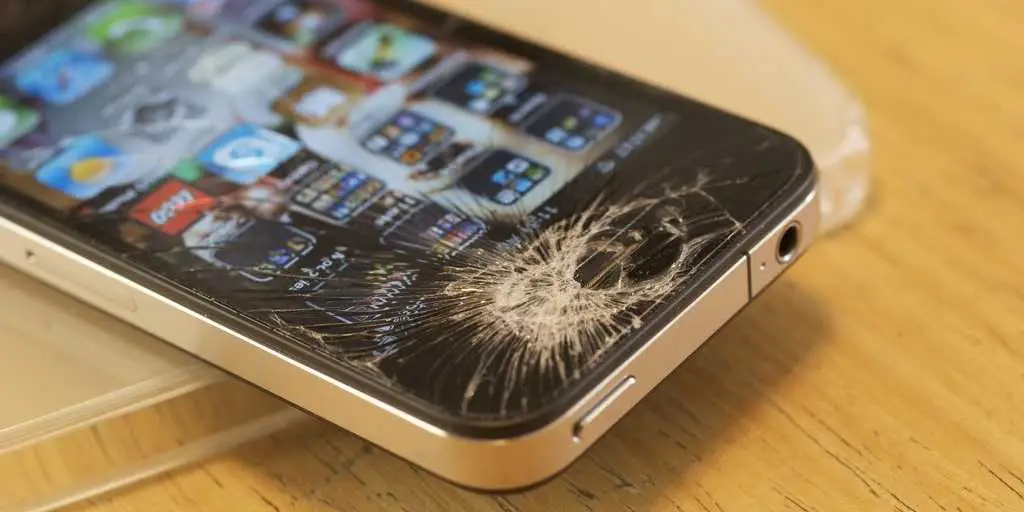
When your iPhone screen breaks, it’s more than just a visual problem. A cracked screen can make your device difficult or even impossible to use. Sometimes, the screen doesn’t respond at all, or worse, it shows no display or blackouts. This situation can be frustrating, especially if you rely heavily on your iPhone for communication, work, or entertainment. In this guide, we will explore everything you need to know about a broken iPhone screen that’s not working properly. We’ll look into reasons why your screen might stop functioning, troubleshooting steps you can try at home, and solutions for fixing or replacing your screen. Whether your screen is cracked but still responds or is completely dead, this article will help you understand your options and what actions to take next.Understanding Why Your iPhone Screen Might Be Broken and Not Working
Knowing why your iPhone screen stops working is crucial. Sometimes, the cause is obvious—like an accidental drop—but other times, damage can be internal or related to software issues. Here are the main reasons why your iPhone screen might be broken and not functioning properly:Physical Damage
Physical damage happens when your iPhone hits a hard surface. Common causes include:- Dropping your phone onto concrete, tile, or other hard surfaces
- Applying excessive pressure on the screen
- Crushing or bending your device
Water or Liquid Damage
If your iPhone gets wet, moisture can seep into internal components, causing:- Corrosion of connection points
- Short circuits within the display assembly
- Display failure or flickering
Internal Hardware Issues
Sometimes, hardware problems aren’t immediately visible but can cause your screen to stop working:- Loose or damaged display connectors
- Faulty backlight components
- Damaged display controller chips
Software Glitches
In rare cases, the screen may appear broken due to software problems:- System crashes or freezes
- Corrupted firmware
- Unresponsive or frozen touchscreen due to software bugs
Diagnosing Your Broken iPhone Screen
Before jumping to expensive repairs, it’s important to diagnose if your screen is truly broken or if the issue stems from software glitches. Here are some steps to help you identify the cause:Check for Physical Signs
– Look for visible cracks or shattered glass – Assess if the display has dark spots or flickering – Notice if the touch response feels inconsistent or unresponsiveTest Touch Functionality
– Try to drag icons or open apps – Use features like Siri to see if voice commands work – See if the screen responds to taps or swipesCheck for Display Issues
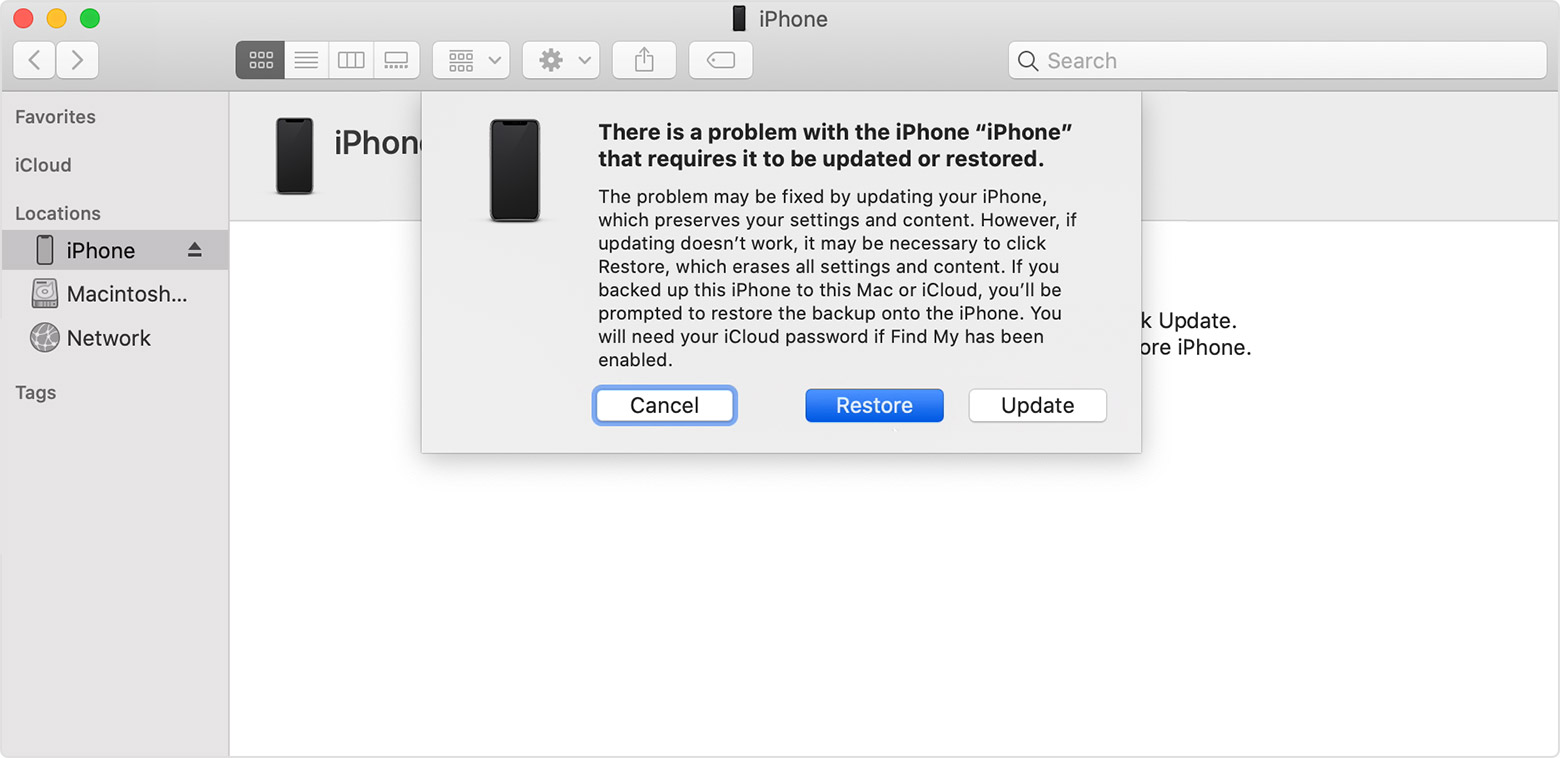
– Observe if the screen shows any images or colors – Confirm whether the display remains black or shows lines or flickering – Try connecting your iPhone to a computer to see if it’s recognized by iTunes or FinderPerform a Force Restart
– For iPhone 8 or later: press and quickly release volume up, then volume down, then hold the side button until Apple logo appears – For iPhone 7 and 7 Plus: press and hold both volume down and sleep/wake buttons until the Apple logo shows – For older models: press and hold the home button and sleep/wake button together until the Apple logo appears If the screen remains unresponsive or black, then hardware damage is likely.Home Repair Solutions for a Broken and Non-Working iPhone Screen
When your iPhone screen is broken and not working, you have a few options, depending on the severity of the damage, your budget, and your comfort level with DIY repairs.DIY Repair: Replacing the Screen at Home
If you’re comfortable with technical tasks, several DIY kits are available online. Here’s what to consider:- Proper tools: small screwdrivers, pry tools, tweezers, and adhesive strips
- Replacement screen quality: choose genuine or high-quality third-party parts
- Step-by-step guides: use trusted resources like iFixit tutorials
Professional Repair Services
If DIY isn’t your thing, professional repairs are a safer and more reliable option:- Authorized Apple Service Providers: guarantee genuine parts and warranty
- Third-party repair shops: often cheaper but check reviews and reputation
- Mail-in repair services: convenient, but ensure they have good customer support
Cost Considerations
– iPhone screen replacements can range from $100 to $400 depending on the model – DIY kits usually cost less but come with risks – Always compare repair options before making a decisionHow to Prevent Future Screen Breakage and Damage
Preventive measures can help keep your iPhone safe and avoid costly repairs:- Use a sturdy protective case
- Apply a tempered glass screen protector
- Handle your phone carefully, avoiding falls and impacts
- Avoid exposing your device to water or extreme temperatures
- Keep your phone away from sharp objects
What to Do Immediately After Your iPhone Screen Breaks
Quick action can minimize damage and help you decide your next steps:- Turn off your device if the screen is shattered to prevent further internal damage
- Backup your data if possible, especially if the device still responds
- Assess the damage visually and functionally
- Decide whether a repair or replacement makes more sense based on the damage and cost
Summary
Dealing with a broken and non-working iPhone screen can be overwhelming, but understanding the causes and available solutions makes the process easier. Whether you choose to repair the screen yourself or seek professional help, taking prompt action is essential to preserve your device’s functionality. Protect your iPhone in the future with good case habits, and always handle it carefully to avoid similar issues down the road. Remember, a cracked or unresponsive screen isn’t the end of your device’s life. With proper care and timely repairs, you can get your iPhone back to working condition quickly and efficiently.Frequently Asked Questions
What are the common reasons behind an unresponsive iPhone screen after it breaks?
When an iPhone screen breaks, the device often becomes unresponsive due to internal damages. Cracks can damage touch sensors or the display’s connection to the logic board. Liquid or impact damage may also cause components to malfunction, leading to the screen not responding to touch or displaying any image.
Can a broken iPhone screen be repaired without replacing the entire device?
Yes, in many cases, replacing the screen alone can restore your iPhone’s functionality. Skilled technicians can replace just the damaged display or touch panel, which is usually more cost-effective than replacing the entire phone. However, if internal components are also affected, a complete repair might be necessary.
What steps should I take if my iPhone screen is cracked but the device still turns on?
If your iPhone powers on but the screen remains broken, avoid further physical damage by keeping it safe from moisture and additional impacts. You should back up your data immediately and consider visiting a professional repair service to assess whether the screen can be repaired or needs replacement before attempting any DIY fixes.
Is it possible for an iPhone with a broken screen to function normally after repairs?
Once repaired by a professional, your iPhone can often function just like before the damage occurred. The repair restores touch responsiveness and display quality, allowing you to use your device without issues. Ensure you choose a certified repair shop to maintain the device’s quality and warranty.
How long does a typical iPhone screen repair take?
The duration of an iPhone screen repair depends on the model and repair shop’s workload. Many repairs can be completed within 1 to 2 hours if parts are available. Some shops offer same-day service, while others may require a few days if they need to order specific parts.
Final Thoughts
A broken iPhone screen that isn’t working can be frustrating and disrupt daily tasks. Quick repairs or professional replacements restore functionality efficiently. Addressing the issue promptly prevents further damage and saves costs. In conclusion, if your ‘iPhone screen broken not working,’ seek reliable repair options to get your device back in optimal condition. Acting swiftly ensures minimal inconvenience and long-term device health.
Similar Posts