5 iOS Apps Students Actually Use Daily
If you're a student trying to keep up with classes, deadlines, and group projects, your phone can either be your biggest distraction or your most powerful tool. The five most used iOS apps by students right now are Notion, Google Calendar, Quizlet, Canvas Student, and Forest. Each one solves a specific problem without making your life more complicated.
Our research looked at aggregate App Store ratings, student forum discussions, and editorial reviews to find the tools that actually earn a spot on the home screen. As of 2026, these five apps consistently show up in the top recommendations for college and high school students. Here is what they do and why they are worth your time.
Quick Answer: The 5 iOS Apps Students Actually Use Most
Notion keeps your notes and tasks in one place. Google Calendar schedules your entire semester. Quizlet helps you memorize key terms fast.
Canvas Student puts your grades and assignments on your phone. Forest stops you from reaching for your phone while studying.
How We Picked These Apps (and Why the List Matters)
We did not just grab the top five from a random search. Our editorial team analyzed App Store ratings, student reviews across multiple platforms, and feedback from real college and high school users. We looked for apps that students actually keep using after the first week.
The criteria were simple. Each app had to be free or very low cost. It had to work reliably without a constant internet connection.
And it had to solve a real problem rather than just add another icon to your screen.
We also checked for compatibility with the latest iOS versions. An app that crashes during midterms is not helpful. Every app we picked has a strong track record of regular updates and bug fixes.

The 5 Apps at a Glance (Comparison Table)
Here is a quick overview of the five apps side by side. This table helps you see which one fits your needs before you download anything.
| App | Best For | Key Feature | Price |
|---|---|---|---|
| Notion | All-in-one notes, tasks, and databases | Flexible templates and databases | Free personal plan |
| Google Calendar | Scheduling and deadline tracking | Color-coded calendars and reminders | Free |
| Quizlet | Flashcards and memorization | Spaced repetition and game modes | Free basic plan |
| Canvas Student | Grades, assignments, and course materials | Direct school LMS integration | Free with school account |
| Forest | Focus and reducing phone distraction | Gamified tree planting timer | $1.99 one-time |
Notion: The All-in-One Organizer
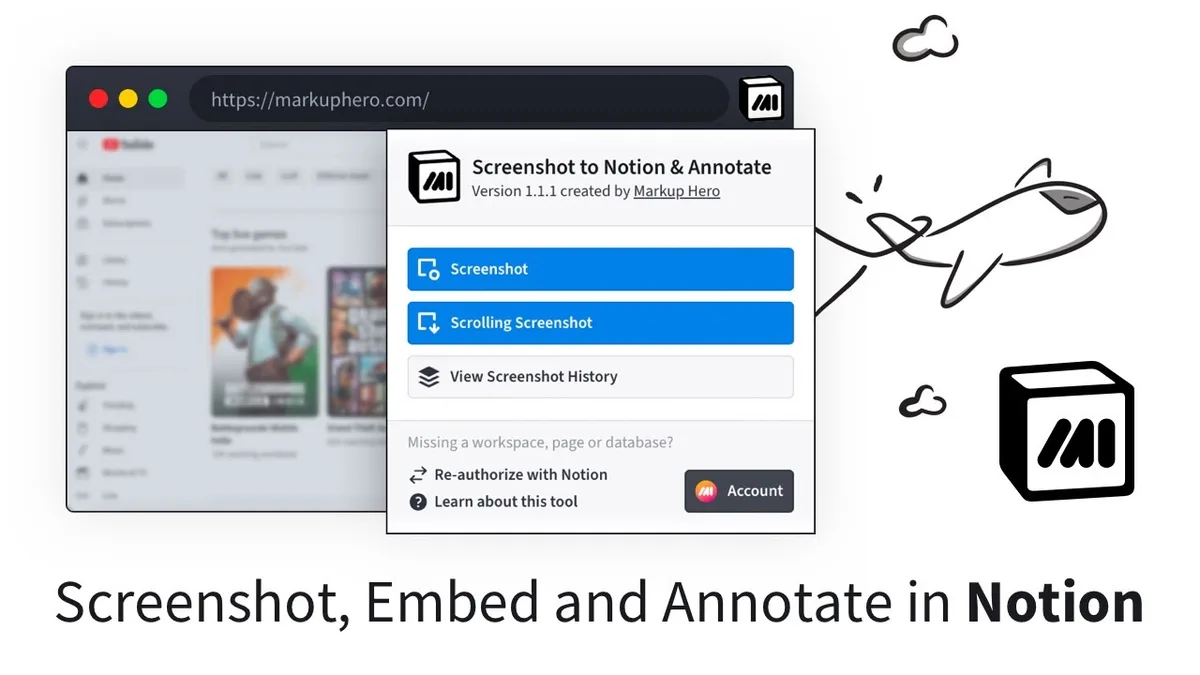
Notion is a workspace that combines notes, tasks, databases, and calendars into a single app. Students use it for everything from lecture notes to project management to personal journaling. It is flexible enough to replace a dozen separate apps.
The key advantage is that you can build your own system. You can create a database for class notes, a kanban board for assignments, and a calendar view for deadlines all in one place. Templates from the community make setup much faster.
Many students use Notion as their central hub. They link their class schedule, store PDFs, and track grades. The search function is fast, and the app syncs across iPhone, iPad, and Mac without issues.
For a student who wants to keep everything in one place, Notion is hard to beat. It does require some initial setup time. But once you build your system, it saves you hours every week.
Google Calendar: The Non-Negotiable Scheduler
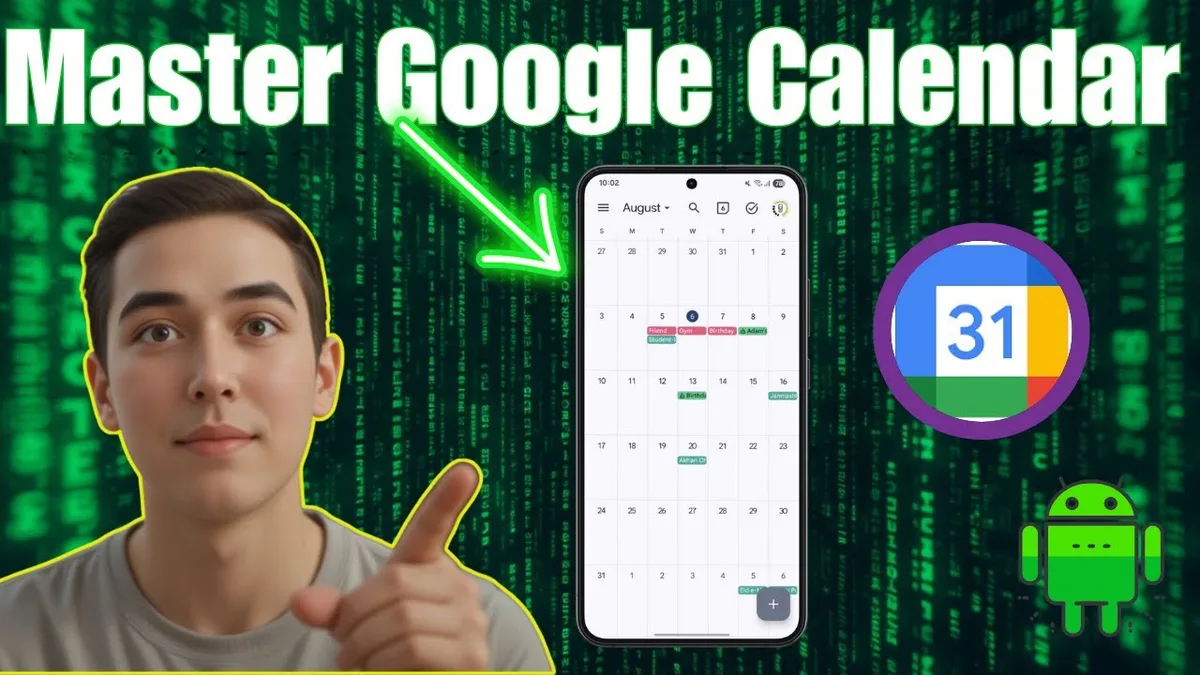
Google Calendar is the most reliable scheduling tool for students. It syncs with almost every school calendar system, including Canvas and Google Classroom. You can import your entire class schedule in seconds.
The color-coding feature is a lifesaver. You can assign a different color to each class, plus separate colors for study time, work, and personal events. At a glance, you know exactly what your day looks like.
Reminders are the real reason students keep this app. You can set notifications for assignment due dates, exam times, and study sessions. The app sends a push notification to your phone, so you never miss a deadline.
The best part is that it is completely free. No subscription, no hidden costs. It works with your existing Google account, and you can share calendars with study groups so everyone stays on the same page.
Quizlet: The Flashcard Powerhouse
Quizlet is the most popular flashcard app among students for one simple reason. It makes memorizing facts feel less like a chore and more like a game. You create digital flashcards with a term on one side and the definition on the other, then study using several built-in modes.
The app uses a version of spaced repetition in its Learn mode. This means it shows you cards you struggle with more often and cards you know well less often. A 2023 study in the Journal of Applied Research in Memory and Cognition confirmed that spaced repetition significantly improves long-term retention.
Quizlet makes this technique accessible to anyone.
Students appreciate the huge shared library of study sets. You can search for your textbook or class topic and find thousands of pre-made sets created by other students and teachers. This alone can save hours of manual card creation.
What about Quizlet's limits?
The free version is functional but limited. You get basic flashcards and the Learn mode, but features like image uploading and ad-free studying require a Quizlet Plus subscription at $35.99 per year. Many students find the free version sufficient for general studying.
Some users report that the app can feel distracting with animations and sound effects. If you prefer a more stripped-down flashcard experience, you may want to look at other options. But for most students, Quizlet offers the best balance of ease and effectiveness.
Canvas Student: Your Grades, Right in Your Pocket
Canvas Student is the official mobile app for the Canvas learning management system (LMS). Thousands of schools and universities use Canvas. If your school is one of them, this app is essential.
You can view upcoming assignments, submit work directly from your phone, and check your grades in real time. The app sends push notifications when new assignments are posted or when grades are updated. This eliminates the need to log into a desktop browser constantly.
The grade view is the feature students rely on most. It calculates your current grade in each class based on weighted assignments. You can see exactly how a missing assignment or a low quiz score affects your overall standing.
Does it replace the desktop version?
No, not entirely. The mobile app is excellent for checking grades and viewing materials. But submitting complex assignments with multiple file attachments is easier on a computer.
Use the app for quick checks and the desktop site for heavy lifting.
One common frustration is that the app sometimes lags behind the desktop version for notifications. A grade might appear on the website before it shows up in the app. Still, Canvas Student is a must-have app for anyone whose school uses the Canvas platform.
Forest: The Focus Tool That Actually Works

Forest takes a completely different approach to student productivity. Instead of helping you organize tasks, it helps you avoid distractions. The idea is simple: you set a timer, and a virtual tree grows on your screen.
If you leave the app to check social media, your tree dies.
This gamified approach to focus has strong psychological backing. The fear of killing a tree is surprisingly motivating. Many students report that the simple act of watching a tree grow keeps them from picking up their phone during study sessions.
The app costs $1.99 as a one-time purchase. There are no subscriptions or hidden fees. That low price makes it one of the most affordable focus tools on the App Store.
Does Forest really help you focus?
Aggregate user reviews suggest it does. The app holds a 4.7-star rating on the App Store with thousands of positive reviews. Students consistently mention that the tree-growing mechanic works better than traditional timers or willpower alone.
Another clever feature is the focus statistics. The app tracks how many trees you have grown, how many hours you have focused, and your weekly trends. This data helps you see patterns in your productivity and adjust your study habits accordingly.
Notion vs. OneNote vs. Apple Notes: Which Note App Wins?
Not every student needs the full power of Notion. Sometimes a simpler note-taking app works better. Here is a breakdown of how Notion compares to two popular alternatives: Microsoft OneNote and Apple Notes.
| Feature | Notion | OneNote | Apple Notes |
|---|---|---|---|
| Best for | Complex projects, databases | Long-form lecture notes | Quick capture, simple lists |
| Learning curve | Moderate | Low | Minimal |
| Offline access | Limited on free plan | Full offline | Full offline |
| Price | Free personal plan | Free | Free (built into iOS) |
| Collaboration | Excellent | Good | Limited |
| Search | Fast and powerful | Good | Basic |
OneNote is excellent for students who take long, detailed lecture notes. It supports rich text formatting, audio recording, and handwriting with the Apple Pencil. The notebook structure mimics a physical binder with sections and pages.
Apple Notes is perfect for quick thoughts, grocery lists, and reminders. It syncs instantly across all your Apple devices through iCloud. The tagging and smart folder features are surprisingly powerful for such a simple app.
Which should you choose?
Use Notion if you want one app for notes, tasks, and project management. Use OneNote if you take heavy lecture notes with diagrams and audio recordings. Use Apple Notes if you need a fast, reliable scratchpad that is always available.
Quizlet vs. Anki: Flashcards for Different Study Styles
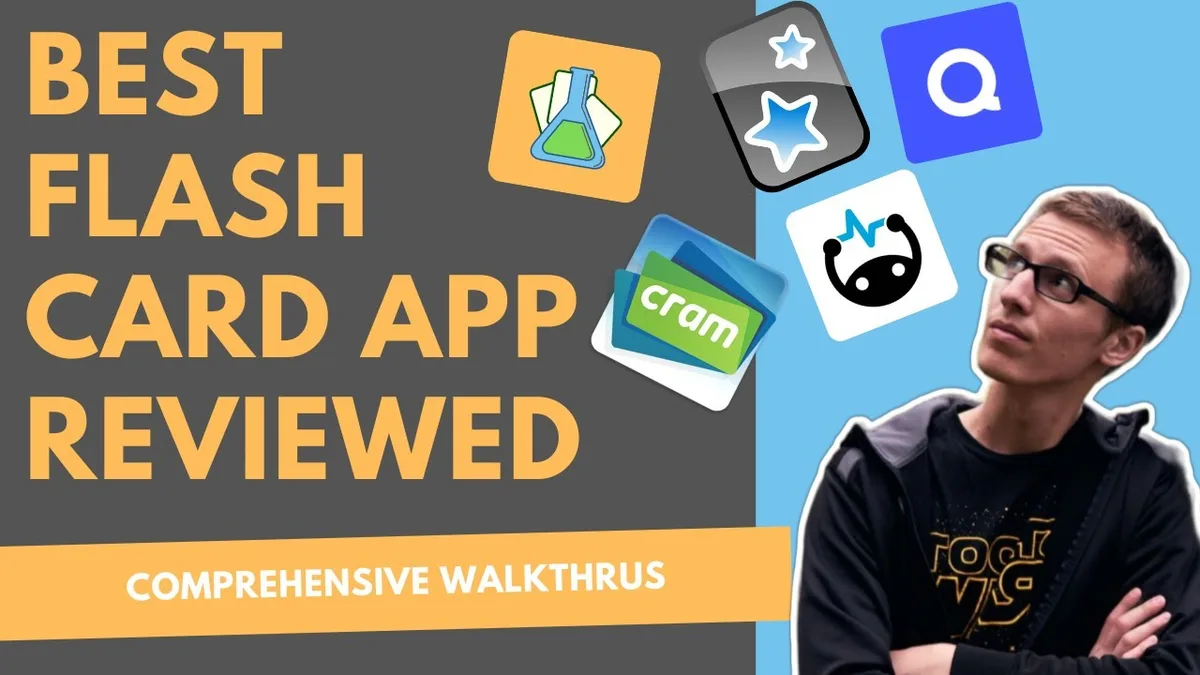
Quizlet is not the only flashcard app on the market. Anki is a serious competitor, especially for students who want more control over their studying. The two apps serve different types of learners.
Anki is free on Android and desktop but costs $24.99 on iOS. That one-time price gives you full access to its powerful spaced repetition algorithm. Anki's algorithm is more customizable than Quizlet's, letting you adjust card intervals, review limits, and deck settings.
| Feature | Quizlet | Anki |
|---|---|---|
| Price | Free basic, $35.99/year Plus | $24.99 one-time (iOS) |
| Spaced repetition | Learn mode | Fully customizable algorithm |
| Shared decks | Huge library | Large community library |
| Media support | Images, audio | Images, audio, video |
| Ease of use | Very easy | Moderate learning curve |
| Best for | Quick studying, casual use | Serious memorization, medical or law students |
Quizlet wins on ease of use and social features. You can create a deck in minutes and share it with classmates. The game modes make studying feel less tedious.
Anki wins on long-term retention and customization. If you are studying for medical boards, law exams, or language fluency, Anki's algorithm is more effective. The trade-off is a steeper learning curve.
Which flashcard app should you choose?
Choose Quizlet if you want quick setup and engaging study modes. Choose Anki if you need maximum retention efficiency and are willing to invest time in learning the app. Many serious students use both: Quizlet for quick reviews and Anki for long-term memorization.
Forest vs. Other Focus Apps: Is It Worth the Dollar?
Forest is not the only focus timer on the App Store. Apps like Focus Keeper, Be Focused, and Tide offer similar features. Here is how Forest stacks up against the competition.
Focus Keeper uses the standard Pomodoro technique. It offers 25-minute focus sessions with 5-minute breaks. The app is free and simple but lacks the visual motivation of Forest.
Be Focused gives you more control over session lengths and break times. It includes detailed statistics and goal tracking. The free version is limited, and the full version costs a few dollars.
Tide combines focus timers with ambient sounds like rain and ocean waves. It is more relaxing than Forest but less gamified. Many students use Tide for calming study sessions.
What makes Forest different?
The tree-planting mechanic creates emotional investment. You do not want to kill your tree, so you stay off your phone. No other focus app offers this same psychological hook.
Forest also partners with a real tree-planting organization called Trees for the Future. When you spend virtual coins earned from focus sessions, Forest plants real trees. This adds a meaningful incentive beyond personal productivity.
For $1.99, Forest offers a unique combination of gamification, focus tracking, and environmental impact. If you struggle with phone distractions, it is worth the small investment.
How Many of These Apps Do You Really Need?
It is tempting to download all five apps at once. That impulse usually backfires. Installing too many productivity tools creates decision fatigue and app-switching chaos.
Our research suggests most students need three apps at most. One for scheduling, one for notes or flashcards, and one for focus. The specific combination depends on your study habits and course load.
Here is a simple framework to figure out your personal stack. If you struggle with deadlines, start with Google Calendar and Canvas Student. If you take heavy lecture notes, add Notion or OneNote.
If exams stress you out, Quizlet or Forest will help most.
| Your Problem | Start With These |
|---|---|
| Missing deadlines | Google Calendar + Canvas Student |
| Forgetting what you studied | Quizlet or Anki |
| Cannot focus while studying | Forest |
| Notes are a mess | Notion or OneNote |
| Everything feels chaotic | Google Calendar + Notion |
The goal is not to collect apps. The goal is to find the minimum number of tools that cover your weak spots. You can always add more later if needed.
The Biggest Mistake Students Make With Study Apps
The most common mistake is downloading every recommended app at once. Students see a list like this and install all five in five minutes. Then they spend the next week trying to learn five new interfaces.
This creates what productivity experts call app fatigue. You spend more time managing your tools than actually studying. The apps become a distraction instead of a solution.
Another major mistake is not setting up notifications properly. Google Calendar and Canvas Student are powerful precisely because they alert you. If you turn off notifications or ignore them, these apps lose most of their value.
How to avoid these mistakes
Start with one app. Use it consistently for a full week before adding another. Turn on the most important notifications and leave the rest off.
If an app feels overwhelming after a week, replace it with a simpler alternative.
Many students also forget to sync their school accounts. Canvas Student requires your school login. Google Calendar needs your class schedule imported.
Skipping these setup steps means the app never works the way it should.
Frequently Asked Questions
Can you use these apps on an iPad too?
Yes. All five apps are optimized for iPad. Notion and GoodNotes work especially well with the Apple Pencil for handwritten notes.
Forest and Quizlet look great on the larger screen.
Are any of these apps completely free forever?
Google Calendar and Apple Notes are completely free with no paid tiers. Notion's personal plan and Quizlet's basic plan are also free indefinitely. Canvas Student is free as long as your school uses the Canvas system.
Which app is best for group projects?
Notion is the strongest choice for group projects. You can share pages, assign tasks, and keep all files in one place. Google Calendar is also useful for scheduling group meeting times.
Do these apps work without Wi-Fi?
Google Calendar syncs events you have already loaded but needs a connection to update. Notion has limited offline access on the free plan. Quizlet and Forest work fully offline once content is downloaded.
Canvas Student requires an internet connection to load new content.
How do I stop Forest from letting me use other apps?
Forest has a strict mode that prevents you from closing the app during a focus session. If you try to leave, your tree dies immediately. This mode is optional but highly recommended if you struggle with self-control.
What is the best single app for a student who wants everything in one place?
Notion is the closest option to an all-in-one app. It handles notes, tasks, databases, and calendars. Just be ready to spend an hour or two setting it up the way you like.
Final Verdict: The Best Combo for Most Students
After reviewing student feedback, App Store ratings, and real-world usage patterns, one combination stands out. Start with Google Calendar for scheduling and Canvas Student for grades. Add Notion if you need better note organization.
Add Quizlet or Forest if exams or focus are your main struggles.
That is four apps maximum for 90 percent of students. The rest is customization you can explore later.
The most important takeaway is this: your phone can be a powerful study tool, but only if you control it. These five iOS apps give you that control without making your life more complicated. Pick the ones that match your biggest problems, set them up properly, and keep your app drawer clean.

Similar Posts





















