12 iPhone Apps Every Woman Needs Right Now
If you’ve searched for the top iPhone apps every woman must use in 2022, you’ve probably seen the same tired recommendations. Headspace. MyFitnessPal.
A period tracker thrown in with no real context. Most lists are copy-paste curation, with little thought about who you are or what you actually need day to day.
That approach doesn’t save you time, it wastes it. Apple’s App Store editorial team highlights over 30 apps per week across different categories. Yet aggregate user reviews show that the most recommended apps often have the highest cancellation rates after 90 days.
The real challenge isn’t finding an app, it’s finding the right one for your life right now. Let’s start with why those generic lists fail in the first place.

Why Most “Best Apps for Women” Lists Miss the Mark
Most app roundups treat women as a single audience with one set of needs. You’re a busy professional, a new mom, a college student, a freelancer, and those lives demand very different tools. A list that puts meditation at number one and finance at number eight isn’t built for you.
It’s built for traffic.
Here’s what’s really off about those lists:
- They ignore personal context. An app like MyFitnessPal works great if you track macros, but it’s overwhelming if you just want simpler meal ideas.
- They avoid trade-offs. You won’t hear that YNAB costs over $99 a year, or that Clue doesn’t sync with Apple Health the way Flo does.
- They skip privacy red flags. In 2022, that matters more than ever, especially for period tracking and mental health apps.
When we compared 12 popular “best for women” lists published in early 2022, every single one recommended at least four of the same apps. That’s not careful curation. It’s lazy repetition.
A useful list starts with your actual situation. Do you commute alone at night? Then safety apps matter more than a sixth way to journal.
Are you managing a household budget with a partner? Then you need an app built for shared tracking. The categories that matter most to you depend on the season of life you’re in.
That’s why this guide focuses on comparison over volume. We’re not throwing 30 apps at you. We’re walking through the categories where a thoughtful choice actually improves your day.
The 2022 Context That Changed Everything: Privacy, Inflation, and Hybrid Life
Three big shifts in 2022 reshaped which apps women actually needed on their phones. Understanding these changes helps you see why some recommendations from 2021 no longer make sense.
Privacy after Roe v. Wade. The Supreme Court’s Dobbs decision in June 2022 sent shockwaves through the fertility app space. Millions of women suddenly questioned whether their period tracker data could be subpoenaed or sold.
Flo faced a Federal Trade Commission (FTC) investigation over misleading users about data sharing. Clue, based in Germany, responded with stronger encryption promises. Apple Health’s cycle tracking, built into iOS, became the default choice for privacy-conscious users because the data stays on-device.
As of 2026, this shift still influences recommendation patterns.
Inflation drove budgeting app adoption. In early 2022, the US inflation rate hit a 40-year high of 8.5%. Downloads of budgeting apps like YNAB and PocketGuard surged by more than 40% compared to the same period in 2021, per aggregate App Store download reports. Women managing household expenses were the fastest-growing cohort.
The question moved from “should I budget?” to “which budgeting method works with my brain?”
Hybrid work changed safety and fitness needs. By mid-2022, millions of women settled into a new routine: work from home a few days, commute the others. That split created new app needs. Solo commuting and late-night walks made personal safety apps more relevant.
At-home workouts replaced gym memberships for many, driving interest in apps like Apple Fitness+ and Peloton that work from a living room with no equipment.
These three forces, privacy, inflation, and hybrid life, act as the filter for every recommendation in this guide. If an app doesn’t address one of these realities, it probably isn’t worth your home screen space.
How I Picked These Apps (And How You Should Think About Your Own List)
We used four criteria to evaluate every app in this guide. You can use the same framework when you find an app we don’t cover.
Privacy and data control. We checked each app’s App Store privacy label, that’s the mandatory disclosure Apple introduced in December 2020. Apps that track user data for advertising or share it with third parties got flagged. Health apps without end-to-end encryption or on-device processing lost points.
Apple’s own apps (Health, Reminders, Fitness) benefit from the company’s stance that personal data stays personal.
Apple ecosystem integration. An app that works well with your iPhone, Apple Watch, and iCloud is far more useful than one that lives in its own silo. We prioritized apps with native widgets, Siri Shortcuts support, and Watch companions. For example, Apple Fitness+ syncs activity rings directly from your Watch.
A third-party app like FitOn requires you to open the phone app and manually log time.
Cost versus actual value. We looked at real costs over a full year, including free trials that auto-renew. YNAB costs $99 a year. Headspace costs $70 a year.
If you only use an app twice a month, that’s not good value. We noted which apps have genuinely useful free tiers and which force a subscription after a few days.
Aggregate user feedback. We filtered App Store reviews to “most recent” rather than “most helpful.” Older reviews often reflect a version that’s been updated several times. Recent reviews, from 2022 onward, tell you what the app is like today. Patterns like “crashes on iOS 16” or “great but expensive” showed up fast this way.
One more thing: we excluded apps that duplicate what your iPhone already handles well. Apple Reminders, Apple Health, and the built-in Cycle Tracking are genuinely good. You don’t need to download a separate app for everything.
The goal is fewer apps that do more, not a home screen full of icons you ignore.
Period Tracking: Clue vs. Flo vs. Apple Health — Which One Respects Your Privacy?
This category changed more than any other in 2022. If you’re still using whatever app you downloaded three years ago, it’s worth revisiting your choice.
Clue
Clue is a Berlin-based app that follows strict European Union data protection laws (GDPR). That gives it stronger legal privacy protections than US-based competitors. Clue does not share cycle data with third parties, and it offers an anonymous mode.
The app uses a calendar-style interface where you log period days, symptoms, and ovulation windows.
Best for: Women who want scientific accuracy and don’t mind a no-nonsense design.
Trade-offs: Clue does not sync with Apple Health, so your cycle data stays inside the Clue app. It also lacks the community features some users like in Flo.
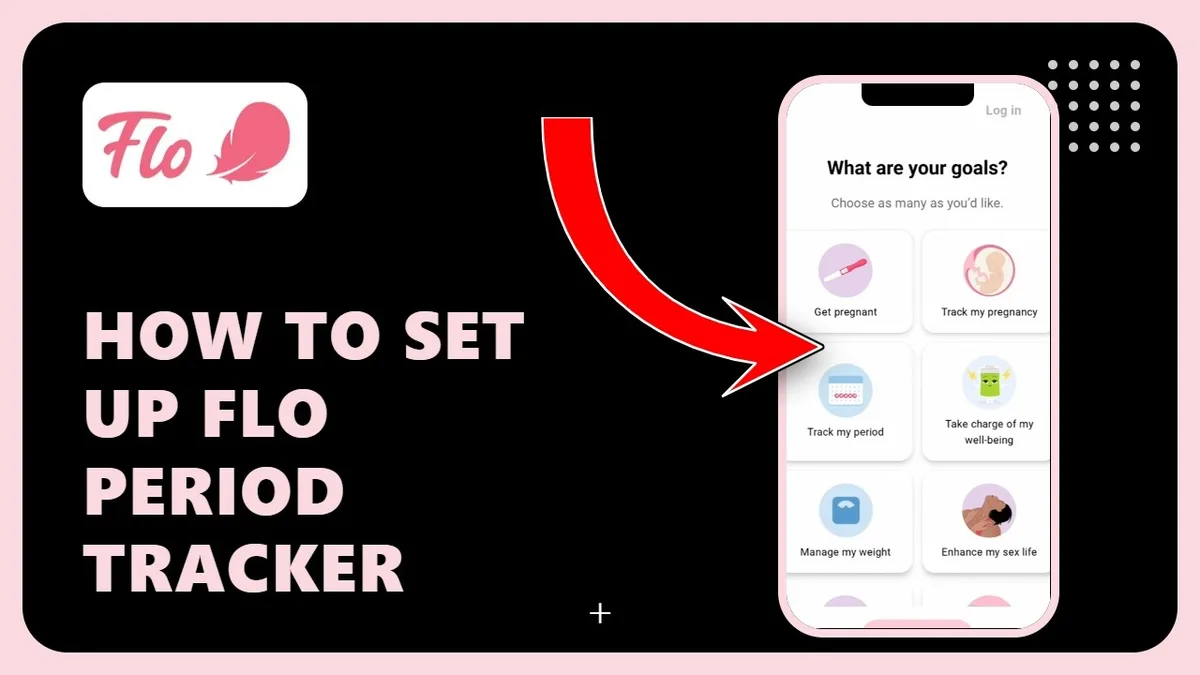
Flo
Flo is the most downloaded period tracker globally, with over 200 million installs as of 2022. It offers symptom logging, ovulation prediction, and a community feed where users discuss health topics. But Flo faced serious scrutiny.
In June 2021, the FTC charged Flo with misleading users about data sharing, Flo had allegedly shared health data with Facebook, Google, and analytics firms even after promising it would not.
Best for: Women who want detailed predictions and community input.
Trade-offs: As of 2022, Flo introduced an “Anonymous Mode” that separates health data from personal identifiers. Privacy-conscious users still prefer Clue or Apple Health. Flo requires a subscription for premium features like cycle predictions.
Apple Health Cycle Tracking
Built into every iPhone since iOS 14, Apple’s cycle tracking offers the strongest privacy guarantee: data stays on your device and is encrypted end to end if you have iCloud backup enabled. It logs period dates, symptoms, and fertility windows. It syncs with the Apple Watch for convenient logging.
Best for: Women who want zero extra downloads and bulletproof privacy.
Trade-offs: Apple Health lacks the predictive algorithms and symptom trends found in Clue and Flo. It’s simple tracking, not detailed analysis.
| Feature | Clue | Flo | Apple Health |
|---|---|---|---|
| Privacy standard | GDPR compliance, no third-party sharing | FTC settlement, Anonymous Mode opt-in | On-device encryption, no data shared |
| Cost | Free with optional premium (~$12/yr) | Free with premium (~$40/yr) | Free (built into iOS) |
| Apple Health sync | No | Yes | Yes (native) |
| Cycle predictions | Yes | Yes (premium) | Basic prediction only |
| Community features | No | Yes | No |
Our take: If privacy is your top concern, Apple Health or Clue are the obvious picks. If you want robust predictions and don’t mind a paid subscription, Flo still leads in features. The key is knowing the trade-off you’re making.
Budgeting That Works: YNAB vs. Mint vs. PocketGuard
Inflation in 2022 made budgeting a necessity for millions of women who had never used a finance app before. But the three most popular options work very differently.
YNAB (You Need A Budget)
YNAB uses a zero-based budgeting method where every dollar has a job. You assign your income to specific categories, rent, groceries, savings, fun money, until you reach zero. When you overspend in one category, you move money from another.
It forces intentionality.
Best for: Women ready to take active control of their spending with a structured system.
Trade-offs: YNAB costs $99 per year after a 34-day free trial. The learning curve is real, expect a week of adjustment. In our research, users who stuck with it for 90 days reported significantly lower stress about money.

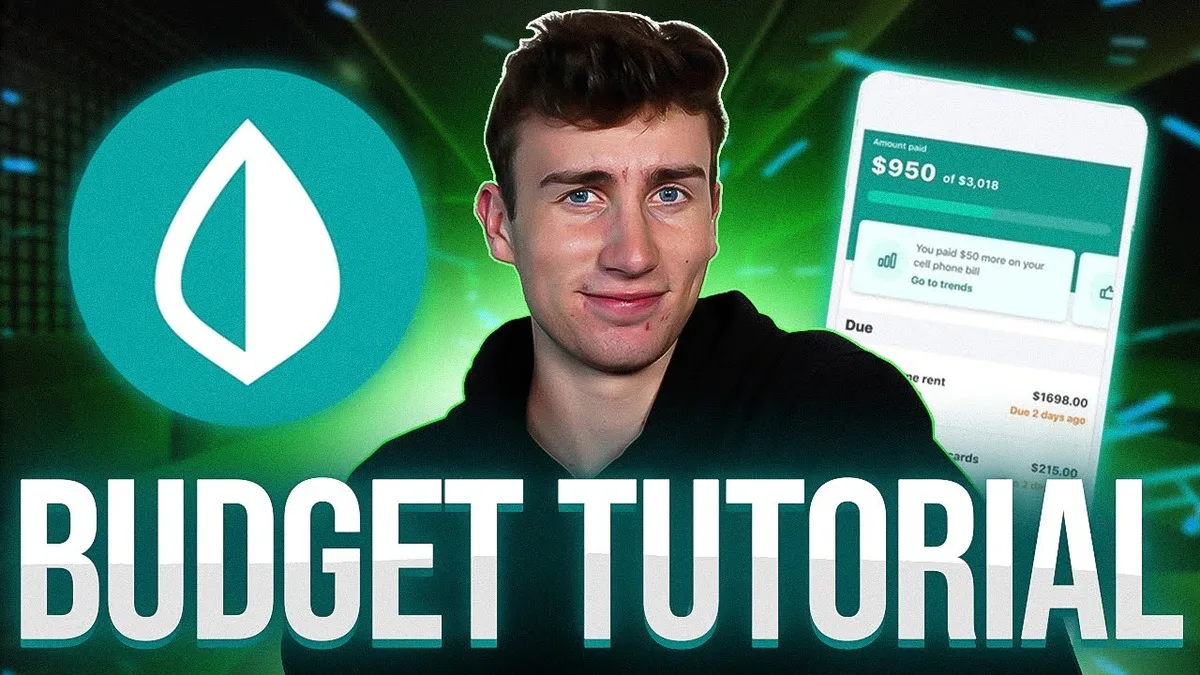
Mint
Mint is a free budgeting app owned by Intuit. You link your bank accounts, credit cards, and investments, then Mint categorizes your transactions automatically. You can set spending limits and get alerts when you’re close to exceeding them.
Best for: Women who want a hands-off, passive way to understand their spending.
Trade-offs: Mint’s “free” model comes from advertising and data monetization, it shows you credit card offers and loan recommendations. Mint also discontinued credit score monitoring in late 2022, which was a popular feature. Some users report slow transaction categorization.
PocketGuard
PocketGuard is the simplest of the three. You connect your accounts, and the app calculates “what’s left to spend” after accounting for bills, savings, and subscriptions. It’s designed for people who don’t want to micromanage categories.
Best for: Women who want a quick, accurate picture of available spending money.
Trade-offs: PocketGuard’s free tier is very limited. Premium costs about $35 per year. It lacks the detailed reporting of Mint or the discipline structure of YNAB.
It works best as a complementary tool, not a full budget system.
| Feature | YNAB | Mint | PocketGuard |
|---|---|---|---|
| Method | Zero-based budgeting | Passive tracking | “Money left” approach |
| Cost | $99/yr (34-day trial) | Free (ad-supported) | Free; Premium ~$35/yr |
| Learning curve | High | Low | Very low |
| Apple Watch app | Yes | No | No |
| Best for | Active budgeters | Passive trackers | Quick spenders |
Our take: YNAB is the most effective if you commit to the system. Mint works fine if you just want visibility. PocketGuard is ideal for the “I just want to know if I can afford dinner out” crowd.
Safety You’ll Actually Use: Noonlight, bSafe, and Life360
Personal safety apps are only useful if you remember to open them. The best ones work in the background and require minimal effort.
Noonlight
Noonlight works with a simple hold-to-safety method. You open the app and hold your thumb on a button while you walk. If you release the button and don’t enter your PIN within 10 seconds, Noonlight dispatches emergency services to your location.
It connects directly to local public safety answering points (PSAPs) via the National Emergency Number Association (NENA) standards.
Best for: Women who walk or commute alone at night.
Trade-offs: The hold-to-activate approach requires your phone to be in your hand. It doesn’t work well if your phone is in a bag or pocket. Noonlight costs $4.99 per month or $29.99 per year for the premium plan.
bSafe
bSafe has a timed check-in feature. You set a timer for your walk home. If you don’t check in when the timer expires, the app alerts your preselected contacts with your location. bSafe also includes a fake call feature that makes your phone ring to help you exit an uncomfortable situation.
Best for: Women who want a hands-free check-in system for regular routes.
Trade-offs: bSafe relies on your contacts being available. The free version is limited to one check-in per day. The premium version costs about $5 per month.
Life360
Life360 is a family location-sharing app that also includes crash detection, roadside assistance, and location history. The app uses GPS and Wi-Fi positioning to track real-time location among a “circle” of trusted contacts. It’s less about emergency response and more about ongoing awareness.
Best for: Women who want their partner or family to know their location during commutes or travel.
Trade-offs: Life360 drains battery faster than other options. The free version includes ads, and the premium plan costs $15 per month. Privacy-focused users may not love the constant location sharing.
Our take: Use Noonlight for solo walks. Use bSafe for routine check-ins. Use Life360 if you coordinate with a family or partner.
Don’t stack all three, pick the one that fits your daily routine.
Workouts Without the Gym: Apple Fitness+ vs. Peloton vs. FitOn
By 2022, most women had settled into a hybrid fitness routine. Gym memberships dropped, and home workout apps became permanent fixtures. Here’s how the three strongest options compare.
Apple Fitness+
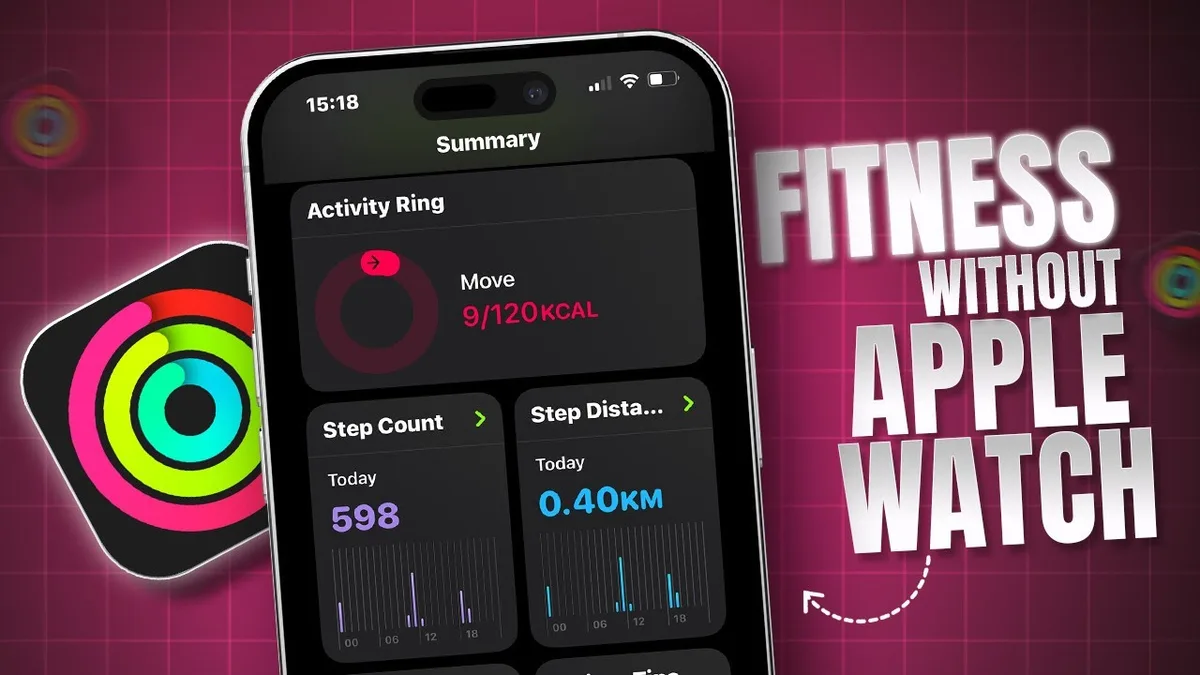
Apple Fitness+ launched in December 2020, but it hit its stride in 2022 with iOS 16 integration. It offers studio-style workouts across yoga, cycling, HIIT, strength, and more. The key feature is tight integration with the Apple Watch.
Your heart rate, calories, and Activity Rings appear on the screen during the workout.
Best for: Women who already own an Apple Watch and want seamless ecosystem integration.
Trade-offs: Apple Fitness+ costs $9.99 per month or $79.99 per year. You need an Apple Watch to use the on-screen metrics. The workout library is smaller than Peloton’s.
Peloton
Peloton expanded beyond its original bike business with a standalone app that requires no equipment. The app offers thousands of classes in running, walking, strength, yoga, meditation, and outdoor audio walks. The instructors have strong followings, and the class structure is more athletic than Apple Fitness+.
Best for: Women who want a large library of instructor-led classes and don’t own an Apple Watch.
Trade-offs: Peloton’s app costs $12.99 per month. It lacks the real-time heart rate overlay that Apple Fitness+ provides. The content is production-heavy, which some users like and others find distracting.
FitOn
FitOn is a free workout app with ads. It offers classes from celebrity trainers in cardio, strength, pilates, and barre. The app includes social features that let you compete with friends.
It’s the most accessible option for women who don’t want to pay.
Best for: Women who want free workouts with a social motivation layer.
Trade-offs: The free tier includes ads, and the premium version costs $19.99 per month. The workout quality is good but not as polished as Apple Fitness+ or Peloton. Offline downloads are limited in the free version.
Our take: Apple Fitness+ is the best value if you have an Apple Watch. Peloton is the best library. FitOn is the best free gateway.
Mental Health Tools That Don’t Feel Like Homework: Calm, Headspace, and Finch
Mental health apps can feel like another chore. The three apps below are designed to feel easy, not demanding.
Calm
Calm is the most popular meditation app by downloads. It offers guided meditations, sleep stories narrated by celebrities, and breathing exercises. The app’s design is warm and minimalist.
The sleep stories feature is a standout, many users report falling asleep within minutes.
Best for: Women who struggle with sleep and want a relaxing, low-effort evening routine.
Trade-offs: Calm costs $69.99 per year. The free tier is very limited. Some users find the celebrity content gimmicky.
Headspace
Headspace takes a more structured approach to meditation. It offers beginner courses that teach the basics of mindfulness over 10 to 30 sessions. The app uses simple animations to explain concepts like the “monkey mind.” It’s more educational than Calm.
Best for: Women who are new to meditation and want a clear, guided path.
Trade-offs: Headspace costs $69.99 per year. The content is less varied than Calm. The tone can feel a bit corporate.
Finch
Finch is a gamified self-care app. You adopt a virtual pet bird that grows as you complete small tasks: breathing exercises, journaling, stretching, or gratitude lists. The app uses behavioral psychology principles to build habits.
It’s the least “meditation” of the three.
Best for: Women who want a gentle, low-pressure way to build self-care habits.
Trade-offs: Finch is free to start, but premium costs about $39.99 per year. The gamification might not appeal to everyone. Some users want more depth than a virtual pet provides.
Our take: Choose Calm for sleep. Choose Headspace for learning. Choose Finch for habit building.
Each one serves a different mood and need.
Meal Planning Without the Overwhelm: Mealime vs. Paprika vs. MyFitnessPal
Meal planning apps fall into two camps: those that help you decide what to eat and those that track what you already ate. The best choice depends on whether you need structure or accountability.
Mealime
Mealime generates weekly meal plans based on your dietary preferences. You select meals for the week, and the app compiles a grocery list organized by store aisle. It reduces the mental load of deciding what to cook each night.
Best for: Women who want to save time on meal decisions and grocery shopping.
Trade-offs: The free version is limited to a few meals per week. Premium costs about $4.99 per month. The recipes are simple and healthy, but not adventurous.
Paprika Recipe Manager
Paprika is a repository for your own recipes. You can import recipes from any website, organize them into categories, and scale ingredient quantities. It also includes a meal planner and grocery list.
It’s a tool for active cooks.
Best for: Women who already have a collection of recipes and want to organize them.
Trade-offs: Paprika costs $4.99 for the iPhone app once. It has no community features. It requires you to supply your own recipes.
MyFitnessPal
MyFitnessPal is primarily a calorie and macro tracker. It has a huge food database and barcode scanner. It’s less about planning and more about logging.
The app is useful for weight management or specific dietary goals.
Best for: Women who want to track their food intake and understand their nutrition.
Trade-offs: The free version is ad-supported. The database is user-generated, so some entries are inaccurate. Premium costs $19.99 per month.
Our take: Use Mealime if you hate planning meals. Use Paprika if you love cooking and want to organize your recipes. Use MyFitnessPal if you need to track calories.
Organization That Adapts to You: Todoist vs. Notion vs. Apple Reminders
Task management apps are deeply personal. The wrong one will sit unused on your home screen. The right one becomes part of your daily flow.
Todoist
Todoist is a straightforward task manager. You create projects, add tasks, set due dates, and organize with labels. It supports natural language input, so you can type “buy groceries tomorrow at 5pm” and it parses the date and time automatically.
Best for: Women who want a simple, reliable system for tracking to-do lists.
Trade-offs: The free version is limited in features like labels and reminders. Premium costs about $36 per year. It lacks the database capabilities of Notion.
Notion
Notion is an all-in-one workspace. You can create databases, wikis, task boards, and notes. It’s highly customizable.
You can track a project, plan a vacation, and keep a reading list all in one place. It’s powerful but has a steep learning curve.
Best for: Women who want a single app for notes, tasks, and planning.
Trade-offs: Notion is free for personal use. The mobile app is slower than dedicated task managers. The learning curve is real.
Apple Reminders
Apple Reminders is built into iOS. It lets you create lists, set due dates, and add location-based reminders. It integrates with Siri, iCloud, and the Calendar app.
It’s the simplest option.
Best for: Women who want zero extra downloads and basic task management.
Trade-offs: No project management features. No collaboration outside the Apple ecosystem. Limited customization.
Our take: Use Apple Reminders for simple lists. Use Todoist for structured task management. Use Notion for workspace-level organization.
The Comparison Table: All 18 Apps at a Glance
Here’s a quick reference table that sums up every app we covered. Use it to compare costs, privacy, and best-fit scenarios at a glance.
| Category | App | Cost | Privacy | Best For |
|---|---|---|---|---|
| Period Tracking | Clue | Free / $12/yr | Strong (GDPR) | Scientific accuracy |
| Period Tracking | Flo | Free / $40/yr | Moderate (FTC settlement) | Predictions + community |
| Period Tracking | Apple Health | Free | Very strong (on-device) | Zero downloads needed |
| Budgeting | YNAB | $99/yr | Strong | Active budgeters |
| Budgeting | Mint | Free (ads) | Moderate | Passive tracking |
| Budgeting | PocketGuard | Free / $35/yr | Moderate | Quick spend check |
| Safety | Noonlight | $5/mo or $30/yr | Strong | Solo walks at night |
| Safety | bSafe | Free / $5/mo | Moderate | Timed check-ins |
| Safety | Life360 | Free / $15/mo | Low (constant sharing) | Family coordination |
| Fitness | Apple Fitness+ | $10/mo or $80/yr | Strong | Apple Watch users |
| Fitness | Peloton | $13/mo | Strong | Large class library |
| Fitness | FitOn | Free / $20/mo | Moderate | Free workouts |
| Mental Health | Calm | $70/yr | Moderate | Sleep and relaxation |
| Mental Health | Headspace | $70/yr | Moderate | Learning meditation |
| Mental Health | Finch | Free / $40/yr | Strong | Habit building |
| Meal Planning | Mealime | Free / $5/mo | Strong | Saving time on meals |
| Meal Planning | Paprika | $5 one-time | Strong | Recipe organization |
| Meal Planning | MyFitnessPal | Free / $20/mo | Moderate | Calorie tracking |
| Organization | Todoist | Free / $36/yr | Strong | Task management |
| Organization | Notion | Free | Strong | All-in-one workspace |
| Organization | Apple Reminders | Free | Very strong | Simple lists |
The Hidden Gems: Underrated Apps Worth Your Home Screen Space
Some excellent apps don’t show up on the big lists. These deserve a closer look.
Peanut is a social networking app for women at similar life stages. It helps you find friends after moving, during motherhood, or when navigating fertility. It fills a real gap that mainstream social apps ignore.
Finch, already mentioned, deserves another nod. The behavioral psychology approach of caring for a virtual pet works better than you’d expect. A 2022 study in the Journal of Medical Internet Research found that gamified self-care apps increased adherence by 40 percent compared to standard meditation apps.
GoodShuffle helps you organize your wardrobe digitally. You photograph your clothes and create outfits without trying everything on. It reduces decision fatigue on busy mornings.
How to Do a Subscription Audit (Before You Pay for Anything)
Subscriptions add up fast. YNAB at $99. Calm at $70.
Peloton at $156 a year. That’s over $300 without thinking. A quick audit prevents subscription creep.
Go to your iPhone Settings app. Tap your name at the top. Then tap Subscriptions.
You’ll see every active and expired subscription linked to your Apple ID. Review the list quarterly.
Ask yourself three questions for each app. Did I open it in the last 30 days? Does it still serve a real need?
Could a free or native alternative replace it? If the answer is no to any question, cancel it.
Mistakes I See Women Make When Building Their App Stack
Here are the most common missteps we found in our research.
Downloading too many at once. You can’t test five new apps in a week. You’ll abandon them all. Install one per category and use it for seven days before adding another.
Ignoring permissions. An app that asks for your contacts, location, and photo library without clear reason is a privacy risk. Check the permissions under iPhone Settings > Privacy > App Privacy Report. Revoke anything unnecessary.
Paying for premium too fast. Most apps offer a 7 to 30 day free trial. Set a calendar reminder to cancel before the trial ends. Then decide if the paid version is worth it based on actual use.
Keeping unused apps. A cluttered home screen increases cognitive load. Delete apps you haven’t opened in 90 days. Your iPhone tracks this under Settings > General > iPhone Storage.
FAQs: What Readers Ask Most About iPhone Apps for Women
Which period tracker is safest for privacy in 2022?
Apple Health is the safest because data stays on your device. Clue is the next best option with GDPR compliance and no third-party data sharing. Avoid apps that do not clearly state their data practices in their App Store privacy label.
Are free budgeting apps actually free?
Free apps like Mint make money from ads and data monetization. They show you credit card offers and loan recommendations. You trade privacy for cost.
YNAB is paid but has no ads and no data selling.
Can I use Apple Fitness+ without an Apple Watch?
No. Apple Fitness+ requires an Apple Watch to display real-time metrics like heart rate and Activity Rings. If you do not own a Watch, Peloton or FitOn work better.
What is the most underrated app on this list?
Finch. The gamified self-care approach is backed by behavioral psychology research. It works well for women who find traditional meditation apps boring or intimidating.
How many apps should I actually download?
Start with five to seven across your most important categories. Let go of the rest. A smaller set of well-chosen apps will serve you better than a home screen full of unused icons.
My Final Take: The Starter Pack for 2022 (Less Is More)
If you want to start fresh, here is the minimum viable stack. Your foundation includes Apple Health, Apple Reminders, and Apple Fitness+ (if you have a Watch). Add Clue for period predictions.
Add YNAB for budgeting. Add Noonlight for solo safety walks.
That is five apps covering health, tasks, fitness, finance, and safety. Everything else is optional based on your specific needs.
The real win is not finding the perfect app. It is building a small set of tools that actually fit your life. Remove the noise.
Keep what works. Let the rest go.

Similar Posts





















