How To Make Your Computer Android: Step-By-Step Guide
To make your computer Android, you simply need to install an Android emulator like BlueStacks or NoxPlayer. This process is quick and straightforward, allowing…
To make your computer Android, you simply need to install an Android emulator like BlueStacks or NoxPlayer. This process is quick and straightforward, allowing…
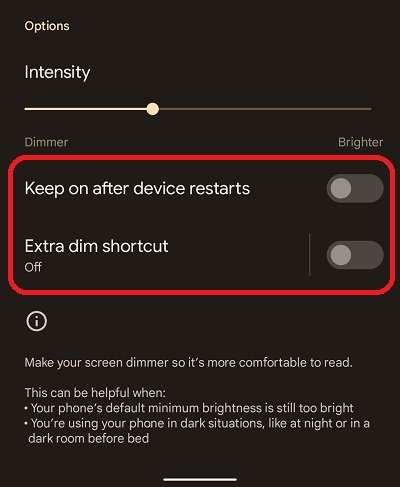
To make your brightness even lower on Android, simply turn down the brightness slider or enable the extra dim mode in quick settings. If…
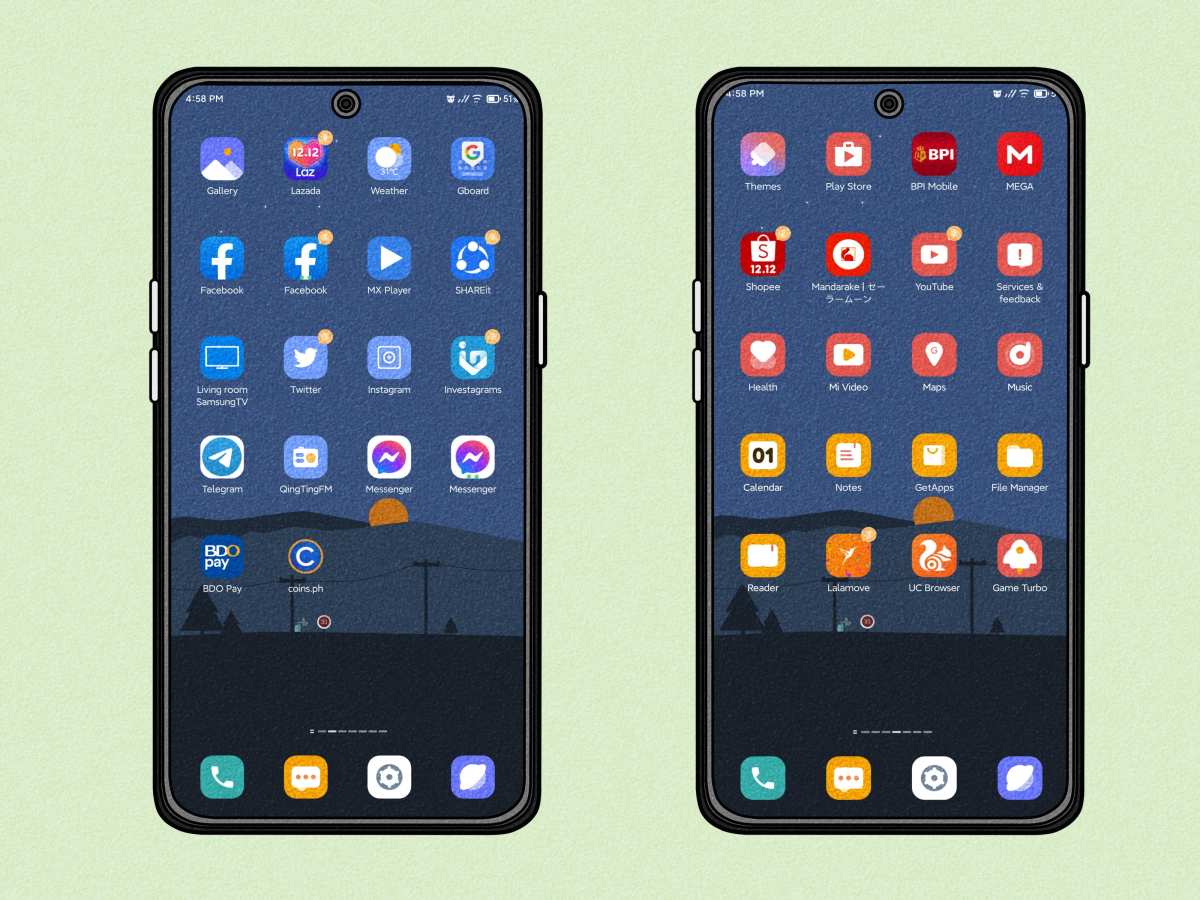
To make your apps look cool on Android, focus on sleek design, vibrant colors, and intuitive interfaces. **Use eye-catching themes, custom icons, and smooth…
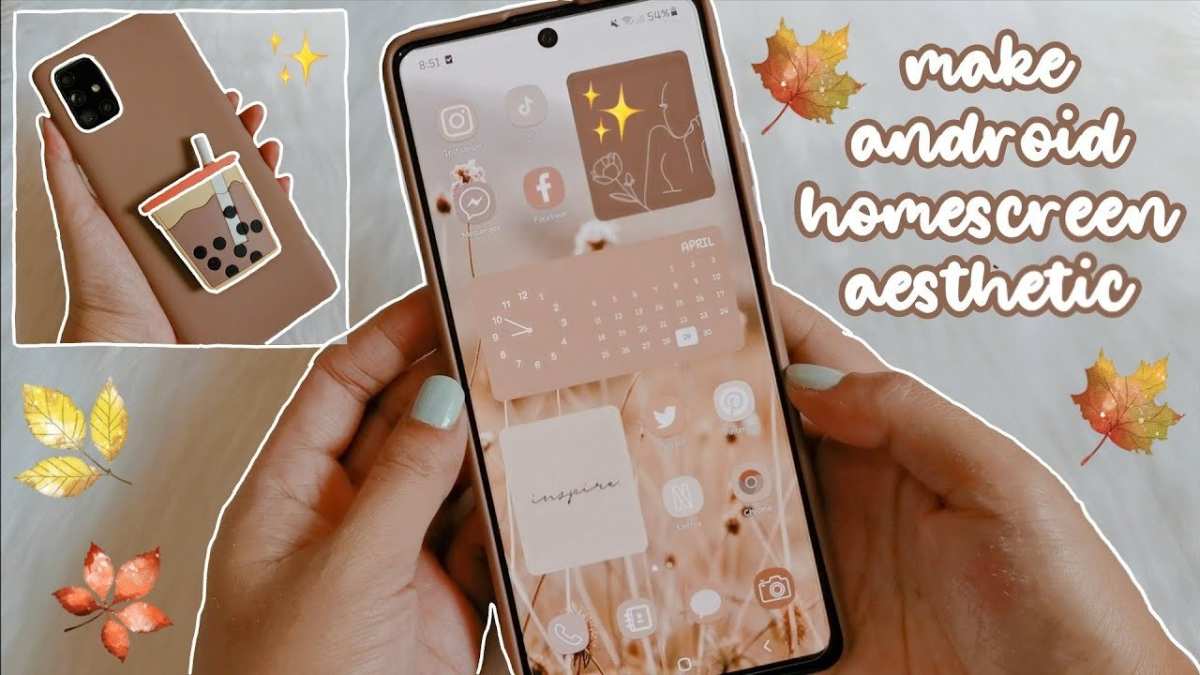
To make your apps aesthetic on Android, focus on using cohesive themes, custom icons, and appealing color schemes. **Choosing the right design elements instantly…
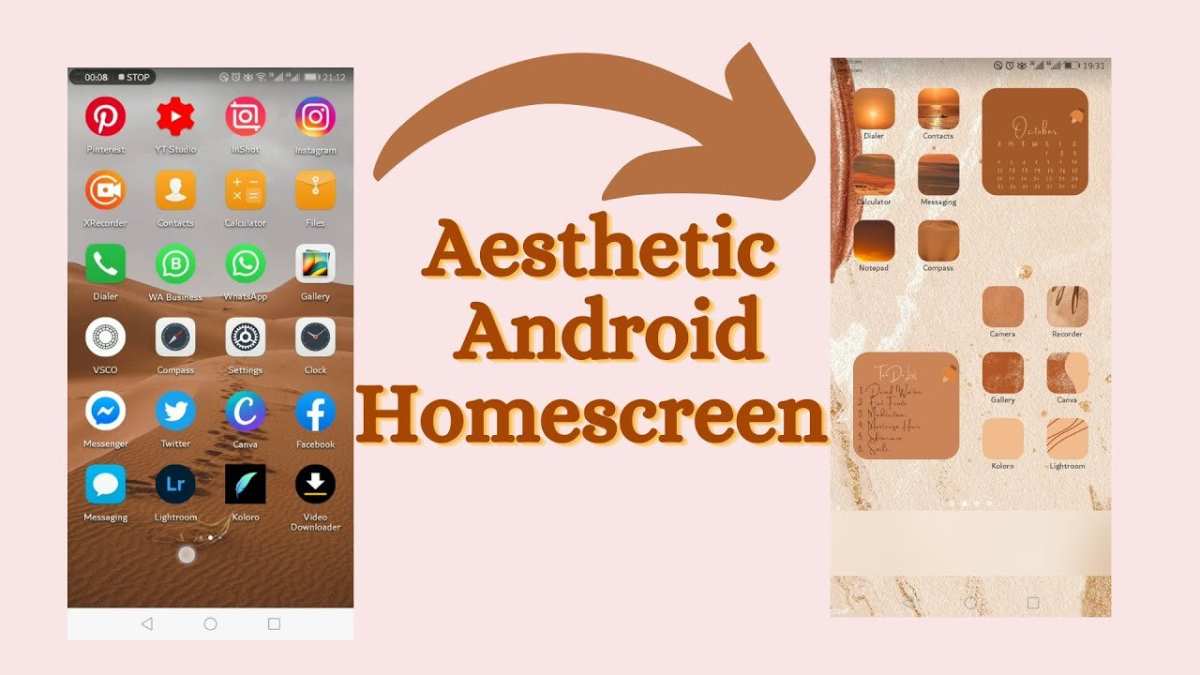
To make your apps aesthetic on Android, focus on sleek design, cohesive color schemes, and user-friendly interfaces. **Aesthetic apps blend visual appeal with intuitive…
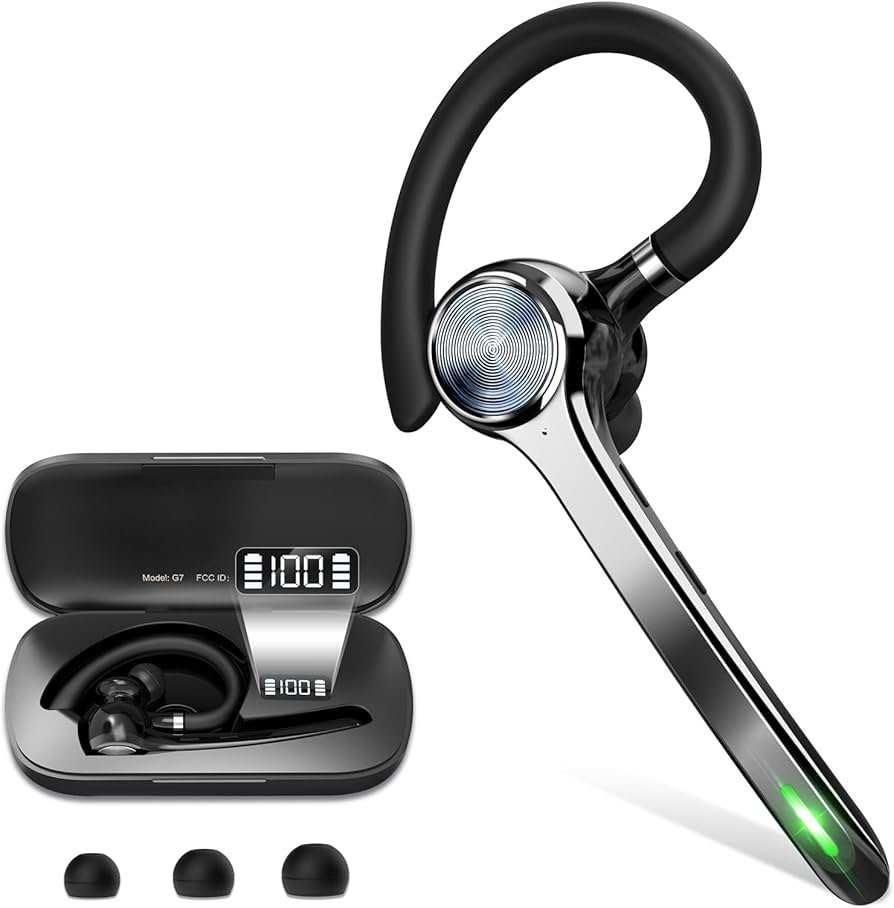
To make your Android talk when charging, you can enable a simple accessibility feature or use third-party apps. **Changing your settings or installing an…
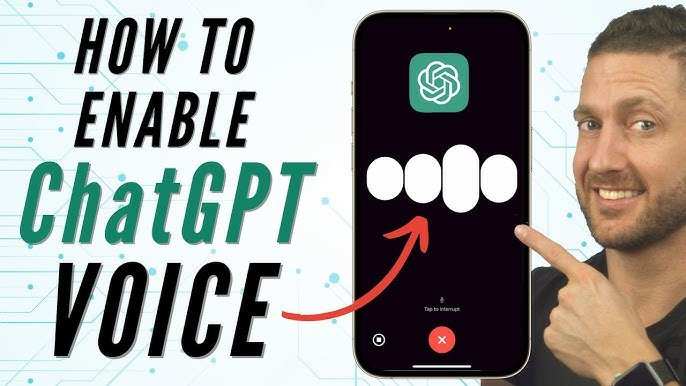
To make your Android talk to you, activate the built-in voice assistant like Google Assistant. **Simply say “Hey Google” or press and hold your…
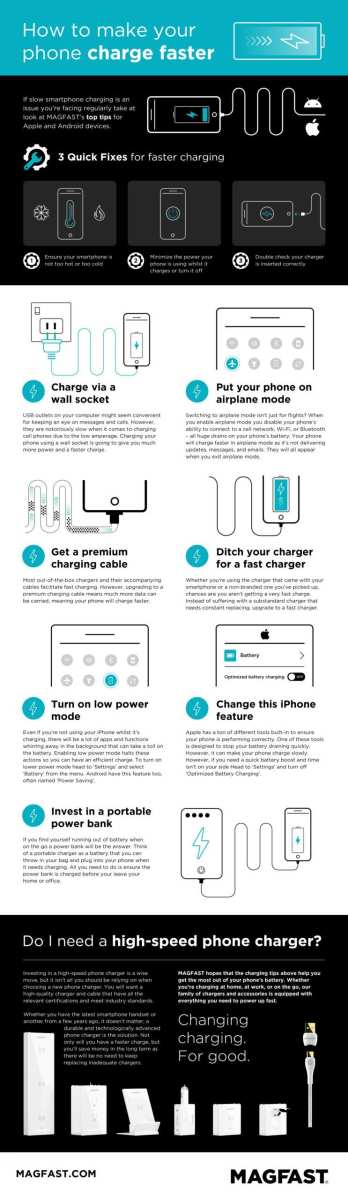
To charge your Android tablet faster, simply switch to airplane mode and use a wall charger with higher wattage. This quick adjustment boosts charging…
If you want your Android to run faster instantly, the best way is to clear cache and close background apps. **To make your Android…
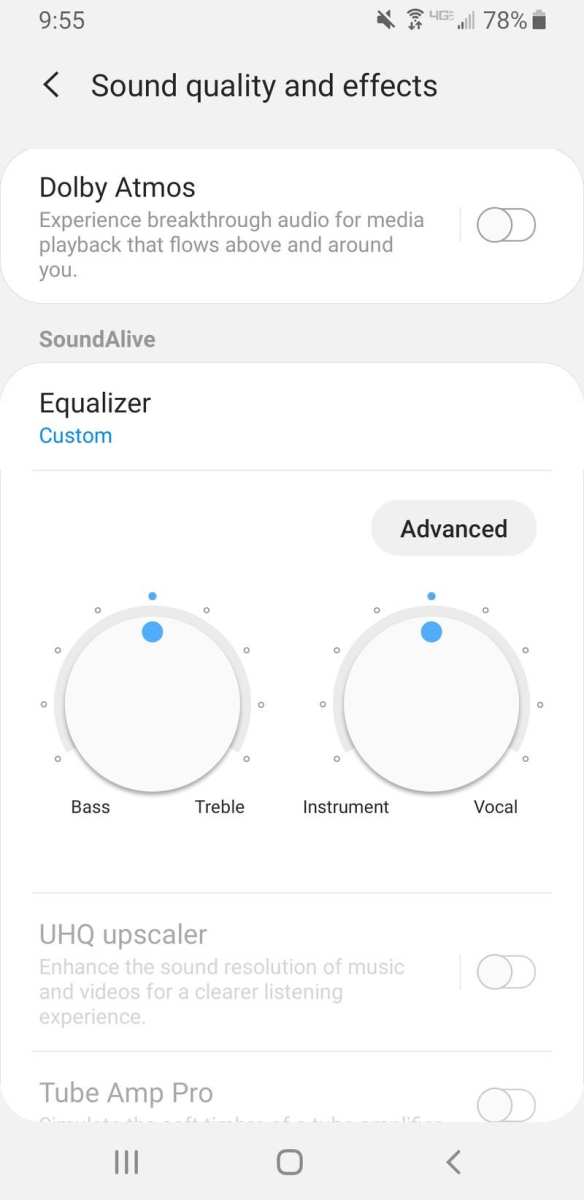
To make your Android sound louder, boosting the volume settings and using built-in features can do the trick. **Adjust the volume levels and enable…
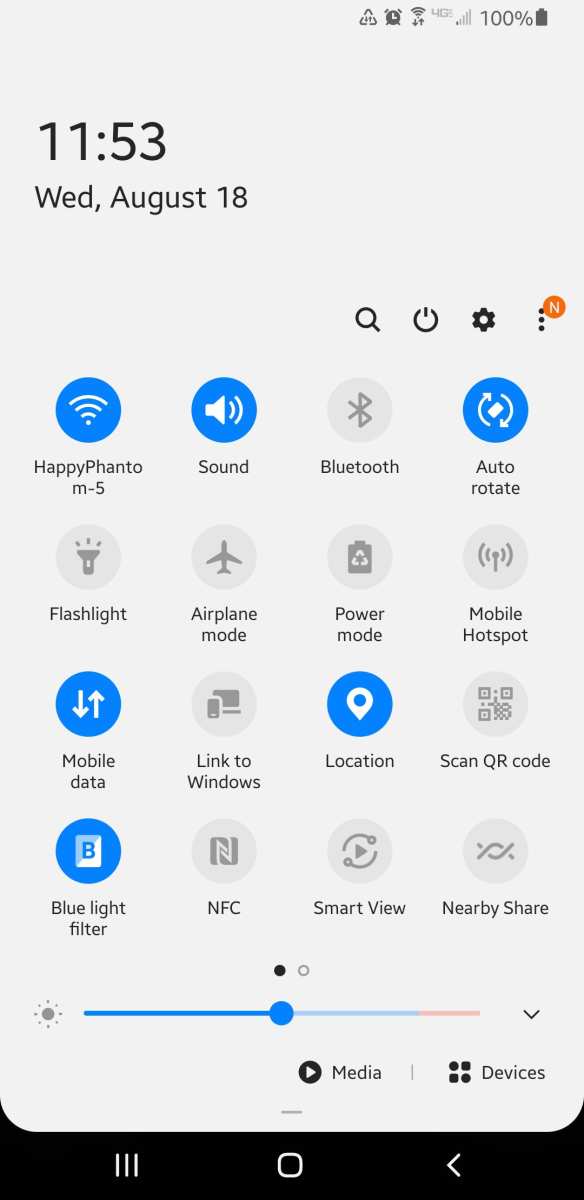
To make your Android screen rotate, you simply need to enable auto-rotate in settings. **You can quickly do this by flipping down the notification…
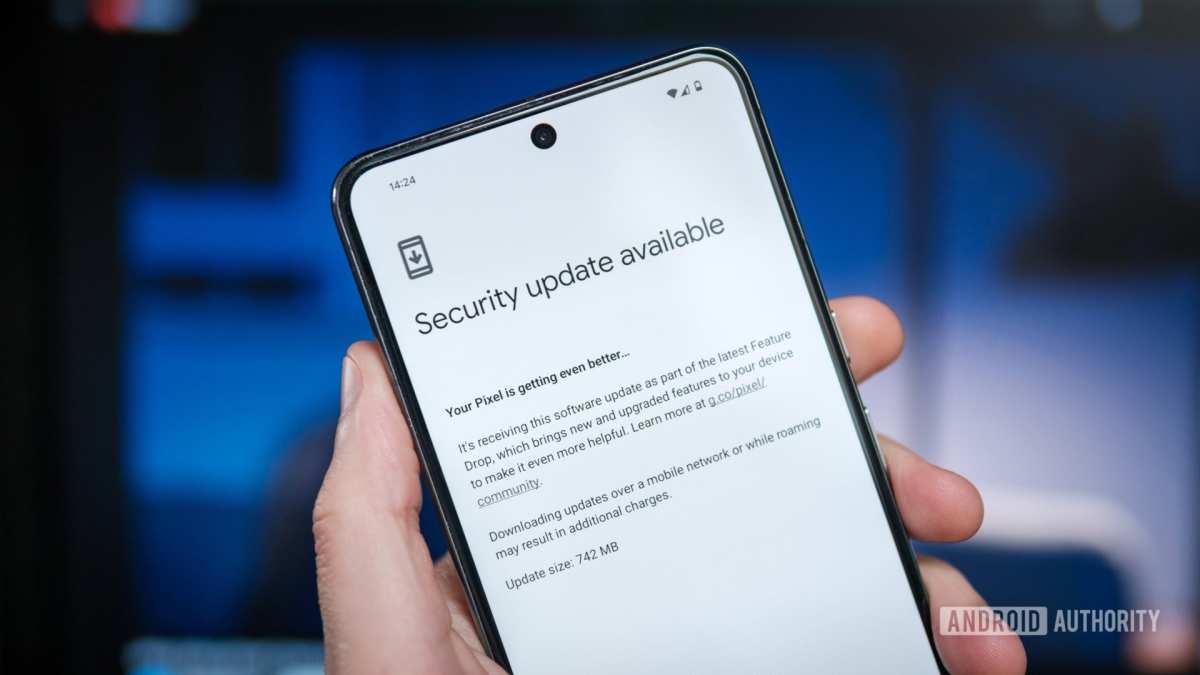
To make your Android phone update, simply go to Settings, then tap on Software Update and follow the prompts. **The key is ensuring your…