Which Is The Best Ipad Gen For Your Needs In 2023

Which is the best iPad gen?
Choosing the right iPad can feel overwhelming because Apple has released many different models over the years. Each generation offers unique features, sizes, and capabilities that suit different needs. To find the best iPad for you, it helps to compare the recent models and understand what makes each one special.
Understanding the Different iPad Generations
Apple updates its iPad lineup frequently, introducing new features and designs. The main iPad models include the standard iPad, iPad Air, iPad mini, and iPad Pro. Each caters to different users, whether you want a simple tablet for everyday tasks or a powerful device for creative work.
Key Factors to Consider When Choosing the Best iPad
- Performance: How fast the device runs apps and multitasks.
- Display Size and Quality: The screen dimensions and resolution for viewing comfort.
- Price: Your budget and the value offered by each model.
- Compatibility: Support for accessories like the Apple Pencil and keyboard.
- Portability: The size and weight for carrying around easily.
The Latest iPad Models and Their Features
iPad (10th Generation)
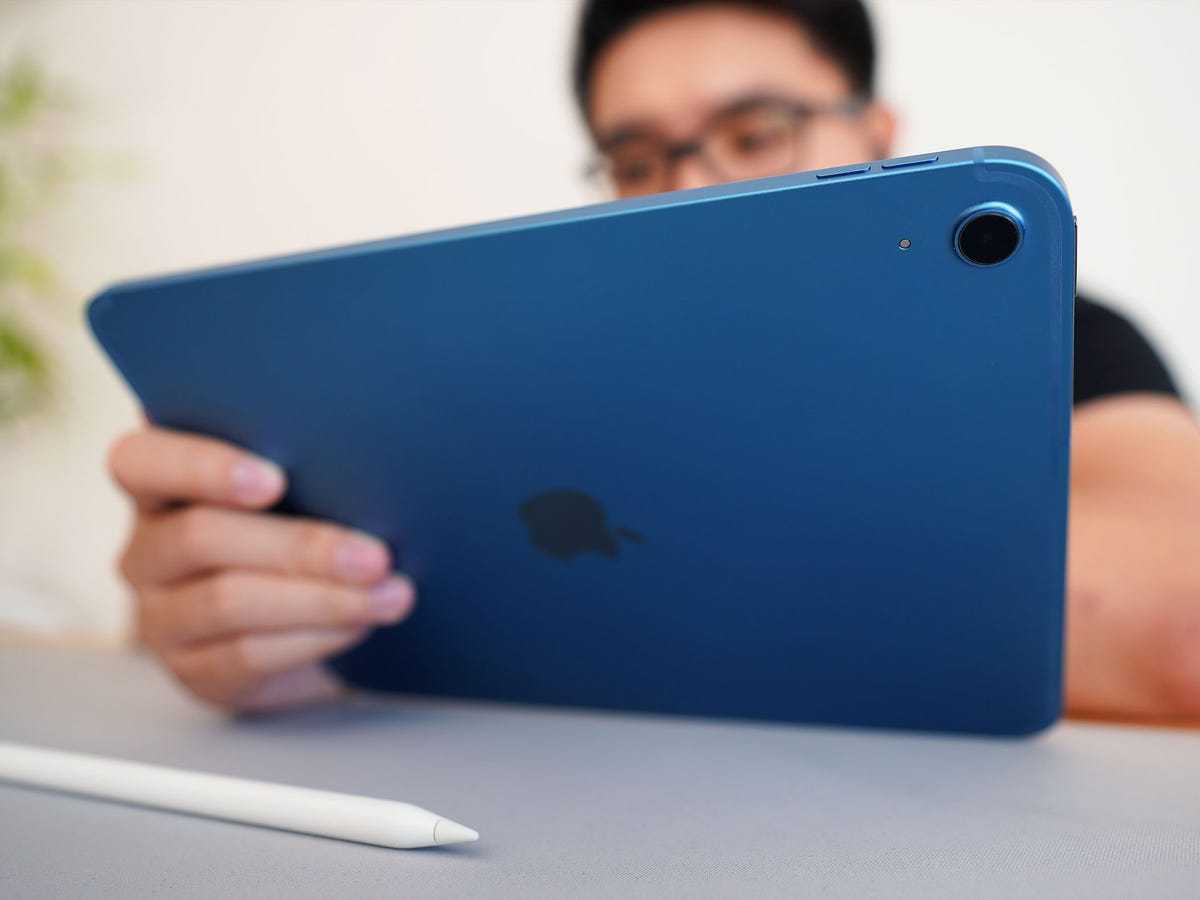
This is the newest standard iPad. It features a larger 10.9-inch display and uses the A14 Bionic chip for smooth performance. It supports the first-generation Apple Pencil, making it versatile for note-taking and drawing.
Its design is more modern with a flat-edged look similar to the iPad Air. It offers a USB-C port for faster data transfer and connects to more accessories.
iPad Air (5th Generation)
The iPad Air combines power and portability. It has a 10.9-inch Liquid Retina display and features the M1 chip, which is the same processor used in some MacBooks. This makes it capable of more demanding tasks like editing videos and graphic design.
Support for the second-generation Apple Pencil and Magic Keyboard makes it excellent for creative and productivity use. Its lightweight design adds to its portability for on-the-go users.
iPad Mini (6th Generation)
The smallest in the lineup, the iPad Mini has an 8.3-inch display. It uses the A15 Bionic chip, offering impressive speed in a compact size. Its portability makes it perfect for reading, gaming, or quick tasks.
Supports the second-generation Apple Pencil, ideal for sketching and note-taking in tight spaces.
iPad Pro (6th Generation 12.9-inch and 11-inch)
The iPad Pro is designed for professional users and creatives. The latest models feature the M2 chip, offering top-tier performance. The 12.9-inch model has a stunning Liquid Retina XDR display, great for photo editing and video production.
Supports the second-generation Apple Pencil, Magic Keyboard, and Smart Keyboard Folio. It also offers Thunderbolt ports for connecting external displays and high-speed storage devices.
Comparing iPad Generations: Which One Stands Out?
| Model | Size | Processor | Apple Pencil Support | Best For | Price Range |
|---|---|---|---|---|---|
| iPad (10th Gen) | 10.9 inches | A14 Bionic | Yes, 1st generation | Everyday users | Moderate |
| iPad Air (5th Gen) | 10.9 inches | M1 | Yes, 2nd generation | Creative professionals | Higher-end |
| iPad Mini (6th Gen) | 8.3 inches | A15 Bionic | Yes, 2nd generation | On-the-go users | Moderate |
| iPad Pro (6th Gen) | 11 inches / 12.9 inches | M2 | Yes, 2nd generation | Professionals and creatives | Premium |
Performance and Longevity of Different iPad Generations
The performance of an iPad depends largely on its processor. The latest chips like the M1 and M2 provide fast speeds and are future-proof for several years. Older models with A-series chips are still capable but may slow down with future updates.
Choosing a newer generation often means longer software support and better performance for demanding apps and multitasking.
Display Quality and Its Impact on User Experience
Display size and quality influence how enjoyable your iPad is to use. Retina displays with high resolution offer crisp images and vibrant colors. The iPad Pro’s Liquid Retina XDR display takes visuals to a new level, especially for professionals working with media.
The size varies from compact 8.3 inches to expansive 12.9 inches, affecting portability and viewing comfort. Consider what size suits your tasks and lifestyle.
Price, Value, and Budget Considerations
- Budget-Friendly: iPad (9th Gen) or iPad Mini (6th Gen) offer excellent features at a lower price.
- Mid-Range: iPad Air provides a good balance of price and powerful features.
- Premium Options: iPad Pro models command higher prices but offer unmatched performance and display quality.
Think about how long you plan to use your iPad and whether investing in a higher-end model makes sense for your needs.
Accessories and Compatibility for Different Generations
Most recent iPads support the Apple Pencil, but only certain generations support the second-generation Pencil, which offers magnetic charging and pairing. Keyboard compatibility also varies, with Magic Keyboard and Smart Keyboard Folio supporting newer models.
Make sure to check which accessories are compatible before purchasing to maximize your iPad experience.
Portability and Usage Scenarios
If you often travel or want a lightweight device, the iPad Mini or the standard iPad offers excellent portability. For extensive creative work or multitasking, the larger iPad Pro or iPad Air provides more screen space and power.
Think about where and how you will use your device most often to choose the right size and weight.
Upgradability and Future Support
Apple tends to support devices with software updates for several years. Newer models will likely receive updates longer, offering security enhancements and new features. If you want a device you can use for many years, selecting the latest generation is wise.
Older models might no longer receive updates, which could limit app compatibility and security over time.
Related Topics to Explore
- iPadOS Features and Updates: How Apple’s tablet operating system enhances your user experience.
- Choosing the Perfect Accessories: Cases, styluses, keyboards, and more for your iPad.
- iPad for Students and Professionals: Best models for different work and study needs.
- Refurbished and Used iPads: A budget-friendly way to get a high-quality device.
All these factors help in deciding which generation of iPad suits your lifestyle best. Whether you need a simple tablet for everyday tasks or a powerful device for creative projects, understanding each model’s strengths makes choosing easier. Remember, the “best” iPad depends on your unique needs, budget, and how you plan to use it regularly.
Frequently Asked Questions
Which iPad generation offers the best performance for creative professionals?
The iPad Pro, especially the latest models equipped with the M2 chip, provides exceptional processing power and graphics capabilities. Its high-refresh-rate display and support for the Apple Pencil make it ideal for graphic designers, illustrators, and photographers looking for a device that handles demanding tasks with ease.
How does the latest iPad Air compare to previous generations?
The newest iPad Air features the M1 chip, offering a significant boost in speed and efficiency over earlier versions. Its lighter design, improved display quality, and support for the second-generation Apple Pencil make it a strong choice for users who want high performance in a more portable package.
Which iPad model is best suited for everyday use and convenience?
The standard iPad (ninth or tenth generation) strikes a good balance between price, performance, and features. It offers enough power for browsing, media consumption, and casual productivity, making it perfect for students, families, and users who need a reliable device for daily tasks.
What are the main differences between the iPad mini and other models?
The iPad mini stands out with its compact size and portability. Despite its smaller form factor, recent versions are equipped with powerful chips like the A15 Bionic, allowing for smooth multitasking and gaming. It’s ideal for users who want a portable device without sacrificing performance.
Is it better to choose an older iPad model or invest in the latest one?
Opting for the newest iPad ensures access to the latest hardware, software features, and longer software support. However, older models often come at a reduced price and still deliver good performance for most everyday tasks. Consider your budget and usage requirements before making a decision.
Final Thoughts
The best iPad gen depends on your needs and budget. The latest models offer more power and features, ideal for multitasking and creative work. However, older versions remain affordable and sufficient for everyday use. Considering performance, the iPad Pro stands out with its advanced capabilities. For casual browsing and media, the standard iPad continues to be a reliable choice. Which is the best iPad gen? Overall, it depends on your priorities, but the latest iPad Pro offers the most future-proof experience.
Similar Posts































