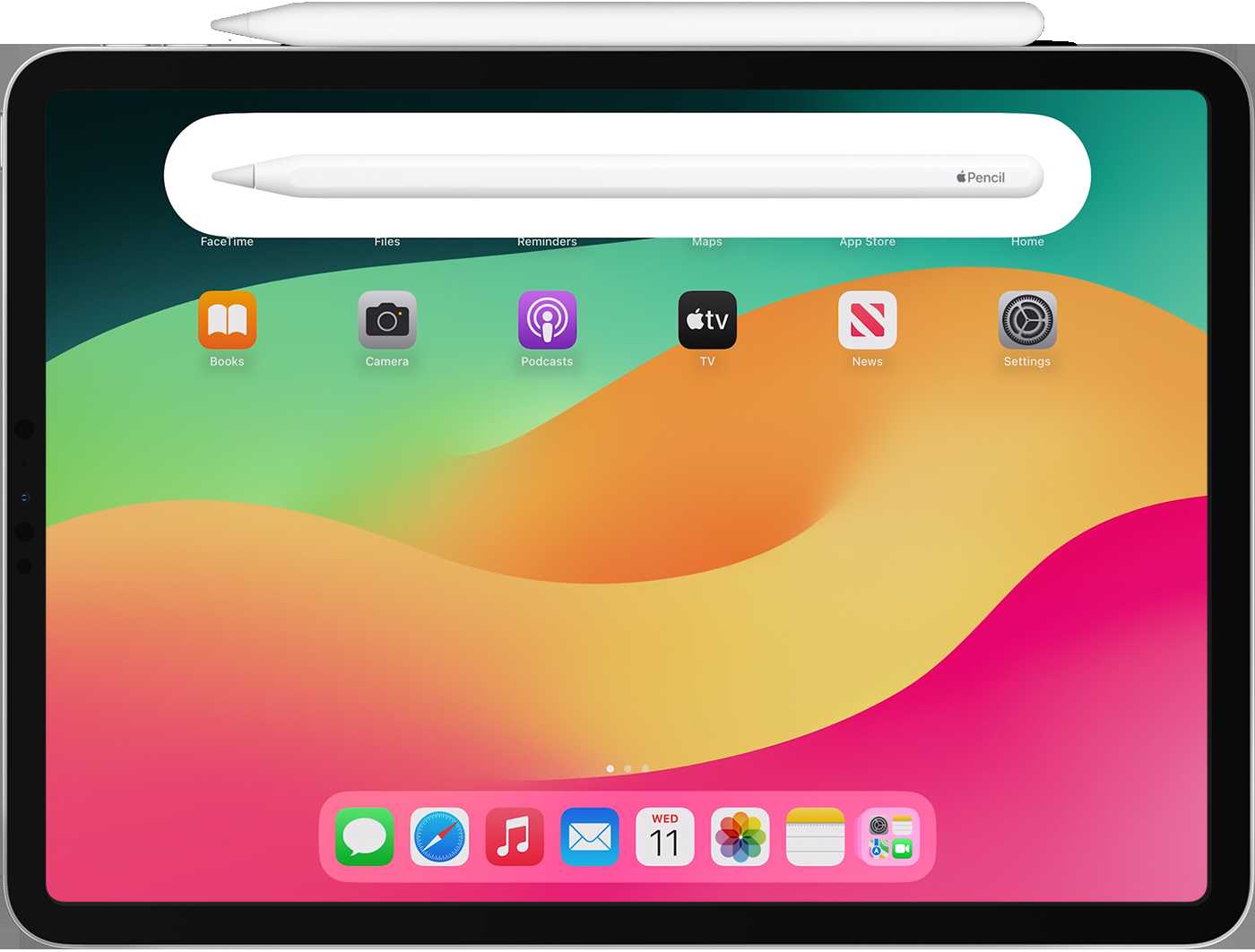
How Do I Connect My Apple Pencil To My Ipad Step-By-Step
To connect your Apple Pencil to your iPad, simply ensure your Pencil is compatible with your device, then remove the cap and plug it…
To connect your Apple Pencil to your iPad, simply ensure your Pencil is compatible with your device, then remove the cap and plug it…
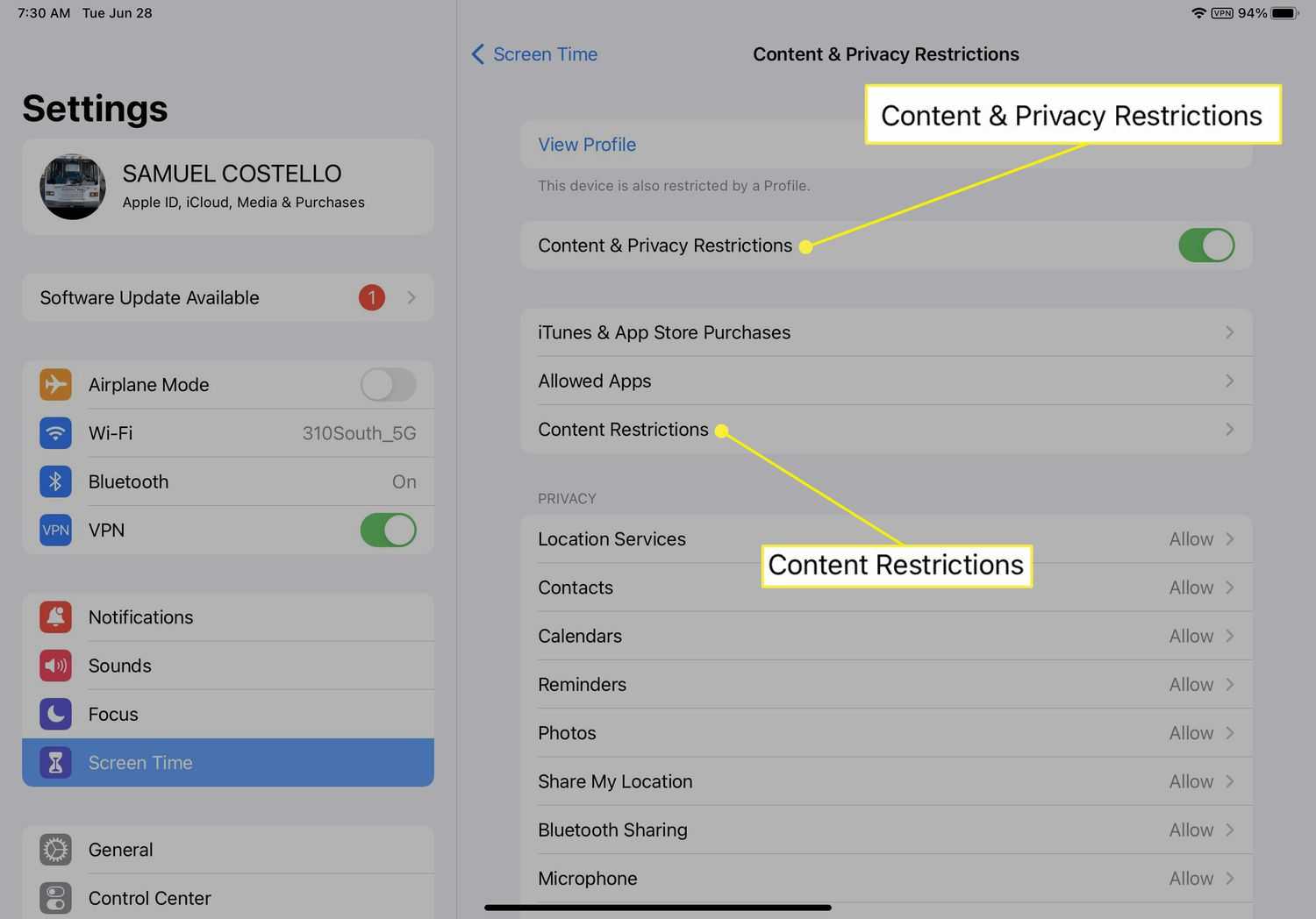
To block YouTube on your iPad quickly, use Screen Time settings or install third-party parental control apps. These options let you restrict access easily…

To add a printer to your iPad, ensure your printer is compatible with Apple’s AirPrint technology and connected to the same Wi-Fi network as…
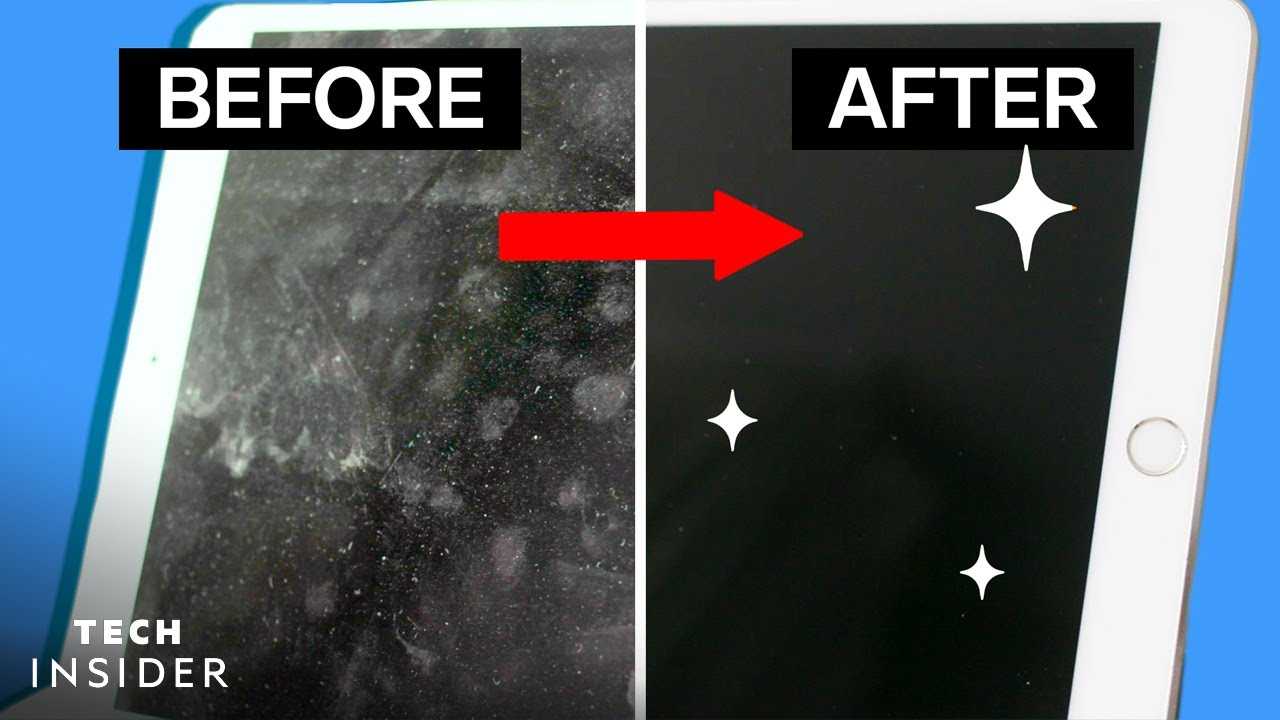
To clean your iPad screen quickly and safely, start by turning off your device and gently wiping it with a soft, lint-free microfiber cloth.…
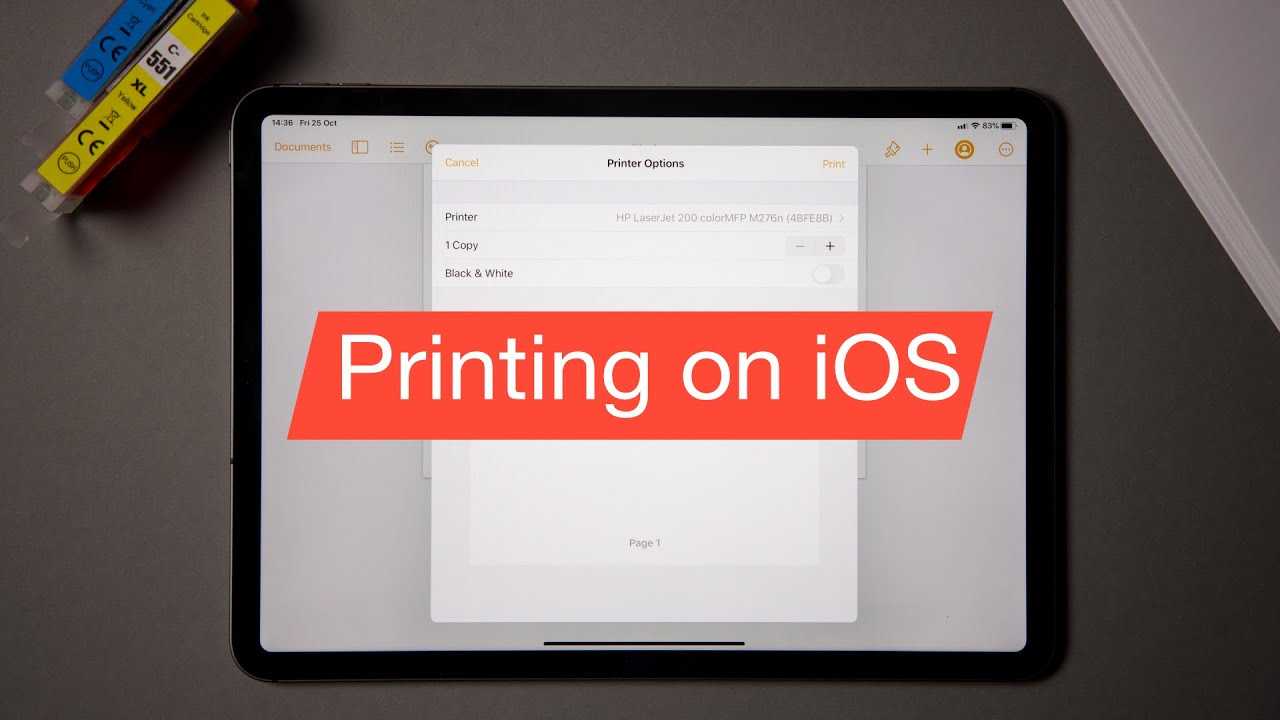
To print from your iPad quickly, ensure your printer supports AirPrint or use a compatible printing app. Connect your iPad and printer to the…
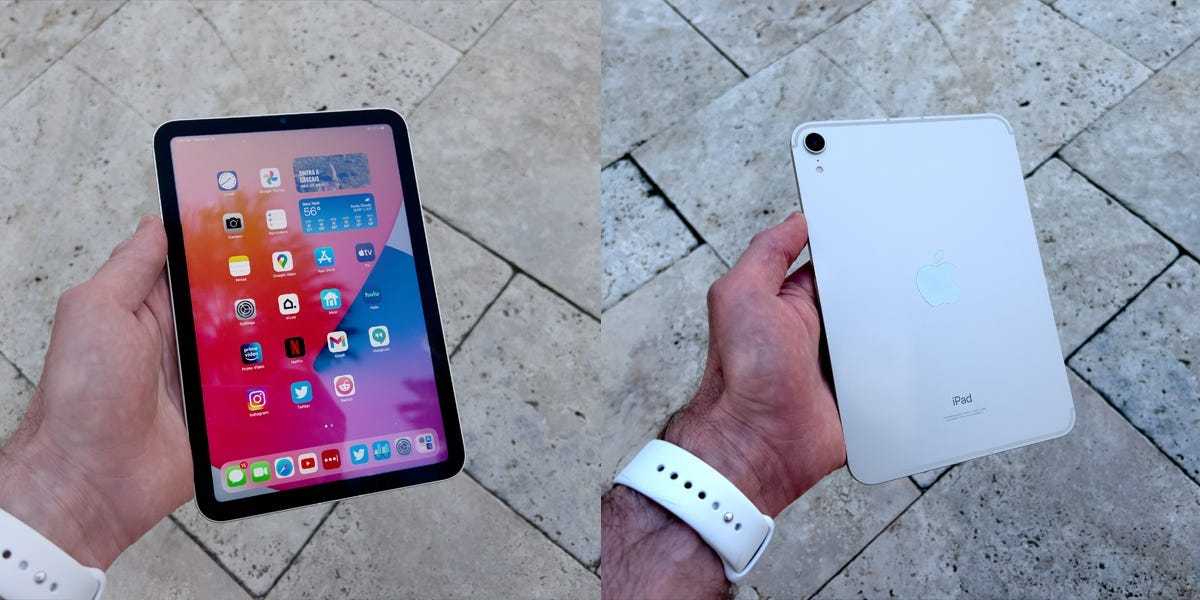
The iPad Mini is the perfect blend of portability and power, making it a popular choice for those on the go. If you’re wondering…
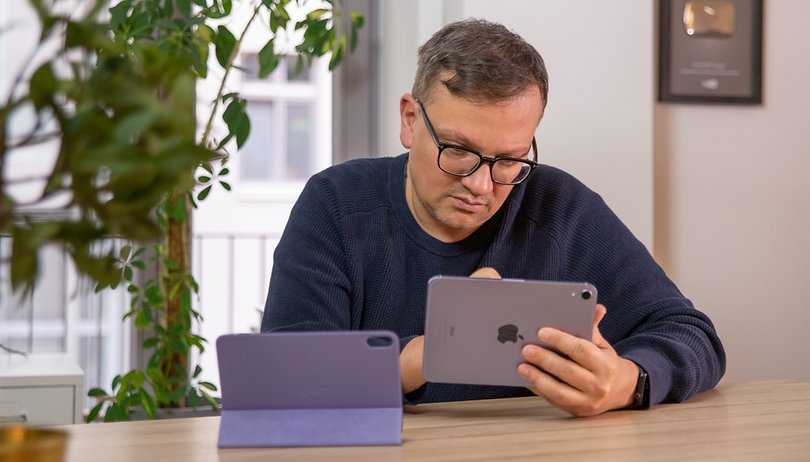
The iPad mini is designed for those who crave a compact yet powerful device, perfect for reading, browsing, or gaming on the go. If…
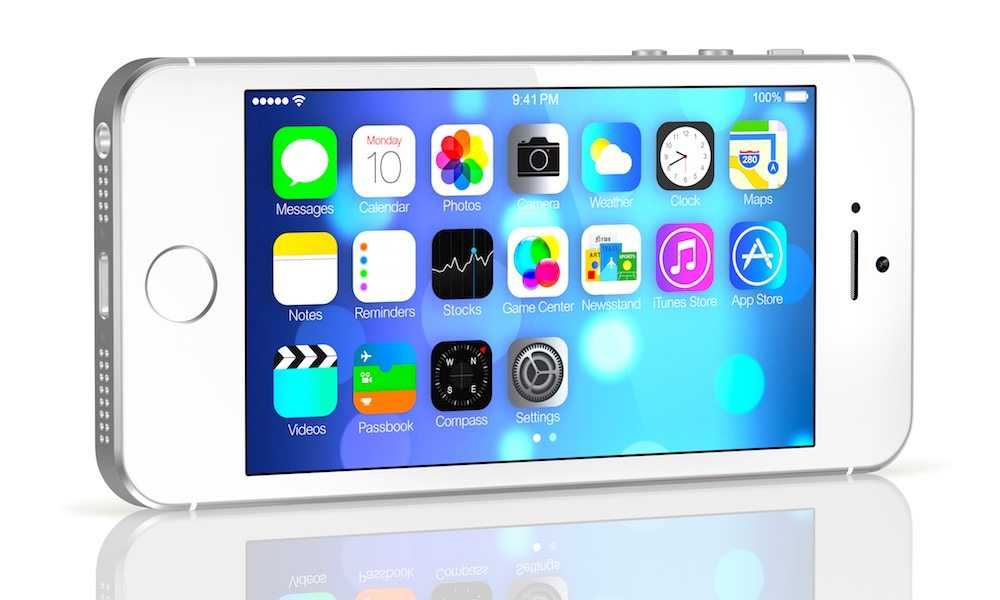
Turn your old iPhone into something useful and save money instead of tossing it away! Whether you’ve upgraded or just stopped using your device,…
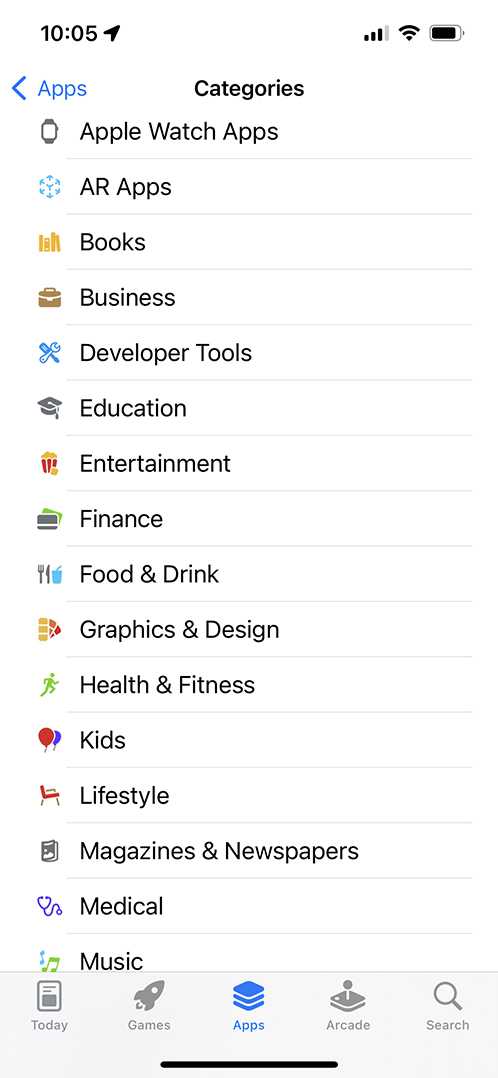
To pick the best apps for kids on Apple devices, look for age-appropriate content, positive reviews, and developer credibility. Focus on apps that balance…

If you’re looking to stop your photos from automatically uploading to Google Photos, you’ve come to the right place! The process is quite straightforward.…
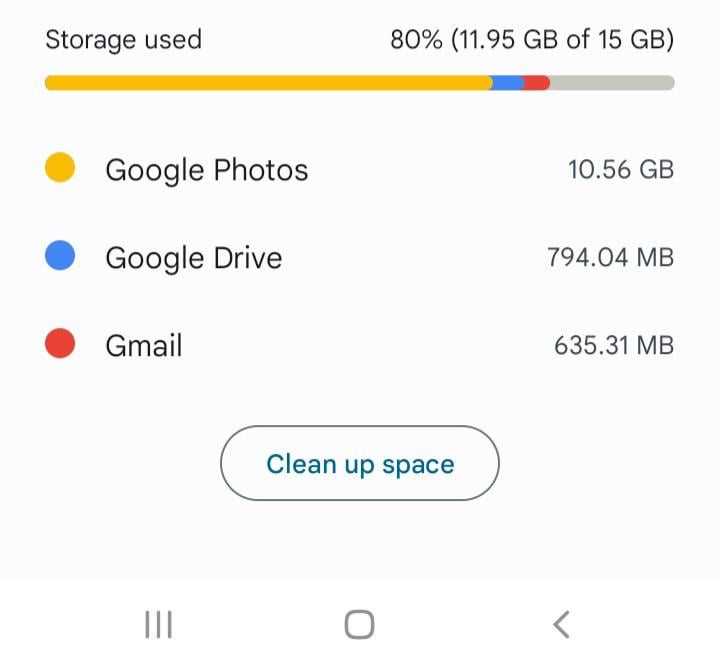
Yes, you can unlink Google Photos from your Google account. To do this, simply open the Google Photos app on your device, go to…

If your iPhone photos are linked to Google Photos, it’s likely because you have the Google Photos app installed and enabled backup settings. This…









