
How To Install A Printer In Ipad Step-By-Step Guide
To install a printer on your iPad quickly, ensure your printer supports AirPrint, turn on your printer and connect it to the same Wi-Fi…
To install a printer on your iPad quickly, ensure your printer supports AirPrint, turn on your printer and connect it to the same Wi-Fi…
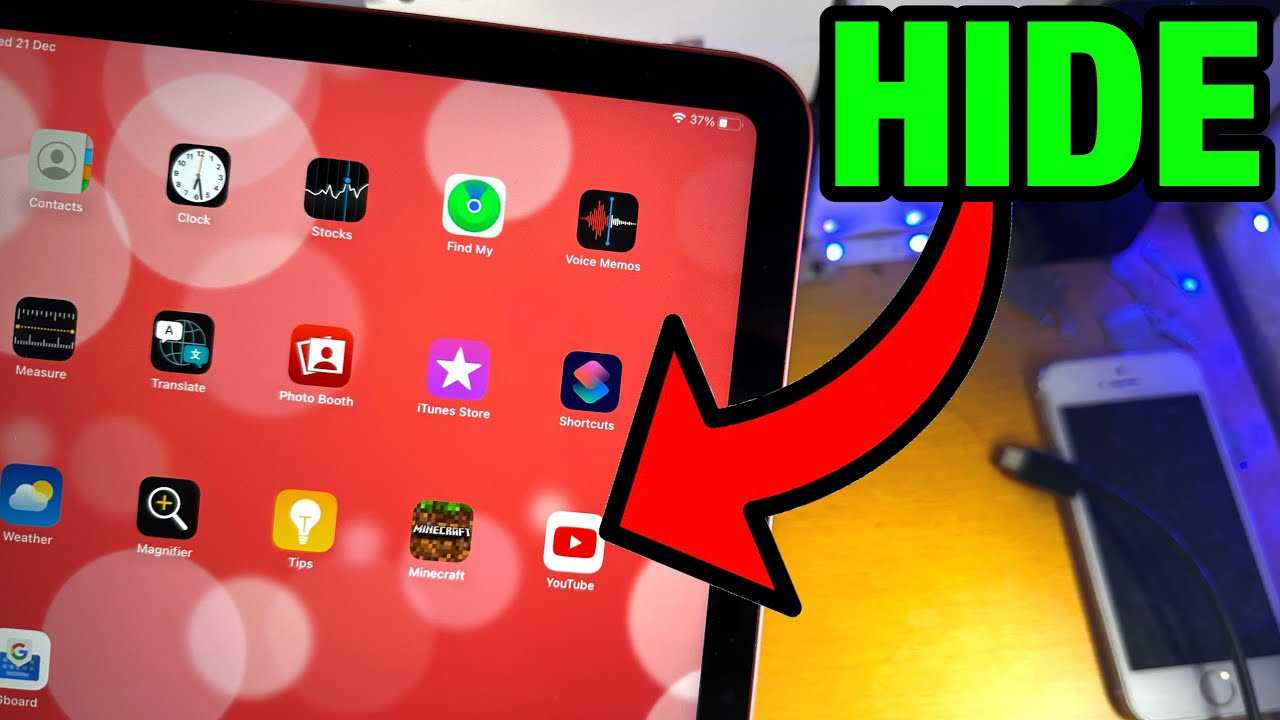
To quickly hide apps on your iPad, you can use built-in features like the App Library, creating a hidden folder, or disabling certain apps…
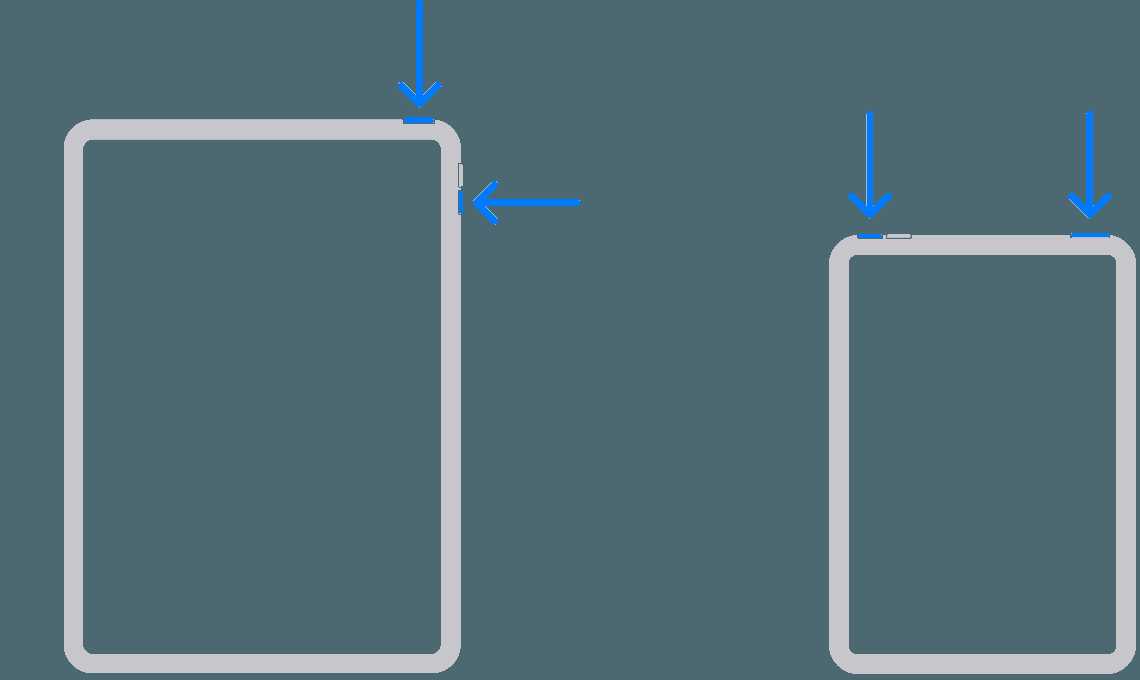
To quickly hard restart your iPad, press and hold the power button along with the volume up button until the Apple logo appears, then…
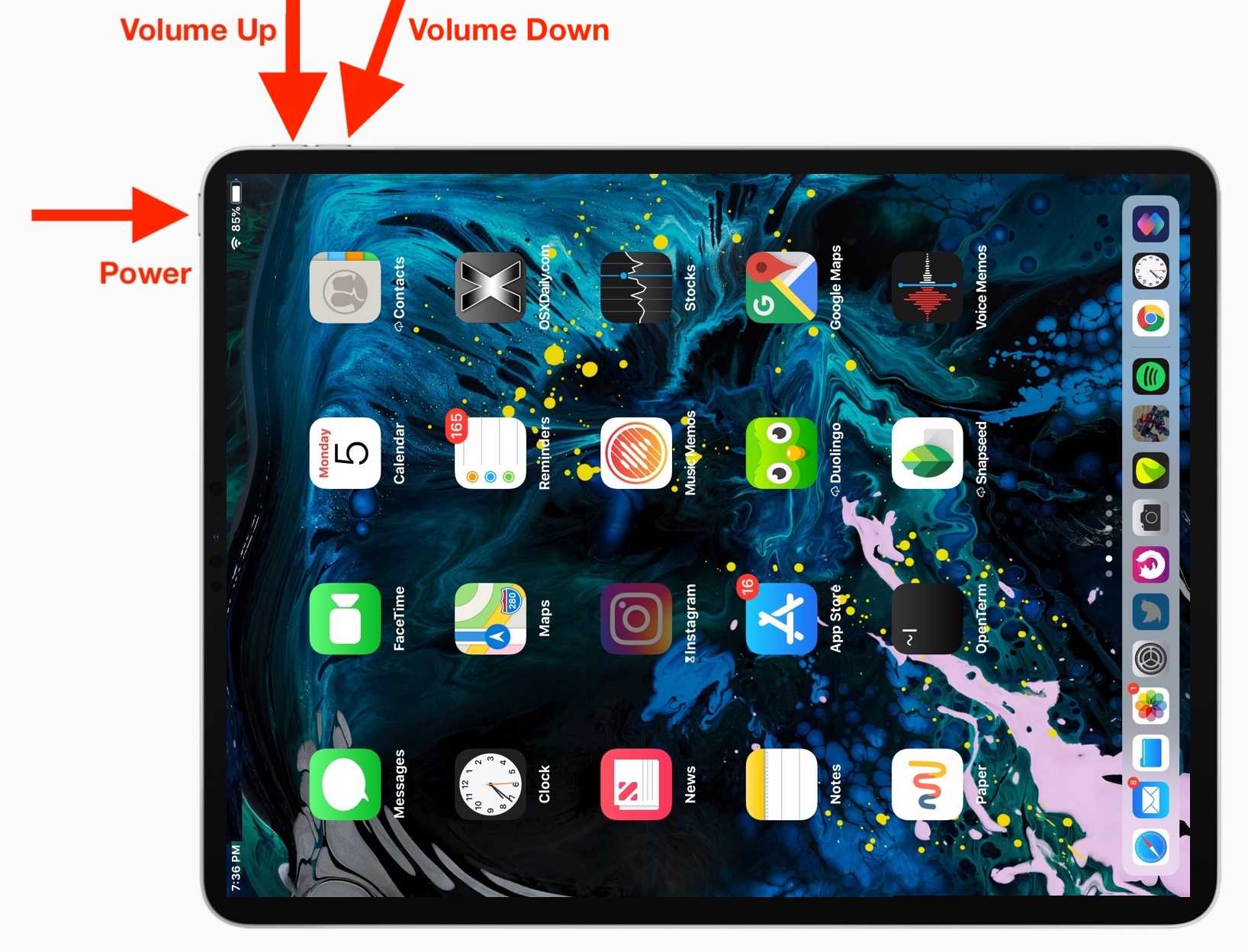
To quickly reset your iPad when it’s unresponsive, press and hold the power and volume down buttons simultaneously until the Apple logo appears. This…
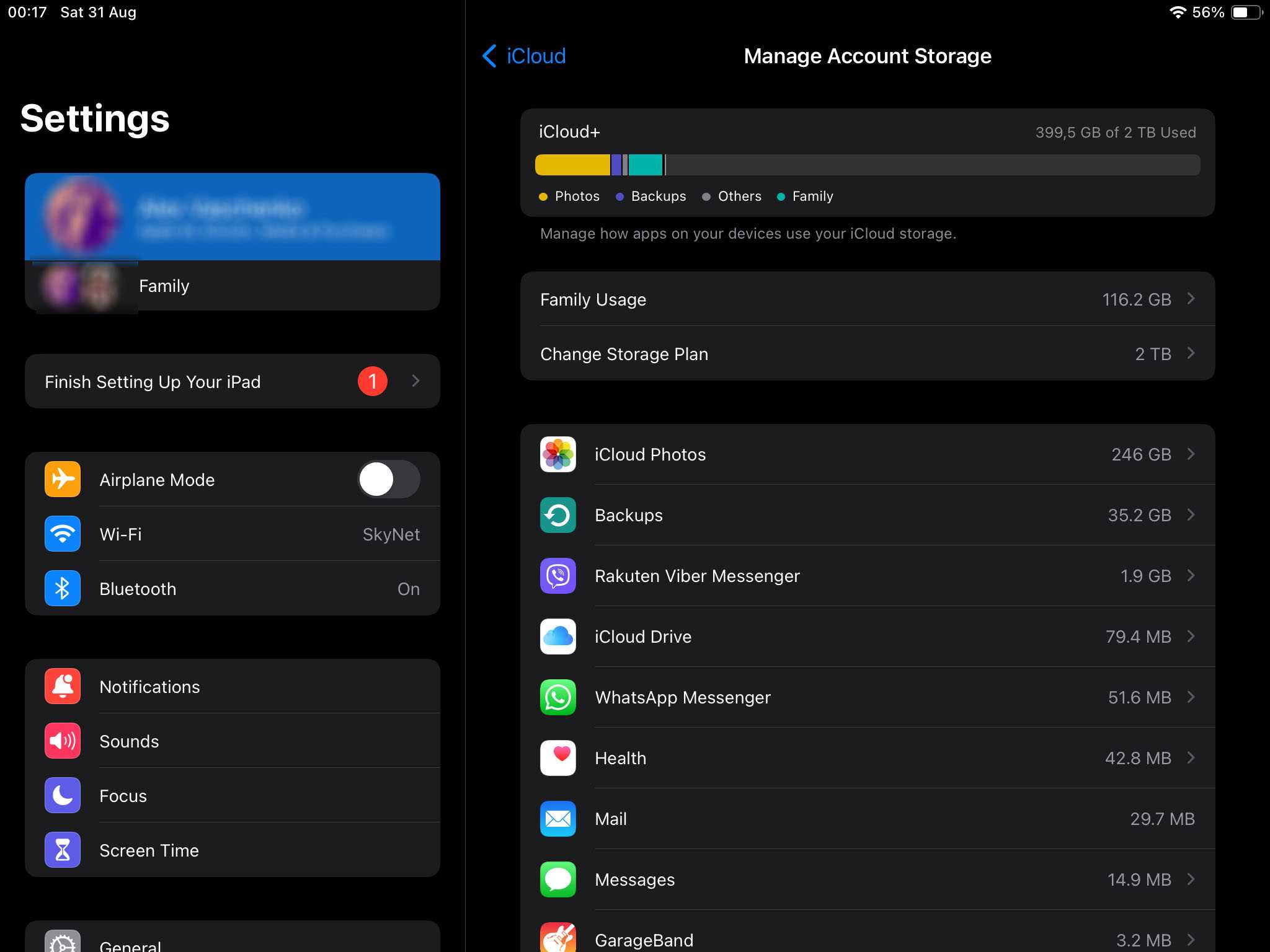
To instantly free up space on your iPad, try deleting unused apps, clearing cache, and offloading large files to iCloud. These quick steps can…
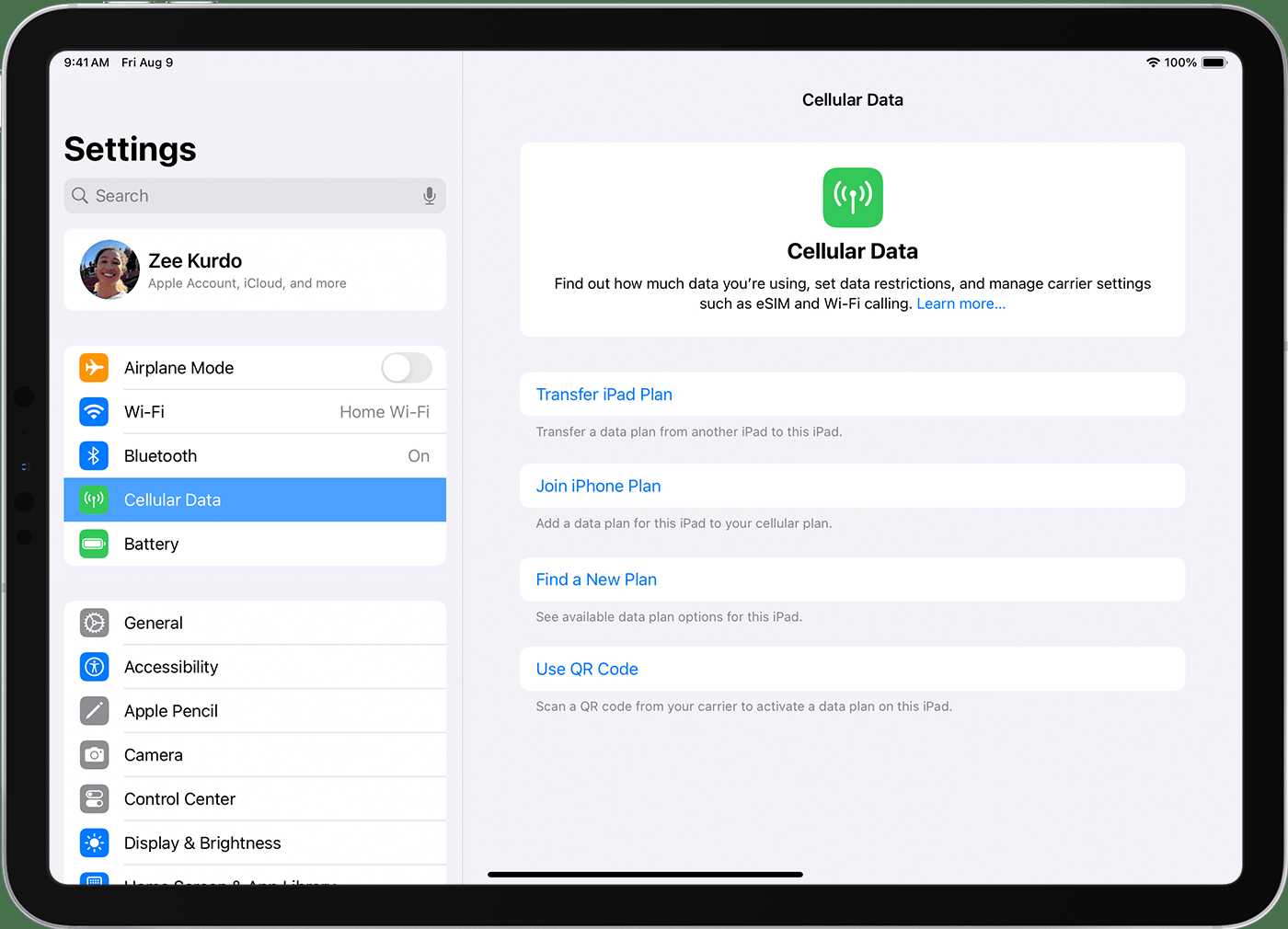
Quick answer: To get cellular data on an iPad without a SIM card, you can use a Wi-Fi hotspot from your smartphone or opt…
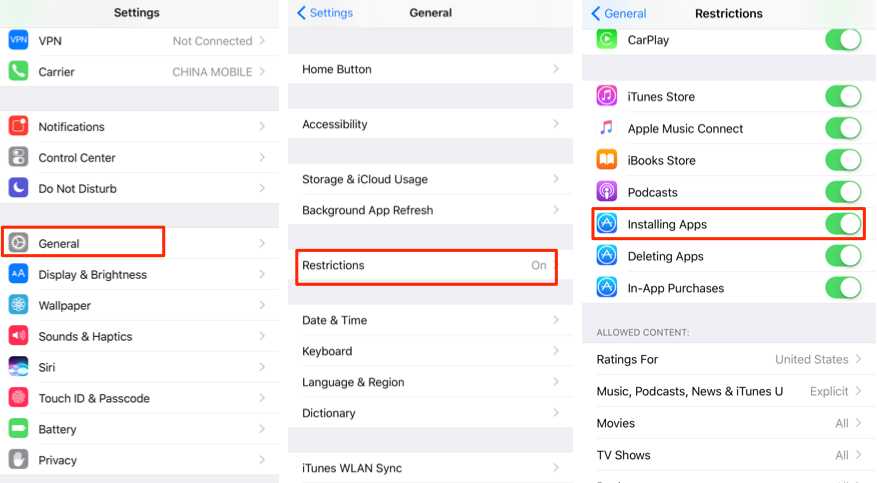
If your App Store has disappeared from your iPad, don’t worry—you can easily get it back with a few simple steps. Whether it’s hidden,…
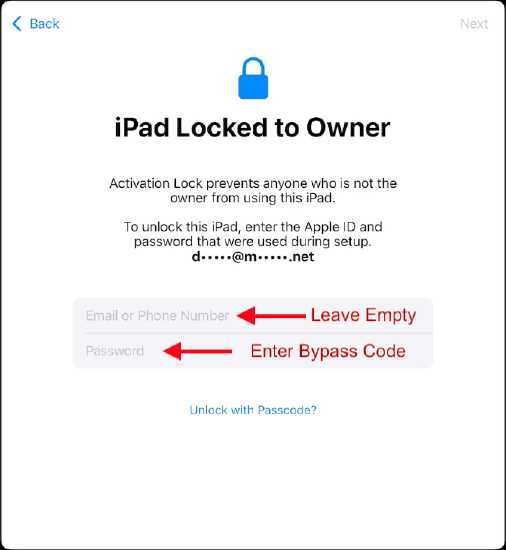
To bypass the activation lock on your iPad, the easiest way is to contact the previous owner for credentials or use official Apple support…

To score a free iPad, leverage giveaways, participate in promotional contests, or explore legitimate reward programs that offer tech gadgets as prizes. These methods…
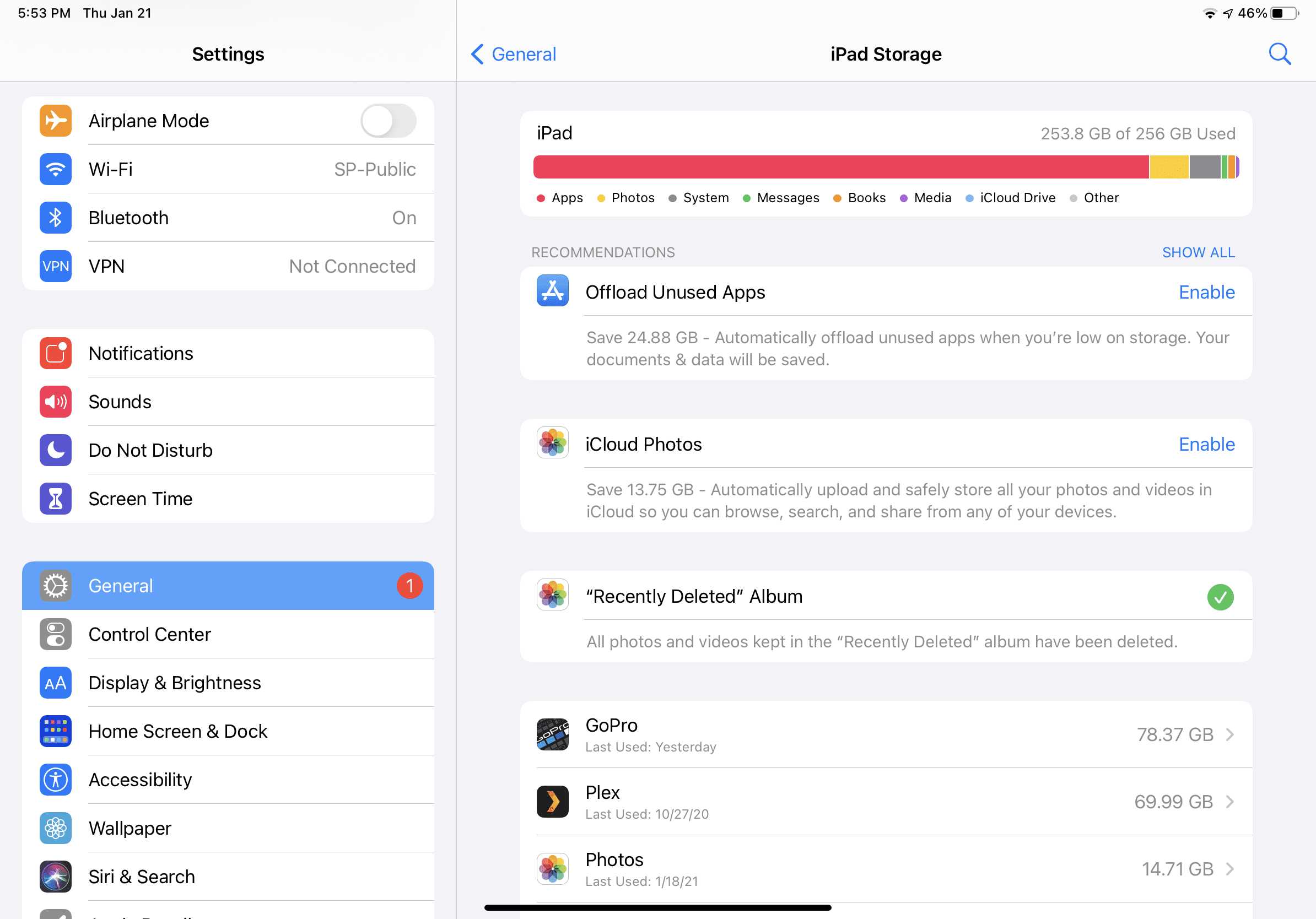
To quickly free up space on your iPad, start by deleting unused apps, clearing cache files, and transferring photos and videos to cloud storage…
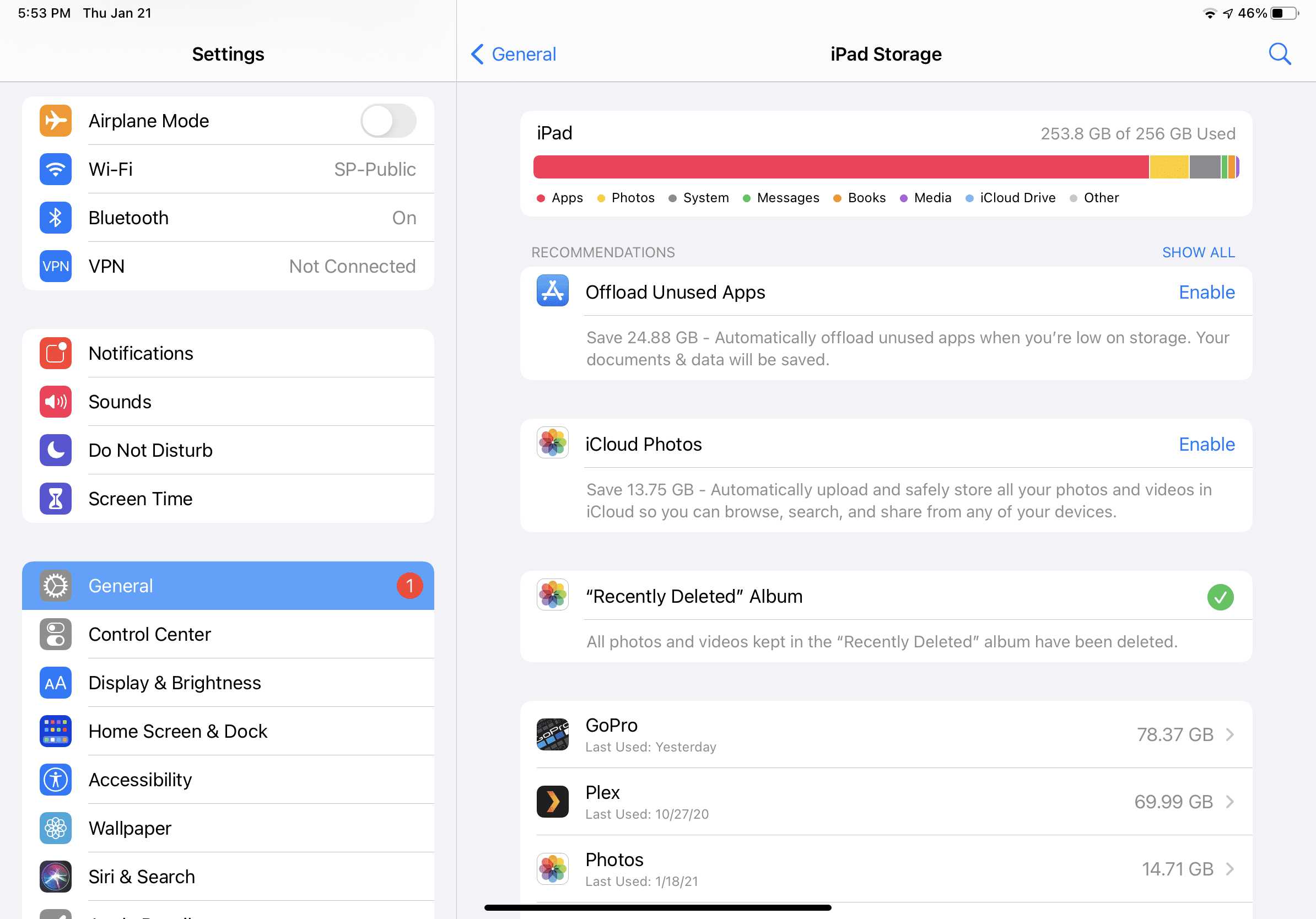
To free up space on your iPad quickly, start by deleting unused apps, clearing cache, and removing large files or videos you no longer…

To find out which iPad you have quickly, check the model number on the back of your device or in the Settings menu under…









