Can Airpods Be Used For Phone Calls A Complete Guide
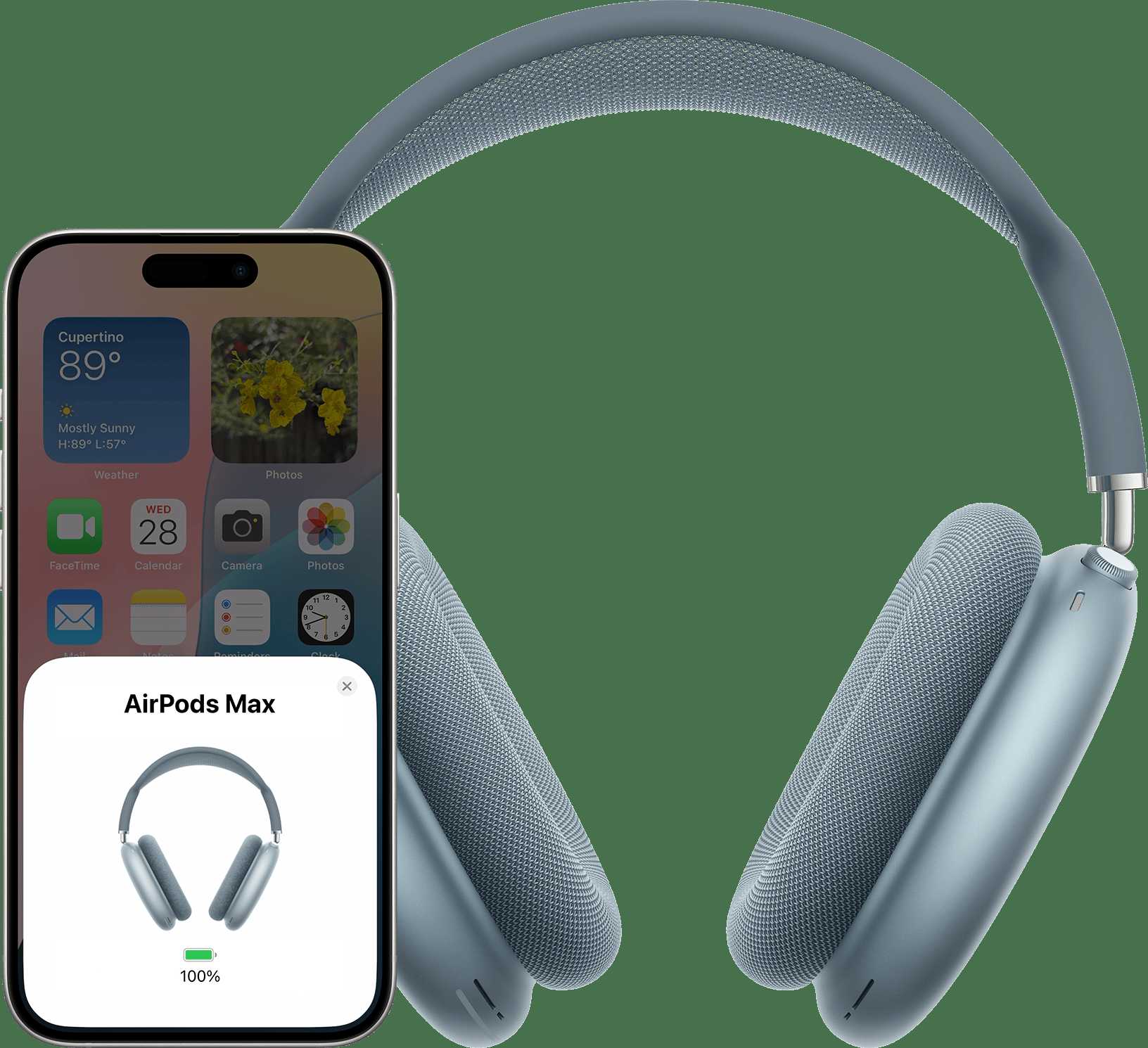

Can AirPods Be Used for Phone Calls?
Introduction to Using AirPods for Calls
Many people wonder if their AirPods are suitable for making and receiving phone calls. The good news is that most AirPods models are equipped with features that support voice calls. Whether you have AirPods Pro, AirPods 2, or newer versions, they can typically handle calls smoothly.How AirPods Connect to Your Phone
AirPods connect wirelessly to your iPhone or compatible devices using Bluetooth technology. Once paired, they automatically switch between media playback and calls based on your activity. This seamless connection makes answering calls easy without reaching for your phone.Microphone Quality in AirPods
Most AirPods have built-in microphones designed to pick up your voice clearly during calls. AirPods Pro, for example, include multiple microphones and an inward-facing mic that filters out background noise. This setup ensures your voice sounds crisp and clear to the person on the other end.Can You Use AirPods for Phone Calls with All Models?
Almost all recent AirPods models support phone calls. This includes:- AirPods (2nd Generation and later)
- AirPods Pro (all versions)
- AirPods Max
- AirPods (3rd Generation)
Answering and Ending Calls with AirPods
Responding to calls is straightforward with AirPods. Usually, double-tap, press the force sensor, or use voice commands to answer or decline calls. Ending calls can be done by tapping the AirPods or via your phone’s screen.Using Voice Commands to Manage Calls
AirPods work effortlessly with voice assistants like Siri. You can say “Hey Siri, answer call” or “Hey Siri, decline” to manage calls hands-free. This feature makes it convenient when your hands are busy.Activating Voice Control on AirPods
To activate Siri on your AirPods, ensure the feature is enabled in your device’s settings. Once activated, just say the trigger phrase and give commands to control calls, volume, or other phone functions.Audio Quality During Calls
Audio quality is a key factor for comfortable calls. Most AirPods provide high-quality sound for both your voice and incoming audio. Depending on noise levels and the environment, some models do better at blocking background noise.Impact of Environment on Call Quality
In noisy settings, AirPods Pro with active noise cancellation (ANC) offer clearer voice transmission. For quieter environments, standard AirPods deliver satisfactory call quality. The environment plays a significant role in how well your calls go.Limitations of Using AirPods for Phone Calls
Despite their many advantages, AirPods have some limitations. They may occasionally disconnect or have issues with microphone sensitivity. Also, in very noisy environments, call quality might not be perfect.Battery Life During Calls
Battery life varies by model. Typically, AirPods can last for about 4 to 5 hours of active talk time on a single charge. Charging cases can extend usage for multiple calls throughout the day.Compatibility with Non-Apple Devices
While AirPods work best with Apple products, they also connect to Android and Windows devices via Bluetooth. However, some features like Siri integration or automatic switching may be limited or unavailable.How to Troubleshoot Common Call Issues with AirPods
If you face issues during calls, try the following:- Ensure your AirPods are fully charged
- Check Bluetooth connection status
- Reset your AirPods and reconnect them
- Update your device’s software
Enhancing Call Experience with Accessories and Settings
You can improve your calls by adjusting settings or adding accessories. For example, using a windscreen can reduce background noise, and enabling noise reduction features can enhance clarity. Customizing your device’s settings also helps optimize call quality.Summary of Features Supporting Phone Calls on AirPods
– Built-in microphones for voice transmission – Seamless Bluetooth connection to phones – Voice control with Siri or Google Assistant – Noise cancellation options (AirPods Pro and Max) – Easy answering and ending calls with tap controlsRelated Topics to Explore
- Comparison of AirPods models for call quality
- Best accessories for improving call clarity with AirPods
- Using AirPods with Android devices for calls
- Tips for prolonging battery life during calls
Final Thoughts on Using AirPods for Phone Calls
Most users find AirPods very effective for making and receiving calls. Their ease of use, high-quality microphone, and sound clarity make them a popular choice. Whether for quick calls or long conversations, AirPods generally meet the needs of most users looking for wireless calling options.Frequently Asked Questions
Can I use AirPods to answer incoming calls on my iPhone?
Yes, AirPods allow you to answer incoming calls seamlessly. When a call comes in, you can simply tap the AirPods or use the double-tap gesture to pick up the call. The built-in microphone ensures your voice is heard clearly during the conversation.
Are AirPods effective for making calls in noisy environments?
AirPods are equipped with microphones that help filter out background noise, but their effectiveness can vary depending on the level of noise. In moderately noisy settings, they provide clear audio, but in very loud environments, you might experience some difficulty hearing or being heard clearly.
Can I use both AirPods simultaneously for phone calls?
Yes, if you own a pair of AirPods that support stereo audio, both earbuds connect simultaneously for phone calls. This provides a more natural and balanced sound during conversations, similar to using wired headphones.
Does using AirPods for calls impact their battery life?
Engaging in phone calls consumes battery on your AirPods, but the impact is generally minimal. If you frequently make calls, keep an eye on the battery level and recharge your AirPods regularly to ensure they remain functional throughout the day.
Are there any limitations when using AirPods to make calls on non-Apple devices?
While AirPods are optimized for Apple devices, they still work with many other Bluetooth-enabled devices. However, some features like automatic switching and advanced microphone controls may not function fully, which could affect call quality and convenience on non-Apple platforms.
Final Thoughts
AirPods are designed to offer seamless communication, including making phone calls. They feature built-in microphones and touch controls that allow users to answer and end calls effortlessly. The connection to iPhones and other devices is quick and reliable, ensuring clear sound quality. Using AirPods for phone calls provides convenience and mobility, freeing users from holding their devices. The earbuds automatically detect when they are in your ears, enabling quick call responses. Overall, yes, AirPods can be used for phone calls effectively and comfortably.
Similar Posts































