How To Make Youtube Play In Background Android
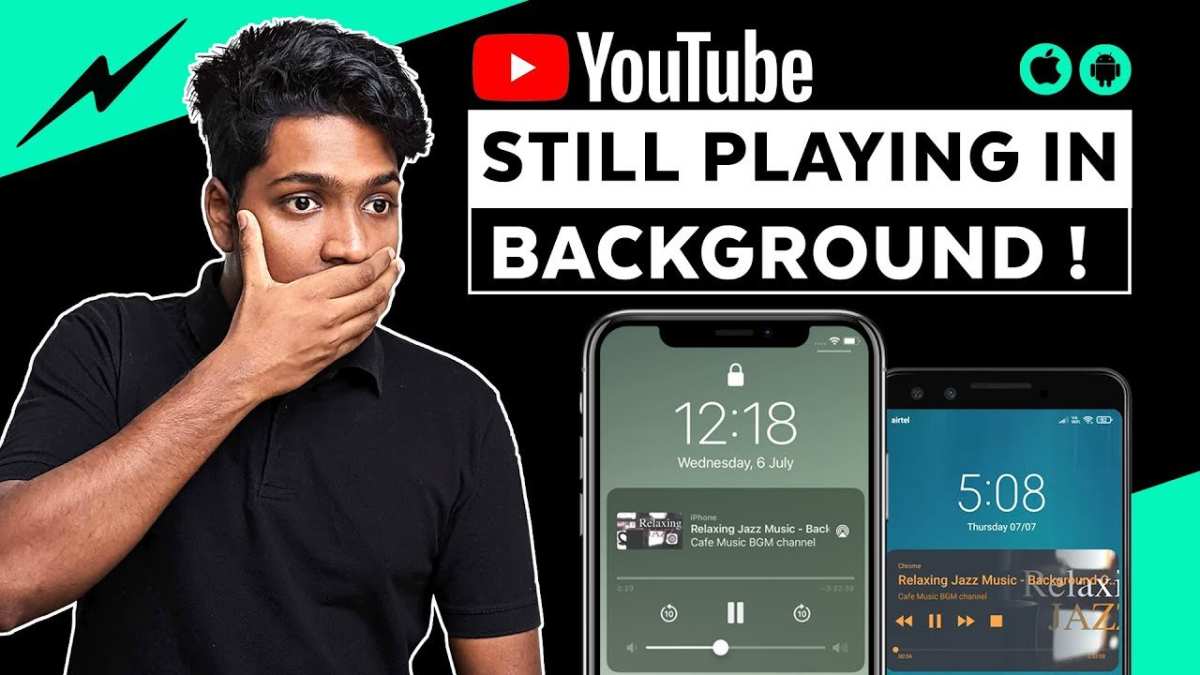
To make YouTube play in the background on Android, you can use picture-in-picture mode or third-party apps. **Enabling picture-in-picture mode for YouTube allows you…
To make YouTube play in the background on Android, you can use picture-in-picture mode or third-party apps. **Enabling picture-in-picture mode for YouTube allows you…
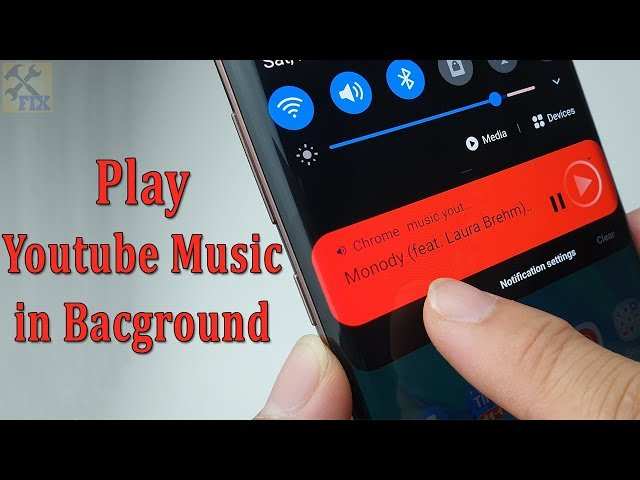
To make YouTube play in the background on Android, you can use the picture-in-picture mode or third-party apps. **This method allows you to listen…
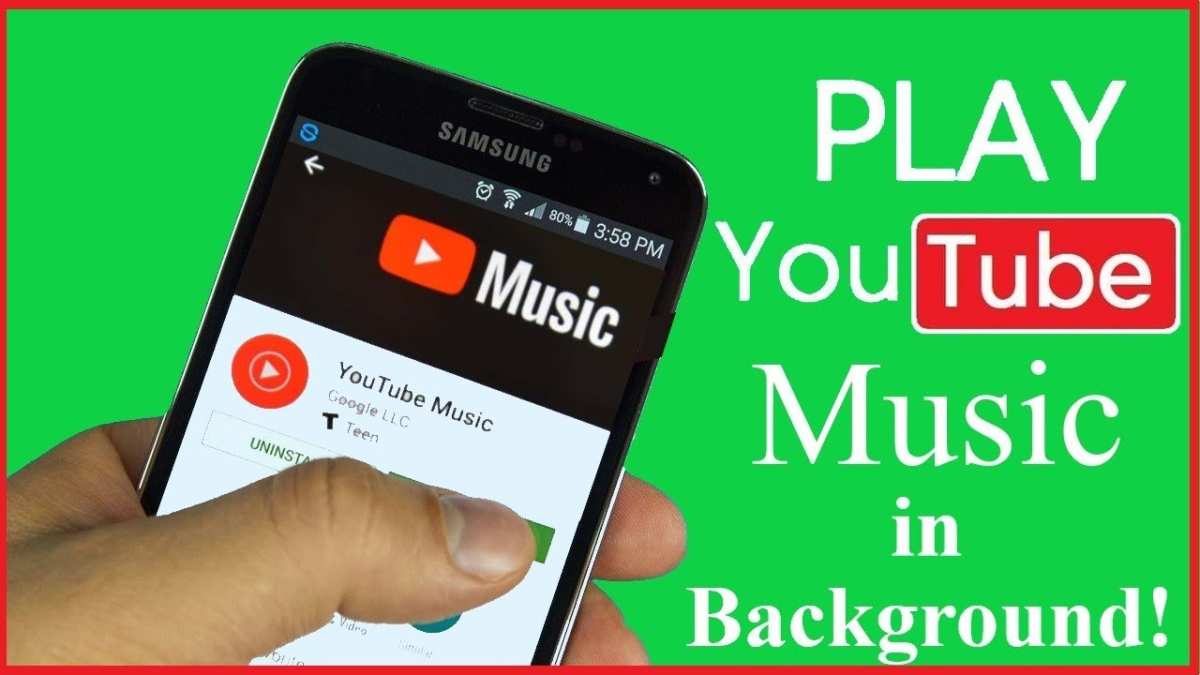
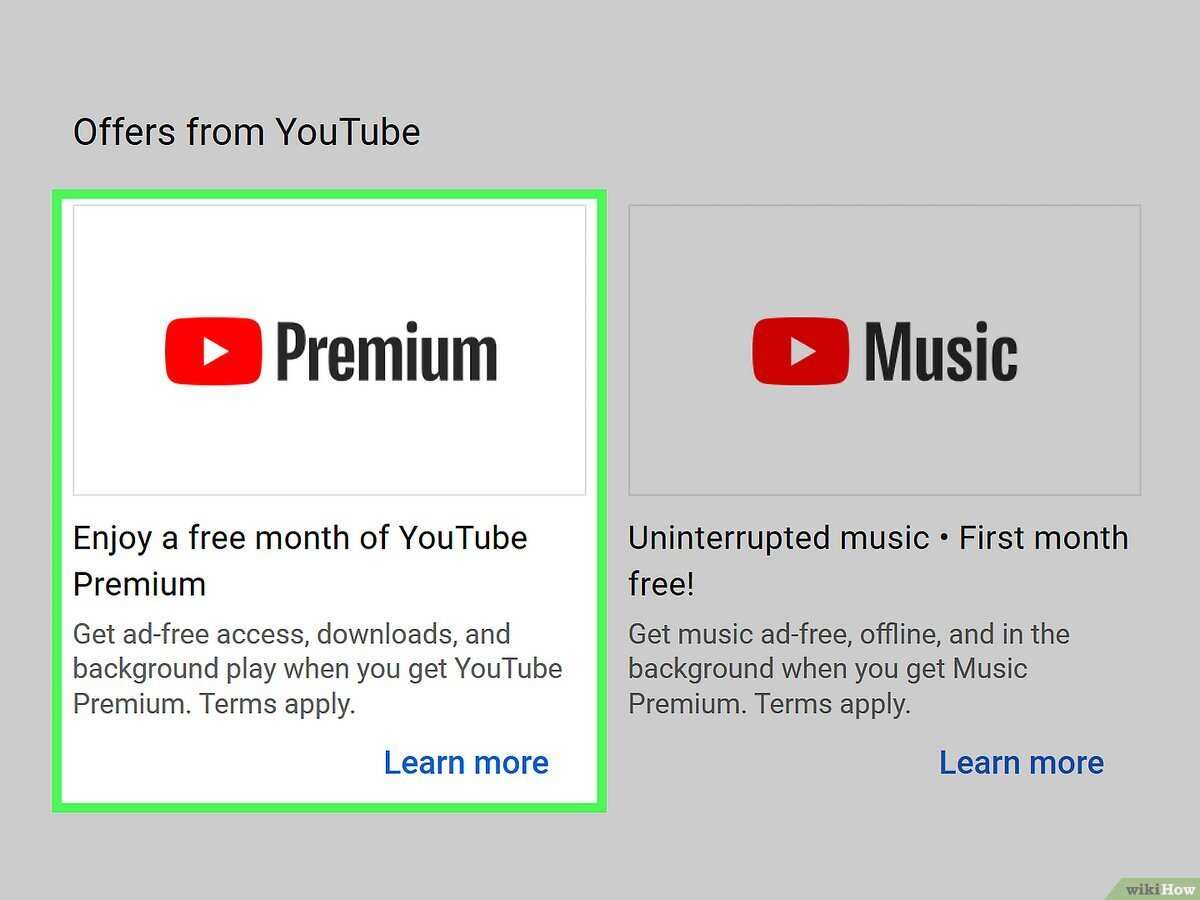
To make YouTube Music play in the background on Android, the simplest way is to use the YouTube Premium subscription. **This allows you to…
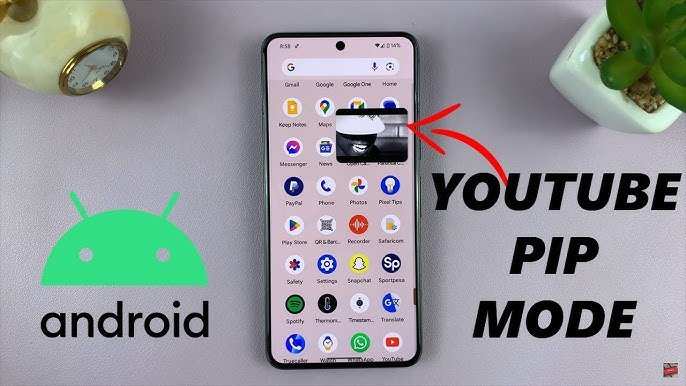
To make YouTube minimize on Android, simply use the picture-in-picture mode. **You can activate this feature in your device settings or directly from the…
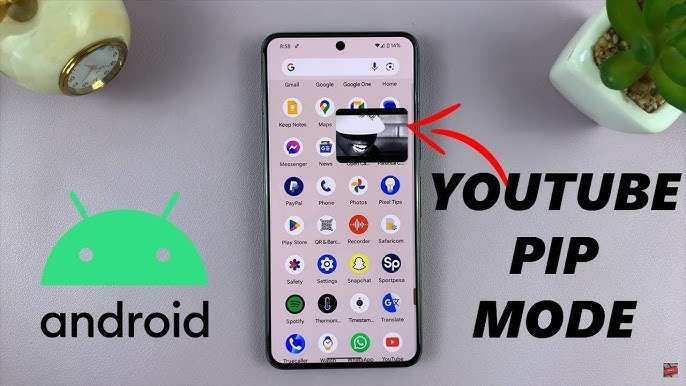
To make YouTube mini screen on Android, simply activate the picture-in-picture mode. **This feature allows you to continue watching videos in a small window…
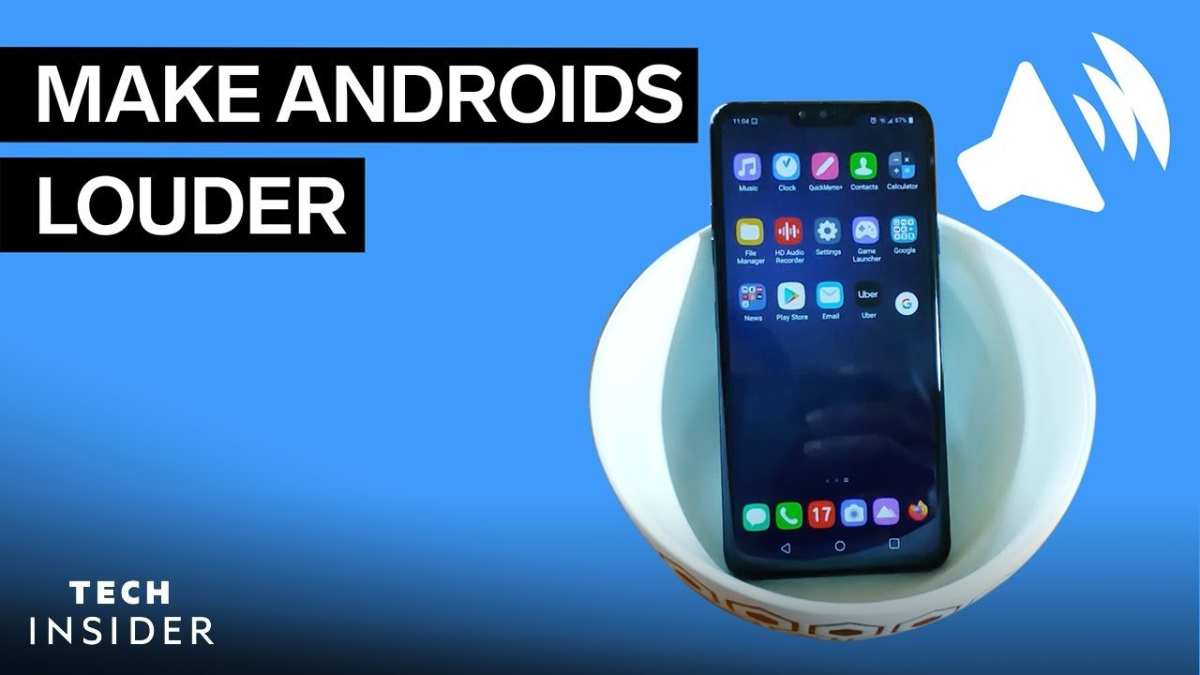
To make YouTube louder on Android, boosting the volume using built-in settings and third-party apps is essential. **Adjust your device’s volume levels and enable…
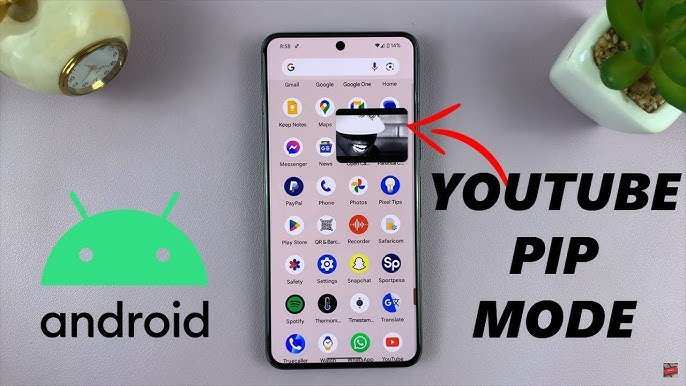
To keep YouTube playing on Android, the simplest solution is to activate the Picture-in-Picture (PiP) mode. **This allows videos to continue playing even when…
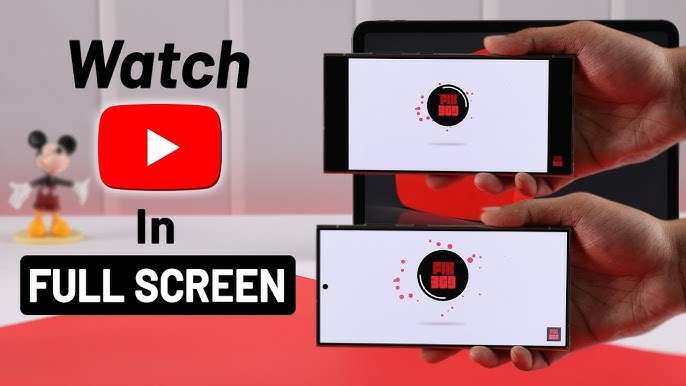
To make YouTube full screen on Android, simply tap the full-screen icon or rotate your device to landscape mode. **This quick step ensures a…

To make YouTube videos on Android, start by using your phone’s camera and editing apps. **Install a user-friendly editing app like KineMaster or InShot…
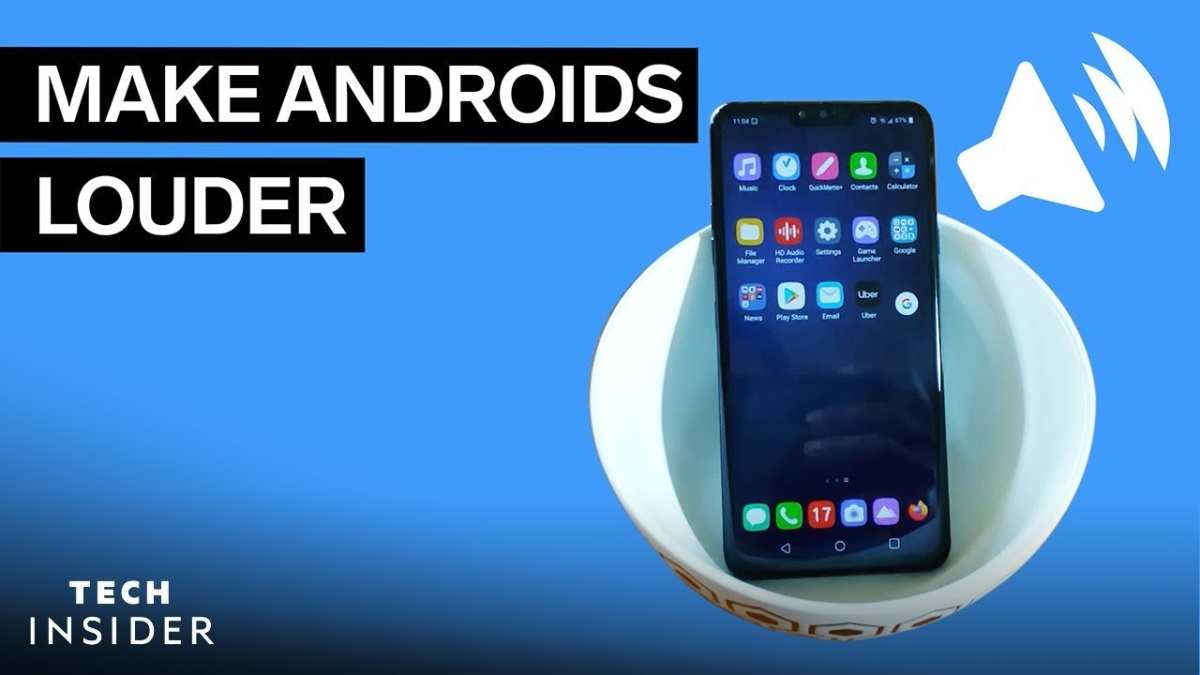
To make YouTube videos louder on Android, simply turn up your device volume, enable full-screen mode, and adjust the volume within the YouTube app.…

To make YouTube videos loop on Android, you can use a third-party app or the desktop version in a browser. **Using a browser with…
To make YouTube videos load faster on Android, clear your app cache and switch to a stronger Wi-Fi connection. These quick steps can significantly…