What Generation Of Ipad Is Outdated In 2023
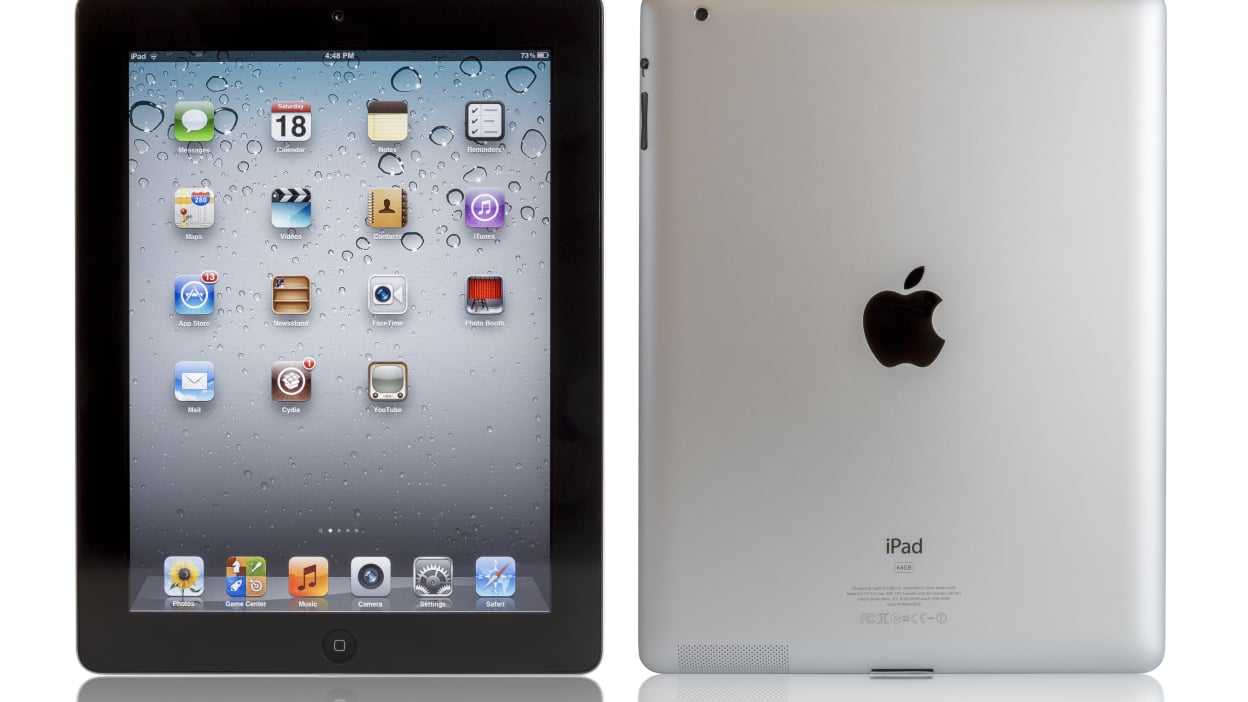

What Generation of iPad is Outdated?
Understanding iPad Generations and Their Lifespan
Each iPad generation is built to last around four to five years with proper updates and support. Over time, Apple releases new models that bring improved performance, features, and technology. Recognizing when an iPad becomes outdated helps you decide if it’s time for an upgrade or if it still suits your needs. Older iPads often face limitations like slower processing speeds and incompatible software updates. These issues can affect daily tasks such as browsing, streaming, or using apps. Knowing which generation is outdated can save you frustration and help you choose the right device for your lifestyle.Which iPad Generations Are Considered Outdated?
As of October 2023, the general consensus is that iPads older than the sixth or seventh generation are reaching outdated status. Apple officially supports updates for about five years after a model’s release. Once a device stops receiving iOS updates, it becomes less secure and less capable of running new applications. Specifically, the iPad Air 2, iPad Mini 4, and earlier iPad models are no longer supported with the latest iOS versions. These models are considered outdated because they lack the hardware and software capabilities needed for current apps and features.Impact of Outdated iPads on Daily Use
Using an outdated iPad can result in slower performance, longer load times, and frequent app crashes. Many apps require newer versions of iOS to work correctly, so outdated models can’t keep up with updates. This makes browsing, gaming, or streaming less enjoyable and more frustrating. Security is another concern with older iPads. Without the latest software updates, devices become more vulnerable to malware and security breaches. For users who rely heavily on their tablets for work or communication, this risk increases over time.Signs Your iPad Is Outdated
You may notice signs such as the device overheating, battery draining quickly, or apps not opening anymore. When your iPad cannot update to the latest iOS version, it’s a clear indicator it is outdated. Slow performance even after closing background apps also points toward aging hardware. Another sign is when your iPad no longer supports essential apps or features you use daily. If you find yourself waiting for apps to load or experiencing frequent crashes, it’s time to evaluate whether your device is outdated.Table Comparing Outdated and Supported iPad Models
| Model | Release Year | Last Supported iOS Version | Status |
|---|---|---|---|
| iPad 2 | 2011 | iOS 9 | Outdated |
| iPad Air 1 | 2013 | iOS 12 | Outdated |
| iPad Mini 3 | 2014 | iOS 12 | Outdated |
| iPad 5 | 2017 | iOS 15 | Supported |
| iPad Air 4 | 2020 | iOS 17 | Supported |
| iPad Pro 2021 and newer | 2021 | Latest iOS version | Supported |
Factors to Consider Before Replacing Your Outdated iPad
Think about how you use your iPad daily. If it struggles with your favorite apps, then it’s probably time for an upgrade. Battery health is another key factor; if it no longer holds a charge or heats up, replacement makes sense. Price is also important. Consider whether investing in a new device provides better value than repairing or maintaining an outdated one. For basic tasks like reading or browsing, an older iPad might still work, but for demanding activities, newer models are better.Benefits of Upgrading to a Newer iPad
Newer iPads come with faster processors, longer battery life, and better cameras. They support the latest iOS updates, ensuring compatibility with new apps and security features. Upgrading helps you stay current with technology and improves overall device performance. Many recent models also include features like Center Stage, improved displays, and support for Apple Pencil, enhancing creative and productivity tasks. These enhancements make a significant difference if you rely on your iPad for work or entertainment.Related Topics: Which iPad Should You Buy?
Choosing the right iPad depends on your needs and budget. For basic use, the standard iPad provides good performance at an affordable price. If you need more power for professional work or creative tasks, consider the iPad Air or iPad Pro. Budget-conscious buyers might prefer refurbished older models, but they should be aware of the potential limitations. Exploring the latest features and specifications will help you pick a device that best fits your daily routine.How to Check If Your iPad Is Outdated and What to Do Next
Open your iPad Settings, then tap General and Software Update. If your device says it’s up to date, you’re good to go. If updates are unavailable, your device is likely outdated and may need replacing. Evaluate your device’s performance and consider the upgrade options available. If it’s showing signs of aging, investing in a new iPad might be the best move for a smoother experience.Summary of Key Outdated iPad Models
- iPad 2: Released in 2011, last supported with iOS 9.3.5
- iPad Air 1: Released in 2013, last supported with iOS 12.5.7
- iPad Mini 3: Released in 2014, last supported with iOS 12
- iPad 5: Released in 2017, last supported with iOS 15
Frequently Asked Questions
How can I tell if my iPad model is no longer supported with the latest software updates?
If your iPad hasn’t received software updates in recent years, it likely belongs to an outdated generation. Apple typically stops supporting older devices within a few years of their release, so checking the software version and compatibility on Apple’s website can help determine if your iPad is still supported.
Are older iPad models suitable for running current applications and features?
Many older iPads struggle to run newer applications smoothly due to hardware limitations. As Apple updates iOS, some features and apps require more recent hardware specifications, making older generations less capable of handling the latest updates effectively.
What signs indicate that my iPad has become outdated and might need replacement?
Slow performance, frequent app crashes, inability to update to the latest iOS, and diminished battery life are common signs of an outdated iPad. If these issues persist despite troubleshooting, it might be time to consider upgrading to a newer model for better performance and support.
Which iPad generations are generally considered outdated for everyday use?
iPads released before the 6th generation, especially those older than 4-5 years, often lack compatibility with recent iOS updates and newer applications. These models may not support essential features or provide the performance needed for modern tasks.
How does hardware age affect the usability of older iPad models today?
As hardware ages, components like the processor, memory, and battery become less efficient, leading to slower performance and decreased battery life. This decline can hinder your ability to perform everyday tasks comfortably, making newer models a more practical choice.
Final Thoughts
The older iPad models, especially those released before the 6th generation, are now outdated. These devices lack the latest features, security updates, and better performance needed for current apps. Many users find that upgrading improves their experience and keeps their device secure. What generation of iPad is outdated? Generally, models older than the 6th generation face limitations that make them less suitable for modern use.
Similar Posts































