How To Make Your Own Memoji On Android For Fun
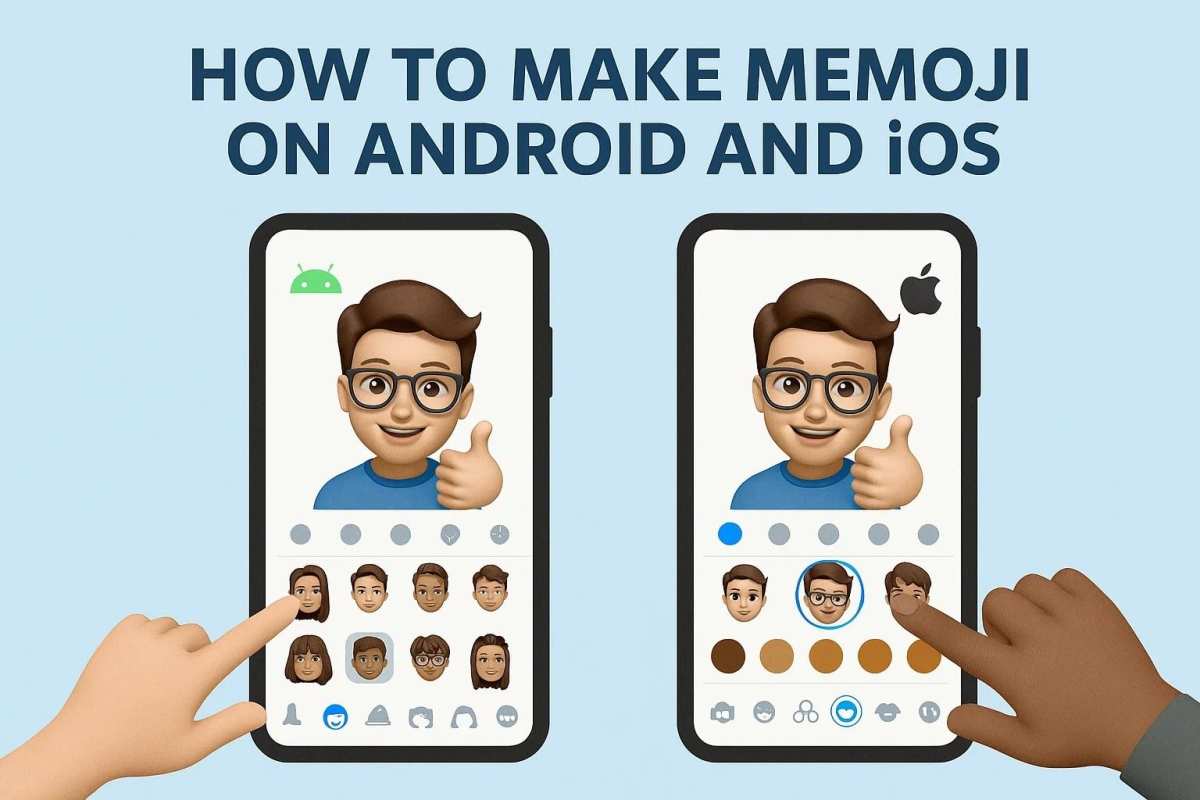

How to Make Your Own Memoji on Android
Creating your own Memoji on an Android device might seem like a complicated task at first, especially since Apple’s iPhones have built-in Memoji features. But don’t worry! There are plenty of apps and methods that let you craft a fun, personalized avatar similar to Apple’s Memoji on your Android phone. In this guide, we’ll dive deep into various ways to make your own Memoji, choose the best tools, and customize your avatar to look just like you or however you want.Understanding What a Memoji Is and Why It Matters
Before jumping into how to create your own Memoji, let’s quickly review what a Memoji actually is and why these animated avatars have become so popular.What is a Memoji?
A Memoji is a personalized animated character that you can create to resemble yourself. You can customize facial features, hairstyles, accessories, and expressions to make it unique. Apple users love Memoji because they can use them in messages, FaceTime calls, and even in stickers.Why Are Custom Avatars Popular on Android?
Android devices might not have built-in Memoji features, but that doesn’t mean you can’t enjoy similar fun options. Custom avatars make chatting more lively, help express emotions better, and add a personal touch to your messages. Plus, creating your own avatar allows for endless creativity.Choosing the Right App to Make Your Memoji on Android
The first step to creating your own Memoji is selecting the right app. There are many options available, but not all offer the same features or quality. Here’s a breakdown of some popular choices.Top Apps for Creating Memoji on Android
- ZEPETO – ZEPETO lets you create 3D avatars that resemble you. You can modify facial features, hairstyles, outfits, and accessories. It also offers a variety of environments for photo shoots.
- Bitmoji – Known for its cartoon-style avatars, Bitmoji allows for extensive customization and integration with many messaging apps.
- Avatar Maker – This app is simple and easy to use. It provides pre-designed facial features, hairstyles, and clothing options, making avatar creation quick and fun.
- FaceQ – FaceQ offers a playful way to make cartoon avatars. It focuses on fun, exaggerated features, and more whimsical designs.
Factors to Consider When Choosing an App
When selecting an app, think about these points:- Image Quality – Does the app produce high-quality, customizable avatars?
- Ease of Use – Is the app user-friendly for beginners?
- Customization Options – Can you tweak facial features, hairstyles, clothes, and accessories?
- Compatibility – Does it work well with your device and messaging apps?
- Cost – Is there a free version, or do you need to pay for premium features?
Step-by-Step Guide to Creating Your Memoji on Android
Once you’ve chosen an app, it’s time to craft your avatar. Here’s a step-by-step process that applies to most apps like ZEPETO or Bitmoji.Download and Install the App
Visit the Google Play Store, search for your selected avatar app, and install it. After installation, open the app and create an account if necessary.Start a New Avatar
Most apps will display a “Create New Avatar” or “Start” button. Tap this to begin customizing your Memoji.Choose Basic Facial Features
Begin with the foundation of your avatar:- Skin tone – pick a color that matches your complexion
- Face shape – select from various shapes that resemble yours
- Eyes – choose shape, size, and color
- Nose and Mouth – customize according to your features
Customize Hair and Accessories
Next, personalize your avatar further:- Hairstyle – pick from different cuts, lengths, and colors
- Facial hair – add beard, mustache, or stubble if desired
- Eyewear – sunglasses, glasses, or contacts
- Jewelry – earrings, necklaces, or other accessories
Add Clothing and Backgrounds
Most avatar apps allow you to dress your avatar and set backgrounds:- Outfits – choose casual, formal, or fun costumes
- Poses – select a pose that suits your personality
- Backgrounds – pick colors, patterns, or scenes
Adjust Expressions and Details
Make your Memoji truly yours:- Facial expressions – happy, surprised, angry, or silly
- Additional features – freckles, makeup, scars
Save and Export Your Memoji
Once you’re happy with your creation:- Save the avatar in the app’s gallery
- Export it as an image or animated sticker
- Some apps allow direct sharing to messaging platforms
Using Your Memoji in Messaging and Apps
After creating your avatar, you want to use it in conversations. Here’s how to do that effectively.Integrate with Messaging Apps
Most avatar apps support sharing images and stickers:- Open your messaging app
- Tap the sticker or image button
- Select your saved Memoji or sticker pack
- Send it to friends or family!
Set as Profile Pictures or Emojis
You can even set your avatar as your profile picture on social media or messaging platforms. Some apps let you create animated versions that mimic your facial expressions in real-time, similar to iMessage Memoji.Tips for Making the Best Memoji on Android
To ensure your avatar truly represents you and looks great:- Use high-quality images when customizing facial features
- Experiment with different hairstyles and accessories for unique looks
- Regularly update your Memoji to reflect changes in your appearance
- Keep your app updated to enjoy new features and improvements
- Save multiple versions if you like different styles for different moods or occasions
Common Challenges and How to Overcome Them
Even with the best apps, you might face some hurdles:- Limited customization options: Choose apps like ZEPETO or Bitmoji, which offer more customization.
- Low-quality images: Use apps with higher resolution outputs and avoid blurry backgrounds.
- Difficulty in exporting: Check if the app allows direct sharing or saving in formats compatible with your device.
- Compatibility issues with messaging apps: Save your Memoji as images or stickers and import them manually if needed.
Frequently Asked Questions
Can I customize the appearance of my Memoji on Android?
Yes, many apps that allow you to create Memojis provide options to personalize features like hairstyle, skin tone, facial features, and accessories. You can select different options to make your Memoji resemble your likeness or express your personality as you prefer.
What are the steps to start creating a Memoji on an Android device?
Begin by downloading a compatible avatar creation app from the Google Play Store. Open the app and choose the avatar creation feature. Follow prompts to select facial features, hairstyle, clothing, and other details. Save your creation once you are satisfied with the look, and use it in your messages or social media posts.
Are there specific apps recommended for making Memojis on Android?
Yes, some popular apps include ZEPETO, Bitmoji, and AVATAR MAKER. These apps offer customizable options and user-friendly interfaces that help you craft unique cartoon-like avatars or Memojis suited for various platforms.
Can I animate my Memoji on Android devices?
Many avatar apps include features to animate your created Memoji, such as facial expressions or movement sequences. Check the app’s options for animation tools, and follow the instructions to bring your avatar to life for use in messaging or videos.
Is it possible to use my custom Memoji across different messaging platforms on Android?
Yes, once you create and save your Memoji or avatar, you can export it as an image or sticker file. Then, upload or insert it into your preferred messaging apps like WhatsApp, Messenger, or others to personalize your conversations.
Final Thoughts
To make your own memoji on Android, start by using apps like Samsung AR Emoji or third-party tools like ZEPETO. Customize the facial features, hairstyle, and accessories to match your personality. Once you finish, save and use your memoji across different platforms. Practicing these steps makes creating personalized memojis quick and fun. Your unique emoji can brighten chats and personalize your online presence. Knowing how to make your own memoji on android helps you express yourself more creatively.
Similar Posts































