How To Get Student Discount On Ipad 11Th Generation

How to Get Student Discount on iPad 11th Generation
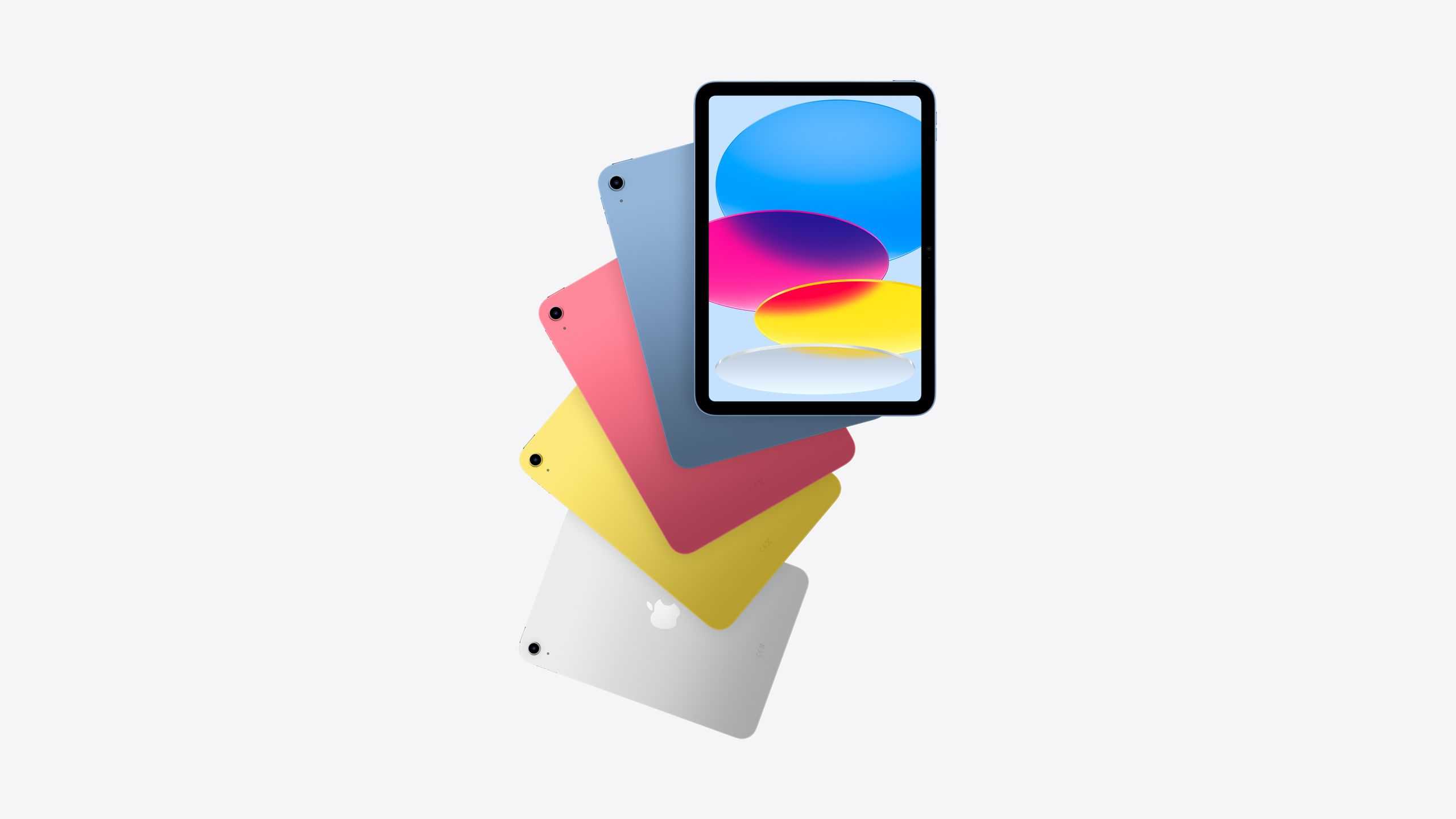
Many students want to buy the latest iPad 11th Generation, but the price can be high. Luckily, there are special discounts available for students that make purchasing easier and more affordable. In this guide, we’ll walk you through the best ways to get the student discount on the iPad 11th Generation.
Understanding the Student Discount for Apple Products
Apple offers exclusive discounts for students and educators through its official programs. These discounts are designed to support students in their educational journey by making technology more affordable. The discount usually provides a percentage off the retail price or special bundle deals.
It’s important to know that the student discount is only available for specific Apple products, including the iPad 11th Generation. Being aware of what is eligible helps you plan your purchase better.
Who Qualifies for the Student Discount?
- High school and college students
- Graduate students
- Teachers and school staff
In some countries, eligibility also extends to university staff and faculty. The requirements may vary depending on your location, so it’s good to check the specific criteria of your country’s Apple Education Store.
How to Verify Your Student Status
Steps to Prove Your Student Identity
- Visit the Apple Education Store website.
- Click on the button that says Get Student Discount.
- Create or sign in with your Apple ID.
- Provide proof of current enrollment or employment at an educational institution. This could include a school ID, enrollment letter, or official student email.
- Follow the prompts to complete the verification process.
Apple partners with third-party verification services like UNiDAYS or SheerID to confirm your student status quickly and securely. These services check your eligibility using data from your school or university.
Using UNiDAYS and SheerID for Verification
Both UNiDAYS and SheerID are trusted platforms that verify student and educator identities. To use these services:
- Sign up with your school email address or upload proof of enrollment.
- Complete the verification process by submitting your student ID or official documents.
- Once verified, you will receive a badge or code to use for discounts.
This process typically takes a few minutes but can vary. After successful verification, you can access discounts on Apple’s website and sometimes in physical stores.
Where to Find the Best Student Discounts for iPad 11th Generation
Apple Official Education Store
The most reliable place to get the student discount is through the Apple Education Store. It offers exclusive deals on all Apple products, including the iPad 11th Generation. You can also access bundle offers with accessories or software.
Authorized Retailers and Online Stores
Besides Apple, authorized resellers like Best Buy, B&H, or Currys often provide student discounts. These discounts can sometimes be combined with Apple’s promotions for added savings.
Third-Party Discount Platforms
Platforms like UNiDAYS and Student Beans partner with various electronic retailers to offer additional deals on Apple products. Always verify the credibility of the platform before sharing personal information.
Maximizing Savings When Buying the iPad 11th Generation
- Compare prices across different authorized stores to find the best deal.
- Look for seasonal sales such as back-to-school or holiday discounts.
- Consider refurbished or certified pre-owned iPads for significant savings, which still come with warranties.
- Combine student discounts with promotional offers like free shipping or free accessories.
Additional Tips for Students Purchasing an iPad
Choose the Right Storage Capacity
For most students, 64GB or 256GB storage options suffice. Larger storage costs more but provides room for apps, notes, and media. Assess your needs before purchasing.
Consider Accessories for Better Utility
Invest in accessories like a stylus, protective case, or keyboard to enhance your learning experience. Sometimes, discounts are available on these accessories when bought with the iPad.
Explore Payment Options and Financing
Some stores and Apple itself offer flexible payment plans for students, allowing you to spread the cost over several months. This can make purchasing more manageable.
Stay Updated with Promotions and News
Follow Apple’s official channels and subscribe to newsletters to stay informed about upcoming student promotions. Seasonal sales often include the iPad 11th Generation at discounted prices.
Summary of Steps to Get the Student Discount on iPad 11th Generation
- Verify your student status through Apple Education Store or third-party platforms.
- Sign up and upload proof of enrollment or employment.
- Access the discount code or direct pricing through the verified platform.
- Compare offers and select the best deal from authorized retailers.
- Complete your purchase online or at a store with your discount applied.
With these straightforward steps, students can significantly reduce the cost of the iPad 11th Generation, making it an affordable choice for educational needs. Always keep your verification documents handy and stay aware of current promotions to maximize your savings.
Frequently Asked Questions
What is the best way to verify my student status for an iPad 11th generation discount?
Most retailers and Apple itself require proof of current enrollment, such as a student ID, a valid school email address, or an acceptance letter. Ensure your documents are up-to-date and clearly display your name and institution. Using Apple’s education store often involves uploading these credentials during the purchase process to confirm your eligibility.
Can I combine a student discount with other offers when purchasing the iPad 11th generation?
It depends on the retailer’s policies. Some stores permit stacking discounts, while others restrict deals to one offer at a time. Review the specific terms before completing your purchase, and consider waiting for promotional periods or special sales events where additional savings may be available.
Are there specific platforms or stores where I can find the best student discounts on the iPad 11th generation?
Apple’s education store is a primary option that often provides competitive student discounts. Certain authorized resellers and electronics retailers may also carry special promotions for students. Check their official websites regularly to stay informed about current discounts and offers tailored for students.
What steps should I follow to apply for a student discount when buying an iPad 11th generation?
Start by verifying your student status through your educational institution or an approved verification platform. Then, visit Apple’s education store or authorized retailers, select the iPad 11th generation, and provide the required proof during checkout. Follow the on-screen instructions to complete the process and ensure you receive the discount price.
Is there a deadline or limited window to use a student discount for the iPad 11th generation?
Yes, most student discounts require renewal or re-verification each academic year or semester. Keep track of expiration dates and re-submit your eligibility documentation as needed to continue enjoying discounts. Always check the retailer’s policies to understand the validity period of the offer.
Final Thoughts
Getting a student discount on the iPad 11th generation is straightforward. Students can verify their status through platforms like UNiDAYS or Student Beans. These services often offer exclusive discounts for eligible students. Check if Apple or authorized retailers provide special offers for students directly on their websites. In summary, how to get student discount on iPad 11th generation involves registering with discount platforms and verifying your student status. This way, you can access significant savings easily and efficiently.
Similar Posts































