How To Fix Iphone Screen Rotation Quickly And Easily
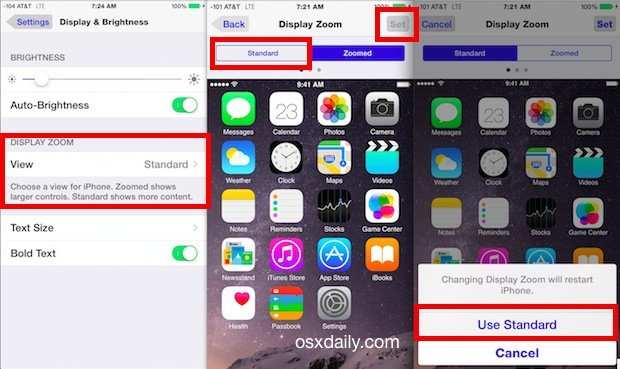
If your iPhone screen isn’t rotating as it should, the solution is simple: ensure the orientation lock is disabled and rotate your device. **To fix iPhone screen rotation, just check the Control Center and turn off the lock.** Sometimes, a quick restart or updating your iOS helps. If the problem persists, calibrate the sensors or seek professional support. Addressing these steps can get your screen rotating smoothly again.

Similar Posts































