Does Windows 11 Consume More Ram Than Windows 10

Does Windows 11 consume more RAM than Windows 10?
Introduction to RAM Usage in Windows Operating Systems
Windows operating systems rely heavily on RAM to run smoothly. RAM, or Random Access Memory, helps your computer perform tasks quickly by storing data that your system actively uses. As newer versions like Windows 11 arrive, many users wonder if these updates lead to increased RAM consumption compared to previous versions like Windows 10.Understanding RAM Consumption: What Does It Mean?
When we talk about RAM consumption, we refer to how much memory the operating system and running applications use at any given time. High RAM usage might cause slower performance if your device doesn’t have enough memory available. Conversely, some RAM usage is necessary for your system to operate efficiently, especially when multitasking or using demanding applications.Comparing System Requirements of Windows 10 and Windows 11
Windows 11 has higher minimum hardware requirements than Windows 10. For example, Windows 11 demands a compatible 64-bit processor, 4GB of RAM, and 64GB storage minimum. These specifications suggest that Windows 11 might need more resources overall. However, system requirements do not directly translate into actual RAM consumption during everyday use.How RAM Usage Differs Between Windows 10 and Windows 11
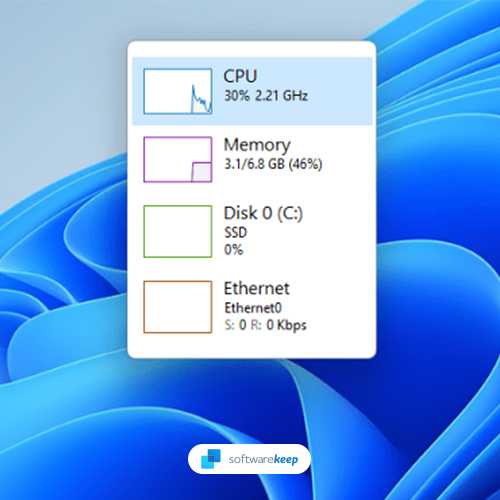
In many cases, Windows 11 appears to use more RAM than Windows 10. This increase is partly due to the newer interface, background processes, and enhanced features. The Windows 11 task manager often shows higher memory usage, especially when multiple applications are open or during system updates.Analyzing RAM Usage in Real-World Scenarios
Tests show that idle RAM consumption on Windows 11 is usually higher than Windows 10. For example, a clean installation of Windows 11 might use around 2.5GB of RAM while Windows 10 uses about 1.8GB. When running the same applications, RAM usage can jump significantly on Windows 11 due to additional features and services.Why Does Windows 11 Use More RAM?
Several reasons contribute to increased RAM use in Windows 11. These include the **new visual design**, **more background services**, and **preloaded system components**. These features enhance user experience but can lead to higher memory demands.Impact of Interface and Visual Effects
Windows 11 introduces a more modern, sleek interface with transparency, animations, and rounded corners. These visual effects require extra RAM for rendering, which adds to overall system memory usage.Background Processes and Preloaded Apps
Windows 11 runs more background processes such as widgets, security features, and system updates. Many applications load at startup to improve responsiveness, increasing RAM consumption even when not actively used.Does the Increased RAM Usage Affect System Performance?
Higher RAM consumption does not necessarily mean slower performance. Modern Windows systems use RAM efficiently by caching data, which can result in higher reported usage but smoother operation.Memory Management Mechanisms
Windows manages RAM dynamically, allocating more resources to active tasks while freeing up memory when needed. This means that higher RAM use often reflects better system responsiveness.When RAM Usage Becomes a Problem
Problems arise if your device has limited RAM and cannot keep up with demands, resulting in lag or system freezes. In such cases, upgrading RAM or closing unnecessary applications can help.Are There Ways to Optimize RAM Usage in Windows 11?
Yes, you can take steps to reduce RAM consumption and improve performance. These include disabling unnecessary startup programs, turning off visual effects, and managing background processes.Using Built-in Tools for Optimization
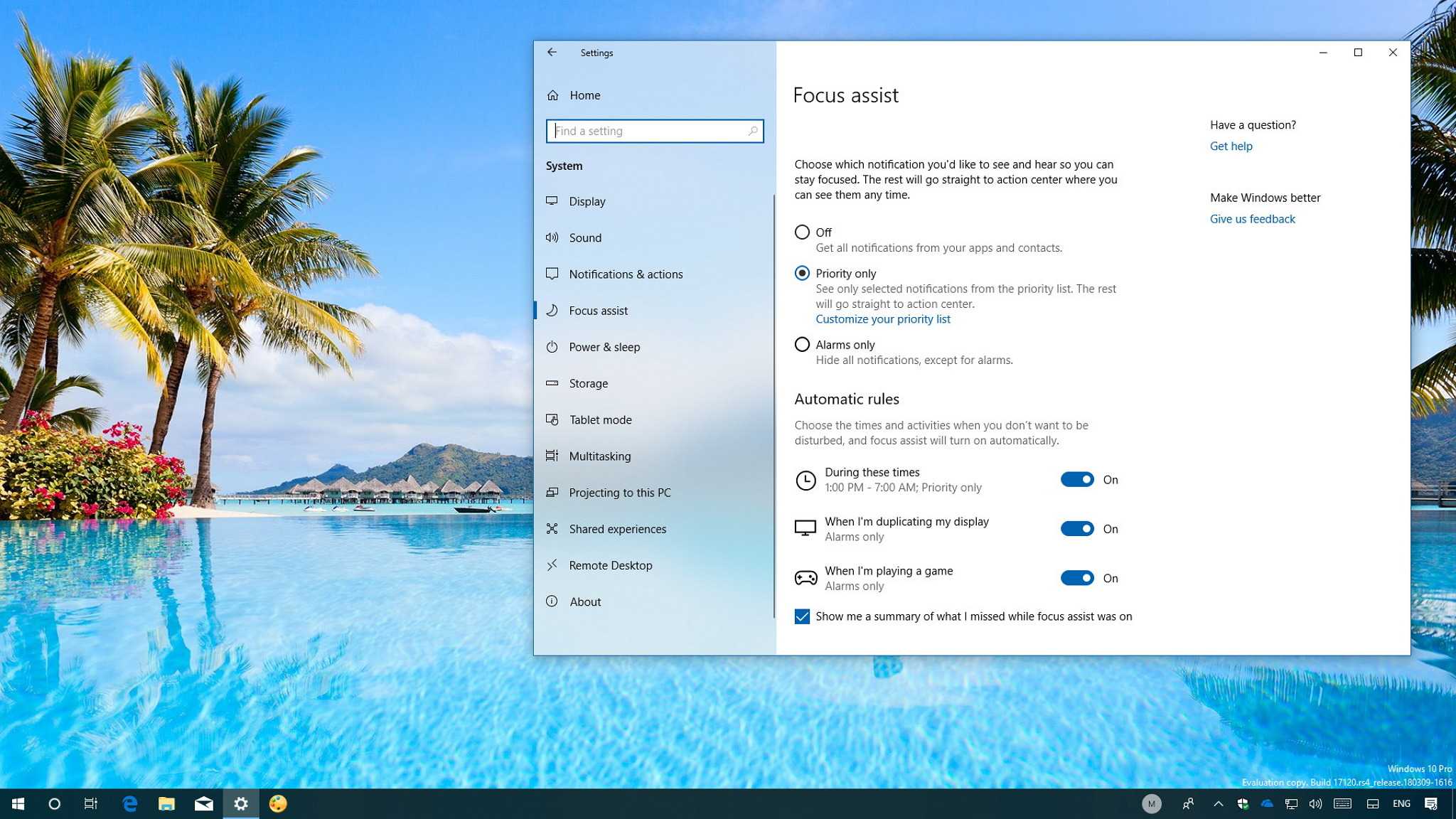
Windows provides tools like the **Task Manager** and **Settings app** to monitor and limit RAM use. You can identify heavy applications and close or limit their background activity.Adjusting Visual Effects and Services
Disabling or reducing visual effects like transparency and animations can lower RAM usage. Navigating to System Settings > Advanced System Settings > Performance Options allows you to customize these effects.Comparing RAM Efficiency: Windows 10 vs Windows 11
While Windows 11 may use more RAM, it often offers better efficiency with newer hardware and software optimizations. The actual impact on your system’s performance depends on your device’s specifications and how you manage background tasks.Performance Benchmarks and Testing
Benchmark tests indicate that, despite higher RAM consumption, Windows 11 can perform faster with compatible hardware. This is due to optimized code and enhanced hardware acceleration.Choosing the Right Version for Your Needs
If your device has limited RAM or older hardware, Windows 10 might run more efficiently. For newer devices with ample memory, Windows 11 offers a better user experience despite increased RAM demands.Related Topics: RAM Usage in Different Hardware Setups
It’s essential to consider your hardware when evaluating RAM demands. Devices with SSDs tend to handle higher RAM usage better than traditional HDD setups. Gaming PCs, workstations, and business laptops may also experience different RAM performance levels.Gaming and RAM Consumption
Gaming on Windows 11 can lead to higher RAM use due to advanced graphics and game features. However, gaming performance often benefits from faster RAM and optimized system configurations.Business and Professional Usage
For professional tasks like video editing or 3D rendering, Windows 11’s higher RAM demands are justified. These applications require significant memory, and Windows 11’s improvements can enhance productivity. Overall, Windows 11 does tend to consume more RAM than Windows 10, primarily because of its new interface and additional background services. However, the actual impact on your device’s performance depends on its hardware capacity and how you manage system resources. Upgrading your RAM or optimizing system settings can ensure smooth operation, regardless of the Windows version you’re using.FIX high Memory/RAM Usage (Windows 10/11)✔️
Frequently Asked Questions
How does the RAM usage of Windows 11 compare during initial startup to Windows 10?
Windows 11 tends to use slightly more RAM during startup compared to Windows 10. This increase results from the new features and improved visual effects that demand additional memory. However, the difference is generally minimal and may not significantly impact overall system performance on modern hardware.
Are there specific features in Windows 11 that contribute to higher RAM consumption?
Yes, Windows 11 introduces features like redesigned widgets, enhanced multitasking tools, and a new interface, all of which can increase RAM usage. These features aim to improve the user experience but require additional memory to run smoothly, especially when multiple features operate simultaneously.
Can running multiple applications impact RAM usage differently on Windows 11 compared to Windows 10?
Running several applications on Windows 11 can lead to higher RAM consumption due to its optimized multitasking capabilities and background processes. While Windows 11 manages resources efficiently, the increased features may cause a slightly higher baseline RAM usage compared to Windows 10 under similar workloads.
Does hardware configuration influence RAM consumption differences between Windows 11 and Windows 10?
Absolutely. Systems with higher RAM capacities and faster processors handle Windows 11’s increased demands more effectively. On lower-spec devices, you might notice more pronounced differences, with Windows 11 consuming relatively more RAM, especially if running resource-intensive tasks.
Final Thoughts
Windows 11 generally uses more RAM than Windows 10 due to enhanced features and visual effects. These additions demand extra memory to run smoothly. However, actual usage varies based on hardware and background processes. In everyday usage, Windows 11 might seem more resource-intensive, but it optimizes performance with newer management techniques. Does Windows 11 consume more RAM than Windows 10? Yes, it typically does, but the difference depends on individual system configurations.
Similar Posts