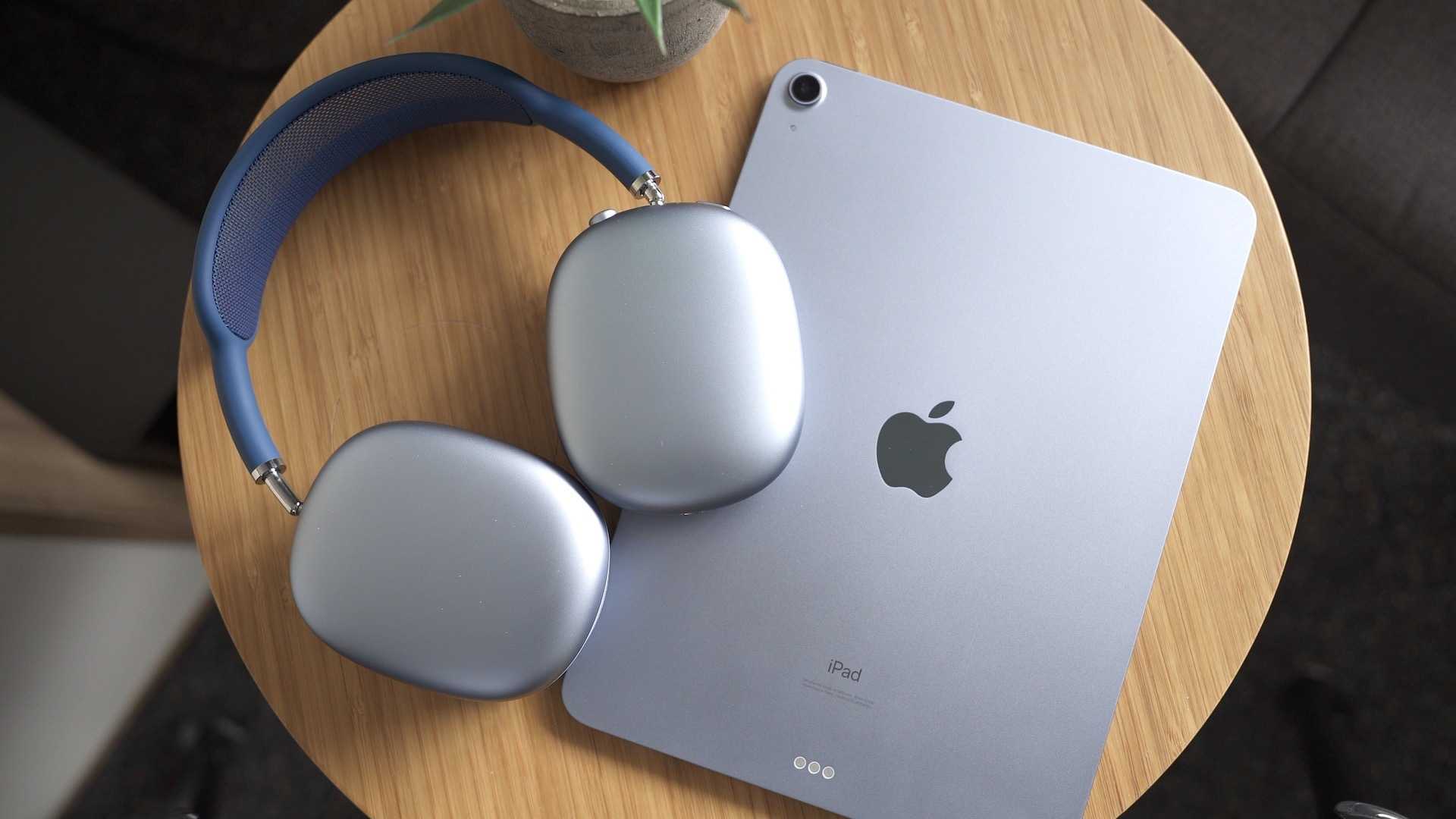
When Is The Best Time To Buy Airpods Max In 2023
The best time to buy AirPods Max is during major sales events like Black Friday or holiday seasons when discounts are most substantial. Also,…
The best time to buy AirPods Max is during major sales events like Black Friday or holiday seasons when discounts are most substantial. Also,…
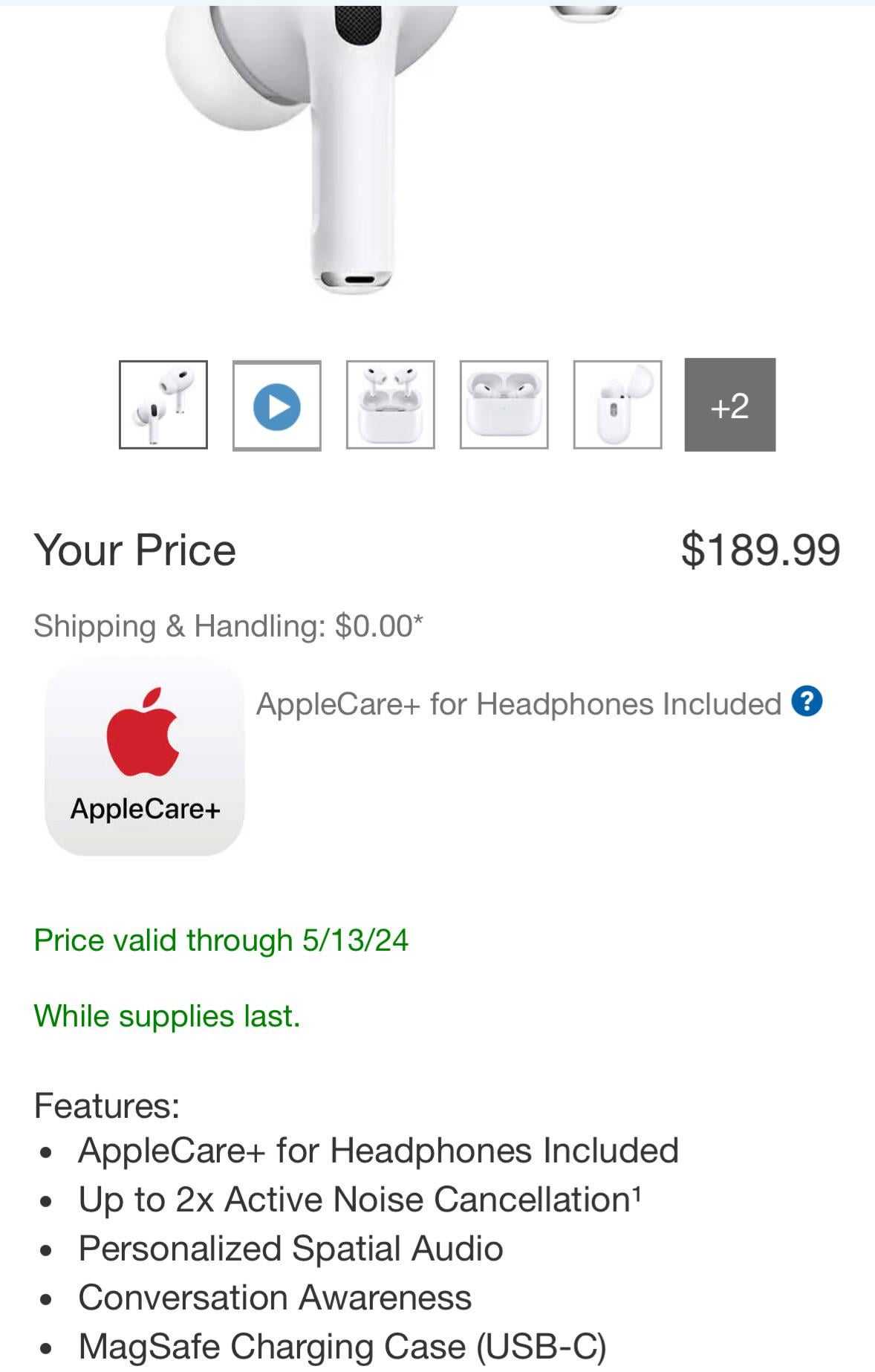
AirPods Pro 2 usually go on sale several times a year, especially during major shopping events. You can expect discounts during Black Friday, Cyber…
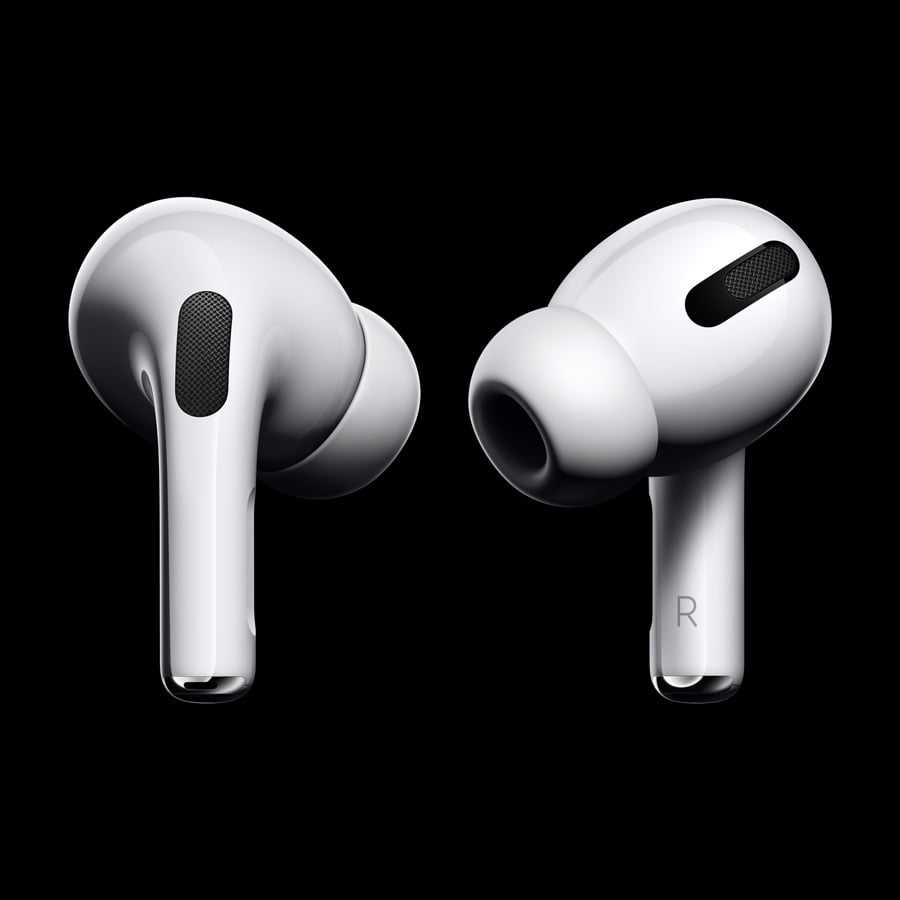
The best time to buy AirPods Pro is during major sales events like Black Friday, Cyber Monday, or around holiday seasons when discounts are…

To quickly check if your AirPods Pro are charging, simply glance at the LED indicator on the case or check the battery widget on…

The main difference between AirPods and AirPods Pro is that AirPods Pro offer active noise cancellation, a customizable fit with silicone tips, and a…
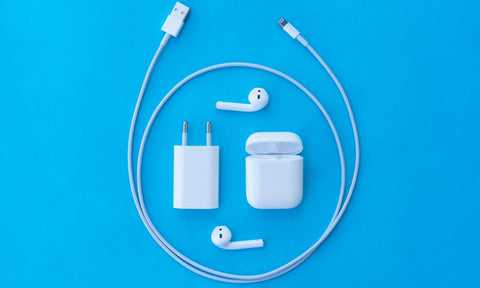
Charge your AirPods for about 15 minutes the very first time to ensure they’re ready to go. This quick initial charge helps calibrate the…

Yes, you should put your AirPods back in their case after use. Doing so not only protects your earbuds from damage and dirt but…
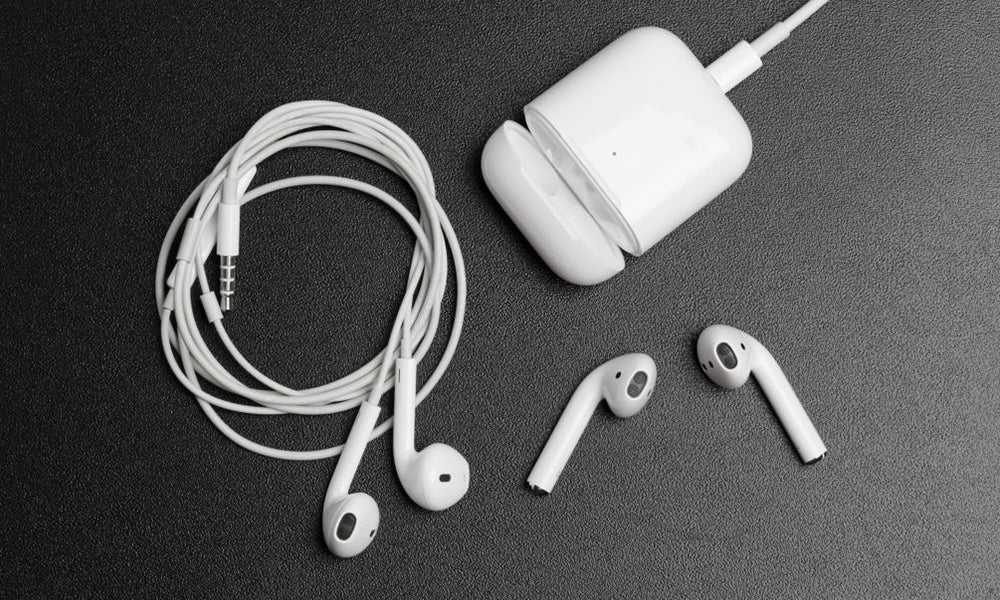
Using AirPods while charging your phone is generally safe if you follow basic precautions. Modern devices are designed to handle multiple tasks simultaneously without…
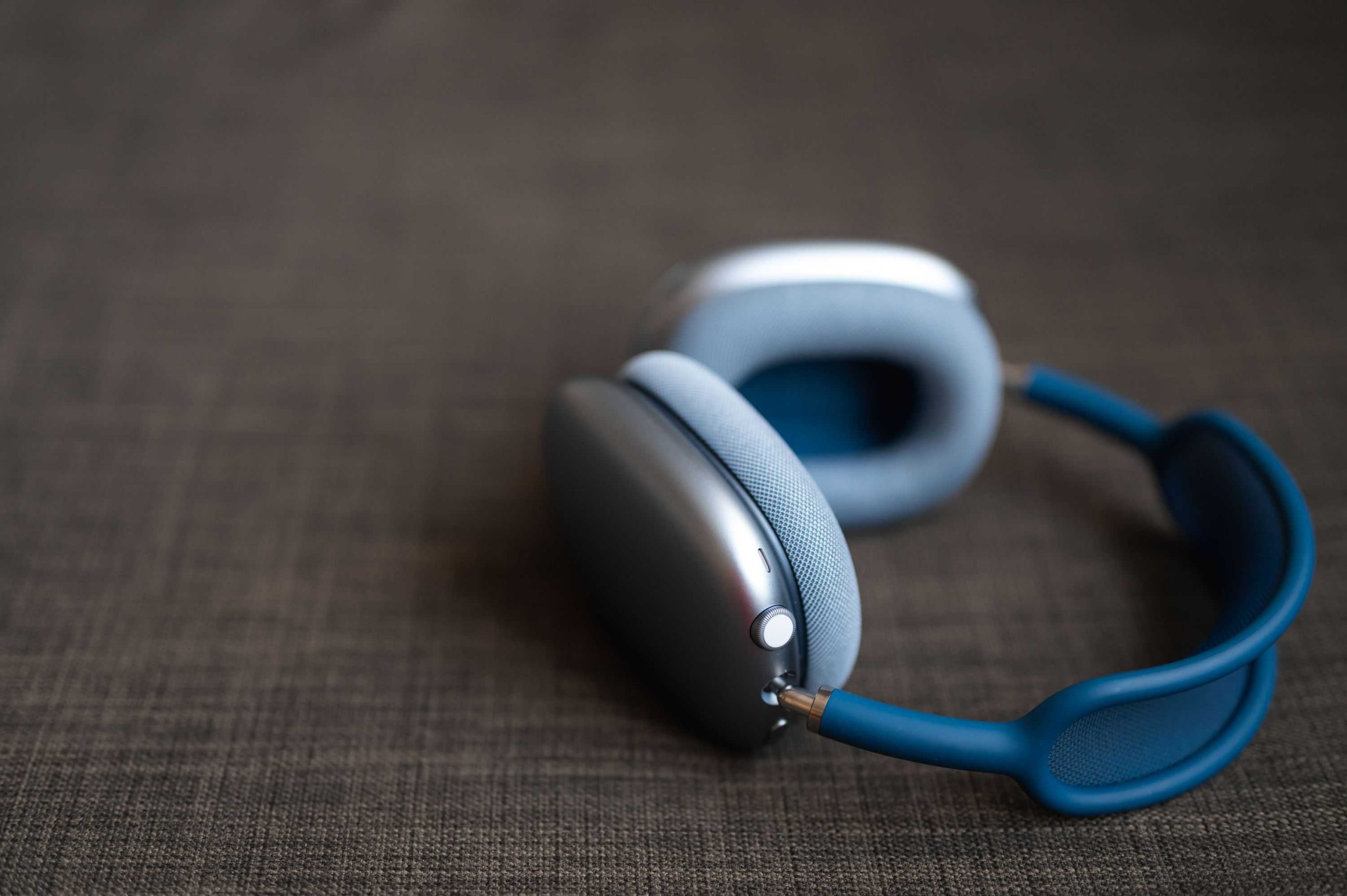
To get the best sound out of your AirPods Max, focus on proper fit, optimal settings, and high-quality audio sources. Adjust the ear cushions…
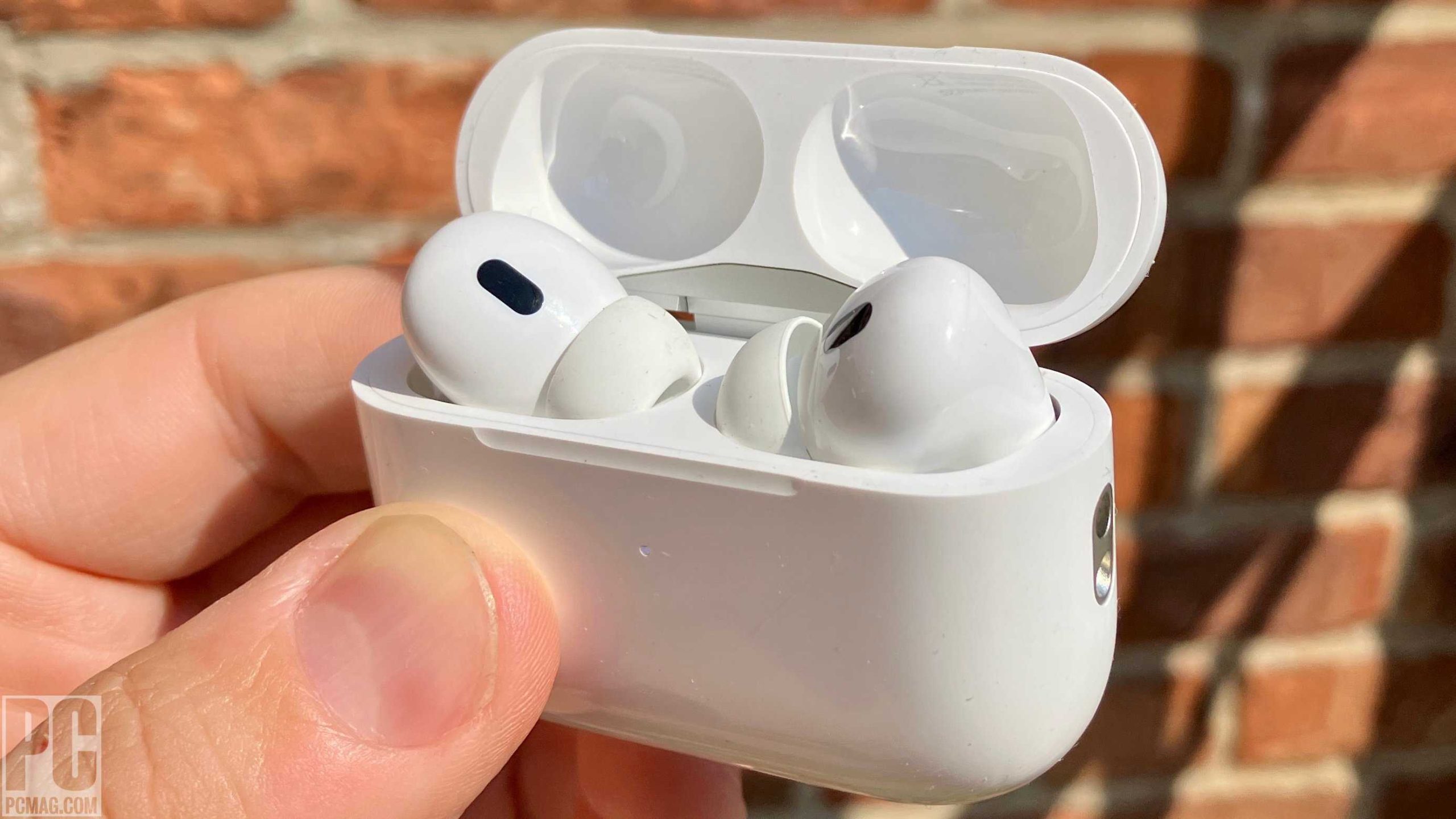
To maximize your AirPods Pro 2 experience, make sure to customize your settings, keep them updated, and practice proper cleaning and storage. Using features…
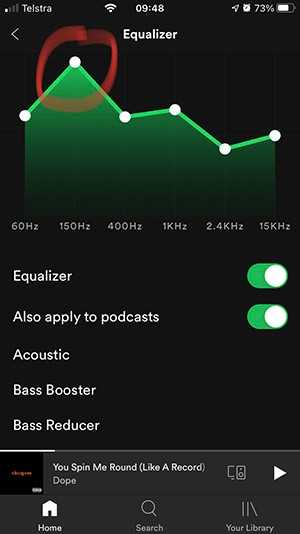
To maximize the bass on your AirPods Pro, ensure they fit snugly in your ears, customize the EQ settings, and keep software updated. Enhancing…

The iPad 11th generation typically costs between $429 and $599, depending on the storage capacity and connectivity options you choose. If you’re eyeing this…









