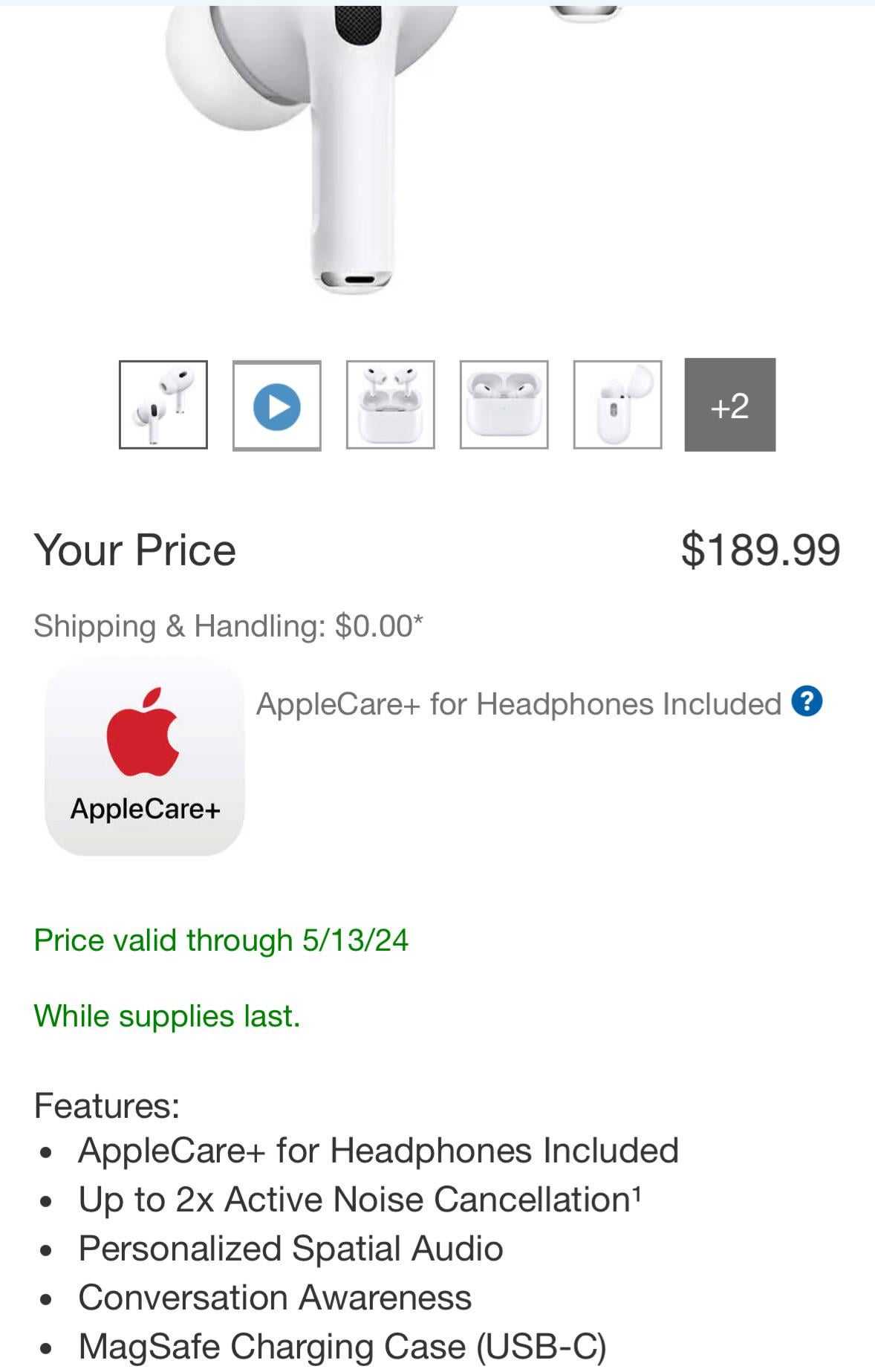
How Often Do Airpods Go On Sale Best Time To Buy
AirPods typically go on sale during major shopping events like Black Friday, Cyber Monday, and holiday seasons, but occasional discounts can also be found…
AirPods typically go on sale during major shopping events like Black Friday, Cyber Monday, and holiday seasons, but occasional discounts can also be found…
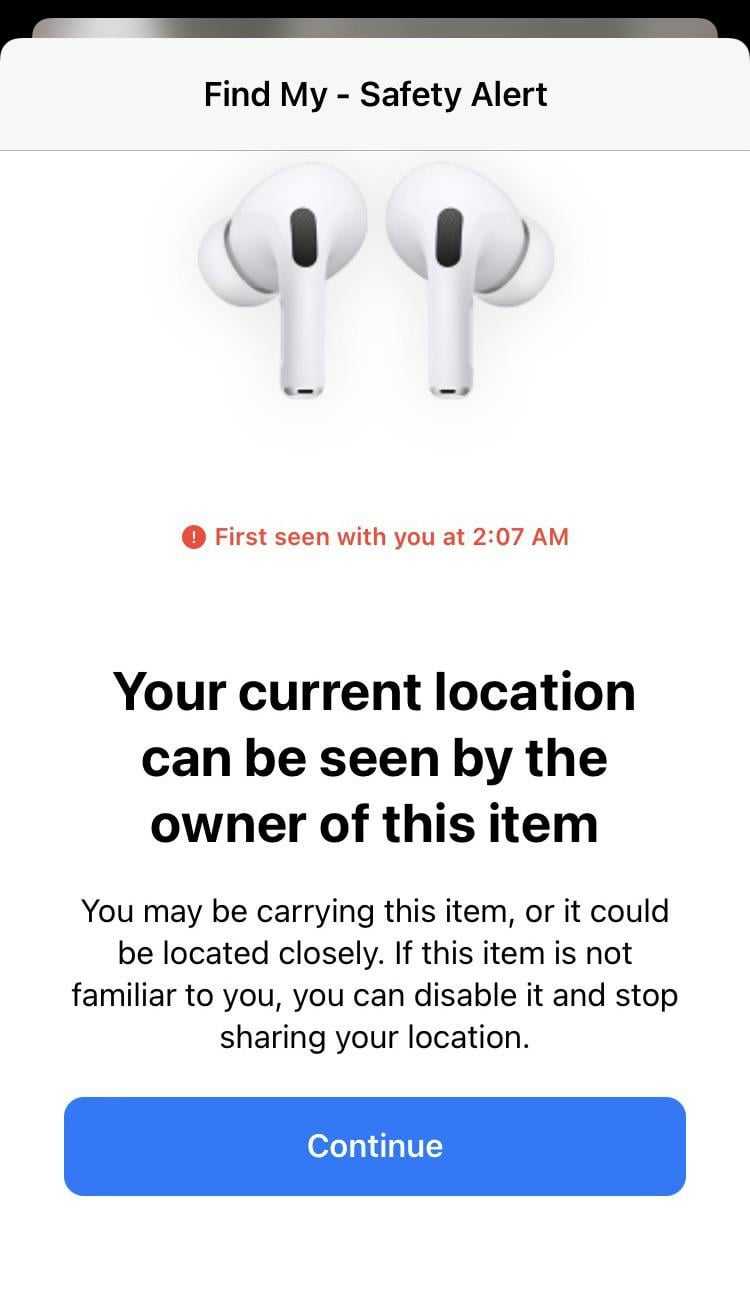
AirPods typically update their location every few minutes when they are connected to an iPhone or other Apple device, but the frequency can vary…
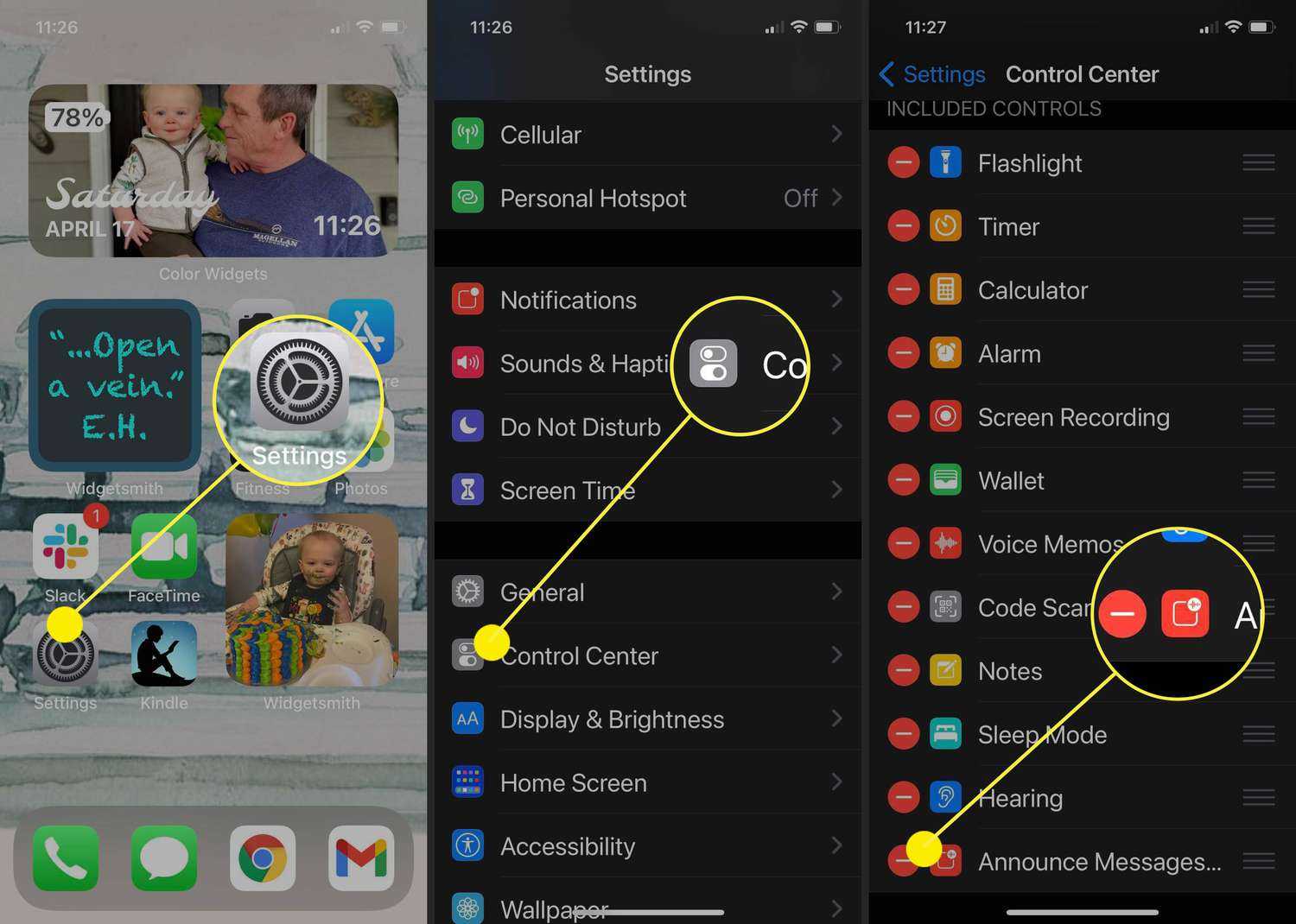
To stop your AirPods from reading texts aloud, simply disable the Announce Messages with Siri feature on your device. This quick tweak will prevent…
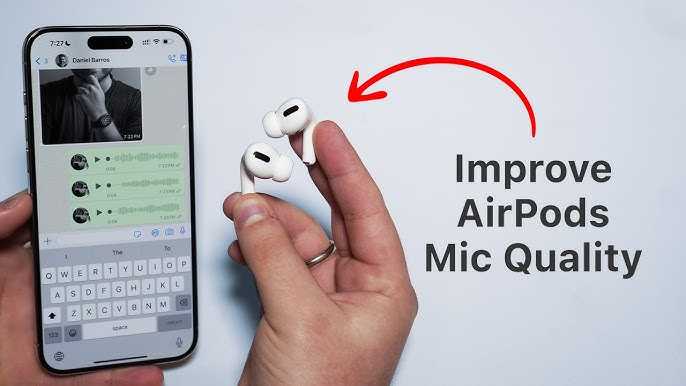
To instantly improve your AirPods mic sound, try cleaning the microphone, adjusting your device settings, and ensuring a good fit. Updating your firmware and…
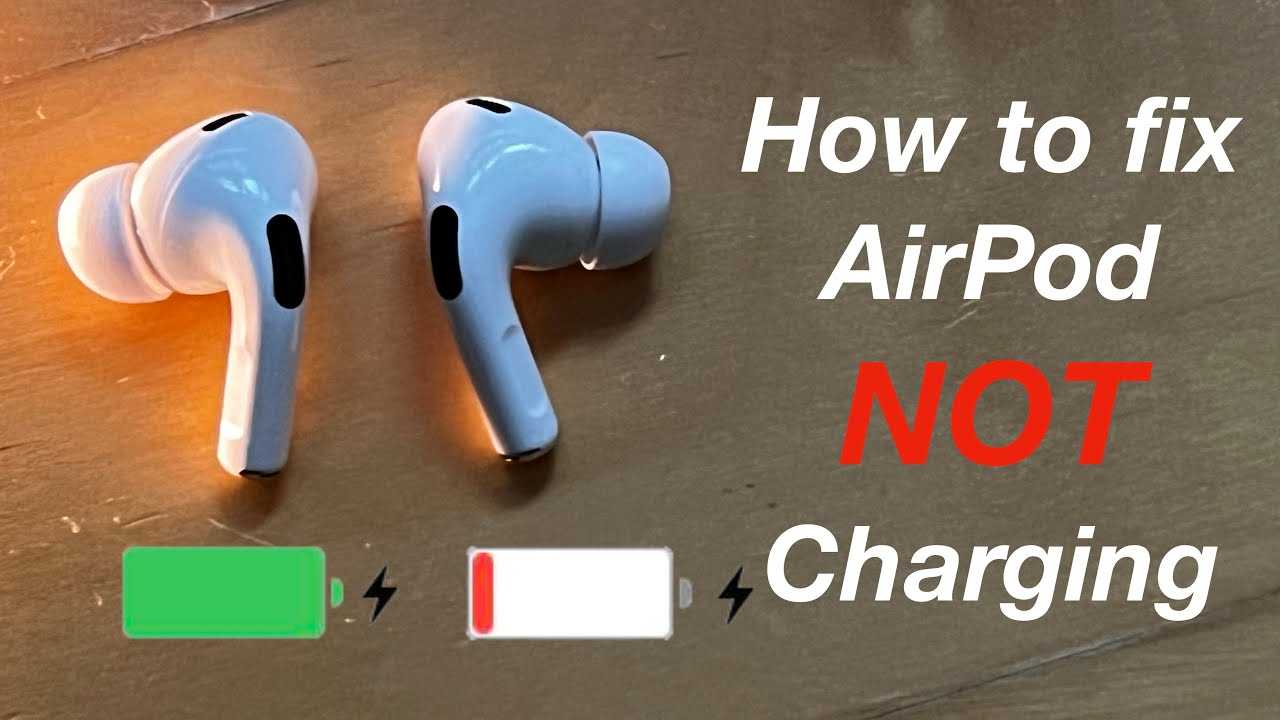
If your AirPods refuse to charge, don’t panic—there are simple steps to get them back in action quickly. First, check the charging case and…
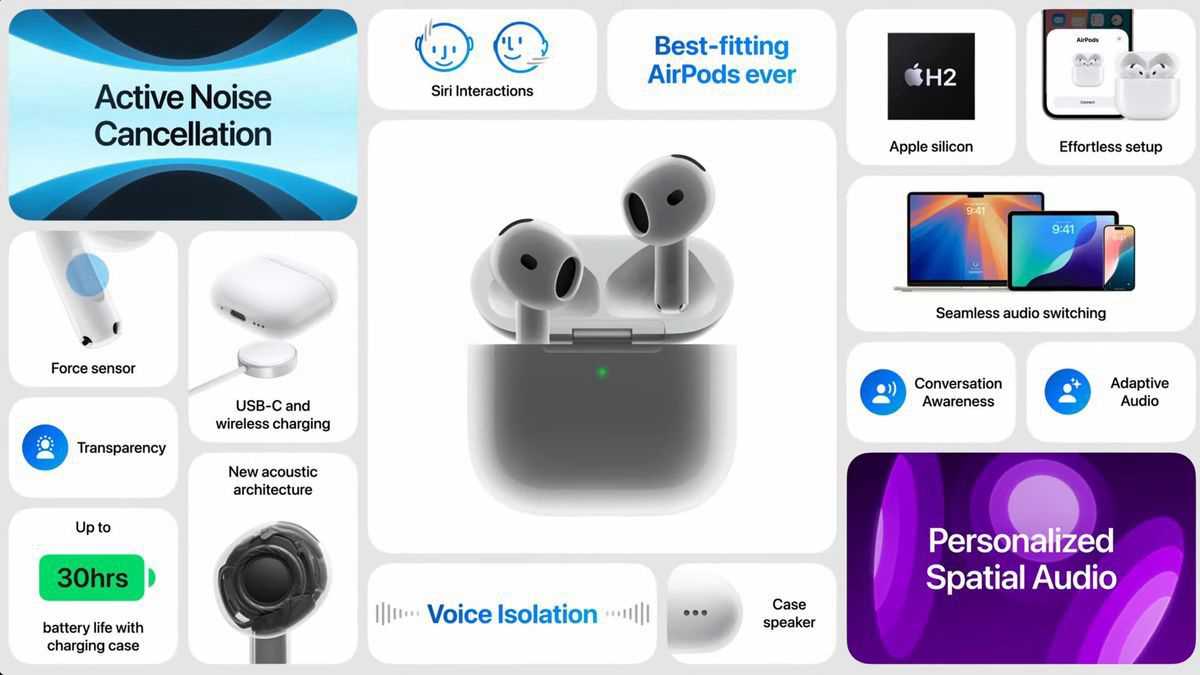
AirPods 4 offer a seamless blend of advanced features, superior sound quality, and enhanced comfort, making them a fantastic choice for any music lover…
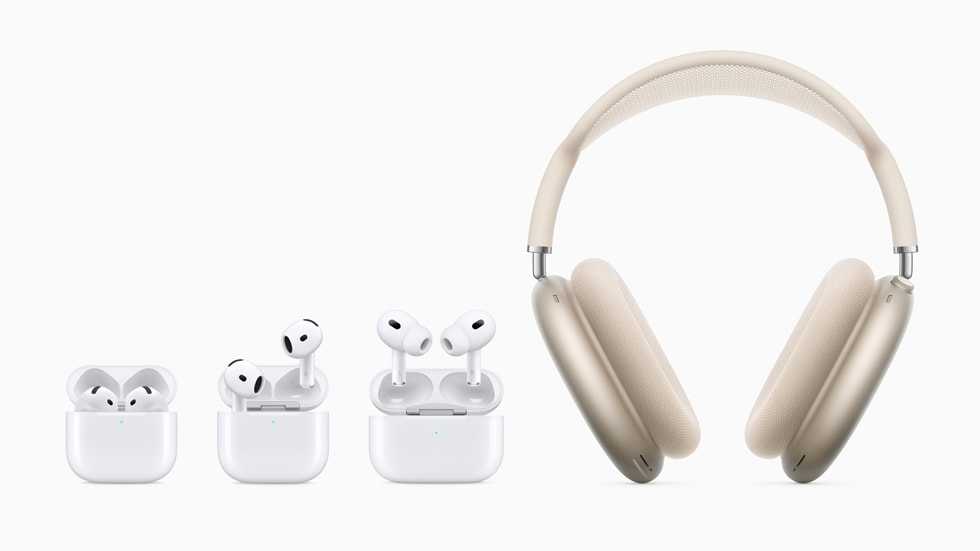
Apple AirPods offer a seamless blend of convenience, sound quality, and stylish design, making them a must-have for tech enthusiasts. Their wireless setup, quick…
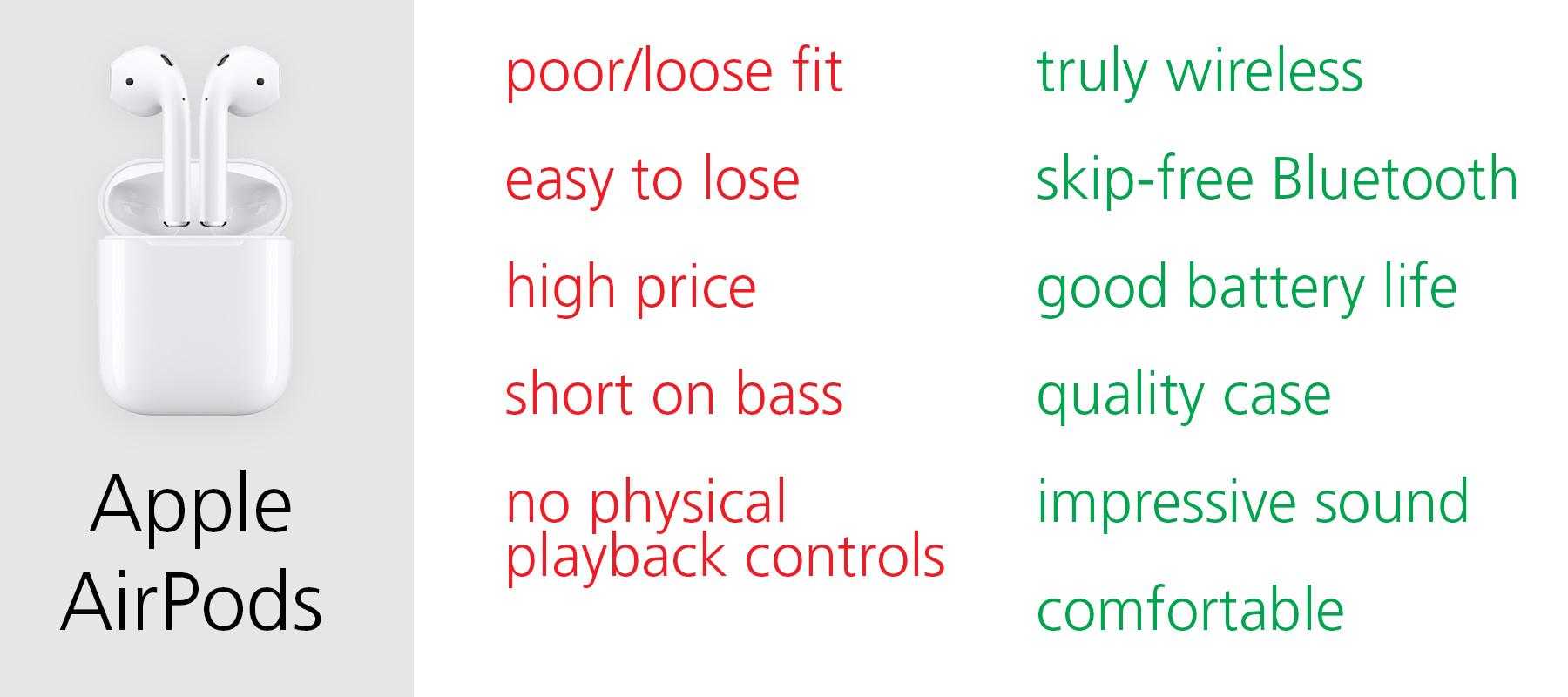
Using AirPods offers a seamless, wireless listening experience that enhances your daily routines. They provide incredible convenience, allowing you to enjoy your favorite music,…
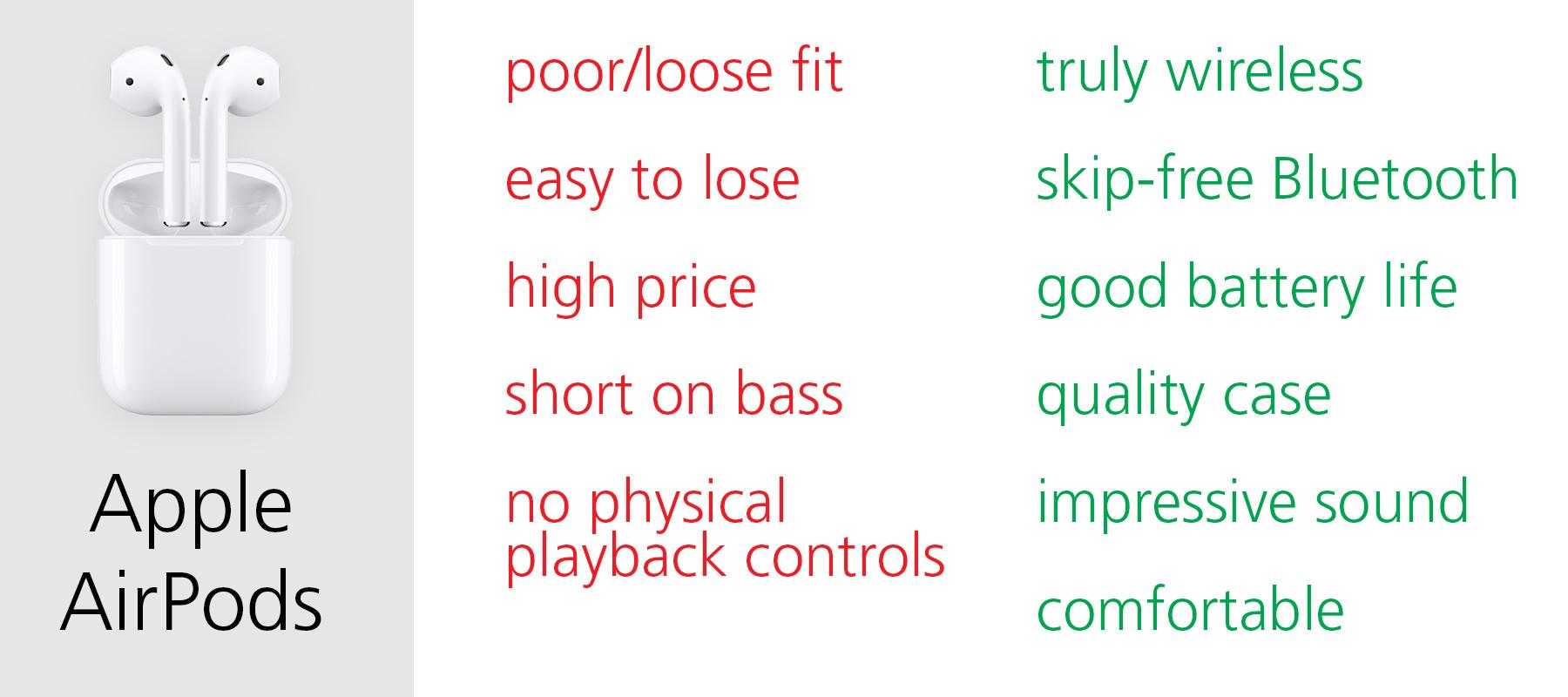
AirPods offer a seamless blend of convenience, premium sound quality, and stylish design, making them a must-have for tech lovers and everyday users alike.…
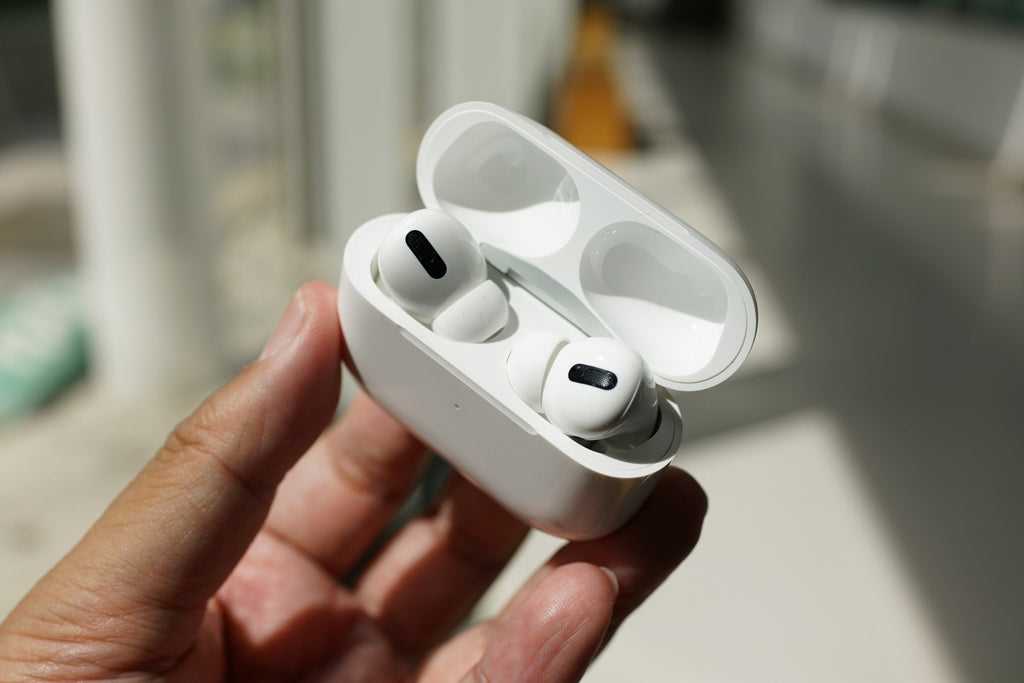
If your AirPods take an unexpected swim, don’t panic — quick action can save them! To dry out your AirPods, remove them from the…

Looking to score AirPods in bulk? Whether you’re stocking up for a business giveaway, reselling, or just want multiple pairs for your team, acquiring…
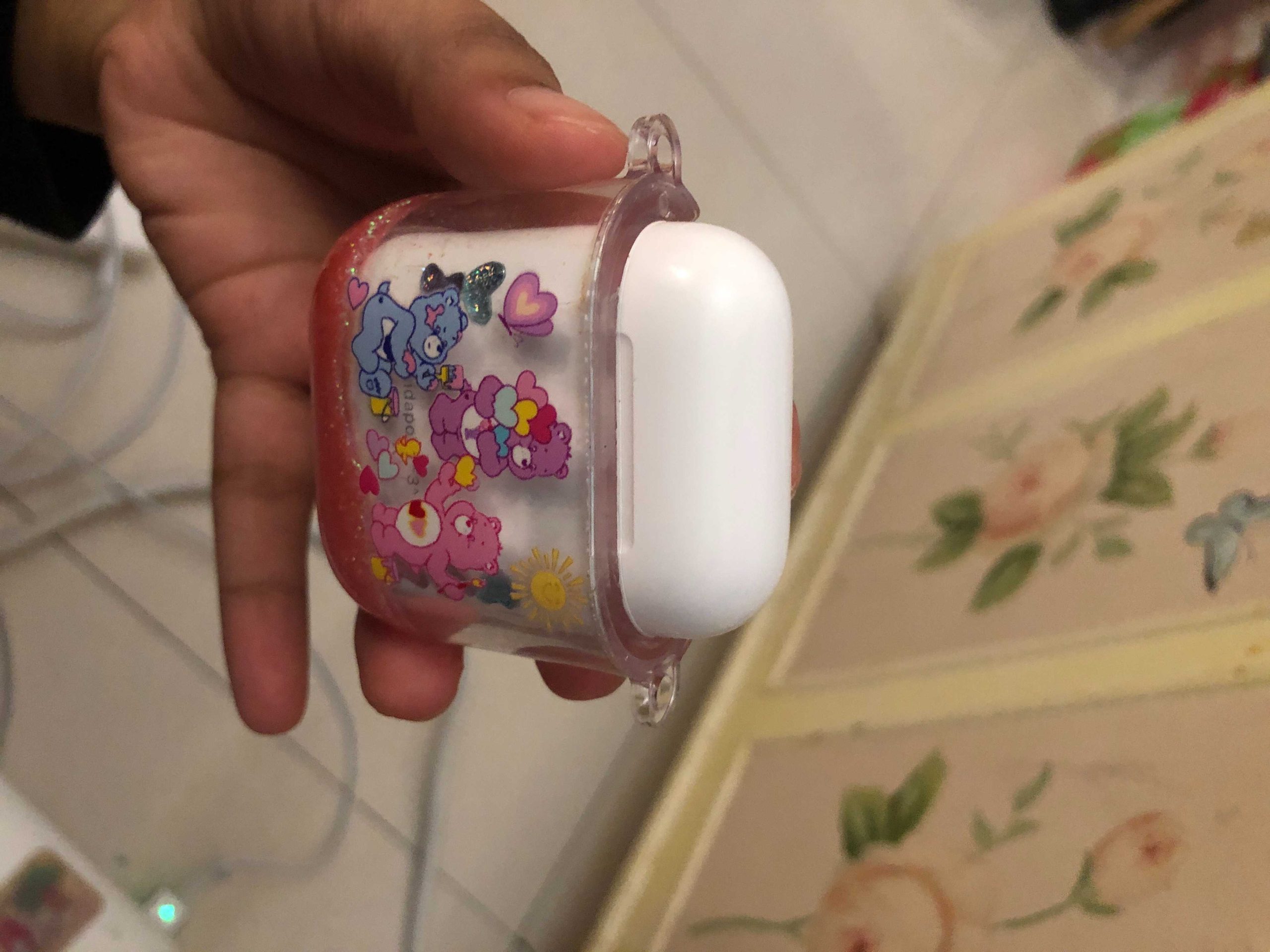
To remove your AirPod case effortlessly, gently wiggle it back and forth while applying light pressure until it pops off. Using a soft cloth…









