How To Make A Landscape Photo Portrait On Android
To make a landscape photo portrait on Android, you can simply rotate your device or use editing apps to adjust the orientation. This quick…
To make a landscape photo portrait on Android, you can simply rotate your device or use editing apps to adjust the orientation. This quick…

To make a keylogger for Android, you need to understand the tools and coding needed. **While it’s technically possible to create one, doing so…

To make a keyboard bigger on Android, simply access your device’s settings or use built-in options. **Adjust the keyboard size through the keyboard’s settings…
To make a list on your Android phone quickly, open a note-taking app like Google Keep or Google Keep, and start typing. **You can…
To make a link open an app on Android, you can create a deep link or use an intent URL. **This process is quite…
To make a link an app on Android, you can create a shortcut easily. **The process involves converting the link into an app shortcut…
To create a launcher for Android, start by understanding the basic components like layouts, widgets, and app shortcuts. **The key is to build a…
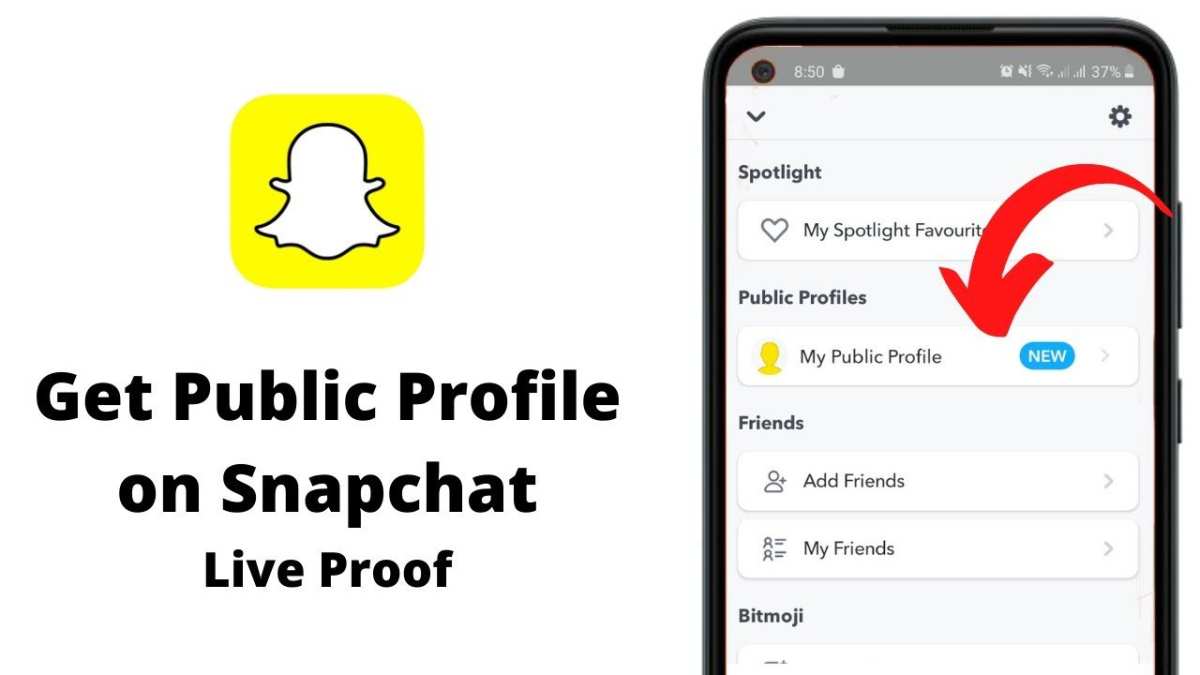
To make a public profile on Snapchat for Android, simply navigate to your settings, select ‘See My Profile,’ and enable the option for a…
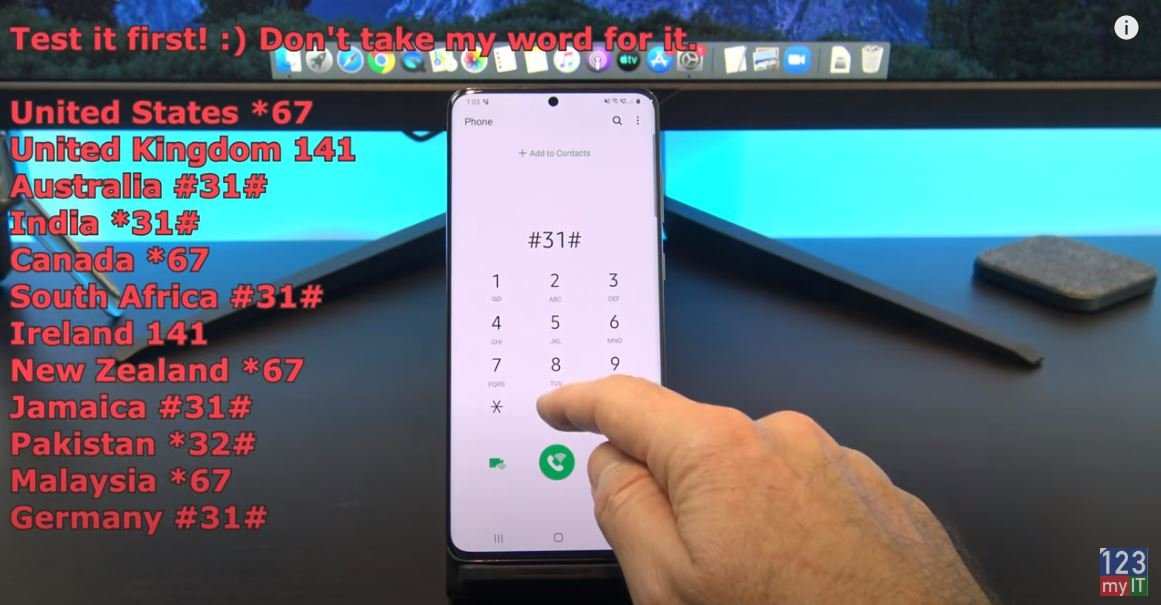
To make your number private on Android, you simply need to change your caller ID settings or use a third-party app. **This is a…
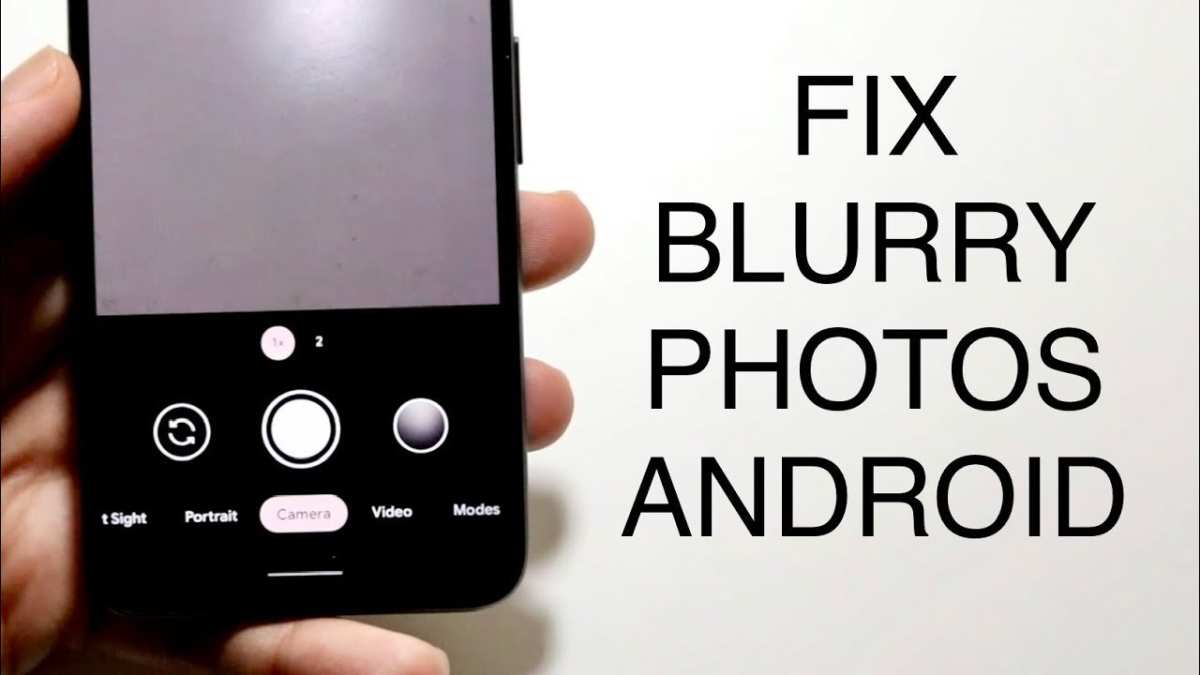
To prevent blurry pictures when transferring from iPhone to Android, **use high-resolution formats and avoid compression during transfer**. When you want to know how…
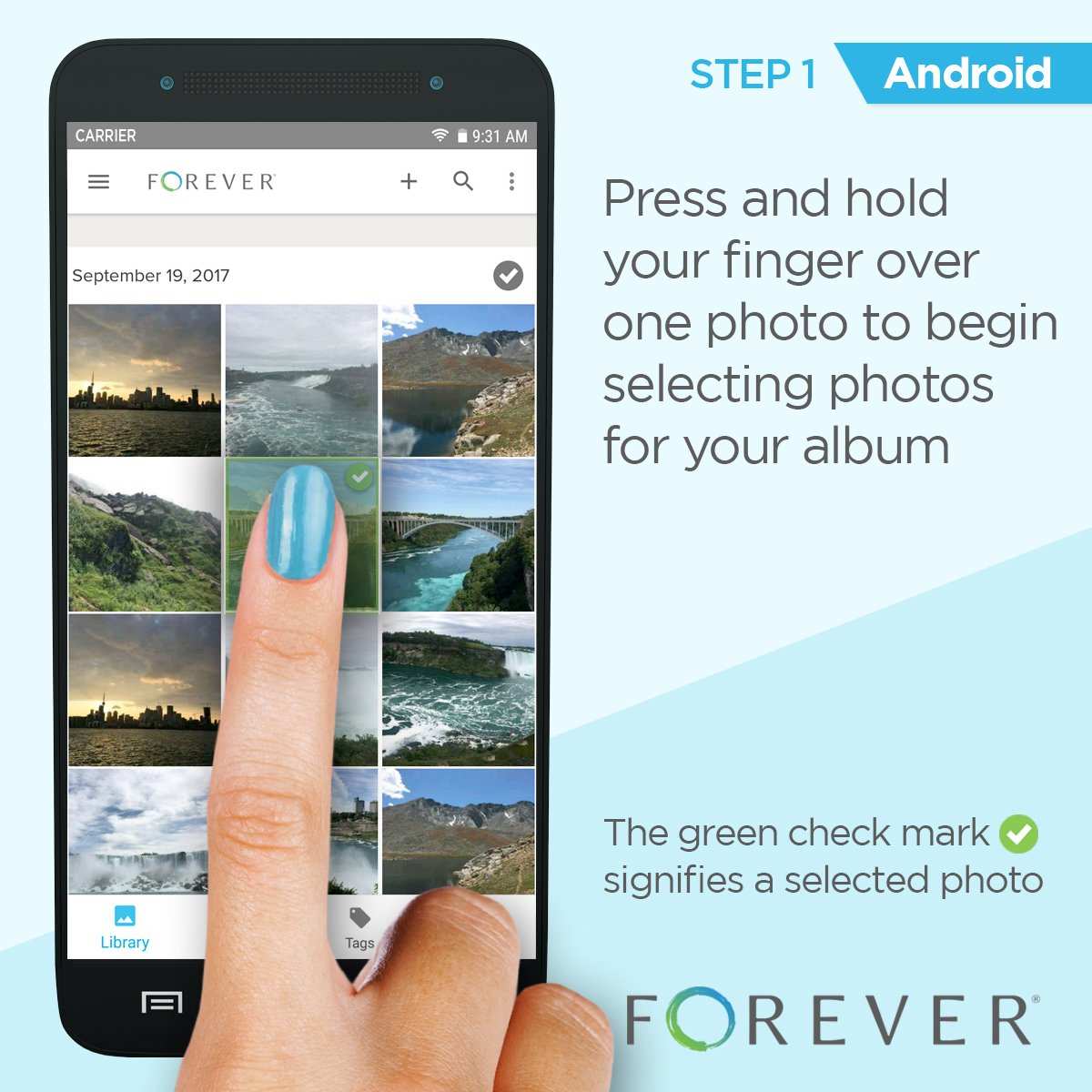
To make photo albums on Android, open your Gallery app, create a new album, and add your favorite photos easily. **This quick process helps…
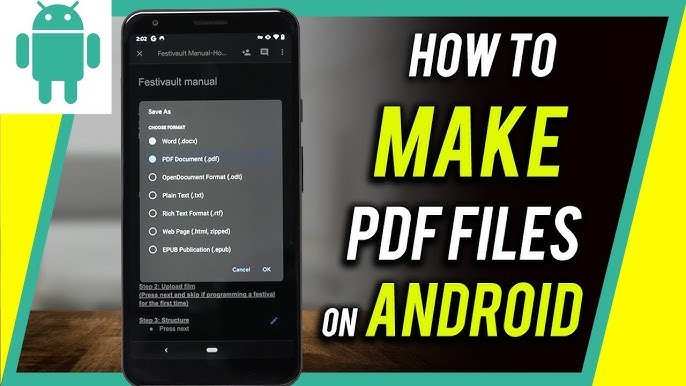
To make a PDF file on Android, you can easily do it using built-in apps or third-party tools. **Open your document or image, select…