Which Android App Is Best For Video Editing In 2023
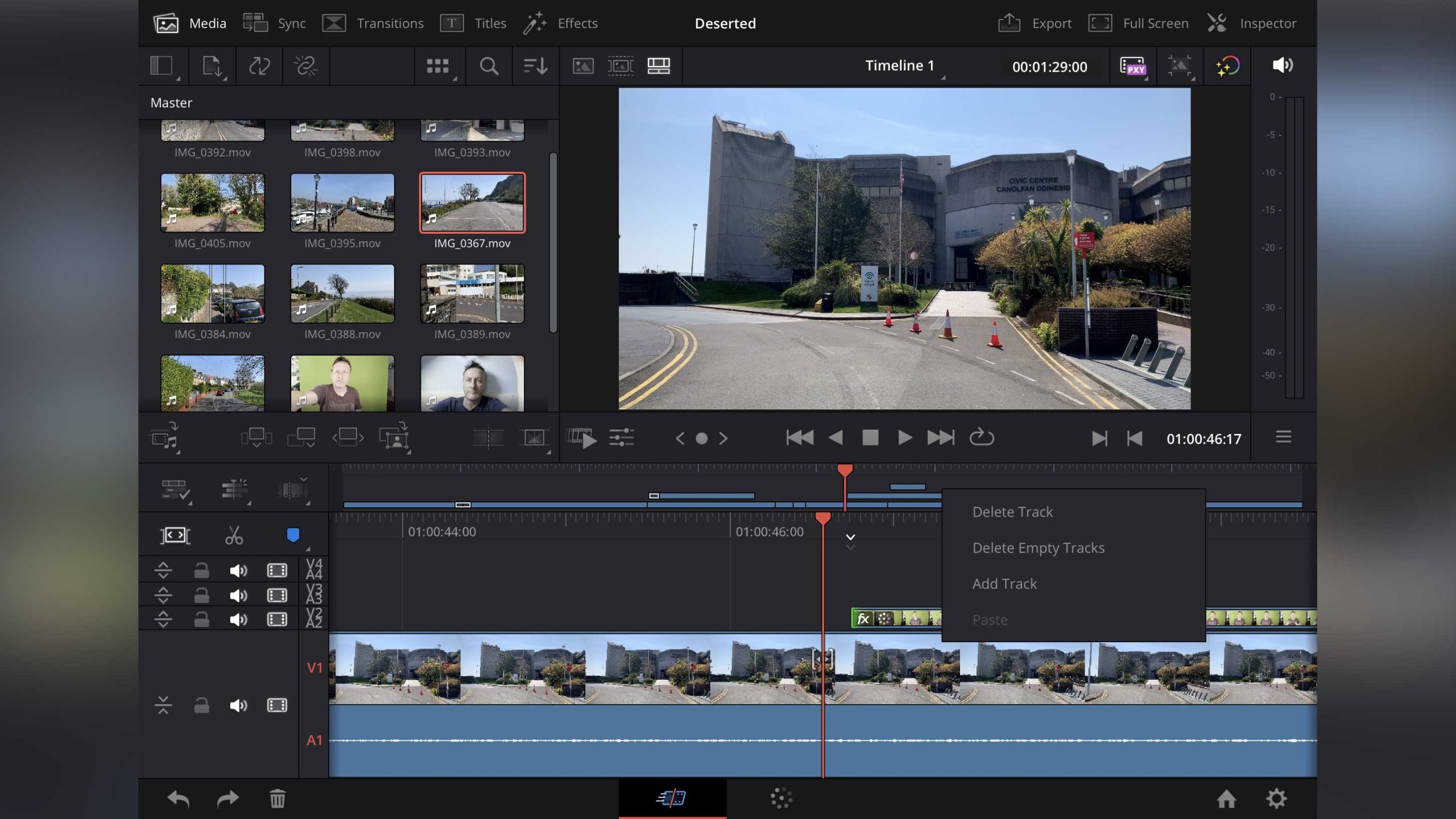

Which Android App Is Best for Video Editing?
Understanding the Importance of a Good Video Editing App
Choosing the right Android app for video editing can save time and improve the quality of your videos. A good app should be easy to use, have powerful editing tools, and produce professional-looking results. Many apps cater to different needs, from quick edits to complex projects.Popular Android Video Editing Apps
Several apps are popular among Android users for editing videos. These include **KineMaster**, **PowerDirector**, **InShot**, **CapCut**, and **Adobe Premiere Rush**. Each app offers a unique set of features suitable for beginners or experienced editors.Features to Look for in a Video Editing App
When evaluating apps, consider features like:- User Interface: Is it intuitive and easy to navigate?
- Editing Tools: Does it support trimming, cutting, merging?
- Effects and Filters: Are there creative options to enhance videos?
- Transitions: Can you smoothly switch between clips?
- Audio Editing: Can you add music, voiceovers, or sound effects?
- Export Options: Are there multiple formats and resolutions?
- Performance: Does the app run smoothly without crashing?
- Cost: Is it free, freemium, or paid?
Top Android Video Editing Apps in Detail
KineMaster
KineMaster is a favorite for its professional features. It supports multiple layers of video, images, and text. You can add transitions, overlays, and special effects easily. Its interface is user-friendly, making complex editing accessible to beginners.PowerDirector
PowerDirector offers a powerful timeline-based editing experience. Its features include slow motion, reverse video, and stabilization. It is known for fast rendering and supports 4K exports, making it suitable for high-quality videos.InShot
InShot is ideal for quick edits and social media videos. It provides basic editing tools, filters, and sticker options. It also allows for easy trimming, splitting, and adding background music, all in a simple layout.CapCut
CapCut gained popularity for its creative effects and user-friendly design. It offers trendy filters, animated text, and music libraries. Its auto-captioning feature makes adding subtitles simple.Adobe Premiere Rush
Adobe Premiere Rush combines professional editing tools with ease of use. It syncs projects across devices, making it suitable for creators on the go. It also offers Adobe’s signature color grading and audio editing features.Comparing These Apps
| App Name | Best For | Key Features | Cost | |———————-|————————————-|——————————————–|————————–| | KineMaster | Professional editing | Multiple layers, effects, transitions | Free with watermark, premium available | | PowerDirector | High-quality videos | 4K support, stabilization, fast rendering| Free with ads, premium options | | InShot | Social media quick edits | Easy trimming, filters, music | Free with in-app purchases | | CapCut | Trendy effects, creative edits | Auto captions, filters, stickers | Free | | Adobe Premiere Rush| Versatile, professional workflow | Cross-device syncing, color tools | Subscription-based |Choosing the Right App for Your Needs
Think about what kind of videos you want to create. If you need quick social media posts, InShot or CapCut might be enough. For more detailed editing, KineMaster or PowerDirector offer advanced features. Professionals may prefer Adobe Premiere Rush for its editing power and integration.Tips for Better Video Editing on Android
– Always shoot in good lighting for clearer videos. – Keep your clips organized before editing. – Use transitions sparingly to keep videos smooth. – Add background music that matches the mood. – Preview your edits before exporting. – Save your project frequently to avoid data loss.Additional Tools to Enhance Your Editing Experience
Beyond apps, consider using:- External microphones for better audio quality
- Tripods or stabilizers for steady shots
- Video templates for quick customization
Final Thoughts on Which Android App Is Best for Video Editing
The ideal app depends on your experience level, editing needs, and budget. For beginners, InShot and CapCut provide simple solutions. More advanced editors should consider KineMaster or PowerDirector. Professional users might find Adobe Premiere Rush suits their workflow better.Additional Related Topics
Best Practices for Shooting Videos on Android
Choosing the right shooting techniques can make editing easier and more effective. Use a steady hand or tripod, film in well-lit environments, and capture high-quality audio.How to Create Engaging Content with Mobile Editing
Focus on storytelling, use good transitions, and add music or effects to keep viewers interested. Keep your videos concise and clear to maximize viewer engagement.Editing Tips for Social Media Platforms
Tailor your videos for platforms like Instagram, TikTok, or YouTube. Use aspect ratio adjustments, timely effects, and captions to make your videos more appealing on each platform.How to Save and Share Edited Videos
Always export in the highest quality supported by your platform. Use sharing options directly from the app to upload to social media or cloud storage. Keep backups of your projects for future edits. This thorough analysis of Android video editing apps should help you decide which tool fits your needs best. Whether you want quick social media clips or professional-grade videos, there’s an app out there designed for your goals.3 Best Video Editing Apps For Android in 2025
Frequently Asked Questions
What features should I look for in a good video editing app on Android?
When choosing a video editing app, focus on features like a user-friendly interface, a variety of editing tools (cutting, trimming, merging), special effects, text overlays, audio editing capabilities, and support for high-resolution videos. Additionally, look for features like multi-track editing and exporting options that match your editing needs.
Are there any free Android apps that offer professional-quality video editing?
Yes, several free Android apps provide advanced editing features suitable for semi-professional use. Examples include PowerDirector, KineMaster, and FilmoraGo. These apps often offer a wide range of tools and effects without requiring payment, though some may add watermarks or have premium upgrades.
Can I edit 4K videos on my Android device with these apps?
Many Android video editing apps support 4K video editing, provided your device has sufficient processing power and storage. Apps like KineMaster and PowerDirector handle 4K footage smoothly, but performance may vary based on your device’s specifications.
How do I choose an app if I want to create social media-ready videos?
Opt for apps that include templates, aspect ratio presets for platforms like Instagram and TikTok, and easy-to-use editing tools. Apps like InShot or CapCut excel in this area, offering quick editing options and built-in features optimized for social media content.
What should I consider regarding app compatibility and device requirements?
Verify that the app supports your device’s Android version and hardware specifications. Some apps require higher processing power or specific screen sizes for optimal performance. Reading user reviews can help determine if the app runs smoothly on your device.
Final Thoughts
When choosing the best Android app for video editing, consider ease of use and features. Apps like InShot and KineMaster offer intuitive interfaces and powerful editing tools. They allow users to produce professional-looking videos effortlessly. Ultimately, which android app is best for video editing depends on your specific needs. For versatility and advanced features, KineMaster stands out. For quick edits and social media content, InShot is a great option.
Similar Posts































