Is a Curved Monitor Good for Dual Setup
Considering a curved monitor for your dual setup? This guide breaks down whether it’s a good fit, detailing the benefits of immersion and potential drawbacks. We’ll help you decide if a curved monitor can enhance your productivity and gaming experience in a multi-monitor configuration. Discover if curves are king for your dual display needs.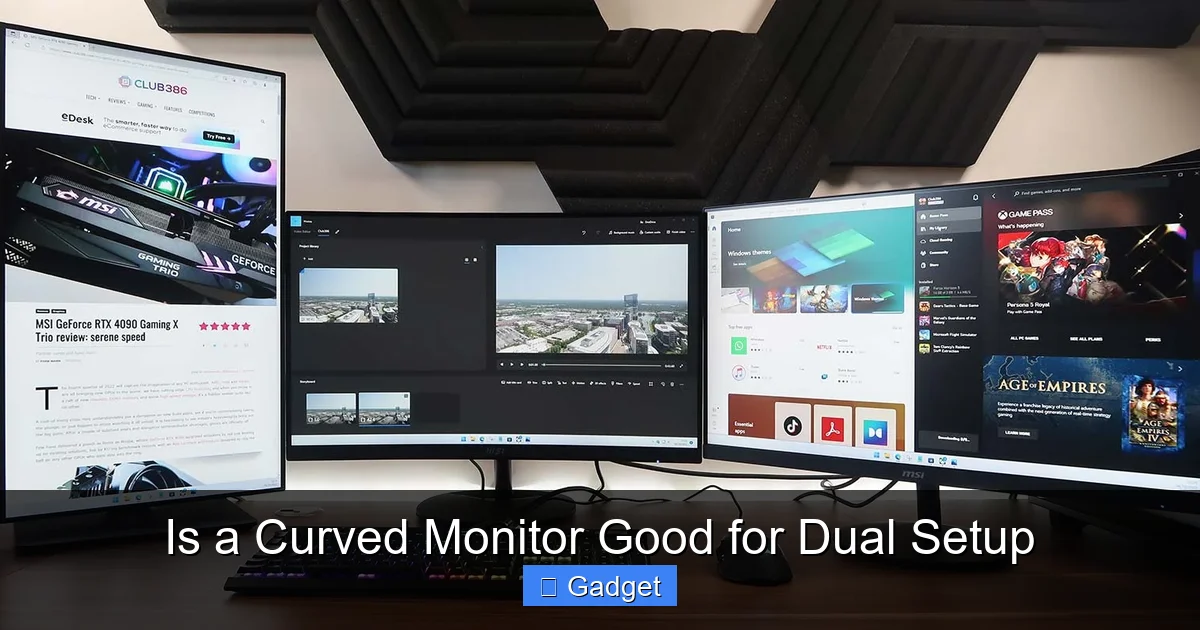 A dual monitor setup involves having two screens connected to a single computer. This is a popular choice for many users because it allows for:
 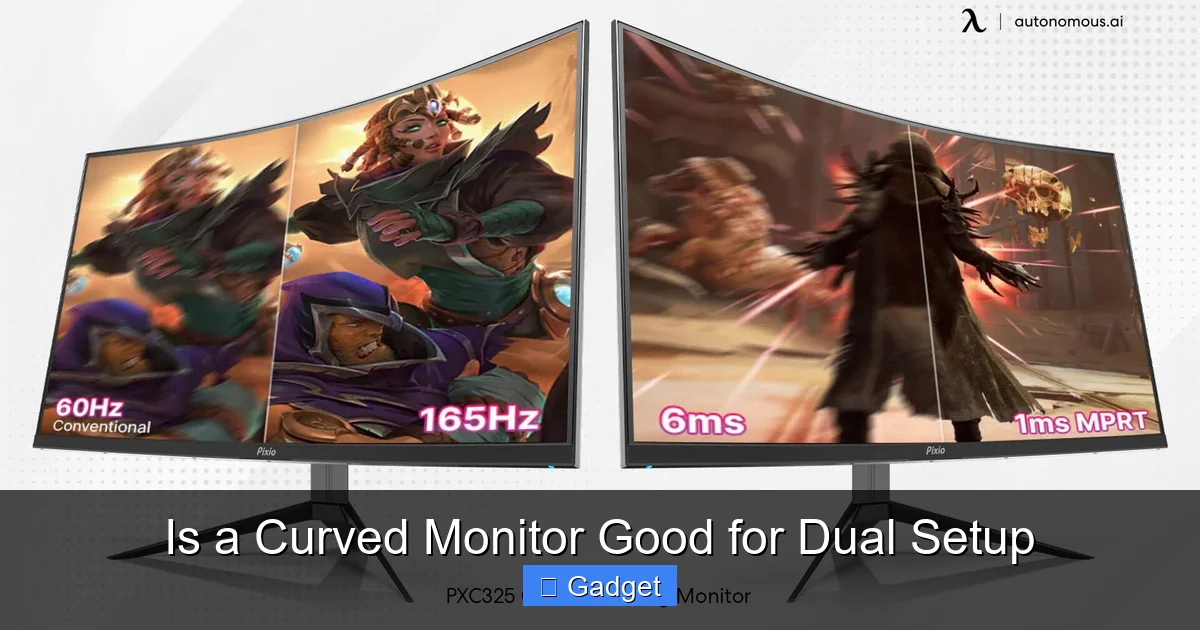 There are definitely compelling reasons why you might consider a curved monitor for your dual setup.
 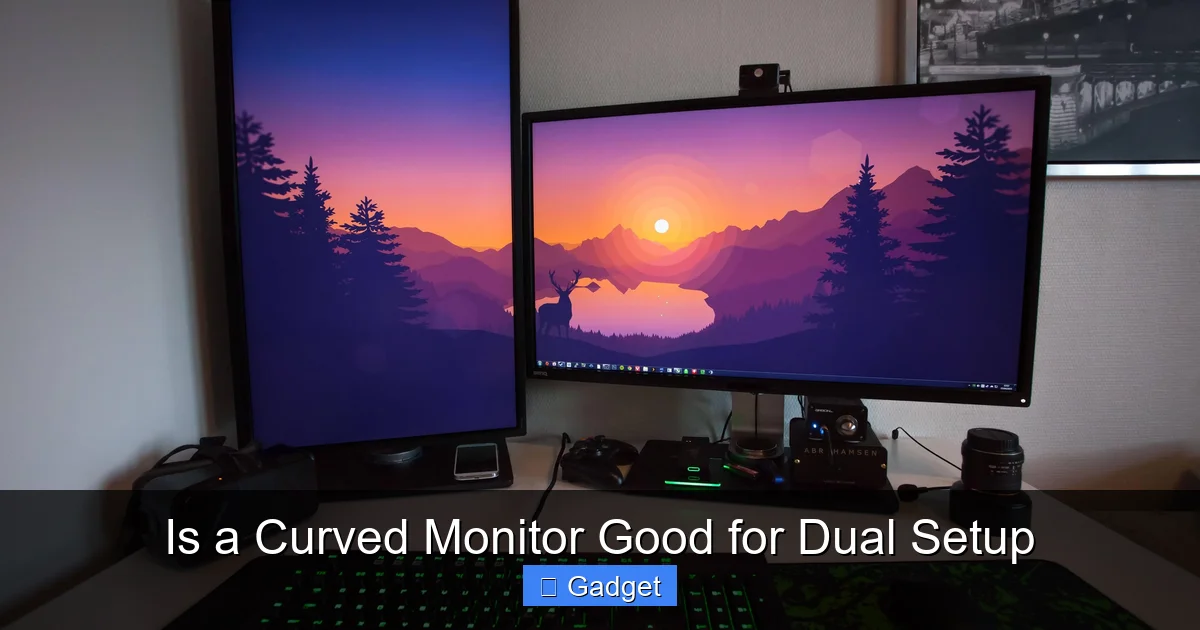 However, it’s not all smooth sailing. There are some important factors to consider before diving headfirst into a dual curved monitor setup.
Is a Curved Monitor Good for Dual Setup
So, you’re thinking about taking your computer setup to the next level. Maybe you’re a gamer who craves that cinematic feel, a creative professional who juggles multiple applications, or just someone who loves having more screen real estate. The idea of a dual monitor setup is appealing, and you’ve stumbled upon curved monitors. The question on your mind is: “Is a curved monitor good for a dual setup?” It’s a fantastic question, and the answer isn’t a simple yes or no. It depends on your needs, your desk, and the specific curved monitors you choose. In this comprehensive guide, we’ll dive deep into the world of curved monitors and dual setups. We’ll explore the advantages, the potential disadvantages, and how to make the best decision for your workspace. By the end of this guide, you’ll have a clear understanding of whether a curved monitor can elevate your dual display experience.Key Takeaways
- Curved monitors can enhance dual setups by offering a more immersive and comfortable viewing experience. The natural curvature wraps around your field of vision, reducing eye strain.
- The degree of curvature matters. A subtle curve (e.g., 1800R or 1500R) is generally better for dual setups than extreme curves (e.g., 1000R) to avoid distortion.
- Desk space and monitor size are crucial considerations. Larger curved monitors require more depth, and fitting two side-by-side can be challenging.
- Content compatibility is important. While most modern applications and games adapt well, some older software might exhibit minor visual anomalies.
- Ergonomics and viewing angles are key. Proper positioning is essential to maximize the benefits of a curved monitor in a dual setup and avoid discomfort.
- Cost can be a factor. Curved monitors often come at a premium price compared to their flat counterparts, and two of them can be a significant investment.
Understanding Curved Monitors
Before we get into the dual setup specifics, let’s quickly recap what a curved monitor is and why it exists. Unlike traditional flat screens, curved monitors have a subtle (or not so subtle) bend. This curvature is designed to mimic the natural shape of the human eye. The goal is to create a more immersive viewing experience by bringing the edges of the screen closer to your peripheral vision. This immersion can lead to several benefits:- Reduced Eye Strain: By bringing the edges of the screen closer, the distance between your eyes and all parts of the screen is more uniform. This can reduce the need for your eyes to constantly refocus, potentially leading to less fatigue.
- Enhanced Immersion: For gaming and watching movies, the wrap-around effect of a curved screen can make you feel more “in” the action.
- Wider Field of View: The curve can make the display feel larger and more expansive, especially with ultrawide curved monitors.
The Dual Setup Dynamic
Visual guide about Is a Curved Monitor Good for Dual Setup
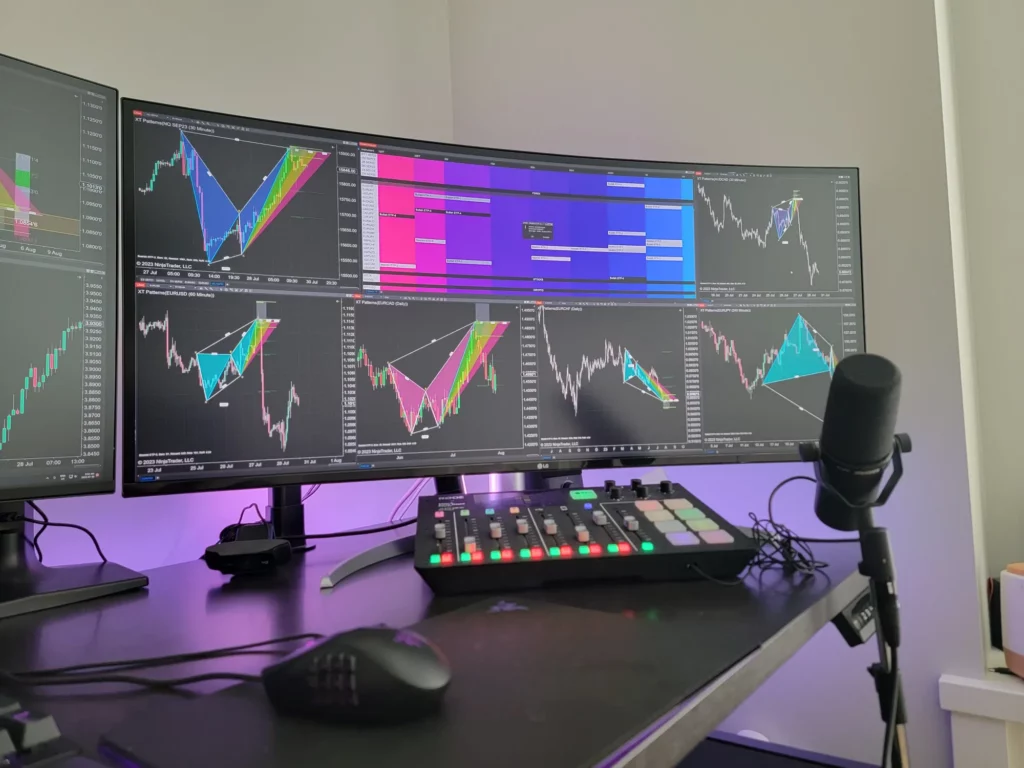
- Increased Productivity: You can have different applications open on each screen, like having your code editor on one and your documentation on the other, or email on one and your main work on the other.
- Improved Multitasking: Dragging and dropping between screens becomes effortless.
- Enhanced Gaming: Some games support spanning across multiple monitors for an incredibly wide view. If you’re wondering what is the best monitor size for gaming, consider how curvature and size work together for immersion.
Pros of Using a Curved Monitor in a Dual Setup
Visual guide about Is a Curved Monitor Good for Dual Setup
1. Enhanced Immersion and Comfort
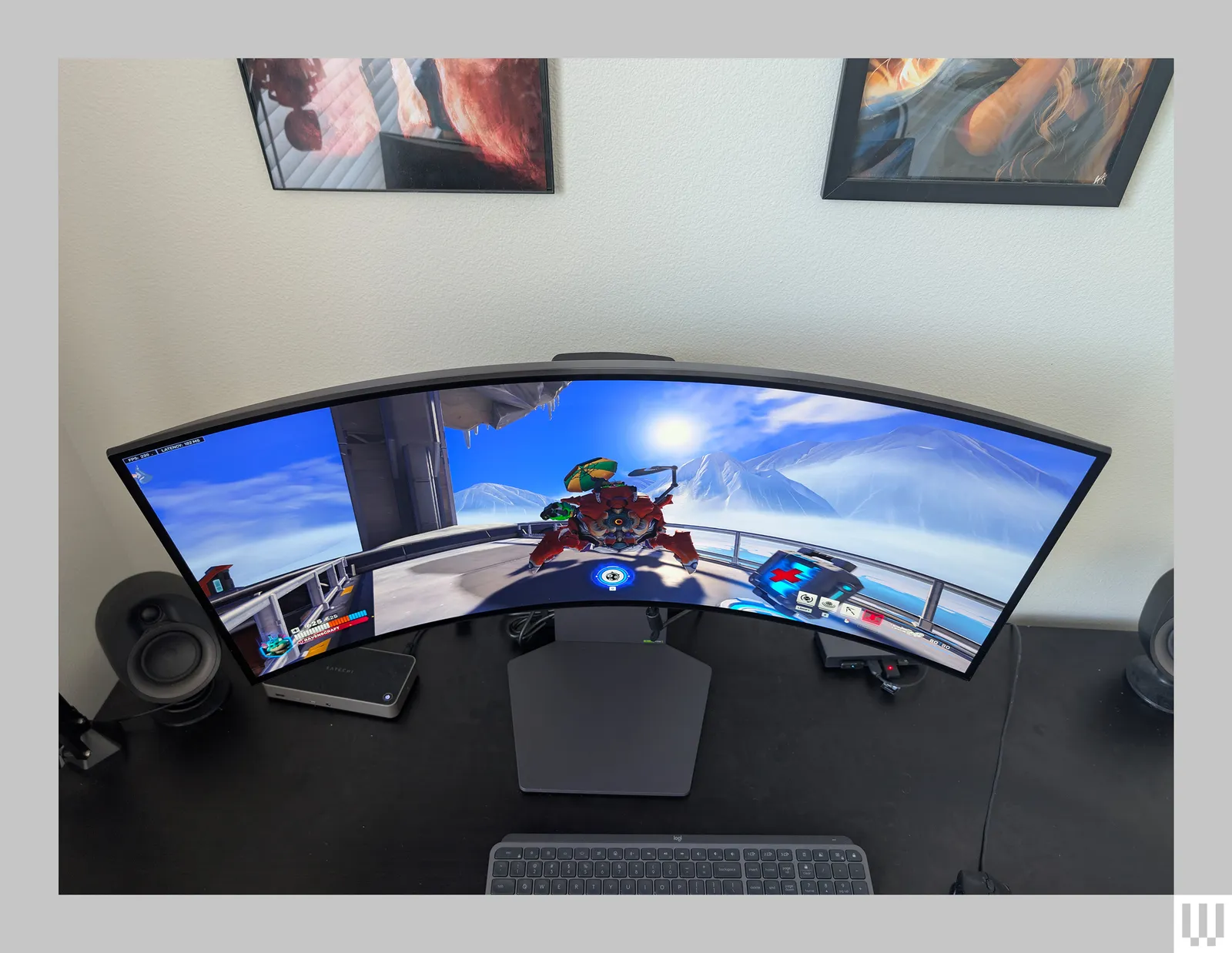
This is the primary selling point of curved monitors, and it can translate well to a dual setup, especially if you use them side-by-side.- Natural Viewing: When two curved monitors are placed next to each other, their combined curve can create a more natural and less jarring transition between screens. Instead of a sharp, broken line where two flat screens meet, you get a more continuous arc.
- Reduced Eye Strain Over Long Sessions: If you spend hours in front of your screens, the reduced refocusing needed with curved monitors can be a significant comfort benefit. This is amplified when both monitors are curved, as the entire viewing area is more consistent in distance from your eyes.
- Deeper Immersion: For content that takes advantage of wide viewing angles, like games or panoramic images, the curved nature can pull you in more effectively, even with two monitors.
2. Reduced Glare and Reflections
Curved monitors are often designed with a matte finish and the curvature itself can help direct reflections away from your direct line of sight.- Directed Reflections: Because the screen is not perfectly flat, reflections are often scattered and less concentrated directly in your eyes compared to a flat monitor, especially if your light sources are positioned to the sides.
- Better in Bright Environments: If you work in a room with multiple light sources or windows, the curvature can help minimize the impact of direct glare.
3. Aesthetic Appeal
Let’s be honest, a dual setup with two sleek, curved monitors can look incredibly modern and stylish. It can transform a regular desk into a command center.- Modern Design: Curved monitors often have slim bezels and a futuristic look that can elevate the overall aesthetic of your workspace.
- Integrated Curve: When placed together, the combined curve can look intentional and cohesive, rather than two separate flat screens.
Cons and Considerations for Curved Monitors in a Dual Setup
Visual guide about Is a Curved Monitor Good for Dual Setup
1. Desk Space Requirements
This is arguably the biggest hurdle. Curved monitors, especially larger ones, take up more desk space than their flat counterparts.- Depth is Key: The curvature means the monitor extends further back from the stand. When you place two of them side-by-side, the combined depth can be substantial. You need to ensure your desk is deep enough to accommodate both without them feeling too close to you.
- Width Matters: Obviously, two monitors side-by-side will take up significant horizontal space. Measure your available desk width carefully.
- Monitor Stands: The stands that come with curved monitors can also be quite deep or wide, potentially encroaching on your workspace. You might need to consider monitor arms for a cleaner setup and better positioning flexibility.
2. The Degree of Curvature
Not all curves are created equal. The “R” rating (e.g., 1800R, 1500R, 1000R) indicates the radius of the curve. A smaller number means a more pronounced curve.- Subtle Curves are Best: For dual setups, a more subtle curve (like 1800R or 1500R) is generally recommended. These curves are gentle enough to provide immersion without causing significant distortion or a feeling of the screens being “too bent.”
- Extreme Curves Can Cause Issues: Very aggressive curves (like 1000R) are designed for a single, ultra-wide viewing experience. Trying to align two of these side-by-side can lead to awkward viewing angles for one of the screens and potential distortion of content that’s meant to span across them.
3. Content Compatibility and Distortion
While most modern software and operating systems are excellent at handling multiple displays, there can be occasional quirks with curved monitors, especially in specific scenarios.- Image Stretching: In rare cases, certain applications or window arrangements might appear slightly stretched or distorted, particularly near the extreme edges of the curve. This is less of an issue with subtle curves.
- Gaming: While gaming on a dual curved setup can be amazing, some older games or those with fixed aspect ratios might not display perfectly across both screens without some adjustment or potential stretching. Ensure your games support multi-monitor setups. For more on performance factors, see does monitor response time matter for gaming.
- Content Creation: For precise work like graphic design or video editing where accurate color representation and straight lines are paramount, you might want to be cautious. While professional curved monitors exist, for some highly critical color-sensitive work, flat panels might still be preferred by some.
4. Cost
Curved monitors, especially higher-quality ones, tend to be more expensive than their flat-screen counterparts. Outfitting a dual setup with two curved monitors can be a significant investment.- Premium Price: You’re paying for the advanced panel technology and the curvature itself.
- Consider Budget: If budget is a primary concern, a dual flat-screen setup might offer more screen real estate for your money.
5. Viewing Angles and Positioning
Achieving the perfect viewing angle is crucial for both comfort and the intended immersive experience.- Center Alignment: The ideal setup positions the monitors so that the curve flows naturally from one to the other, with the seam (if any) not being too distracting.
- Height and Tilt: Proper adjustment of height and tilt is essential. If one monitor is significantly higher or tilted differently than the other, the immersive effect can be broken, and it can lead to neck strain. This is where monitor arms are invaluable.
How to Set Up a Dual Curved Monitor System
If you’ve weighed the pros and cons and decided that a dual curved monitor setup is for you, here’s a guide to getting it set up smoothly.Step 1: Choose Your Monitors Wisely
This is the most critical step.Sub-step 1.1: Select the Right Curve
As discussed, opt for subtle curves like 1800R or 1500R. Avoid 1000R or more aggressive curves for a side-by-side setup unless you’re using very small monitors.Sub-step 1.2: Match Your Monitors
For a seamless experience, it’s highly recommended to use two identical monitors. This ensures:- Consistent color reproduction.
- Identical refresh rates and resolutions.
- Matching curvature.
- Uniform aesthetics.
Sub-step 1.3: Consider Size
27-inch or 32-inch monitors are popular choices for dual setups. Larger monitors provide more immersion but demand more desk space and can be overwhelming if their curve is too aggressive.Step 2: Prepare Your Desk and Workspace
Ensure you have adequate space.Sub-step 2.1: Measure Everything
Measure the width and depth of your desk. Also, measure the dimensions of your chosen monitors (including stands) to ensure they will fit comfortably.Sub-step 2.2: Consider Monitor Arms
Monitor arms are highly recommended for dual curved setups. They:- Free up Desk Space: They attach to the back of your desk, eliminating the need for bulky monitor stands.
- Offer Flexibility: You can easily adjust the height, tilt, swivel, and depth of each monitor independently, which is crucial for aligning curves and finding your perfect viewing angles.
- Create a Cleaner Look: They hide cables and give your setup a more professional and organized appearance.
Step 3: Connect Your Monitors
Connect your monitors to your computer.Sub-step 3.1: Check Your Graphics Card Ports
Ensure your graphics card has enough output ports (HDMI, DisplayPort) for two monitors. It’s generally recommended to use DisplayPort for higher resolutions and refresh rates.Sub-step 3.2: Use Quality Cables
Use good quality, certified cables to ensure stable connections and optimal performance.Step 4: Configure Your Display Settings
Once connected, you’ll need to tell your computer how to use the two screens.Sub-step 4.1: Extend These Displays
In your operating system’s display settings (Windows: Settings > System > Display; macOS: System Settings > Displays), make sure your displays are set to “Extend these displays.” This allows you to use each monitor as a separate screen.Sub-step 4.2: Arrange Your Monitors
Drag and drop the monitor icons in the display settings to match their physical arrangement on your desk. This ensures your mouse cursor moves logically between screens.Sub-step 4.3: Adjust Resolution and Refresh Rate
Ensure each monitor is set to its native resolution and desired refresh rate for the best picture quality and smoothness.Step 5: Fine-Tune Your Ergonomics
This is crucial for comfort and productivity.Sub-step 5.1: Position for Comfort
Sit at your desk and adjust the monitors so that the center of your primary monitor is directly in front of you. Position the second monitor slightly to the side, at an angle that feels natural for your workflow.Sub-step 5.2: Align the Curves
Try to align the curvature of the two monitors so they create a smooth, continuous arc. This might involve slight adjustments in height, tilt, or distance using your monitor stands or arms. The goal is to minimize any perceived “break” between the screens.Sub-step 5.3: Check for Glare
Adjust the monitors and your desk lighting to minimize glare and reflections.Troubleshooting Common Issues
Here are a few common problems you might encounter and how to fix them.Issue 1: Mouse Cursor Jumps or Behaves Erratically Between Screens
Solution: Ensure your monitor arrangement in the display settings accurately reflects their physical placement. Drag and drop the monitor icons to match. Also, try restarting your computer.Issue 2: Screen Borders Don’t Line Up Perfectly
Solution: This is common with dual setups. Use monitor arms for precise adjustment. If using stands, try to get the heights and tilts as close as possible. Small gaps are often unavoidable, especially with different monitor models or stands.Issue 3: Content Looks Stretched or Distorted on One Screen
Solution: Check the display scaling settings for each monitor. Ensure they are set to their native resolution. For specific applications, you might need to explore their individual display or graphics settings. If using very aggressive curves, you might need to accept minor distortion.Issue 4: One Monitor Isn’t Detected
Solution: Double-check all cable connections. Try a different cable or a different port on your graphics card. Ensure your graphics card drivers are up to date. Restart your computer.Conclusion: Is a Curved Monitor Good for a Dual Setup?
So, to circle back to our original question: Is a curved monitor good for a dual setup? The answer is a resounding… it *can be*, but with important caveats. For many users, especially gamers and those seeking an immersive productivity experience, a dual setup with subtly curved monitors (1800R or 1500R) can offer enhanced comfort, reduced eye strain, and a more cohesive, enveloping visual field. The key is careful selection of monitors with appropriate curvature, adequate desk space, and proper ergonomic setup. However, if you have limited desk space, are on a tight budget, or require absolute geometric precision for critical color work, a dual flat-screen setup might be a more practical and cost-effective choice. Ultimately, the best way to know for sure is to try it yourself if possible, or to do thorough research based on your specific needs and preferences. A well-executed dual curved monitor setup can indeed be a fantastic upgrade, offering a blend of immersion and productivity that’s hard to beat.
Similar Posts