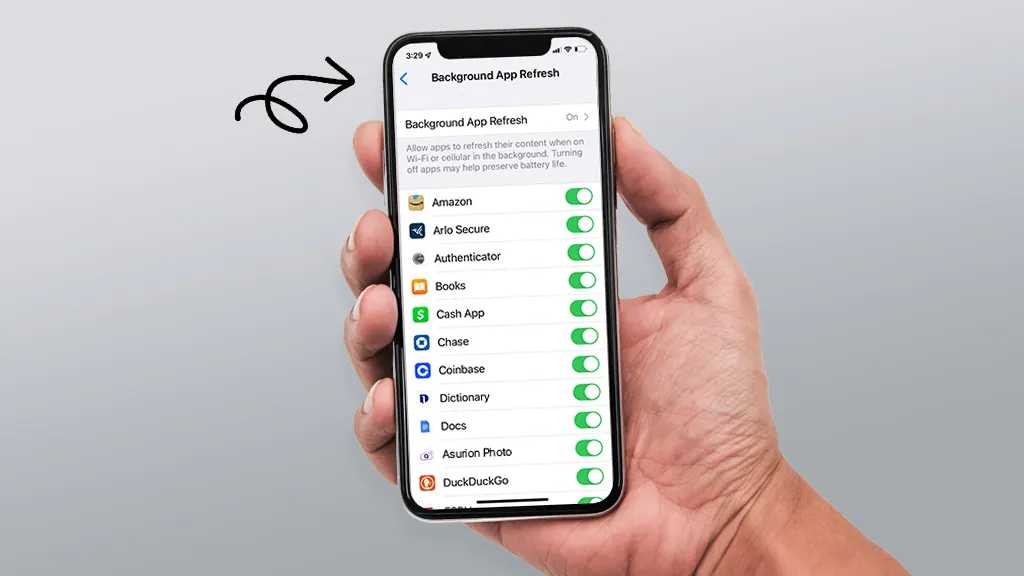
Keeping Android System And Apps Updated For Battery
Updating your Android system and apps regularly is the easiest way to boost your battery life and keep your device running smoothly. When updates…
Updating your Android system and apps regularly is the easiest way to boost your battery life and keep your device running smoothly. When updates…
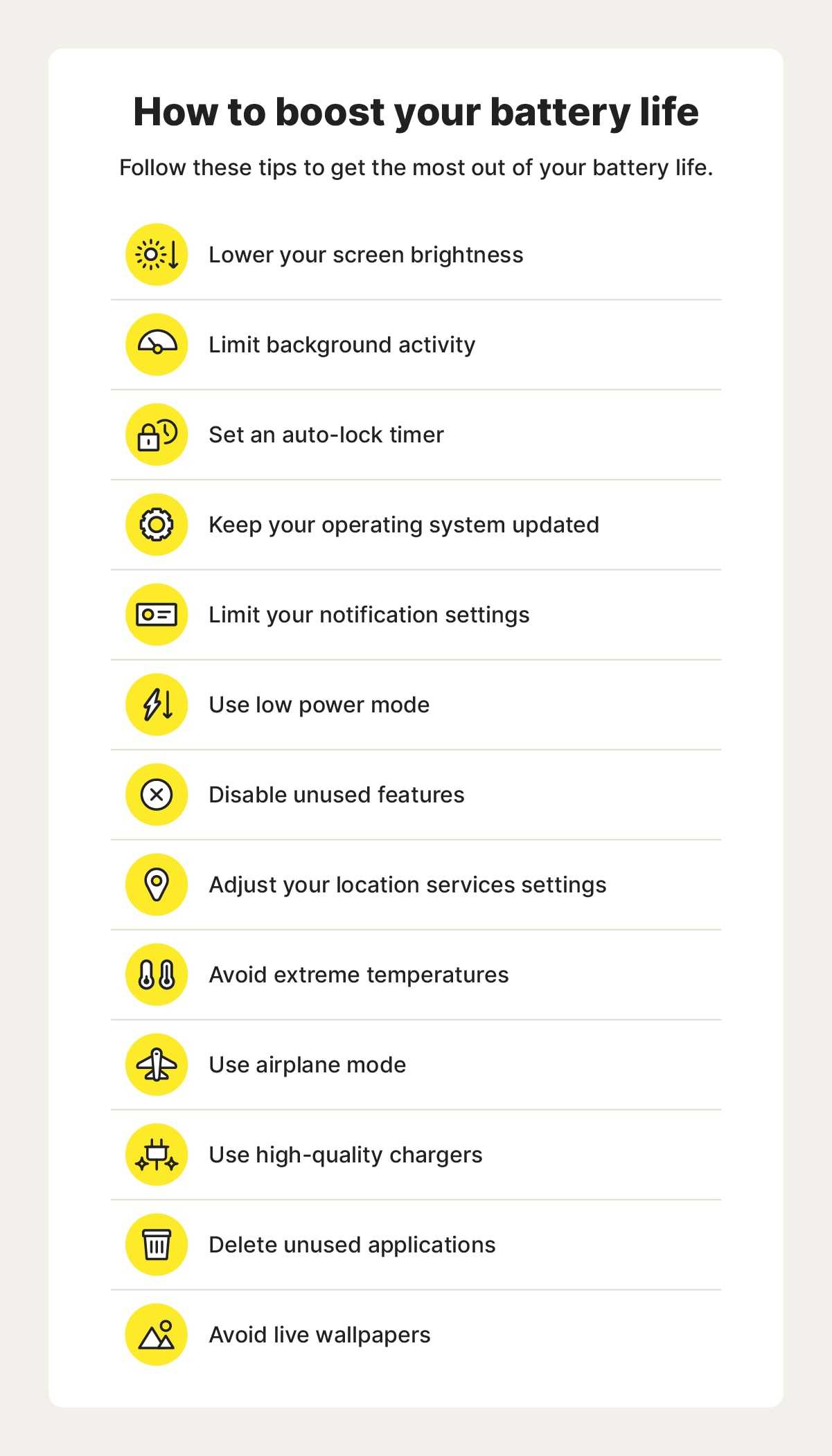
To save your phone’s battery, steer clear of live wallpapers that drain power quickly. Opt for static backgrounds or lightweight animations to keep your…

To extend your device’s battery life, turning off the always-on display feature is a simple yet effective step. This feature keeps parts of your…

To maximize your phone’s battery life, customizing optimization settings for each app is a game-changer. By selectively adjusting which apps can run in the…

Start by adjusting your screen brightness to a comfortable level and setting your device’s timeout to conserve battery life. This simple tweak can significantly…
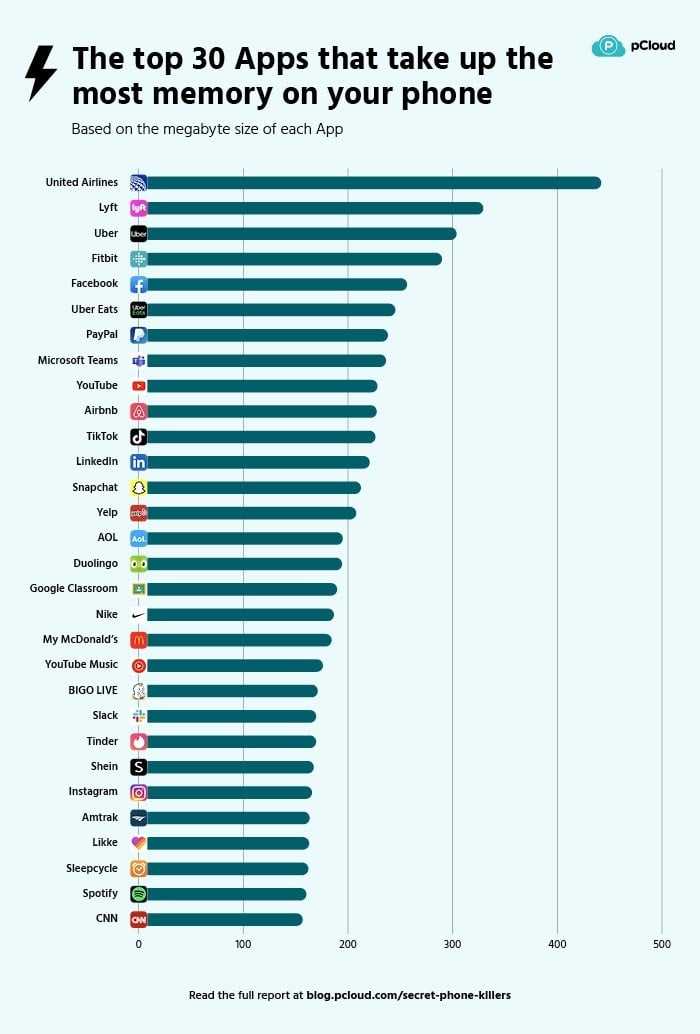
To find out which apps are secretly munching away at your battery, simply go to your device’s settings and check the battery usage section.…

To improve your device’s performance and protect your privacy, turning off auto sync for unused accounts is a smart move. This simple step prevents…
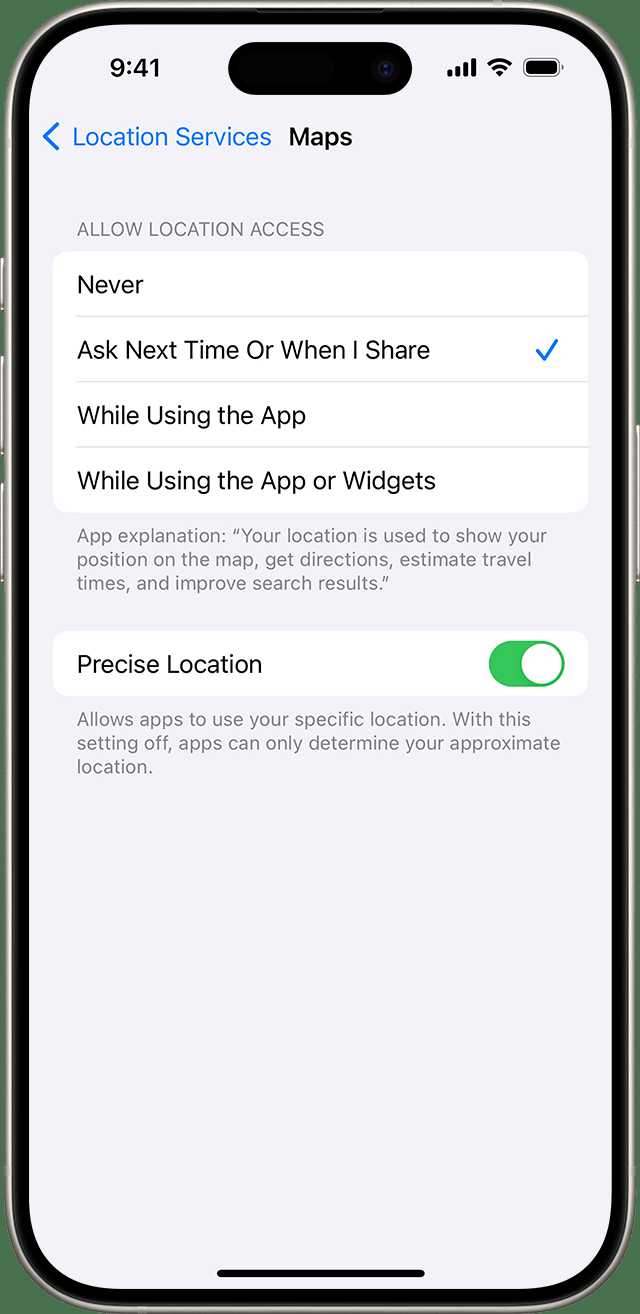
Turning off your location services when they’re not needed is a simple yet effective way to boost your device’s privacy and save power. Just…
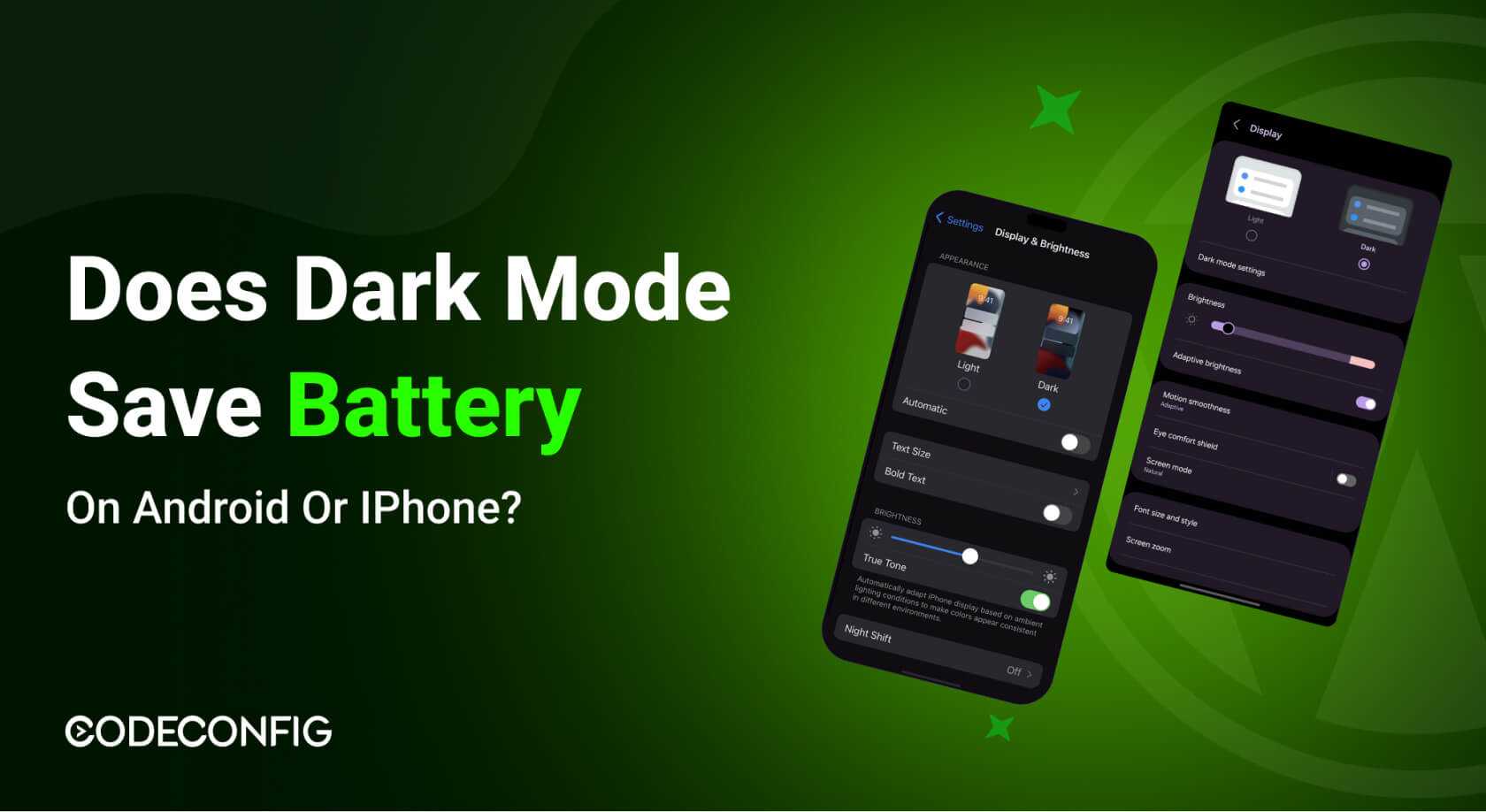
Switching to dark mode can significantly boost your device’s battery life, especially if you use an OLED screen. Dark mode reduces the amount of…
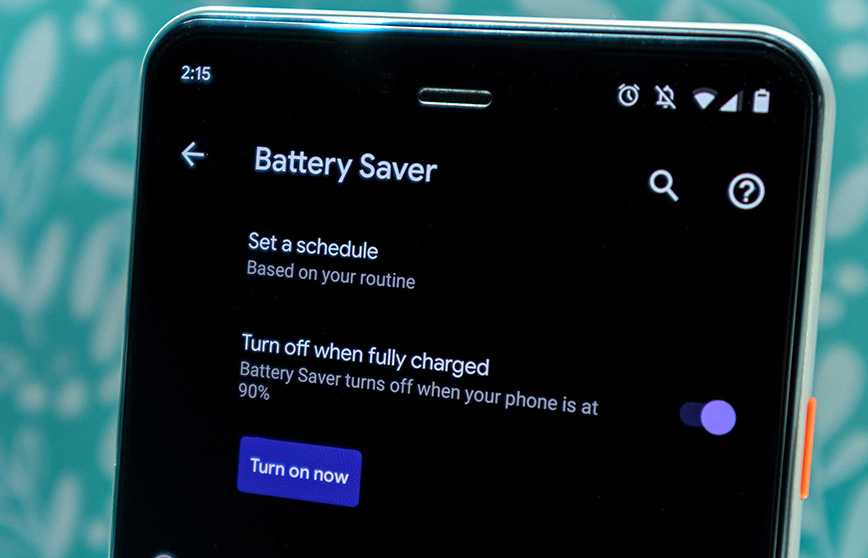
To extend your Android device’s battery life, enabling the right settings can make all the difference. The best battery saver settings include activating built-in…
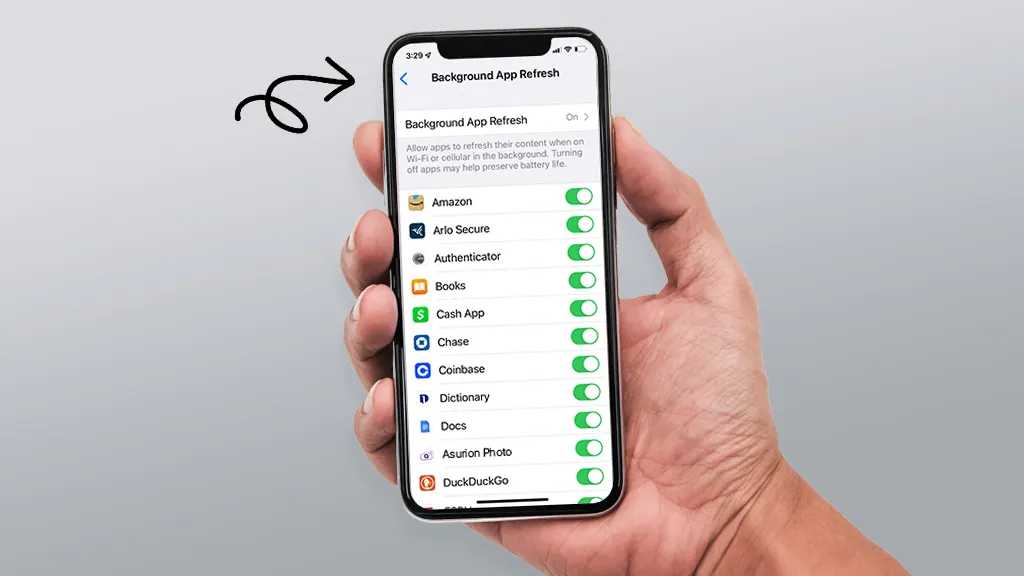
To extend your device’s battery life, controlling background app activity is key. A quick way to do this is by adjusting app settings to…

If your Android device is acting up—freezing, draining battery quickly, or crashing—don’t panic. Most common issues have simple fixes that can have your phone…









