Author: Hanna

I am a technology writer specialize in mobile tech and gadgets. I have been covering the mobile industry for over 5 years and have watched the rapid evolution of smartphones and apps. My specialty is smartphone reviews and comparisons. I thoroughly tests each device's hardware, software, camera, battery life, and other key features. I provide in-depth, unbiased reviews to help readers determine which mobile gadgets best fit their needs and budgets.

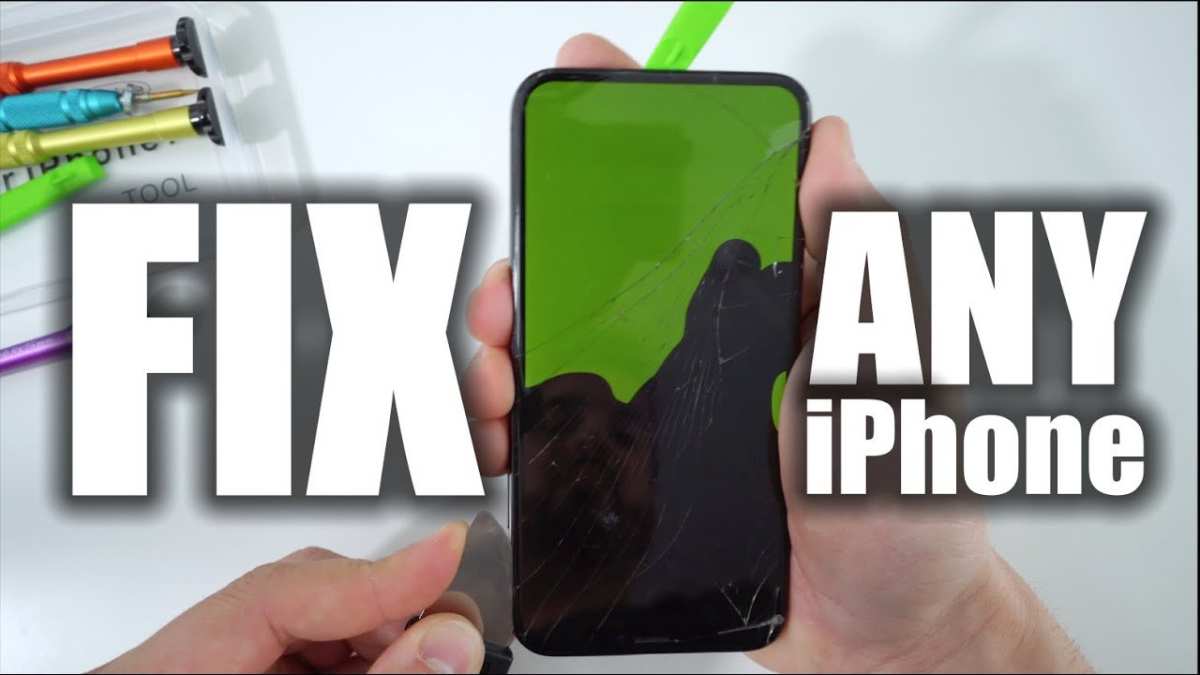
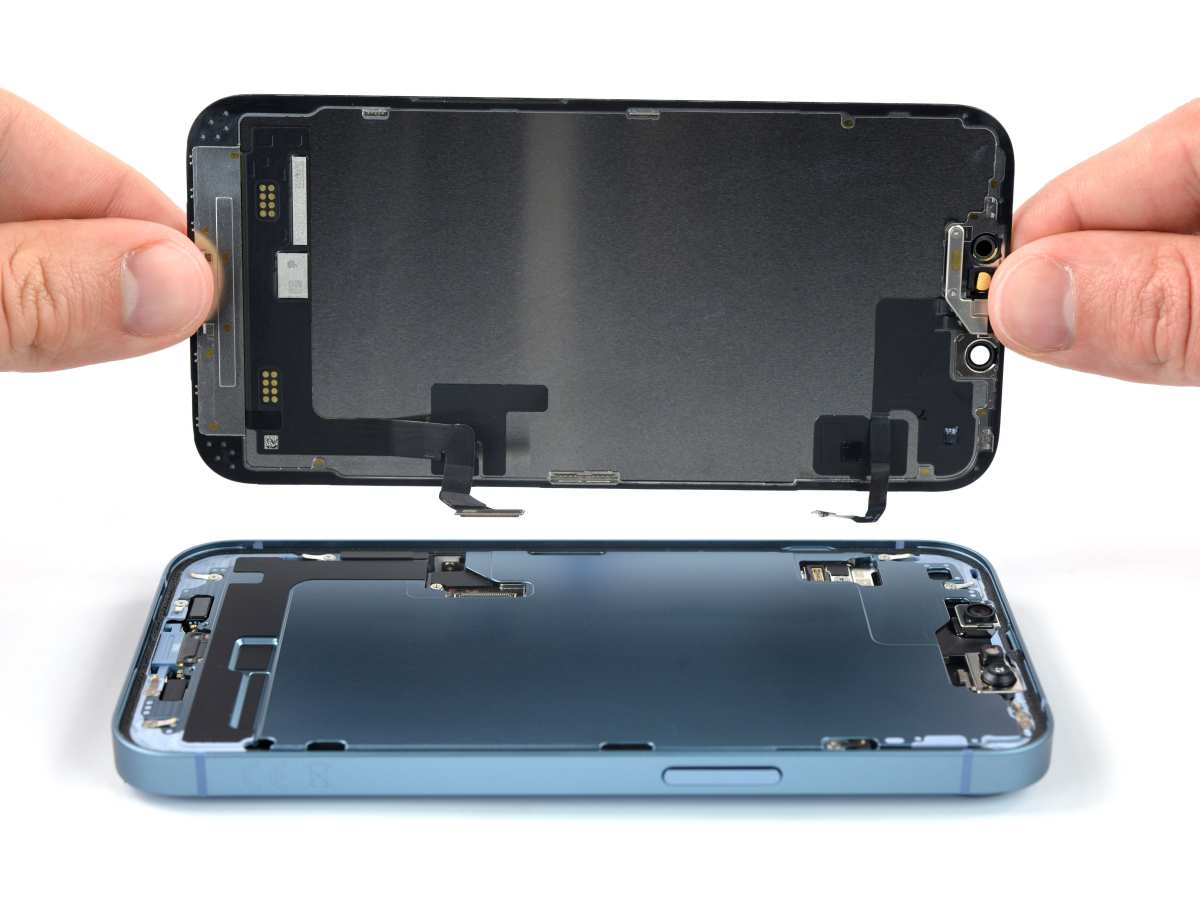
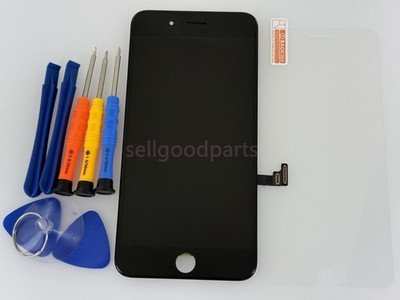
To replace your iPhone screen quickly, start by powering off your device, carefully removing the screen using specialized tools, and then disconnecting and replacing the display assembly. Ensure you follow proper steps and handle components gently to avoid additional damage. If your iPhone screen is cracked or unresponsive, replacing it can bring your device back to life. This process involves carefully opening your phone, disconnecting the damaged display, and installing a new screen. While it might seem daunting, with the right tools and patience, you can do it yourself or seek professional help. In this guide, we’ll walk you through…

Read More

If your iPhone 11 screen is cracked or unresponsive, replacing it quickly can save you time and money. The process involves removing the damaged screen, disconnecting internal components, and installing a new display—all doable with some basic tools and patience. For a straightforward fix, many prefer professional repair services or DIY kits designed specifically for iPhone 11 screens. To replace your iPhone 11 screen, you’ll need the right tools, a replacement screen, and a steady hand. Carefully remove the pentalobe screws, open the device using a plastic pry tool, disconnect the display connectors, and then swap out the broken screen…

Read More

Yes, you can get your iPhone screen fixed! Whether your screen is cracked, shattered, or just unresponsive, professional repair services can restore it to like-new condition. The good news is that most screen damages are repairable, and getting your iPhone fixed is usually quick and affordable depending on the model. For those passionate about other tech, like gaming, choosing the right display is crucial; many wonder what is the best monitor size for gaming. If you’re wondering whether your iPhone screen can be repaired, the answer is generally yes. Most damages are repairable, and technicians can usually replace your screen…

Read More

Yes, you should get your iPhone screen fixed if it’s cracked or malfunctioning. A damaged screen not only hampers your device’s appearance but can also affect its functionality and potentially lead to further issues. Repairing it promptly can save you money in the long run and restore your phone’s pristine look and performance. Beyond mobile devices, understanding the right display technology for your needs, like what makes a monitor good for gaming, is also crucial for many tech enthusiasts. If you’re wondering whether to fix your iPhone screen, the answer depends on the severity of the damage and how much…

Read More

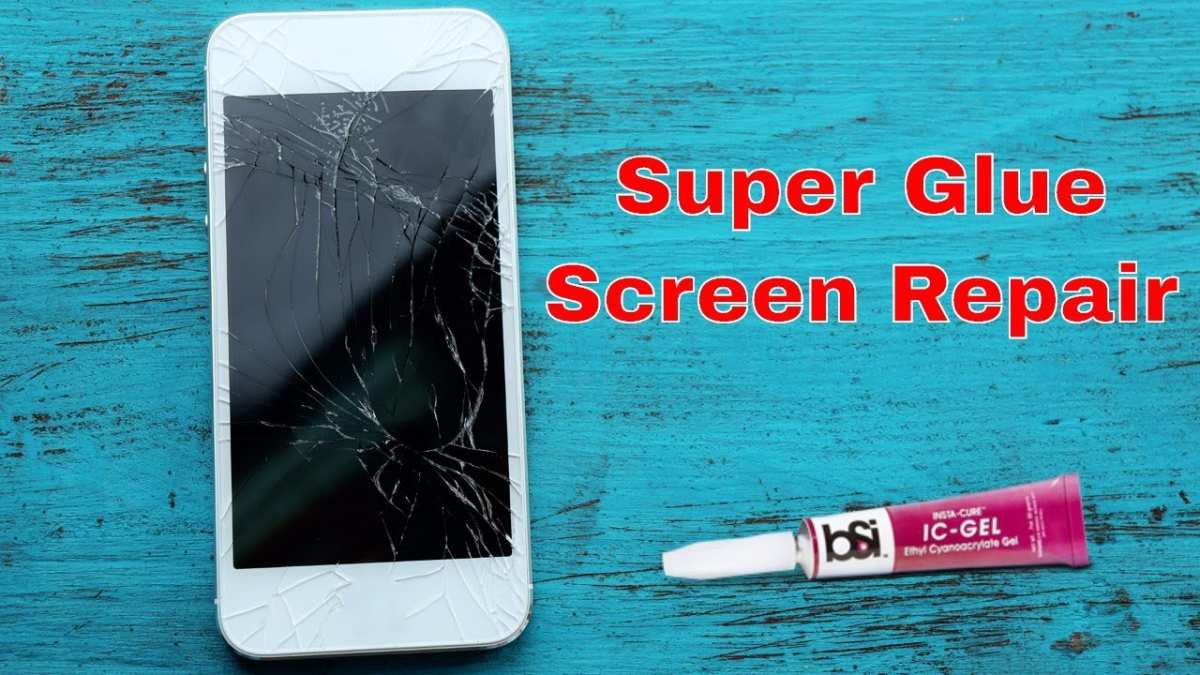
Looking to get your iPhone screen repaired without breaking the bank? You’re in luck! There are several affordable ways to fix your cracked or malfunctioning screen, from DIY repairs to choosing budget-friendly repair shops. With a little research and some smart choices, you can restore your iPhone’s display for a fraction of the cost of official repairs. **Short summary:** To get your iPhone screen fixed cheaply, consider third-party repair services, DIY repair kits, or checking local repair shops for deals. Remember to compare prices and read reviews before handing over your device. If your iPhone screen is cracked or unresponsive,…

Read More

For the quickest and most reliable iPhone screen repairs, visiting an authorized Apple Store or a certified Apple service provider is your best bet. These places ensure genuine parts and expert technicians, getting your phone back to perfect condition swiftly. If you’re in a hurry or want quality assurance, heading to an Apple Store or authorized service center is the top choice. If your iPhone screen is cracked or shattered, finding the best place to get it fixed can feel overwhelming. You’re likely searching for a spot that offers fast, trustworthy repairs without breaking the bank. Whether you prefer going…

Read More

Looking for a budget-friendly spot to fix your iPhone screen without sacrificing quality? You’re in luck—there are several reliable and inexpensive options out there. **For quick, affordable iPhone screen repairs, local independent repair shops and certified third-party repair centers often provide the best deals. Many online platforms also offer mail-in services for cost-effective fixes, sometimes at a fraction of the Apple Store prices.** If your iPhone screen is cracked or shattered and you’re eager to get it repaired without breaking the bank, there are practical solutions. Opting for local independent repair shops or trusted third-party services can save you a…

Read More

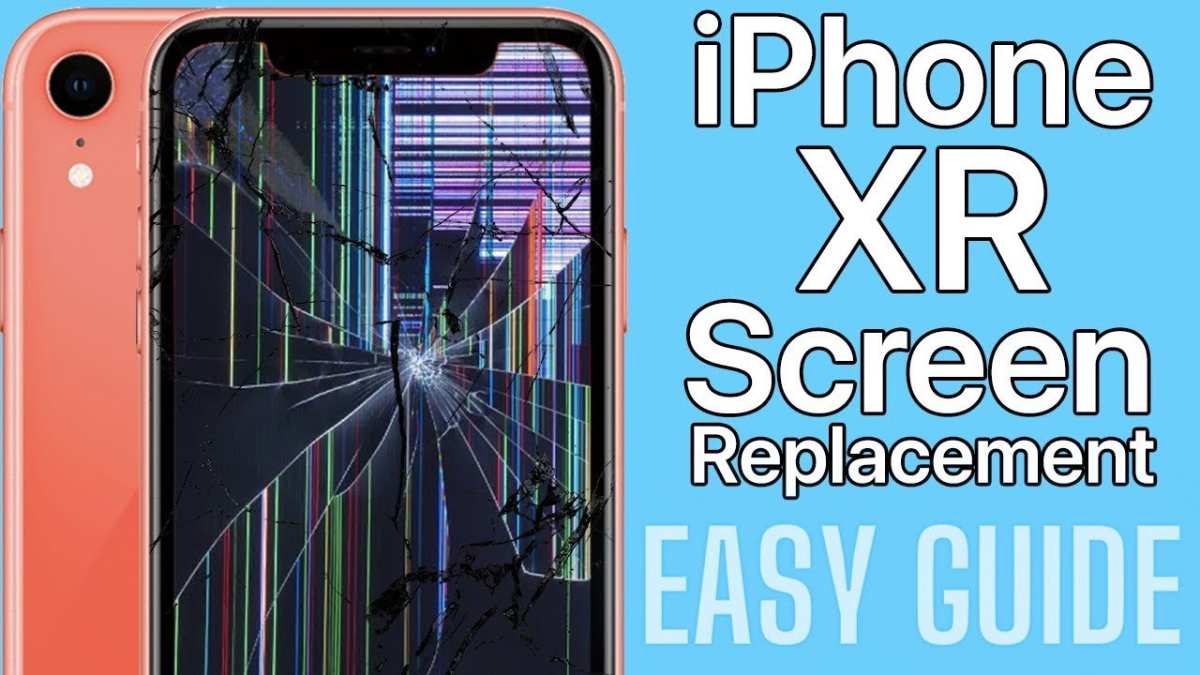
If your iPhone 12 screen replacement isn’t working, try reconnecting the display carefully and ensuring all connectors are secure. **This often resolves common issues with unresponsive screens after repair.** Sometimes, incompatibility or faulty parts cause problems, so double-check the replacement components. Troubleshooting step-by-step can save you time before seeking professional help. Keep these tips in mind to get your iPhone 12 functioning smoothly again. For those who also enjoy other tech, understanding what makes a monitor good for gaming can significantly enhance your experience there as well.

Read More

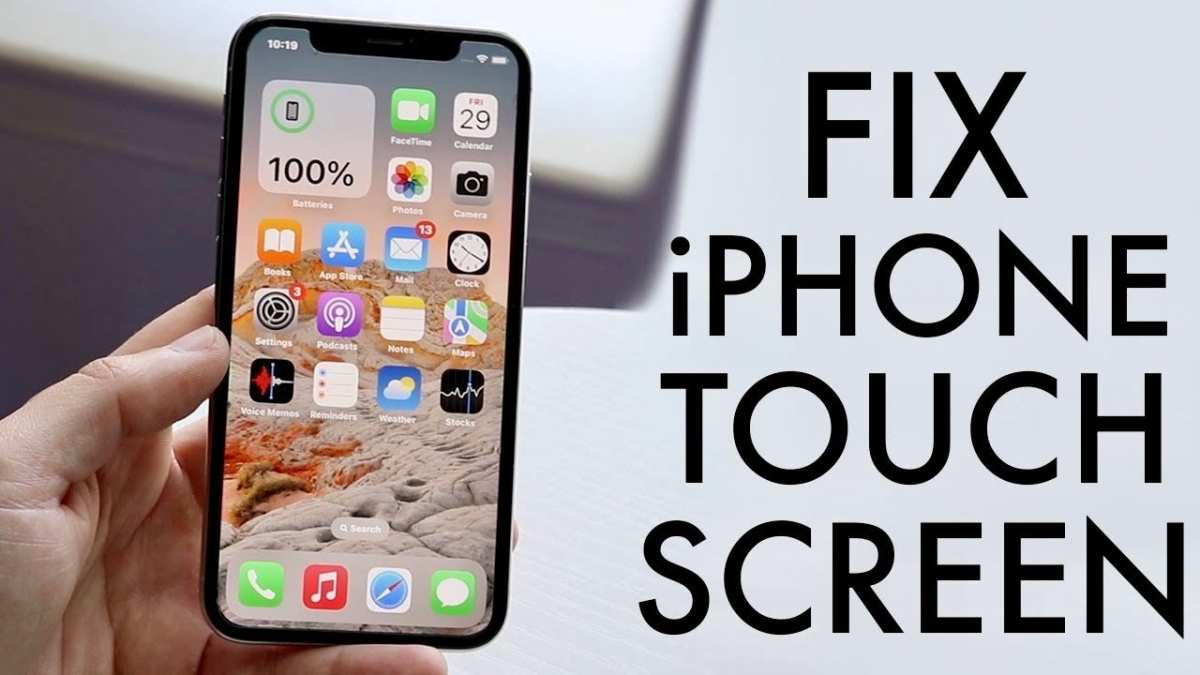
If you’re facing an issue where the touch isn’t responsive after an iPhone screen replacement, **reseting your device or recalibrating the touch screen often resolves the problem**. The issue of ‘iPhone screen replacement touch not working’ can stem from improper installation or software glitches. Sometimes, a simple restart or software update can fix the touch sensitivity. If these steps don’t work, checking for loose connections or seeking professional help ensures your iPhone functions smoothly again.

Read More