If you notice your device’s battery is swollen or damaged, it’s crucial to act fast and visit a technician immediately. Don’t ignore the warning signs, as a swollen battery can be dangerous and may cause leaks, fires, or explosions. To stay safe, handle the device carefully, turn it off, and seek professional help without hesitation. A swollen or damaged battery should never be used or charged further — always have it inspected and replaced by a qualified technician to prevent accidents. In this article, we’ll explore why such batteries pose risks, what signs to look for, and the best steps…
Author: Hanna
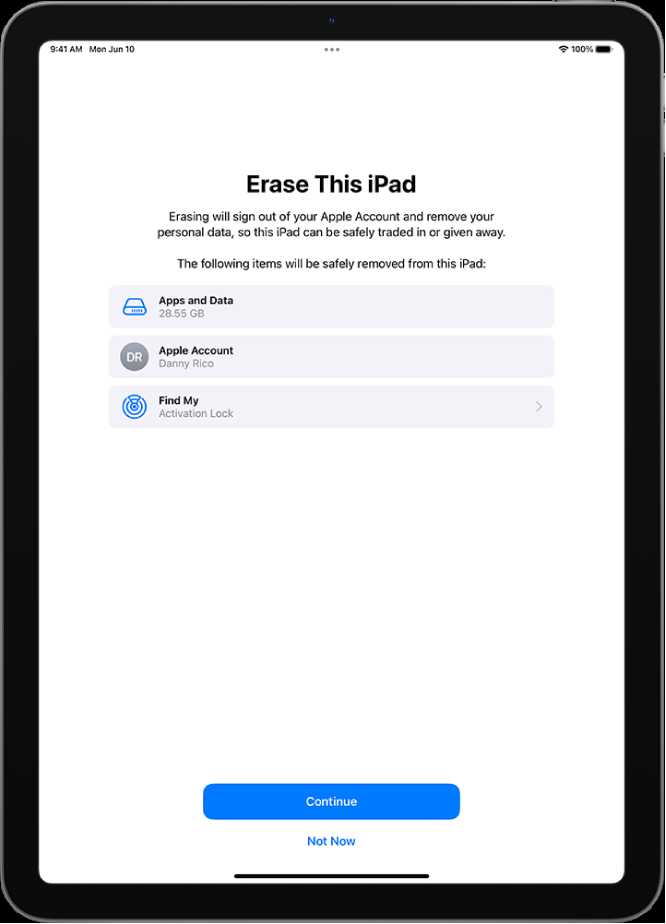
Performing a factory reset can be the ultimate solution when your device is plagued with persistent problems that refuse to go away. It’s like hitting the reset button on your technology, wiping out all glitches and deep-seated issues. While it might seem drastic, a factory reset can often restore your device’s performance to its original state, solving problems caused by malware, software corruption, or incompatible updates. However, it’s not a decision to take lightly, as it erases all your data and settings. Before you proceed, consider whether other troubleshooting methods have failed. If you’re at your wit’s end with a…
Restarting your phone regularly is a simple yet effective way to keep it running smoothly by clearing hidden background processes. This quick reboot resets temporary files and stops unnecessary apps from draining your battery or slowing down your device. Doing this routinely ensures your phone operates more efficiently, prolongs battery life, and prevents lag or crashes caused by lingering background activities. It’s a small habit that can significantly boost your device’s performance, especially if you notice it slowing down or overheating. If you’re wondering how to keep your phone in top shape, simply restart it every few days. This quick…
If your device starts behaving oddly, resetting app preferences can often do the trick to restore normalcy quickly. This simple step resets all app settings to their default state without deleting any app data, helping fix glitches caused by misconfigured options. It’s a handy troubleshooting move when system behavior feels off but you’re unsure what’s causing it. In brief, resetting app preferences restores defaults for all your apps’ settings, which can resolve abnormal behavior without uninstalling or losing data. It’s a straightforward process that can save time and trouble by fixing underlying configuration issues behind system glitches. When your smartphone…
To save battery life and enhance security, it’s smart to turn off features like NFC and mobile hotspot when they’re not in use. Quickly disabling these functionalities when your device is idle can significantly improve performance and protect your data from unauthorized access. The key is to set your phone or tablet to automatically disable these features when they’re not needed, or to do so manually whenever you’re done using them. Disabling features such as NFC and mobile hotspot when not actively using them is an effective way to conserve power and keep your device more secure. You can easily…
To quickly assess your device’s battery health, simply use built-in diagnostic tools or dedicated apps that provide detailed insights into battery performance and longevity. These tools can help you identify issues early and extend your device’s lifespan. Checking your battery health is easier than ever with the right tools. Whether you’re noticing faster draining or just want to keep your device in top shape, diagnostic apps or built-in features can give you a clear picture of your battery’s condition. They analyze factors like capacity, charge cycles, and overall performance, helping you decide if it’s time for a replacement or other…
Quick Answer: To calibrate your battery effectively, let it fully drain until the device shuts off, then charge it uninterrupted to 100%. This process helps the battery’s software more accurately display its true capacity, improving overall performance. Calibrating your battery might sound intimidating, but it’s actually a simple trick that can give your device a boost in battery life accuracy. Over time, battery indicators can become unreliable because of software misreads or aging cells, making your device seem like it’s dying faster than it actually is. By allowing your battery to fully drain and then recharging it completely, you reset…
Always use the original charger to keep your device’s battery healthy and avoid unnecessary strain. The right charger ensures optimal power delivery, preserving battery lifespan and performance. Using the original charger is the best way to prevent battery damage and prolong your device’s usability. When you stick with the charger that comes with your device, you help maintain proper charging speed and avoid risks associated with third-party accessories. This simple habit can make a significant difference in battery longevity and overall device health. Charging your device with the original charger is crucial for maintaining battery health and avoiding potential damage.…
If you’re constantly switching your device to high performance or gaming mode, you’re likely draining your battery faster and possibly shortening the lifespan of your hardware. The key is to find a balance that keeps your device running smoothly without unnecessary energy consumption or wear and tear. A simple solution is to disable these modes when they’re not absolutely needed and optimize your device settings for everyday use, ensuring better battery life and longevity. In this article, you’ll learn practical ways to avoid using high-performance or gaming modes all the time while still maintaining good device performance. By adjusting some…