Are Ultrawide Monitors Good for Gaming

Ultrawide monitors offer an immersive gaming experience with a wider field of view, but are they good for gaming? This comprehensive guide dives deep into the pros and cons, exploring how ultrawide displays can enhance your gameplay, the potential compatibility issues you might encounter, and what to look for when choosing one. From increased immersion to competitive advantages, we’ll help you decide if an ultrawide monitor is the right upgrade for your gaming setup.
Are ultrawide monitors good for gaming? This is a question many PC gamers ponder as they look to upgrade their setups. The allure of a wider, more immersive view is strong, but there are also practical considerations to weigh. This guide will walk you through everything you need to know to determine if an ultrawide monitor is the right choice for your gaming adventures. We’ll explore the benefits, the drawbacks, how to ensure your favorite games will work, and what to look for when making your purchase.
Understanding Ultrawide Monitors
Before we dive into the gaming aspect, let’s clarify what an ultrawide monitor is. Typically, a standard widescreen monitor has an aspect ratio of 16:9, meaning for every 16 units of width, there are 9 units of height. Ultrawide monitors, on the other hand, commonly feature a 21:9 aspect ratio, and some even go as wide as 32:9 (often referred to as super ultrawide). This increased width translates to a much broader horizontal field of view, offering a panoramic experience that standard monitors can’t match.
The Benefits of Ultrawide Monitors for Gaming
So, why are so many gamers turning to ultrawide displays? The advantages are quite compelling.
1. Unparalleled Immersion
This is perhaps the biggest draw of ultrawide monitors. The extended horizontal view pulls you deeper into the game world. Imagine playing a breathtaking open-world RPG like The Witcher 3 or Cyberpunk 2077. With an ultrawide monitor, you see more of the landscape stretching out before you, more of the intricate details of the environment, and more of the action happening on either side. This level of immersion can make games feel significantly more engaging and realistic. It’s like having a personal cinema screen for your gaming sessions.
2. Enhanced Peripheral Vision and Tactical Advantages
In many competitive multiplayer games, spotting your opponents before they spot you is crucial. An ultrawide monitor can provide a distinct advantage here. Because you can see more of what’s happening to your sides, you might catch an enemy flanking you sooner, or notice a sniper hiding in the distance that you would have missed on a 16:9 display. Games like Counter-Strike: Global Offensive, Valorant, or even battle royales like Apex Legends can benefit from this expanded awareness. However, it’s worth noting that some games and esports titles intentionally limit field-of-view options to maintain competitive balance, so this advantage isn’t universal.
3. More Screen Real Estate for Multitasking
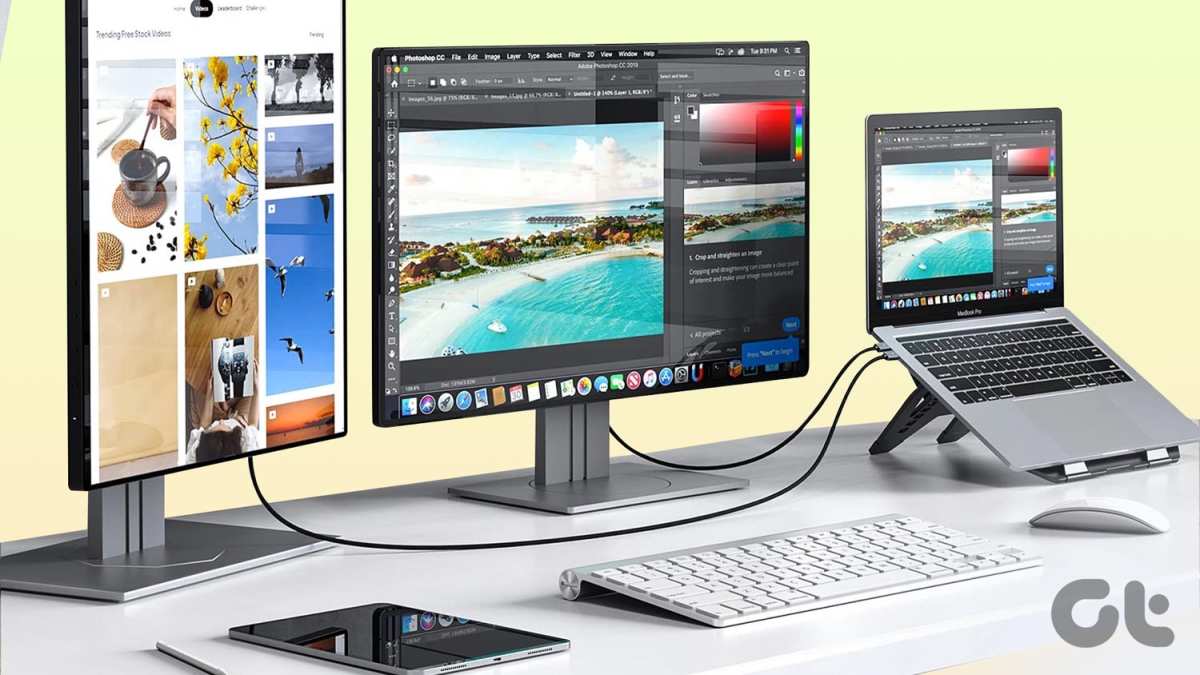
While our focus is gaming, it’s hard to ignore the productivity benefits that also translate well. If you’re someone who likes to have a game open alongside a guide, streaming software, or chat applications, an ultrawide monitor makes this much more comfortable. You can have multiple windows open side-by-side without them feeling cramped. This is especially true if you play simulation games where you might be managing multiple data streams or information windows.
4. Cinematic Aspect Ratio
Many movies and TV shows are filmed in cinematic aspect ratios that are closer to 21:9 than 16:9. Playing games that support ultrawide resolutions can feel like watching a movie, with less black bar intrusion at the top and bottom of the screen, especially in cutscenes. This contributes to a more polished and authentic viewing experience.
The Drawbacks and Considerations
Despite the exciting advantages, ultrawide monitors aren’t without their downsides. It’s important to be aware of these before making the leap.
1. Game Compatibility Issues
This is the most significant hurdle for many. While modern AAA games generally have excellent support for ultrawide resolutions (2560×1080 or 3440×1440), not every game is so accommodating.
- Older Games: Many older titles were designed with 4:3 or 16:9 aspect ratios in mind and may not scale correctly. You might end up with stretched visuals, black bars on the sides, or a cropped view.
- Fixed Aspect Ratio Games: Some games, particularly certain indie titles or those with specific artistic styles, may have a fixed aspect ratio that prevents them from filling an ultrawide screen naturally.
- User Interface (UI) Problems: Even in games that support ultrawide resolutions, the user interface might not be optimized. Elements like health bars, mini-maps, or menus could be pushed too far to the edges, making them awkward to look at.
Fortunately, the gaming community is resourceful. For many unsupported games, you can find community-made patches, mods, or configuration file tweaks that enable ultrawide support. Websites like “WSGF.org” (Widescreen Gaming Forum) are invaluable resources for finding such solutions.
2. Hardware Demands
An ultrawide monitor, especially at higher resolutions like 3440×1440, has more pixels to render than a standard 1080p or even 1440p monitor. This means your graphics card (GPU) needs to work harder to push out high frame rates.
- GPU Power: If you’re aiming for smooth 60+ FPS gameplay at native ultrawide resolutions, you’ll likely need a mid-range to high-end GPU. A weaker GPU might force you to lower in-game graphical settings or reduce the resolution, negating some of the ultrawide benefits.
- CPU Bottleneck: While the GPU is usually the primary concern, a powerful CPU is also important to feed the GPU enough data, especially in CPU-intensive games.
If your current PC is a few years old or built with budget components, you might need to consider a hardware upgrade alongside your monitor purchase.
3. Cost
Ultrawide monitors are generally more expensive than their 16:9 counterparts with similar specifications (like refresh rate and resolution). The larger panel size and the complexity of producing wider displays contribute to the higher price point. You’ll be paying a premium for that immersive experience. For insights into why these monitors come with a higher price tag, check out our article on why ultrawide monitors are more expensive.
4. Desk Space
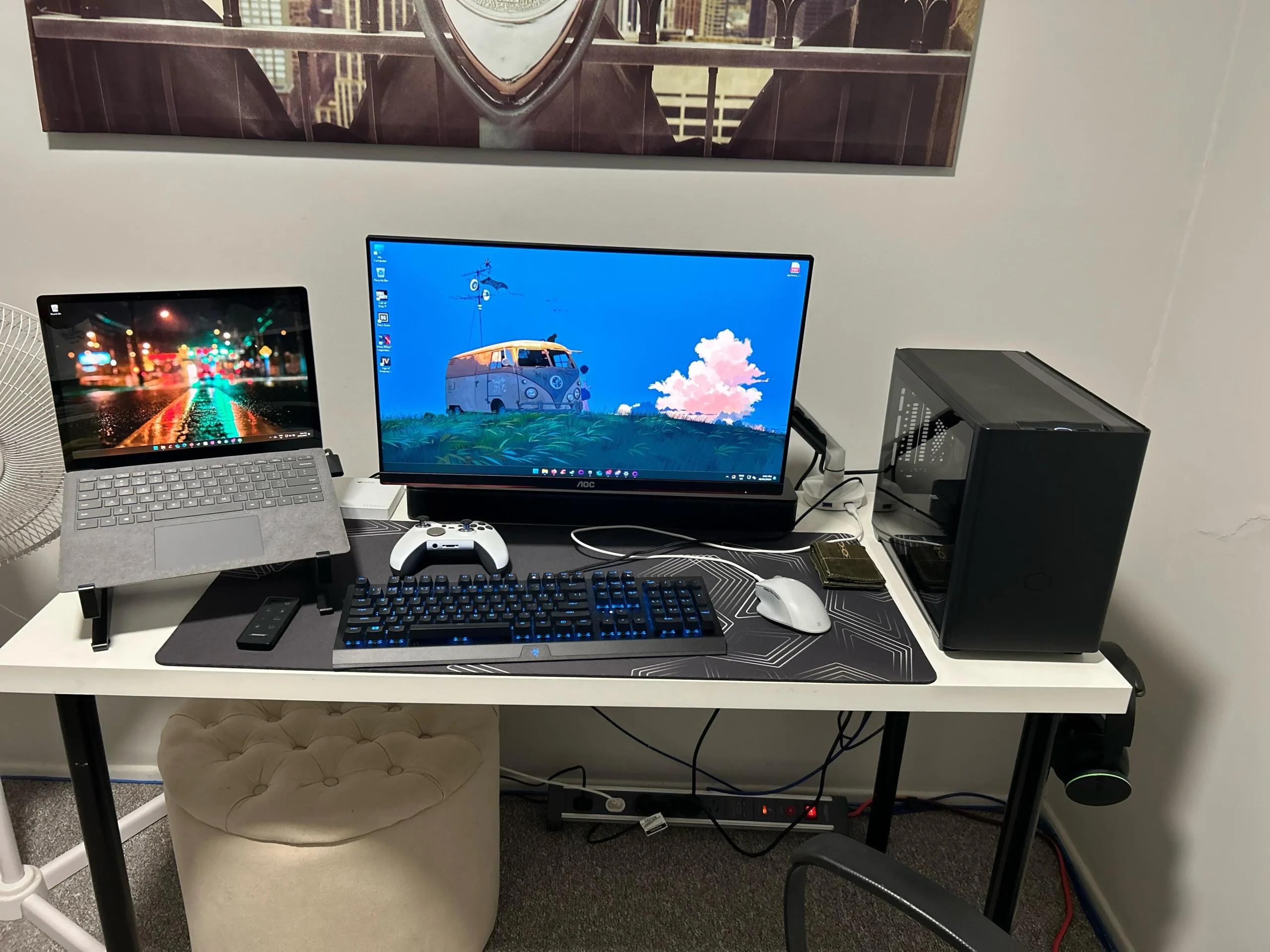
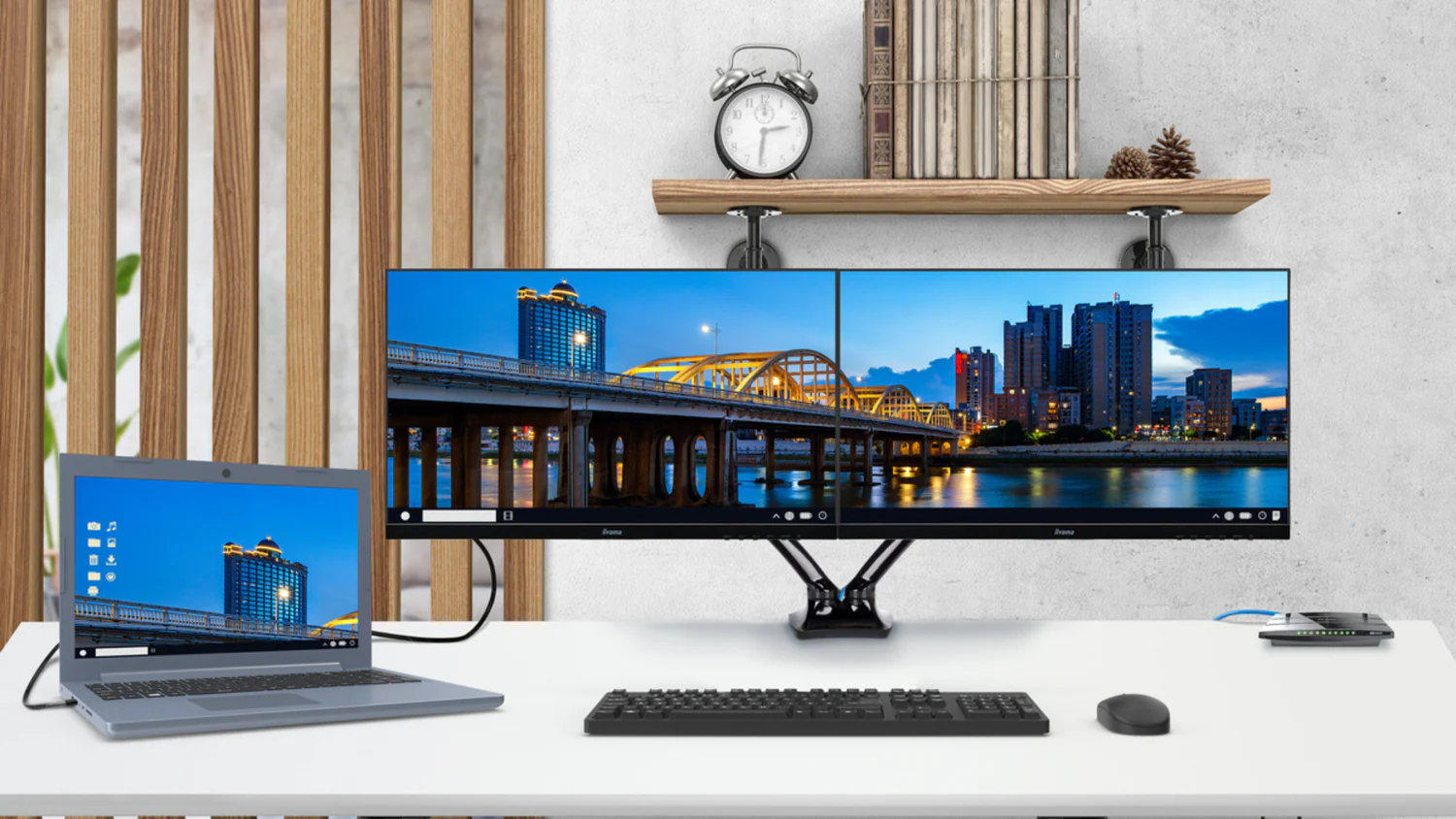
These monitors are physically wider. A 27-inch 16:9 monitor is about 24 inches wide. A 34-inch 21:9 ultrawide monitor is roughly 31 inches wide. A 49-inch super ultrawide (32:9) can be well over 46 inches wide! Make sure you have enough desk space to accommodate its footprint and still have room for your keyboard, mouse, and other peripherals. To help plan your setup, read our guide on how much desk space an ultrawide monitor needs.
5. Potential for Black Bars (in specific scenarios)
While many games support ultrawide, some might default to a 16:9 aspect ratio and add black bars to the sides (pillarboxing) rather than stretching the image. This can happen in games that are strictly designed for 16:9 or when using specific compatibility fixes that maintain the original aspect ratio to avoid distortion. This is less common for modern titles but can occur.
Choosing the Right Ultrawide Monitor for Gaming
If you’ve decided that an ultrawide monitor is for you, here’s what you should consider when shopping:
1. Resolution
The most common ultrawide resolutions are:
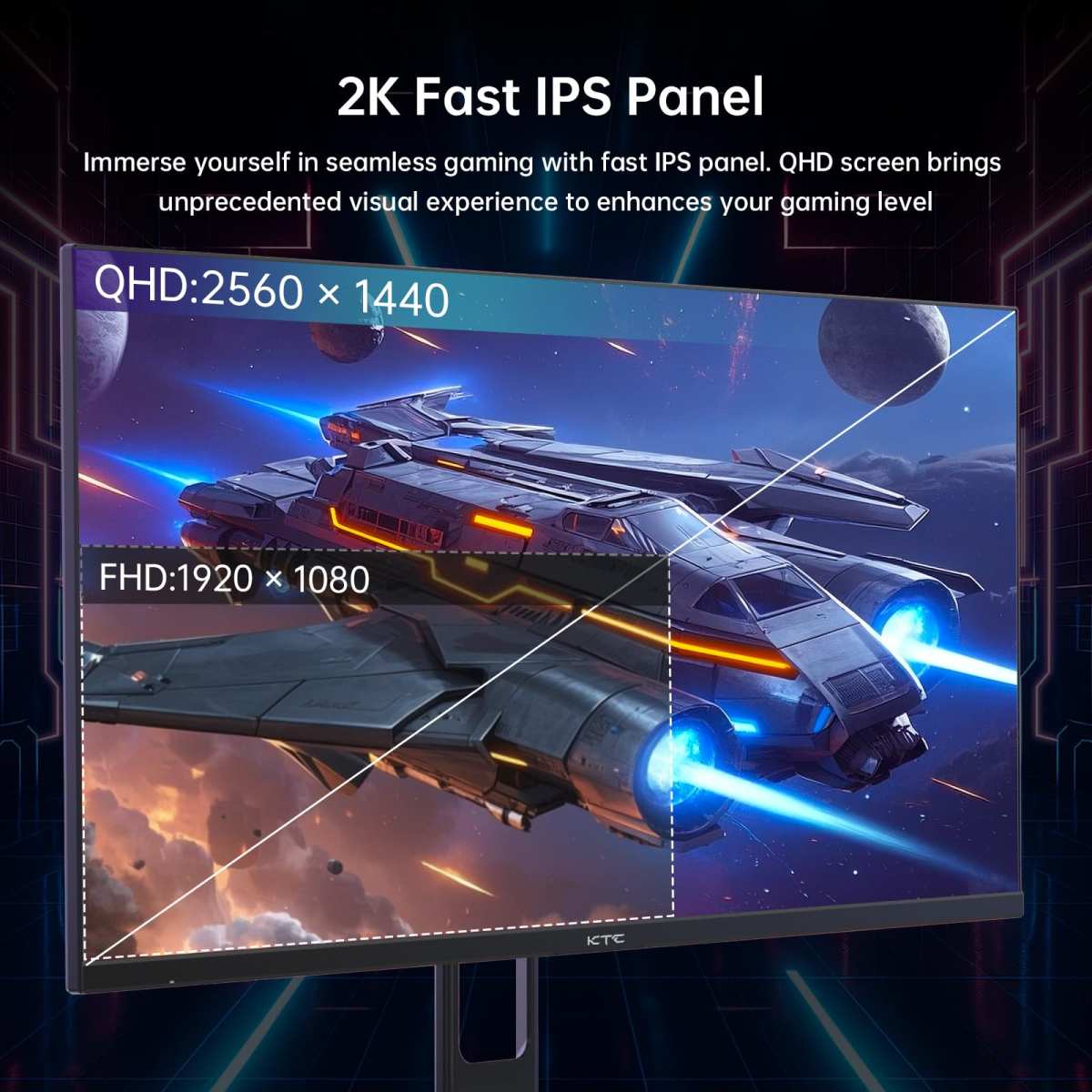
- 2560×1080 (WFHD): This is the most budget-friendly ultrawide option. It offers a step up in width from 1080p but has a lower pixel density than higher resolutions. It’s a good entry point if your GPU isn’t top-tier or if you want to save money.
- 3440×1440 (WQHD): This is the sweet spot for many ultrawide gamers. It offers a significant increase in sharpness and detail compared to WFHD, providing a much more premium visual experience. It requires a more capable GPU.
- 5120×1440 (DQHD – Super Ultrawide): These 32:9 monitors offer an even wider panoramic view, akin to having two 1440p monitors side-by-side without a bezel. They demand substantial GPU power.
For most gamers, 3440×1440 on a 21:9 monitor strikes an excellent balance between immersion, visual quality, and performance demands.
2. Refresh Rate
Just like with standard monitors, a higher refresh rate means smoother motion. For gaming, aim for at least 100Hz, with 120Hz, 144Hz, or even higher being ideal for competitive play and a fluid experience. Remember, you’ll need a GPU capable of pushing enough frames to take advantage of a high refresh rate. To understand how refresh rates impact gameplay, see our comparison of 144Hz vs 240Hz monitors.
3. Panel Type
The most common panel types for ultrawide monitors are:
- IPS (In-Plane Switching): Known for excellent color accuracy, wide viewing angles, and good response times. They are a popular choice for a balanced gaming and general use experience.
- VA (Vertical Alignment): Offers superior contrast ratios, meaning deeper blacks and brighter whites, which can be great for dark-themed games and movies. However, VA panels can sometimes have slower response times or be prone to “black smearing” at very high refresh rates.
- TN (Twisted Nematic): Historically the fastest for response times, but they generally have the worst color reproduction and viewing angles. Less common in modern ultrawides due to advancements in IPS and VA.
For gaming, IPS is often recommended for its balance, but if deep blacks are your priority, a good VA panel can also be excellent. Learn more in our detailed comparison: Is IPS better than TN for gaming?.
4. Curvature (R1000, R1800, Flat)
Ultrawide monitors often come with a curved screen. The “R” number (e.g., R1000, R1800) refers to the radius of the curve. A smaller number (like R1000) means a tighter, more aggressive curve, while a larger number (like R1800) signifies a gentler curve.
- Curved: The curve helps bring the edges of the screen closer to your eyes, enhancing immersion and reducing eye strain by making the entire screen more equidistant. This is particularly effective on wider ultrawides.
- Flat: Some ultrawides are flat. While they offer a more traditional viewing experience, they might feel less immersive than a curved counterpart, especially at wider screen sizes.
Most users find the curve of an ultrawide monitor to be a welcome addition for gaming, but it’s a matter of personal preference.
5. Adaptive Sync Technology (G-Sync / FreeSync)
This technology synchronizes your monitor’s refresh rate with your GPU’s frame output, eliminating screen tearing and stuttering for a smoother visual experience. Ensure the monitor supports either NVIDIA G-Sync or AMD FreeSync, depending on your GPU. Many monitors now support “G-Sync Compatible” or “FreeSync Premium” which offer excellent performance.
Getting the Most Out of Your Ultrawide Gaming Experience
Once you have your ultrawide monitor set up, here are some tips to ensure you get the best gaming experience:
1. Check Game Settings
Always dive into the display or graphics settings of your games. Look for:
- Resolution: Ensure it’s set to your monitor’s native ultrawide resolution (e.g., 3440×1440).
- Aspect Ratio: Confirm it’s set to “Auto” or “21:9” if available.
- Field of View (FOV): Adjust this slider if available. Increasing FOV will expand your view even further, but be mindful that it can sometimes distort the image at extreme settings.
2. Utilize Community Resources for Unsupported Games
As mentioned earlier, if a game doesn’t support ultrawide out of the box, don’t despair.
- WSGF.org: This website is your best friend for finding patches, mods, and guides for ultrawide support in countless games.
- Forums: Check game-specific forums or subreddits. Often, fellow ultrawide users will have already found and shared solutions.
- Hex Editing/Configuration Files: For more technical users, direct manipulation of game files might be necessary.
3. Adjust Your Desk Setup
Ensure your monitor is positioned at the right distance and height for comfortable viewing. Because of the width, you might need to position it slightly further back than a standard monitor. Experiment to find what feels best for your eyes and posture.
4. Be Mindful of Other Players (in multiplayer)
While you have a wider view, remember that others do not. In competitive games, don’t exploit your wider view in ways that feel unfair or unsportsmanlike. Focus on using the extra information for awareness rather than cheap kills.
Conclusion: Are Ultrawide Monitors Good for Gaming?
So, are ultrawide monitors good for gaming? The answer is a resounding yes, for many people and many games.
They offer a level of immersion and a unique visual experience that standard 16:9 monitors simply cannot match. The expanded field of view can be incredibly breathtaking in single-player titles and can even provide a tactical edge in competitive games. The benefits for productivity are a significant bonus, making them a versatile choice for those who use their PC for more than just gaming.
However, it’s crucial to go into this decision with open eyes. You need to be prepared for potential compatibility issues, especially with older games, and be willing to seek out community solutions if needed. You also need to ensure your PC hardware is up to the task of driving those extra pixels, and that you have the budget and desk space to accommodate the monitor.
If you prioritize immersion, enjoy visually stunning games, and are looking for a monitor that offers a truly different and more engaging way to play, an ultrawide monitor is likely an excellent investment. Just do your research, check game compatibility for your favorite titles, and make sure your rig is ready for the panoramic revolution.
Key Takeaways
- Wider Field of View: Ultrawide monitors provide a significantly expanded horizontal view, offering greater immersion and allowing you to see more of the game world.
- Enhanced Immersion: The panoramic display pulls you deeper into games, making experiences feel more engaging and realistic, especially in open-world and simulation titles.
- Potential Competitive Edge: In certain games, the increased peripheral vision can provide a tactical advantage by allowing you to spot enemies or important in-game elements sooner.
- Game Compatibility Varies: Not all games natively support ultrawide resolutions. While many modern titles do, older games or those with fixed aspect ratios may require workarounds.
- Hardware Demands: Driving higher resolutions on an ultrawide monitor requires a more powerful graphics card to maintain smooth frame rates.
- Cost and Space Requirements: Ultrawide monitors are generally more expensive than standard displays and require more desk space due to their wider footprint.
- Windowed/Multi-tasking Benefits: Beyond gaming, ultrawide monitors excel at productivity tasks like split-screen multitasking, making them a versatile choice for many users.

Similar Posts