Why Are Ultrawide Monitors More Expensive

Ultrawide monitors offer an immersive visual experience but often come with a higher price tag than their standard counterparts. This guide explores the key reasons behind this cost difference, including the advanced technology and larger materials required. Understand the factors like larger screen real estate, higher resolutions, specialized panel technologies, and advanced features that contribute to the premium pricing of ultrawide displays. Are you eyeing an ultrawide monitor but wincing at the price tag? You’re not alone. While the immersive experience and productivity boost they offer are undeniable, ultrawide monitors often come with a significantly higher cost than their standard 16:9 counterparts. But why exactly are these panoramic displays more expensive? In this comprehensive guide, we’ll dive deep into the fascinating world of ultrawide monitor technology and economics. We’ll break down the primary reasons why you’ll typically spend more for that expansive screen real estate. By the end of this article, you’ll have a clear understanding of the factors contributing to the premium price, helping you make a more informed decision when it comes to your next monitor purchase. We’ll cover everything from the sheer amount of materials used to the cutting-edge technology packed inside.  The increased cost of ultrawide monitors isn’t down to a single factor; it’s a combination of several key elements. Let’s dissect each one.
  This might seem obvious, but it’s the most fundamental reason for the higher price. Ultrawide monitors, by their very nature, are bigger. They use more glass, more plastic, and more of every component that goes into constructing a display panel.
 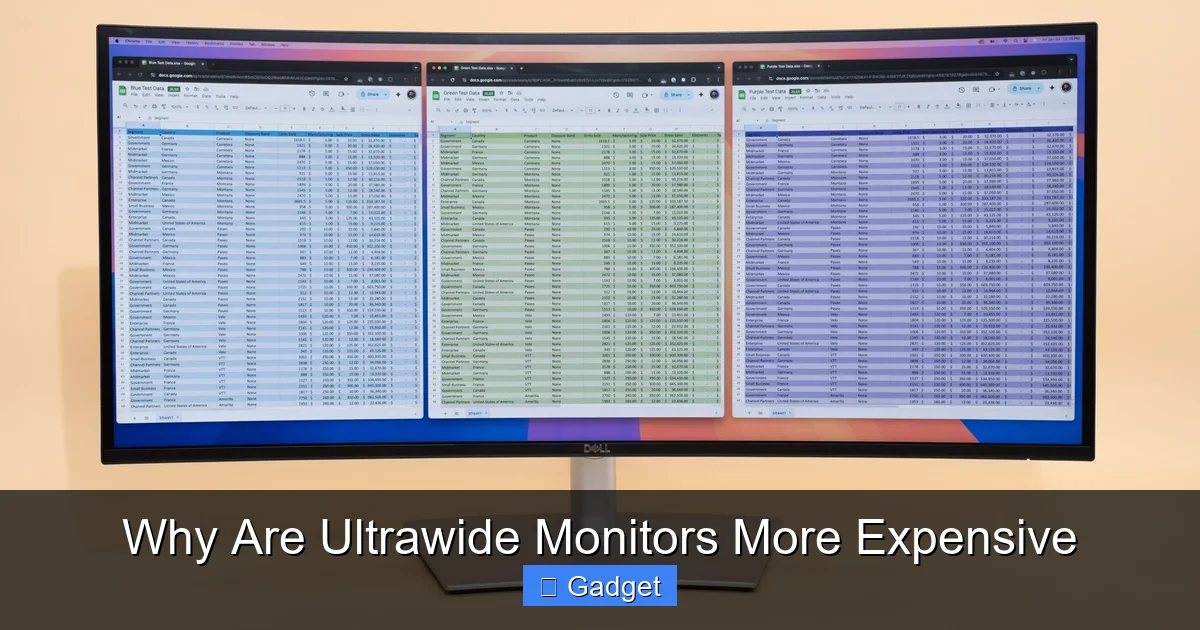 Ultrawide monitors don’t just offer more width; they often boast resolutions that are more demanding than standard displays. While a common 27-inch monitor might be 1440p (QHD), a 34-inch ultrawide is often 1440p ultrawide (3440×1440) or even 4K ultrawide (5120×2160).
Key Takeaways
- Larger Panel Size and Materials: Ultrawide monitors inherently use more raw materials and larger, more complex display panels, which directly increases manufacturing costs.
- Higher Resolutions and Pixel Density: These displays often feature resolutions beyond standard 4K, demanding more sophisticated panel manufacturing and more powerful graphics processing to drive them.
- Specialized Panel Technologies: Many ultrawide monitors utilize advanced panel technologies like higher refresh rates, HDR support, and better color accuracy, all of which add to the overall expense.
- Curved Designs and Construction: The common curved design of ultrawide monitors requires more intricate manufacturing processes and specialized structural components, contributing to their cost.
- Advanced Features and Connectivity: Features such as USB-C hubs, KVM switches, and superior built-in speakers are often integrated into ultrawide monitors, adding to their price.
- Research and Development Investment: The unique aspect ratios and engineering challenges associated with ultrawide monitors necessitate significant R&D investment by manufacturers, which is reflected in the final price.
- Market Demand and Niche Appeal: While growing, the ultrawide market is still more niche than traditional monitors, meaning lower production volumes can sometimes lead to higher per-unit costs compared to mass-produced standard displays.
Understanding the “Ultrawide” Difference
Before we explore the cost factors, let’s quickly define what makes a monitor “ultrawide.” Unlike standard monitors with a 16:9 aspect ratio (like your TV or most laptops), ultrawide monitors typically feature an aspect ratio of 21:9 or even 32:9. This means they are significantly wider than they are tall, offering a much broader field of view. This expansive horizontal space is what appeals to gamers, content creators, and multitasking professionals.Why the Premium Price Tag? Breaking Down the Costs
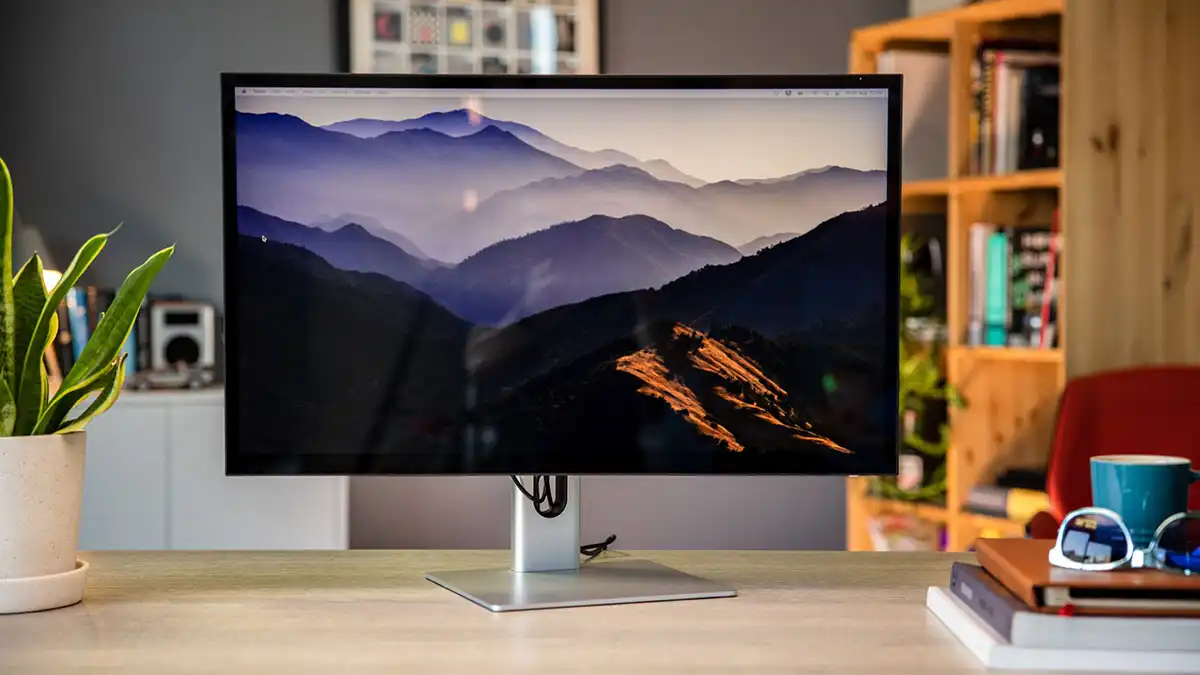
Visual guide about Why Are Ultrawide Monitors More Expensive
Image source: 10pcg.com
1. Larger Screen Real Estate and Material Costs
Visual guide about Why Are Ultrawide Monitors More Expensive
Image source: 10pcg.com
The Sheer Size of the Panel
Imagine cutting a piece of glass for a standard 27-inch monitor versus a 34-inch ultrawide. The latter requires a significantly larger piece of glass. The same applies to the intricate layers of liquid crystals, polarizers, and backlight components that make up the display panel itself. Producing larger panels is more complex and inherently more expensive due to:- Increased Raw Material Consumption: More glass, more chemicals, more specialized films are needed.
- Higher Defect Rates: Manufacturing large, perfect panels is more challenging. A single defect on a larger panel affects a much bigger area, potentially leading to more rejected units.
- Complex Manufacturing Processes: Scaling up the delicate processes required for LCD or OLED panels to larger dimensions without introducing flaws is a significant engineering feat.
Structural Integrity and Housing
Not only is the panel itself larger, but the entire chassis and stand also need to be more robust. A wider monitor needs a more substantial and carefully engineered stand to prevent wobbling and ensure stability. The materials used for the frame and internal support structures also need to be stronger and, consequently, more costly.2. Higher Resolutions and Pixel Density
Visual guide about Why Are Ultrawide Monitors More Expensive
Image source: cdn.thewirecutter.com
More Pixels to Power
A 3440×1440 ultrawide monitor has nearly 5 million pixels. Compare this to a standard 16:9 1440p monitor (2560×1440), which has about 3.7 million pixels. A 5120×2160 ultrawide pushes it even further, with over 11 million pixels! This increased pixel count means:- More Demanding Panel Manufacturing: Creating panels with such a high density of pixels, especially in a wider format, requires more precise manufacturing techniques and higher quality control.
- Greater Graphics Processing Power Required: Your computer’s graphics card (GPU) needs to work much harder to render images at these resolutions. This isn’t a direct cost to the monitor manufacturer, but it’s a consideration for the user and influences the target market and perceived value.
Pixel Per Inch (PPI) Considerations
While ultrawide monitors often have higher total pixel counts, their pixel density (PPI) can sometimes be lower than smaller, higher-resolution standard monitors. For instance, a 27-inch 4K monitor (3840×2160) has a PPI of around 163. A 34-inch 1440p ultrawide (3440×1440) has a PPI of around 109. Manufacturers must strike a balance, and achieving a good PPI on a very large, wide panel is an engineering challenge that can influence panel costs.3. Advanced Panel Technologies and Features
The appeal of ultrawide monitors goes beyond just screen size. Many models are packed with cutting-edge display technologies that enhance the visual experience and, consequently, drive up the price.Higher Refresh Rates and Faster Response Times
For gamers, high refresh rates (e.g., 120Hz, 144Hz, 165Hz, 240Hz) and low response times are crucial for smooth, fluid gameplay. Implementing these technologies on a larger, ultrawide panel is more complex and expensive than on smaller, standard displays. The electronics required to drive these faster refresh rates need to be more sophisticated, and the panels themselves need to be capable of such rapid transitions without ghosting or motion blur.HDR (High Dynamic Range) Support
HDR technology provides a wider range of colors and contrast, making images more vibrant and realistic. Implementing true HDR support, especially VESA DisplayHDR certifications like DisplayHDR 600, 1000, or 1400, requires more advanced backlight control (local dimming zones) and superior panel quality. These features are costly to integrate and are often found on premium ultrawide monitors.Color Accuracy and Gamut
Content creators, photographers, and video editors often seek monitors with excellent color accuracy and a wide color gamut (e.g., 99% Adobe RGB, 95% DCI-P3). Achieving these standards requires higher-quality panel manufacturing, more precise calibration during production, and often more advanced panel types (like IPS with wide-gamut backlighting) that are more expensive to produce.Curved Designs
Many ultrawide monitors feature a curved display. This design choice enhances immersion, especially in gaming, by wrapping the screen around your field of view. However, creating a curved panel is a more complex manufacturing process than producing a flat one.- Specialized Molds and Machinery: Bending glass and panel layers requires specific equipment.
- Structural Engineering: The curve needs to be consistent and robust, impacting the internal structure and housing design.
- Calibration: Ensuring uniform color and brightness across a curved surface can be more challenging.
4. Integrated Features and Connectivity
To enhance the productivity and convenience of ultrawide monitors, manufacturers often integrate advanced features that aren’t as common on standard displays.Built-in USB-C Hubs and Docking Capabilities
Many ultrawide monitors act as a central hub for your desk. They often include built-in USB-C ports that can deliver power to your laptop, transfer data, and carry video signals simultaneously. This eliminates the need for a separate docking station and reduces cable clutter, a highly desirable feature for many users. However, integrating this level of connectivity adds to the bill of materials and complexity of the monitor.Picture-in-Picture (PiP) and Picture-by-Picture (PbP)
These features allow you to display content from multiple sources on the screen simultaneously, maximizing the ultrawide real estate for multitasking. While not exclusive to ultrawide monitors, they are often more sophisticated and seamlessly implemented on them, requiring advanced processing chips and intuitive user interfaces, which add to the development and production costs.KVM Switches
Some high-end ultrawide monitors include a built-in KVM (Keyboard, Video, Mouse) switch. This allows you to control multiple computers with a single keyboard and mouse, switching between them effortlessly. This is a premium feature that adds significant cost to the monitor.Advanced Speakers and Audio
While not always the primary focus, some ultrawide monitors come with surprisingly capable built-in speakers, often designed to complement the immersive experience. High-quality audio components and enclosures add to the manufacturing cost.5. Research and Development (R&D) Investment
Developing a new display format like the ultrawide aspect ratio requires significant investment in research and development. Manufacturers need to:- Engineer New Panel Designs: Optimizing pixel layouts and electronic control for wider formats is complex.
- Develop Software and Firmware: Creating user interfaces, managing split-screen features, and ensuring compatibility with various operating systems requires dedicated software development.
- Test and Refine: Extensive testing is needed to ensure performance, durability, and user satisfaction with the new form factor.
6. Market Demand and Production Volumes
While the popularity of ultrawide monitors is growing rapidly, they still represent a more niche segment of the overall monitor market compared to standard 16:9 displays.Economies of Scale
When a product is produced in very large volumes, manufacturers can often achieve economies of scale, driving down the per-unit cost of production. Because ultrawide monitors are produced in smaller quantities, they may not benefit from the same level of cost reduction that comes from mass production. This means the fixed costs of manufacturing are spread over fewer units, making each unit more expensive.Targeted Marketing and Premium Positioning
Manufacturers often position ultrawide monitors as premium products, targeting enthusiasts, professionals, and gamers who are willing to pay more for the unique benefits they offer. This targeted marketing strategy is reflected in their higher price point.Conclusion: Investing in the Ultrawide Experience
So, why are ultrawide monitors more expensive? It’s a multifaceted answer rooted in the inherent complexities of their design, manufacturing, and the advanced technologies they often incorporate. From the sheer amount of materials used to the intricate engineering of higher resolutions, advanced features, and curved designs, every aspect contributes to their premium price. The increased cost is a direct reflection of the larger panel size, the demand for higher pixel counts, the inclusion of technologies like HDR and high refresh rates, and the specialized manufacturing processes required. When you purchase an ultrawide monitor, you’re not just buying a bigger screen; you’re investing in a more immersive, productive, and often visually superior experience that comes with a higher cost of development and production. As the technology matures and adoption grows, we may see prices continue to become more accessible, but for now, the premium for that panoramic view is well-justified by the engineering and innovation involved.
Similar Posts