
This guide dives deep into whether curved monitors are superior for racing games. We’ll break down the immersive benefits of a curved display, the potential drawbacks, and crucial factors like curvature, resolution, and refresh rate. By the end, you’ll have a clear understanding to make an informed decision for your sim racing setup.
Are Curved Monitors Better for Racing Games?
So, you’re a sim racing enthusiast, or maybe just someone who loves the thrill of a virtual racetrack. You’ve got your wheel, your pedals, and you’re ready to hit the digital asphalt. But then the question pops up: Should you invest in a curved monitor for your racing game setup? It’s a question many gamers ponder, and the answer isn’t a simple yes or no. It’s more nuanced, depending on your preferences, your budget, and what you truly want from your gaming experience. This guide will break down everything you need to know about curved monitors and their suitability for racing games.
We’ll explore the advantages and disadvantages, look at the technical aspects that matter, and help you figure out if that sweeping curve is the secret ingredient to your ultimate sim racing immersion. By the end of this guide, you’ll be armed with the knowledge to make the best decision for your setup and elevate your racing game like never before.
Contents
- 1 Key Takeaways
- 2 Understanding Curved Monitor Technology
- 3 The Immersion Factor: How Curves Enhance Racing Games
- 4 Potential Downsides and Considerations
- 5 Key Features to Consider for Racing Games
- 6 Setting Up Your Curved Monitor for Racing
- 7 Troubleshooting Common Issues
- 8 Conclusion: Are They Worth It for Racing?
Key Takeaways
- Immersive Experience: Curved monitors can significantly enhance immersion in racing games by enveloping your field of view, making you feel more “in the cockpit.”
- Reduced Distortion: The curvature helps reduce perceived distortion at the edges of ultra-wide displays, leading to a more natural image.
- Eye Strain Reduction: For some users, the reduced head movement required to take in the entire screen can lead to less eye strain during long gaming sessions.
- Curvature Matters: The degree of curvature (e.g., 1800R, 1500R) significantly impacts the immersive effect and can be a personal preference.
- Consider Your Setup: The ideal monitor choice also depends on desk space, seating position, and the types of racing games you play.
- Beyond Curvature: Resolution, refresh rate, response time, and panel type are equally, if not more, important for a smooth and responsive racing experience.
Understanding Curved Monitor Technology
Before we dive into the racing specifics, let’s quickly understand what a curved monitor actually is. Unlike traditional flat screens, curved monitors have a display panel that gently bends inwards. This curvature is designed to better match the natural curve of the human eye. Think of it like this: when you look at a flat screen, especially a large one, your eyes have to constantly adjust focus from the center to the edges. A curved screen aims to bring the entire display surface closer to your eyes, creating a more uniform viewing distance and a more enveloping visual experience.
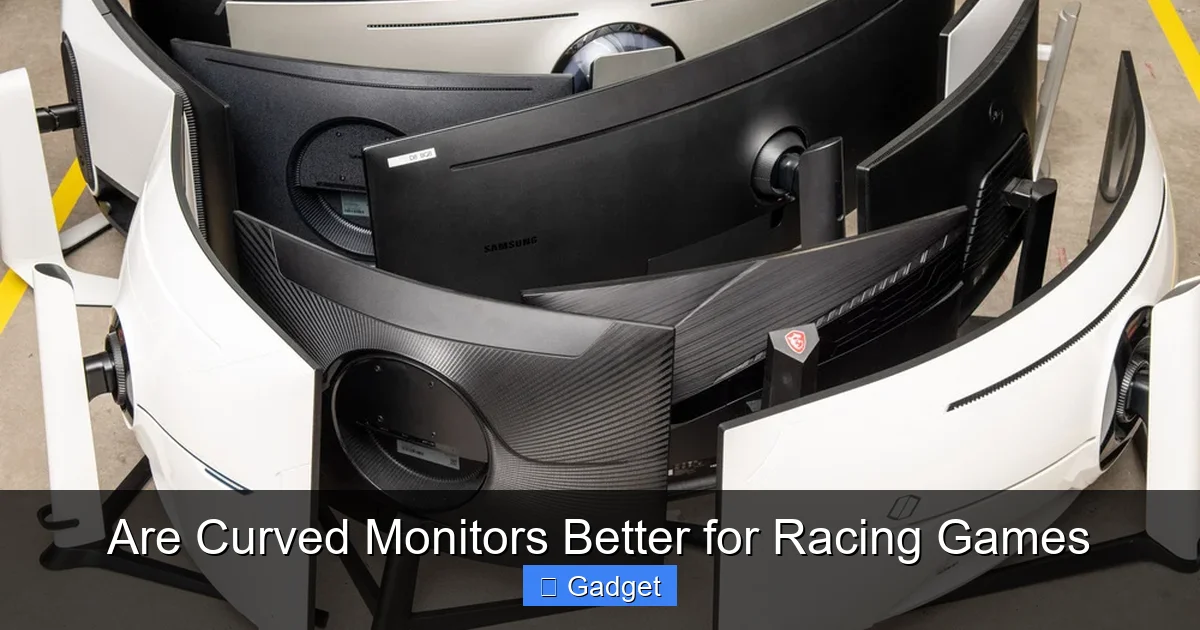
The degree of curvature is measured in “R” values, like 1800R, 1500R, or 1000R. A smaller “R” number means a tighter, more pronounced curve. For example, a 1000R monitor has a curve radius of 1000mm. The idea is to make the screen feel more like it’s wrapping around you.
The Immersion Factor: How Curves Enhance Racing Games
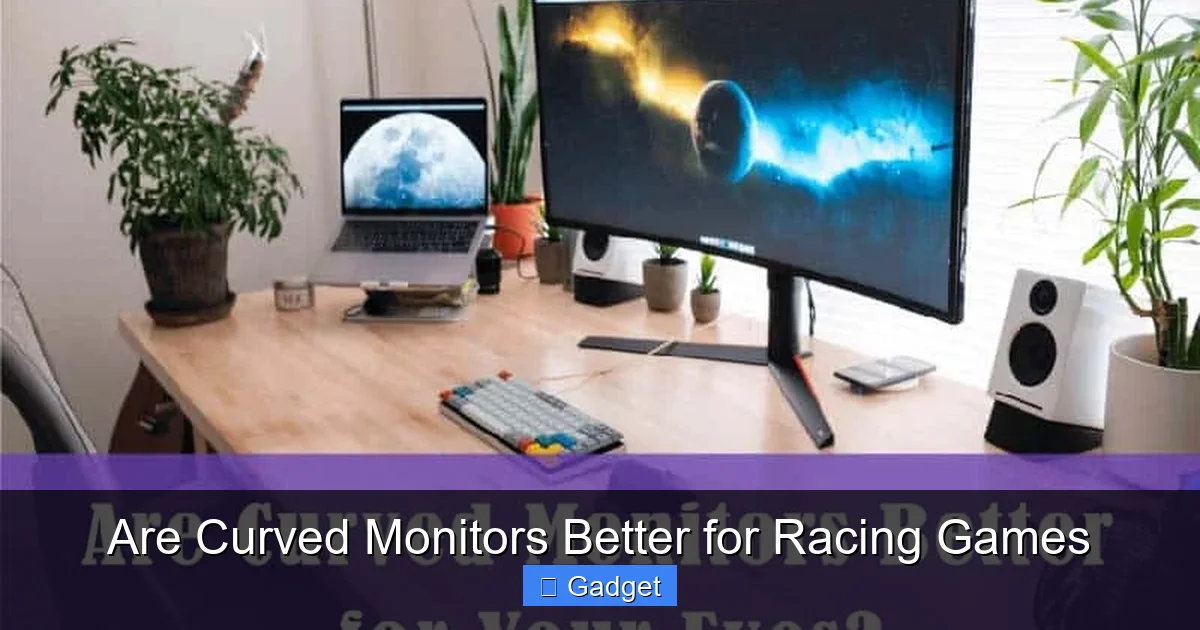
This is where curved monitors truly shine for racing games. The primary benefit is the increased sense of immersion. When you’re racing, you want to feel like you’re *in* the car, not just looking at a screen. A curved monitor can help achieve this in several ways:
Visual guide about Are Curved Monitors Better for Racing Games
Image source: getsmartstuffs.website
Filling Your Peripheral Vision
Racing games, by their nature, often involve a wide field of view. You need to see the track ahead, your mirrors, and what’s happening to your sides. A flat monitor, especially a large or ultra-wide one, can feel like looking through a window. The edges of the screen can feel distant, and you might even perceive some visual distortion as your eyes move towards them. A curved monitor, by bringing those edges closer to your peripheral vision, makes the game world feel more encompassing. It’s like the track is stretching out in front of you and around you, rather than just being a flat plane.
Feeling “In The Cockpit”
For games that simulate a cockpit view (which is common in many racing titles), the curve can significantly enhance the feeling of being inside the car. The dashboard and the sides of the car’s interior can feel more natural and less distorted. This subtle but impactful change can make the virtual experience feel much more real and engaging. You might find yourself naturally turning your head more, as if you were in a real car, reacting to what you see.
Reducing Perceived Distortion
On very wide or ultra-wide flat monitors, the parts of the image furthest to the sides can appear stretched or distorted to your eyes. The curvature of a curved monitor helps to counteract this. By bending the display, the monitor essentially straightens out the image relative to your viewing angle. This means the edges of the screen appear clearer and less warped, providing a more accurate and natural visual representation of the game world. This is especially noticeable when you’re trying to judge distances or spot cars in your mirrors.
Potential Downsides and Considerations
While the immersion factor is a big plus, curved monitors aren’t without their potential drawbacks, especially in the context of racing games. It’s important to weigh these against the benefits.
Visual guide about Are Curved Monitors Better for Racing Games
Image source: beanstalk.io
Not Always Ideal for All Angles
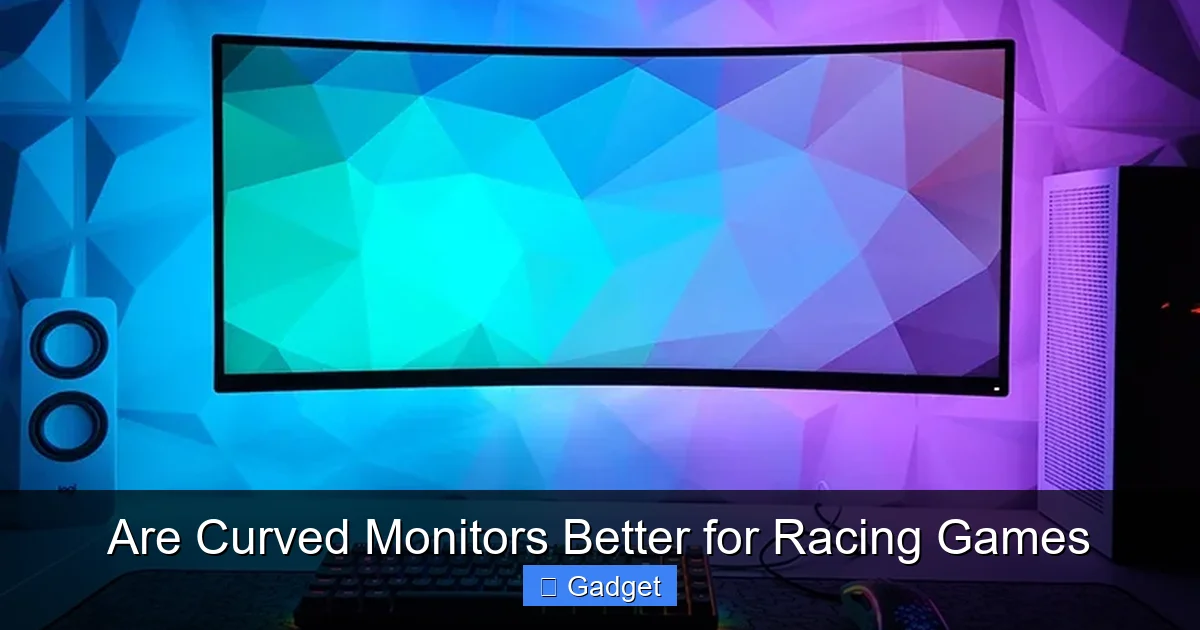
Curved monitors are optimized for a specific viewing distance and angle. If you tend to sit very close to your monitor, or if you frequently shift your seating position, you might notice that the curvature isn’t always perfect. In some cases, the edges might appear slightly warped from an extreme angle, or the center might feel too close. For racing games, where you’re usually locked into a specific seating position, this is less of an issue, but it’s something to be aware of.
Potential for Glare
The curved surface can sometimes make monitors more susceptible to glare from ambient light sources. Depending on your room lighting, reflections can be more prominent on a curved screen compared to a flat one. This can be particularly distracting in a racing game where subtle visual cues are important. If your gaming area has significant light sources directly in front of or behind your monitor, you might need to adjust your setup or consider monitors with good anti-glare coatings.
Cost and Availability
Historically, curved monitors have often been more expensive than their flat counterparts with similar specifications. While the price gap has narrowed significantly, you might still find that a curved monitor costs a bit more. Additionally, the range of sizes and resolutions available in curved options might be slightly more limited compared to flat panels, although this is becoming less of an issue.
The “Curvature Preference” Factor
Ultimately, whether a curved monitor feels “better” is subjective. Some people absolutely love the enveloping feel, while others find it distracting or simply don’t notice a significant difference. If possible, try to see a curved monitor in action before you buy, perhaps at a local electronics store or at a friend’s setup. What feels right for one person might not feel right for another.
Key Features to Consider for Racing Games
When choosing any monitor for racing games, whether curved or flat, several technical specifications are crucial for a smooth and responsive experience. Don’t let the curve be the only factor you consider!
Visual guide about Are Curved Monitors Better for Racing Games
Image source: i.rtings.com
1. Resolution: Sharpness and Detail
Higher resolution means more pixels, which translates to sharper images and more detail on the track. For racing games, this is important for spotting small details, reading dashboard instruments, and generally making the virtual world look more realistic.
- Full HD (1080p): The minimum standard. Good for smaller screens or if you’re on a tighter budget.
- QHD (1440p): A great sweet spot. Offers significantly more detail than 1080p without requiring an extremely powerful graphics card.
- 4K UHD (2160p): The sharpest option. Provides incredible detail, but demands a very powerful PC to run smoothly in demanding racing titles.
2. Refresh Rate: Smoothness of Motion
Refresh rate, measured in Hertz (Hz), determines how many times the screen updates per second. For racing games, a higher refresh rate is crucial for smooth motion and reducing motion blur.
- 60Hz: The standard for many displays. Can be acceptable, but you’ll notice choppiness compared to higher rates.
- 144Hz or higher: Highly recommended for racing games. This results in incredibly smooth visuals, making it easier to track fast-moving cars and react to on-track action.
3. Response Time: Eliminating Ghosting
Response time, measured in milliseconds (ms), is the time it takes for a pixel to change from one color to another. Low response times (ideally 1ms) are vital in racing games to prevent motion blur and “ghosting” (where trailing images of fast-moving objects are visible).
4. Panel Type: Color and Contrast
The type of panel affects image quality, color reproduction, and viewing angles.
- IPS (In-Plane Switching): Offers excellent color accuracy and wide viewing angles. Good for those who value realistic visuals.
- VA (Vertical Alignment): Provides better contrast ratios than IPS, with deeper blacks. This can enhance the sense of depth in racing environments.
- TN (Twisted Nematic): Typically has the fastest response times but suffers from poorer color reproduction and viewing angles. Generally less recommended for immersive racing unless speed is the *absolute* priority.
5. Screen Size and Aspect Ratio
This is where the curve often comes into play. Larger screens and wider aspect ratios (like 21:9 ultra-wide) naturally lend themselves to more immersive experiences, and a curve can enhance this further.
- Standard 16:9: The most common.
- Ultra-wide 21:9 or 32:9: These wider formats, especially when curved, dramatically increase the field of view, making them very popular for racing simulators.
6. Curvature Radius (For Curved Monitors)
As mentioned, the “R” value dictates the tightness of the curve.
- 1800R: A gentler curve, often preferred by those new to curved displays or using them for mixed use (gaming and productivity).
- 1500R: A more pronounced curve, offering a bit more immersion.
- 1000R: The most aggressive curve, designed to wrap around your vision for maximum immersion. These are often found on very wide monitors.
Consider your desk space and how close you’ll be sitting. A very tight curve on a large monitor might feel overwhelming if you’re sitting too far away or too close.
Setting Up Your Curved Monitor for Racing
Once you have your curved monitor, proper setup is key to unlocking its full potential for racing games.
H2: Position is Paramount
This is arguably the most critical step. You want to position the monitor so that the center of the screen is directly in front of your eyes. The curve should then naturally bring the sides of the screen into your peripheral vision without you having to strain or turn your head excessively.
- H3: Finding the Sweet Spot: Sit in your usual gaming position. The monitor should feel like it’s wrapping around you gently, not like you’re looking at a distorted dish.
- H3: Desk Space Considerations: Curved monitors, especially ultrawides, can take up a significant amount of desk space. Ensure you have enough room for the monitor and your wheel/pedal setup. Monitor arms can be a great solution for freeing up desk space and achieving optimal positioning.
H2: Adjusting In-Game Settings
Most modern racing games have excellent support for ultra-wide and curved displays. However, you might need to tweak a few settings.
- H3: Aspect Ratio and Field of View (FOV): Ensure the game is set to your monitor’s native aspect ratio (e.g., 21:9 for an ultrawide). Within the game’s graphics or camera settings, you’ll often find a Field of View (FOV) slider. Experiment with this. A wider FOV can increase immersion, but too wide can make objects appear further away or distort proportions. Finding the right FOV is crucial for accurate depth perception and gameplay.
- H3: Resolution Settings: Make sure the game is running at your monitor’s native resolution for the sharpest image.
- H3: Refresh Rate Sync (G-Sync/FreeSync): If your monitor and graphics card support adaptive sync technologies like NVIDIA G-Sync or AMD FreeSync, ensure they are enabled both in your graphics card control panel and in the game settings. This synchronizes the monitor’s refresh rate with your GPU’s frame rate, eliminating screen tearing and reducing stuttering for an even smoother experience.
H2: Comfort and Ergonomics
Long racing sessions can be demanding. Pay attention to how the curved monitor affects your comfort.
- H3: Reducing Head Movement: One of the purported benefits of curved monitors is reduced head movement. While this might be true for some, ensure your seating position allows for natural viewing without strain.
- H3: Eye Strain: If you experience eye strain, adjust brightness and contrast settings, take regular breaks, and ensure your room lighting is not causing excessive glare.
Troubleshooting Common Issues
Even with the best setup, you might encounter a few hiccups.
H2: Screen Tearing or Stuttering
Solution: This is almost always related to your refresh rate and frame rate not being in sync. Ensure G-Sync/FreeSync is enabled, cap your in-game frame rate to match or be slightly below your monitor’s refresh rate (using in-game settings or NVIDIA/AMD control panels), and ensure your graphics card is powerful enough to consistently push frames. Lowering graphical settings can also help.
H2: Distorted Images or Incorrect Aspect Ratio
Solution: Double-check your monitor’s OSD (On-Screen Display) settings to ensure it’s set to its native resolution and aspect ratio. Then, verify the same in your PC’s display settings and within the racing game itself. Sometimes, running a game in “windowed” or “borderless windowed” mode can cause aspect ratio issues; try “fullscreen” if available.
H2: Glare and Reflections
Solution: Adjust your room lighting. Close blinds, turn off direct overhead lights, or reposition lamps. If glare is a persistent problem, consider a monitor with a matte finish or an anti-glare screen protector, though these are less common for curved monitors.
Conclusion: Are They Worth It for Racing?
So, are curved monitors better for racing games? For many sim racers, the answer is a resounding yes. The enhanced immersion, the feeling of being truly “in the cockpit,” and the reduced distortion at the edges of ultra-wide displays can elevate the racing experience significantly. The way a curved monitor pulls the virtual world around you can make the game feel more engaging, more realistic, and ultimately, more fun.
However, it’s not a universal truth. The “better” monitor ultimately depends on your personal preference, budget, and existing setup. If you prioritize immersion above all else and have the desk space for an ultrawide or super-ultrawide curved display, it’s likely a fantastic upgrade. But if you’re on a tight budget, have limited space, or simply don’t feel the “curve,” a high-quality flat monitor with excellent refresh rates and resolution can still provide a superb racing experience.
Don’t forget that while curvature adds a layer of immersion, crucial technical specifications like refresh rate, response time, and resolution remain paramount for competitive and enjoyable racing. The ideal setup often involves a combination of these factors. Ultimately, whether a curved monitor is better for *your* racing games is a decision best made after considering all these elements and, if possible, experiencing it firsthand.


