What Is the Advantage of a Curved Monitor
Curved monitors offer a more immersive and comfortable viewing experience compared to flat screens. Their subtle arc brings the edges of the display closer to your peripheral vision, creating a more natural field of view and reducing distortion. This guide explores the key benefits of curved monitors, from improved gaming and entertainment to enhanced productivity for professionals. Understand why a curved display might be the upgrade you’ve been looking for. Now, let’s get to the good stuff. What tangible benefits can you expect from a curved monitor? We’ll explore each one in detail.
  This is often the most talked-about advantage, and for good reason.
  This is a significant benefit for anyone who spends hours in front of a monitor, whether for work, study, or play.
What Is the Advantage of a Curved Monitor
Welcome! If you’re considering a new monitor, you’ve likely seen them everywhere: those sleek, slightly bent screens that seem to wrap around your desk. These are curved monitors, and they’re not just a stylish trend. They offer some significant advantages over their flat counterparts, especially for certain users and tasks. But what exactly are these advantages, and are they worth the investment for you? In this comprehensive guide, we’ll dive deep into the world of curved monitors. We’ll explore why they’re designed the way they are and break down each key benefit. Whether you’re a hardcore gamer looking for that extra edge, a creative professional seeking better immersion, or simply someone who spends a lot of time in front of a screen, this guide will help you understand if a curved monitor is the right choice for your setup. Get ready to discover how that gentle arc can transform your viewing experience.Key Takeaways
- Enhanced Immersion: The curve pulls the edges of the screen into your peripheral vision, creating a more engaging and lifelike viewing experience, especially beneficial for gaming and movies.
- Reduced Eye Strain: By minimizing the distance between your eyes and the edges of the screen, curved monitors reduce the need for your eyes to refocus, leading to less fatigue during prolonged use.
- Improved Perceived Size and Depth: The curvature can make the screen appear larger and create a sense of depth, making the content feel more three-dimensional.
- Wider Field of View: Curved displays offer a more encompassing visual experience, allowing you to see more of the content without excessive head or eye movement.
- Reduced Glare and Reflections: The arc of the screen helps to direct light away from your eyes and can minimize distracting reflections from overhead lights or windows.
- Better Ergonomics for Ultrawide Monitors: For very wide displays, the curve is almost essential to maintain a consistent viewing distance and reduce distortion at the edges.
Understanding the Curve: Why Not Just Flat?
Before we get into the advantages, let’s quickly touch on the fundamental difference. Flat monitors present a uniform distance from your eyes to every point on the screen. However, as screens get wider, especially with ultra-wide aspect ratios, the edges of a flat display can become quite far from your direct line of sight. This forces your eyes to constantly adjust focus and can lead to seeing the edges as distorted or “bent” inward. Curved monitors are designed to counteract this. The subtle arc brings the edges of the screen closer to your peripheral vision. This mimics how we naturally see the world – our vision is inherently curved. By replicating this, curved monitors aim to create a more natural, comfortable, and immersive visual experience. If you’re wondering what is the best monitor size for gaming, curvature plays a key role in maximizing comfort and immersion.The Key Advantages of Curved Monitors Explained
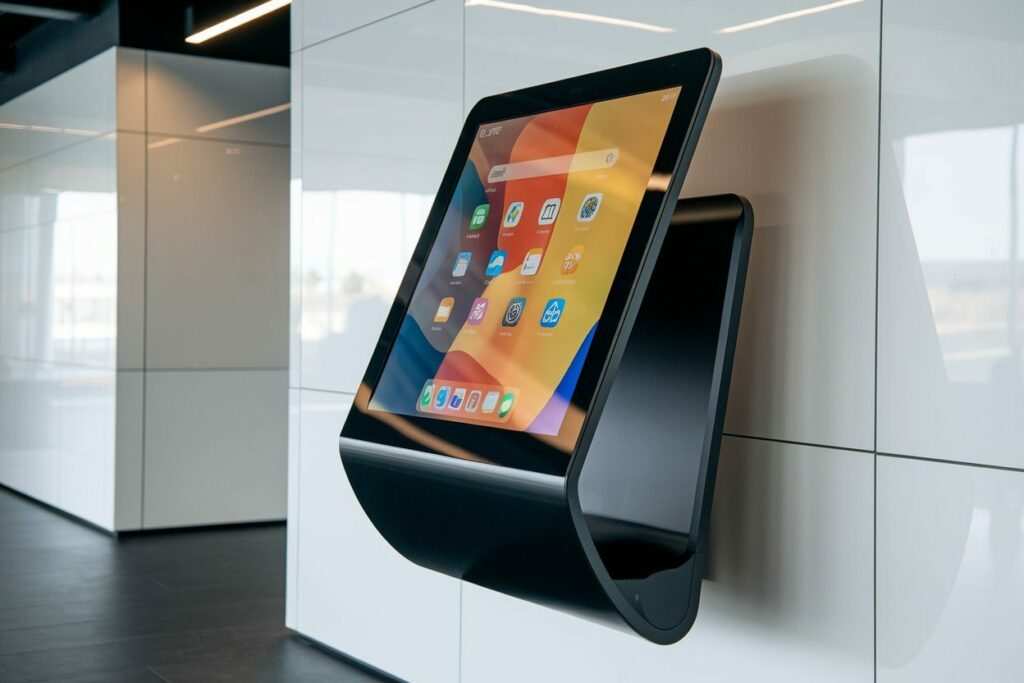
Visual guide about What Is the Advantage of a Curved Monitor
Image source: plexdisplay.com
1. Enhanced Immersion: Stepping Into Your Content
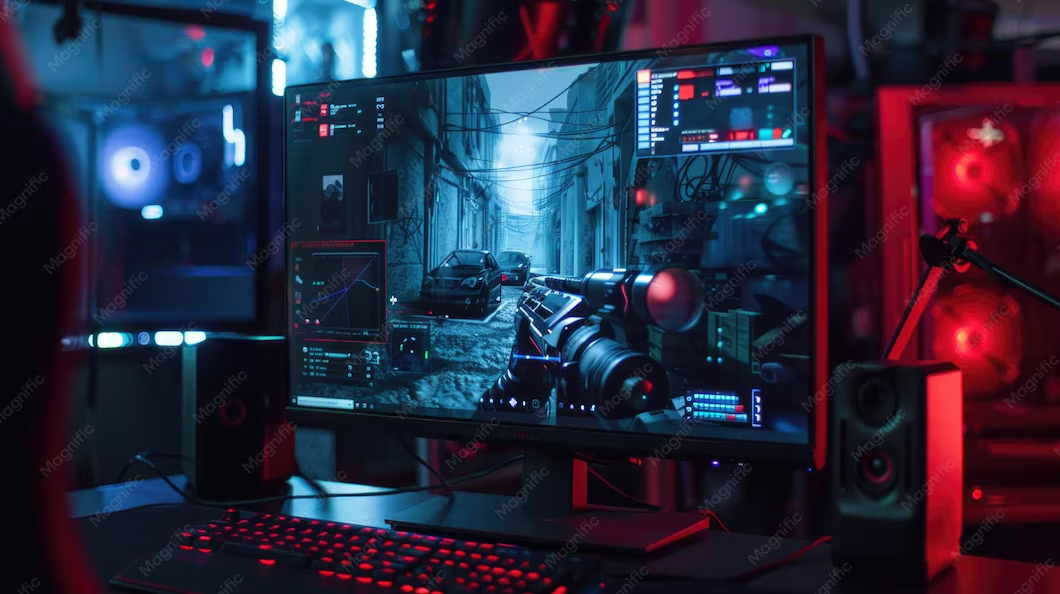
Visual guide about What Is the Advantage of a Curved Monitor
Image source: plexdisplay.com
Gaming and Entertainment Nirvana
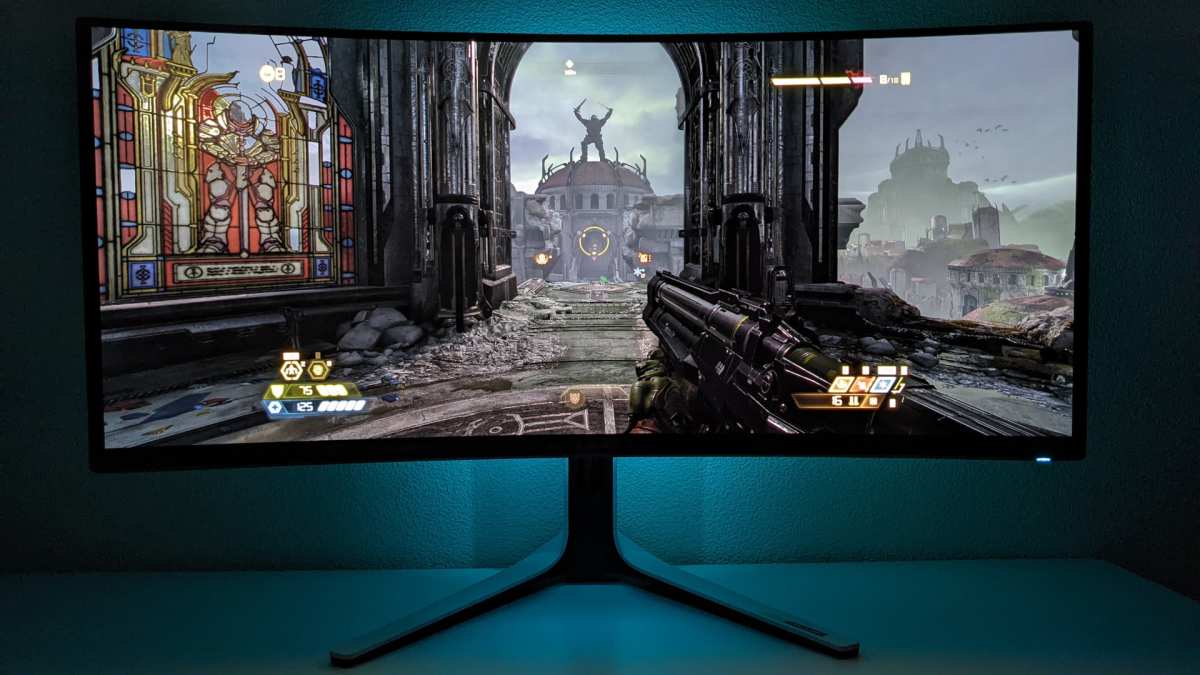
For gamers, immersion is paramount. A curved monitor pulls the action towards you, wrapping the display around your field of vision. This means you see more of the game world without having to turn your head or shift your eyes as much. Think of it like sitting in a theater versus watching a flat screen on a wall.- * Wider Peripheral Vision: Games that rely on spotting enemies or details in the periphery benefit greatly. You might gain a slight competitive edge simply by seeing more of what’s happening around you. * More Lifelike Experience: Driving simulators, flight simulators, or even open-world RPGs feel more expansive and realistic. The sense of “being there” is significantly heightened. * Reduced Distortion: On very wide flat monitors, the edges can sometimes appear stretched or distorted. The curve minimizes this, presenting a more consistent and pleasing image across the entire screen.
Beyond Gaming: Movies and Videos
The same principles apply to watching movies and videos. Whether you’re watching a cinematic epic or a documentary, the curved display can make the experience feel more like you’re sitting in a private cinema. The larger perceived screen size and the way the image wraps around you draw you deeper into the narrative.2. Reduced Eye Strain: A More Comfortable View
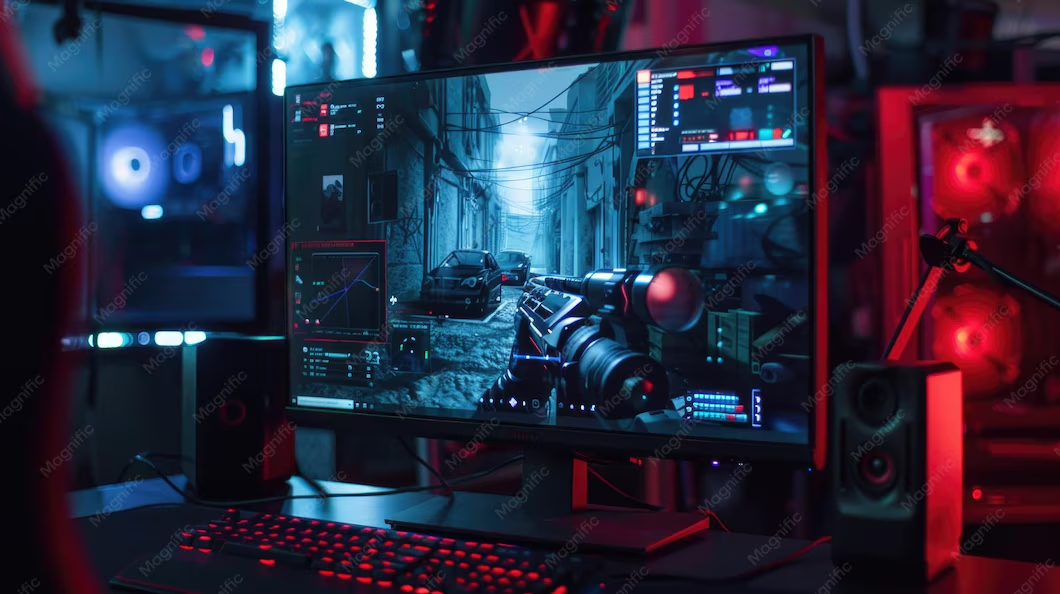
Visual guide about What Is the Advantage of a Curved Monitor
Image source: plexdisplay.com
How the Curve Helps Your Eyes
On a flat screen, your eyes have to constantly adjust focus. The center of the screen is at one distance, while the edges are further away. This constant refocusing can lead to eye fatigue, dryness, and headaches.- * Consistent Viewing Distance: A curved monitor ensures that the entire screen is roughly the same distance from your eyes. This reduces the effort your eye muscles need to exert to maintain focus. * Less Peripheral “Wander”: Your peripheral vision is more sensitive. On a flat screen, the edges are less “in focus” naturally. The curve brings these edges into a more optimal viewing zone, reducing the strain of trying to process information from very different focal points. * Reduced Need for Eye Movement: Because the screen is more enveloping, you don’t need to move your eyes as much to take in the whole picture. This contributes to a more relaxed viewing experience.
3. Improved Perceived Size and Depth: Bigger and Better
The arc of the screen can trick your brain into perceiving the display as larger and more three-dimensional than it actually is.The Illusion of Depth
The way the screen wraps around you creates a subtle sense of depth. This is particularly noticeable with content that has a strong sense of perspective, like landscapes or architectural scenes. The image doesn’t just lie flat; it feels like it has a bit more “oomph” to it.Making Ultrawides Feel Truly Wide
For ultrawide monitors (21:9 or 32:9 aspect ratios), the curve is almost a necessity. Without it, the sheer width would make the edges impossibly far away and distorted. The curve makes these massive displays usable and comfortable, turning them into truly immersive canvases. If you’re considering such a setup, you might also want to check whether ultrawide monitors support 4K resolution for maximum visual fidelity.4. Reduced Glare and Reflections: A Clearer Picture
Glare and reflections are common annoyances that can significantly degrade your viewing experience. Curved monitors can offer a clever solution.How the Arc Mitigates Glare
- * **Directing Light Away: The curve is designed to gently angle the edges of the screen away from direct light sources, such as overhead lights or windows. Instead of reflecting straight back at your eyes, the light is more likely to be reflected off at an angle, making it less noticeable. * **More Uniform Reflection: While reflections can still occur, they tend to be more spread out and less concentrated on a curved surface. This can make them less distracting than a sharp, bright glare point on a flat screen.
5. Better Ergonomics for Ultrawide and Large Displays
While all curved monitors offer ergonomic benefits by reducing eye strain, this advantage is amplified with larger and wider displays.The Ultrawide Challenge
Imagine a 34-inch ultrawide flat monitor. The horizontal distance is considerable. To see the content at the far edges clearly, you’d need to either crane your neck or significantly shift your gaze. This can lead to neck strain and fatigue.- * Consistent Viewing Angle: A curved ultrawide monitor ensures that all parts of the screen are within a comfortable and consistent viewing angle. This means you can take in the entire expanse of your workspace or game without uncomfortable movements. * Reduced Image Distortion: As mentioned before, without a curve, very wide flat displays can suffer from pincushion distortion (where the center appears to bulge out) or barrel distortion (where the edges appear to curve inward). The curve counteracts this, presenting a more geometrically accurate image.
Who Benefits Most from a Curved Monitor?
While the advantages are appealing to many, some users will find them more impactful than others.1. Gamers
- * Why: Immersion, wider field of view, and reduced eye strain during long gaming sessions. Competitive gamers might also notice an advantage in spotting peripheral threats. * Consider: A moderate curve (e.g., 1800R or 1500R) is usually ideal for gaming.
2. Professionals and Power Users
- * Why: Productivity gains, especially with ultrawide or multiple-monitor setups. Reduced eye strain from extended work hours. * Consider: If you work with timelines, spreadsheets, multiple windows, or creative software (video editing, graphic design), the extra screen real estate and comfort are invaluable. A more pronounced curve might be preferred for ultrawides.
3. Home Entertainment Enthusiasts
- * Why: A more cinematic and engaging experience when watching movies and TV shows. * Consider: The immersion factor is key here.
4. Users Prone to Eye Strain
- * Why: The primary benefit of reduced eye fatigue can make a significant difference in daily comfort. * Consider: This is a universal benefit, but particularly important for those who already struggle with discomfort.
What About the Curve Radius?
You’ll often see curved monitors described with a radius, like 1800R, 1500R, or 1000R. This number refers to the radius of the curvature in millimeters.- * **Smaller Number = Tighter Curve:** A 1000R curve is more pronounced (bends more sharply) than a 1800R curve. * **1800R:** This is a common and moderate curve, often considered a good starting point. It’s a gentle arc that provides noticeable immersion and comfort without being overwhelming. * **1500R:** A slightly tighter curve than 1800R, offering a bit more immersion. * **1000R:** This is a very aggressive curve, designed for maximum immersion. It wraps around you significantly. These are often found on ultrawide or super ultrawide monitors.
Are There Any Downsides?
While curved monitors offer many advantages, it’s fair to consider potential drawbacks.- * **Desk Space:** Larger curved monitors, especially ultrawides, can take up more desk space due to their physical width. * **Wall Mounting:** While many curved monitors can be wall-mounted, the curve might make them sit a bit further out from the wall than a flat monitor. Some mounting solutions might not be compatible. * **Color Accuracy for Very Specific Tasks:** For highly critical color-sensitive work (like professional photo editing where every pixel needs to be perfect across the entire canvas), some argue that flat monitors might offer a theoretically more uniform color field. However, modern curved monitors with excellent panel technology have largely mitigated this for most users. * **Cost:** Historically, curved monitors have sometimes been more expensive than their flat equivalents, though this gap is narrowing.
Conclusion: Is a Curved Monitor Right for You?
The advantages of a curved monitor are compelling, offering a blend of enhanced immersion, reduced eye strain, and a more engaging visual experience. For gamers, the wrap-around effect can pull you deeper into virtual worlds. For professionals, the comfort and efficiency gains, especially with ultrawide displays, can boost productivity. And for anyone who spends significant time looking at a screen, the reduction in eye fatigue is a welcome benefit. The subtle arc isn’t just a cosmetic choice; it’s an engineering decision aimed at creating a more natural and comfortable viewing experience that better matches how our eyes perceive the world. If you’re looking to upgrade your monitor and have been curious about that gentle bend, the benefits are certainly worth considering. Try to see one in person if you can – experiencing the difference firsthand is often the best way to decide if a curved monitor is the perfect fit for your desk and your eyes.
Similar Posts