


Choosing the best curved monitor size involves more than just picking the largest display. This guide breaks down how factors like your desk space, intended use (gaming, productivity, media consumption), and personal preference play a crucial role. Learn to balance screen real estate with immersion to find the perfect curved monitor that enhances your computing experience.
What Size Curved Monitor Is Best?
Are you looking to upgrade your visual experience with a curved monitor? The allure of a wrap-around display is undeniable, promising greater immersion and a more comfortable viewing experience. But as you start browsing, a crucial question arises: what size curved monitor is actually best for you? It’s a common dilemma, and the answer isn’t a simple one-size-fits-all. The ideal size for a curved monitor depends heavily on your specific needs, your workspace, and how you plan to use it.
In this comprehensive guide, we’ll walk you through everything you need to know to make an informed decision. We’ll explore the different aspects to consider, from the sheer dimensions of the screen to the curvature, resolution, and your intended use case. By the end of this guide, you’ll have a clear understanding of how to select the perfect size curved monitor that will elevate your gaming, boost your productivity, or enhance your media consumption.
Contents
- 1 Key Takeaways
- 2 Understanding Curved Monitor Sizes
- 3 Step 1: Assess Your Available Desk Space
- 4 Step 2: Define Your Primary Use Case
- 5 Step 3: Consider Resolution and Pixel Density
- 6 Step 4: Evaluate the Curvature (R Value)
- 7 Step 5: Factor in Your Budget
- 8 Step 6: Think About Ergonomics and Viewing Distance
- 9 Troubleshooting Common Size-Related Issues
- 10 Conclusion
Key Takeaways
- Curved monitors offer immersive experiences that scale with size, but larger isn’t always better for every setup.
- Desk space is a primary constraint; measure your available area carefully before committing to a size.
- Intended use dictates optimal size and curvature: ultrawide for productivity, larger for gaming/media, smaller for general use.
- Resolution and pixel density are vital; a larger screen requires a higher resolution to maintain sharpness.
- Ergonomics and viewing distance influence the ideal size; ensure comfortable viewing without excessive head movement.
- Budget plays a significant role; larger, higher-resolution curved monitors generally come with a higher price tag.
Understanding Curved Monitor Sizes
Curved monitors come in a wide array of sizes, typically measured diagonally in inches. You’ll find everything from compact 27-inch panels to massive 49-inch behemoths and even larger. Unlike their flat counterparts, the curvature adds a dimension of immersion that can make a screen feel larger or more encompassing than its diagonal measurement might suggest.
The curvature itself is also measured, often by a number followed by an “R,” like 1800R or 1000R. This number indicates the radius of the curve in millimeters. A lower number (e.g., 1000R) signifies a tighter, more pronounced curve, while a higher number (e.g., 1800R) indicates a gentler, wider curve. The degree of curvature influences how much the screen wraps around your field of vision.
Step 1: Assess Your Available Desk Space
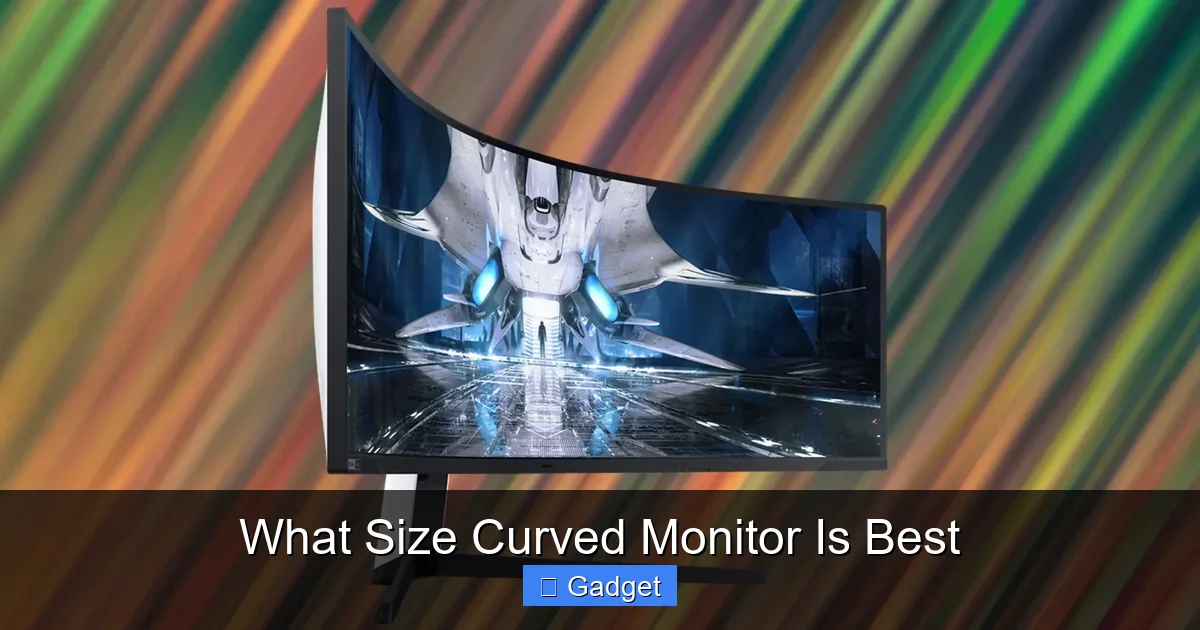
This is arguably the most critical first step. Before you even think about screen size or curvature, you need to know what you have to work with. A massive 49-inch ultrawide curved monitor will look impressive, but if it dwarfs your desk and leaves no room for your keyboard, mouse, or other essentials, it’s simply not practical.
Visual guide about What Size Curved Monitor Is Best
Image source: i0.wp.com
Measure Your Workspace
Get a tape measure and precisely measure the width of your desk where the monitor will be placed. Also, consider the depth of your desk, especially if you plan to mount the monitor or if your desk has a very shallow surface.
Consider Your Setup
Are you planning for a single monitor setup, or do you intend to use multiple monitors? If you’re replacing a current monitor, measure its dimensions to get a baseline. Think about how much space you need for accessories like speakers, webcams, or even a laptop.
Example: The Gamer’s Dilemma
A gamer might dream of a 34-inch ultrawide for the ultimate immersive experience. However, if their desk is only 40 inches wide, fitting that monitor comfortably alongside a keyboard and mouse might be a tight squeeze. In this scenario, a 27-inch or 32-inch curved monitor might be a more realistic and comfortable choice.
Step 2: Define Your Primary Use Case
How you intend to use your curved monitor will heavily influence the ideal size. Different tasks benefit from different screen dimensions and curvatures.

Visual guide about What Size Curved Monitor Is Best
Image source: i2.wp.com
Gaming
For gaming, immersion is key. Ultrawide monitors (21:9 aspect ratio) are incredibly popular among gamers because they offer a wider field of view, pulling you deeper into the game world. Sizes like 34 inches and 38 inches are common for ultrawide gaming setups.
- For competitive gamers: While ultrawides offer immersion, some competitive gamers prefer 27-inch or 32-inch monitors with a standard 16:9 aspect ratio. This is because they offer a good balance of screen real estate and a focused view, without requiring as much head movement to take in the entire screen. A faster refresh rate is often prioritized here.
- For immersive single-player experiences: Larger ultrawides (34-inch and above) and even super ultrawide monitors (32:9 aspect ratio, like 49-inch) excel at providing an incredibly immersive experience for story-driven games and open-world adventures.
Productivity and Multitasking
If your work involves juggling multiple applications, spreadsheets, code editors, or design software, a larger curved monitor can be a game-changer. Ultrawide and super ultrawide displays offer significantly more screen real estate than traditional 16:9 monitors.
- Ultrawide (21:9): A 34-inch or 38-inch ultrawide can often replace two smaller monitors. You can comfortably split the screen to have your email on one side and a document or spreadsheet on the other, or have multiple browser tabs open side-by-side.
- Super Ultrawide (32:9): A 49-inch super ultrawide is like having two 27-inch monitors placed side-by-side, but without the bezels in the middle. This is ideal for users who need maximum screen real estate for complex workflows, such as video editing, 3D modeling, or managing extensive financial data.
- Standard Aspect Ratio (16:9) Larger Displays: Even larger 32-inch or 34-inch monitors with a standard 16:9 aspect ratio can be beneficial for productivity, especially if you prefer a more traditional layout or have limited desk depth.
Media Consumption (Movies, TV Shows)
For watching movies and TV shows, a curved monitor can enhance the cinematic experience. The curve can reduce perceived distortion and make the screen feel more like a personal theater.
- Larger panels (32-inch and up) generally offer a more engrossing viewing experience.
- Ultrawide monitors are fantastic for content that is formatted in a widescreen aspect ratio, as they fill the screen without black bars. However, some content might still have letterboxing.
General Use and Web Browsing
For everyday tasks like web browsing, email, and general office work, a smaller to mid-sized curved monitor can still offer a pleasant upgrade over a flat panel.
- 27-inch to 32-inch monitors with a standard 16:9 aspect ratio are excellent choices. They offer a comfortable viewing experience without being overwhelming.
- A gentle curve (e.g., 1800R) on these sizes can still provide a subtle improvement in immersion and reduce eye strain.
Step 3: Consider Resolution and Pixel Density
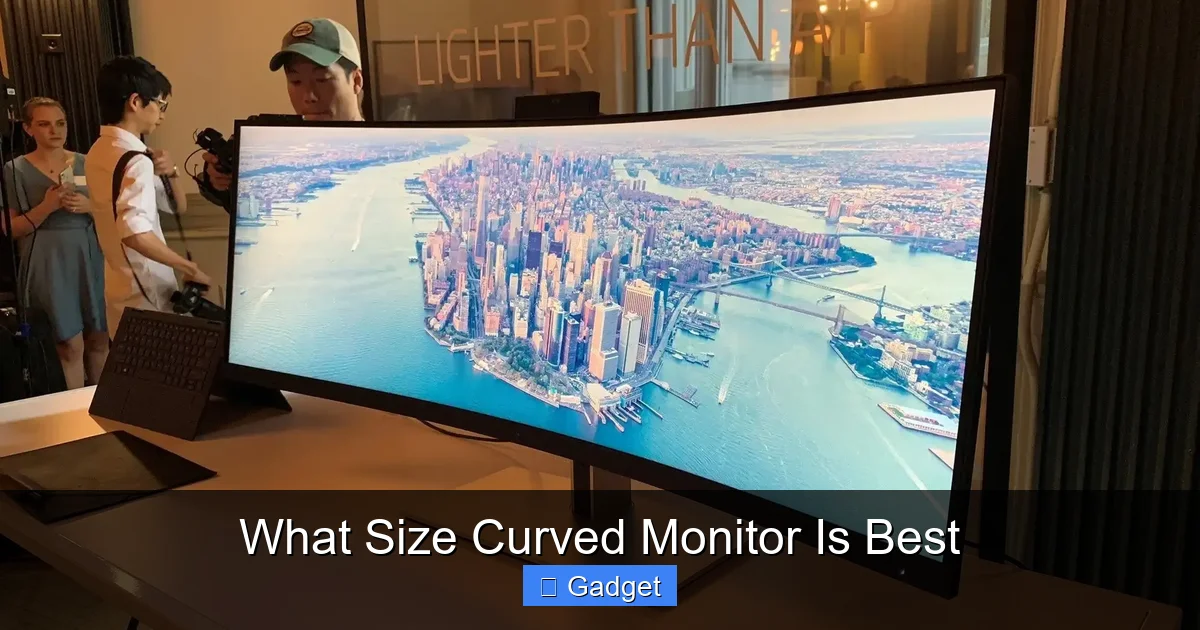
As screen size increases, so does the importance of resolution. A larger screen with a lower resolution will appear pixelated and blurry, diminishing the visual experience. Pixel density, measured in pixels per inch (PPI), tells you how sharp an image will be.
Visual guide about What Size Curved Monitor Is Best
Image source: pcworld.com
The Relationship Between Size and Resolution
A good rule of thumb is that larger screens require higher resolutions to maintain good pixel density. For curved monitors, this is especially true given their immersive nature.
- 27-inch monitors: A 1440p (QHD, 2560×1440) resolution is generally recommended for a sharp image. 4K (UHD, 3840×2160) is also an option for exceptional sharpness, especially if you plan to use it for design work or media.
- 32-inch monitors: 1440p is still good, but 4K is highly recommended for excellent clarity.
- 34-inch ultrawide monitors: These typically have a resolution of 3440×1440 (UW-QHD). This provides a good balance of horizontal real estate and vertical resolution for an ultrawide aspect ratio.
- 49-inch super ultrawide monitors: These often feature resolutions like 5120×1440 (DQHD). This is equivalent to two 1440p monitors side-by-side, offering substantial screen space.
Why Pixel Density Matters
Lower PPI means you’ll be able to see individual pixels, especially when sitting close to the screen. Higher PPI results in a smoother, more detailed image, making text easier to read and fine details in images and games more apparent. Aim for a PPI of at least 100 for a comfortable viewing experience.
Step 4: Evaluate the Curvature (R Value)
The “R” value denotes the radius of the curve. As mentioned, a lower number means a tighter curve, and a higher number means a gentler curve. The best curvature for you is subjective and depends on your viewing habits and desk setup.
Tighter Curves (e.g., 1000R, 1500R)
Tighter curves offer a more pronounced, wrap-around effect. They can feel more immersive, especially on larger or ultrawide monitors, as they fill more of your peripheral vision. However, some users may find very tight curves to be distracting or unnatural for certain tasks, like drawing straight lines in design software.
Gentler Curves (e.g., 1800R, 3000R)
Gentler curves provide a subtle wrapping effect that can still reduce eye strain and improve focus without being overly dramatic. They are generally more versatile and less likely to cause distortion issues for professional applications. For smaller monitors (27-inch), a gentler curve is often preferred.
Consider Your Viewing Distance
Your ideal viewing distance also plays a role. If you sit very close to your monitor, a tighter curve might feel more enveloping. If you sit further back, a gentler curve might be more comfortable.
Step 5: Factor in Your Budget
Curved monitors, especially larger and higher-resolution models, tend to be more expensive than their flat counterparts. Your budget will inevitably play a role in determining the size and features you can afford.
Price Tiers
- Budget-friendly: You might find 27-inch or 32-inch curved monitors with 1080p or 1440p resolution in this range.
- Mid-range: This is where you’ll find excellent 32-inch 1440p or 4K monitors, as well as 34-inch ultrawide monitors with 3440×1440 resolution.
- Premium: High-end 38-inch ultrawides, 49-inch super ultrawides, or 4K OLED curved monitors will be in this category, often with top-tier refresh rates and advanced features.
Value vs. Size
Don’t just buy the biggest screen you can afford. Consider the overall value – the resolution, refresh rate, panel type (IPS, VA, OLED), and color accuracy are just as important as the size for your intended use.
Step 6: Think About Ergonomics and Viewing Distance
The size of your curved monitor should also be comfortable to use for extended periods. Ergonomics are crucial for preventing neck strain and eye fatigue.
The “Sweet Spot”
For most users, the ideal viewing distance is about an arm’s length away from the screen. This distance allows you to see the entire screen without excessive head or eye movement. For larger and wider monitors, you might find yourself turning your head more, which can be fatiguing.
Matching Size to Distance
- 27-inch to 32-inch (16:9): These are comfortable at a typical desk viewing distance.
- 34-inch ultrawide: You might need to sit slightly further back or adjust your seating position to comfortably take in the entire screen.
- 49-inch super ultrawide: These require a significant desk setup and potentially a deeper desk to position them at an optimal viewing distance. You might find yourself making more head movements.
Mounting Options
Consider if you plan to use a monitor arm. A monitor arm can provide greater flexibility in positioning your curved monitor, allowing you to find the perfect ergonomic setup regardless of its size.
Troubleshooting Common Size-Related Issues
Even after careful consideration, you might encounter some challenges. Here are a few common issues and how to address them:
Issue: Monitor feels too big or too small
Solution: If it feels too big, try moving your chair further back or adjusting your desk setup. If it feels too small, consider if your expectations were misaligned with the reality of the size. You might also need to adjust monitor settings for scaling if text or icons appear too large or small.
Issue: Excessive head turning causing strain
Solution: This often happens with very wide ultrawide monitors. Try to adjust your seating position so you’re more centered. Ensure the monitor is not too far away. If the problem persists, you might need to consider a monitor with a gentler curve or a slightly less wide aspect ratio for your specific needs.
Issue: Pixelation or blurriness
Solution: This indicates a mismatch between screen size and resolution. For your current monitor size, you may need to increase the display scaling in your operating system settings. However, the ideal solution is to upgrade to a monitor with a higher resolution that is appropriate for its size.
Issue: Monitor doesn’t fit properly on the desk
Solution: Double-check your desk measurements and the monitor’s dimensions (including the stand) before purchasing. If you’re already in this situation, consider using a monitor arm to free up desk space or rearranging your desk layout.
Conclusion
Choosing the best size curved monitor is a personalized journey. There’s no single “right” answer, but by systematically considering your desk space, intended use, resolution needs, preferred curvature, budget, and ergonomic comfort, you can confidently select a display that will genuinely enhance your computing experience. Remember, a curved monitor’s primary benefit is immersion and comfort, and the right size ensures you get the most out of these features without compromise.
Take your time, measure twice, and consider all the factors outlined in this guide. Your ideal curved monitor awaits, ready to transform the way you work, play, and enjoy digital content.
