Is a Curved Monitor Better Than Flat

Is a Curved Monitor Better Than Flat?
In the ever-evolving world of computer displays, a question frequently arises: is a curved monitor better than a flat one? Both have their champions, and the “best” choice often boils down to personal preference, intended use, and the size of the screen you’re considering. If you’re in the market for a new monitor, understanding the distinct advantages and disadvantages of curved and flat displays is crucial for making an informed decision.
This guide will walk you through everything you need to know about curved versus flat monitors. We’ll explore how curvature impacts your viewing experience, discuss the technical differences, and help you weigh the pros and cons to determine which type of monitor is the right fit for your desk and your digital life.
Key Takeaways
- Immersive Experience: Curved monitors excel at providing a more enveloping and immersive visual experience, especially on larger screens, drawing you deeper into games and movies.
- Reduced Eye Strain: The curve can help reduce eye strain by keeping more of the screen within your peripheral vision and minimizing the need for constant refocusing, particularly over long viewing periods.
- Wider Field of View: For certain tasks, especially gaming and professional applications requiring a broad view, a curved monitor can offer a more natural and expansive feel.
- Viewing Angles Matter: Flat monitors generally offer superior viewing angles, meaning the image quality remains consistent when viewed from off-center positions.
- Desk Space & Aesthetics: Curved monitors can take up more desk space due to their depth and may not fit as seamlessly into minimalist setups compared to their flat counterparts.
- Cost & Resolution: While prices are converging, curved monitors, especially ultrawide ones, can sometimes carry a premium. Resolution and panel type are more crucial for image clarity than the curvature itself.
- Personal Preference is Key: Ultimately, the “better” monitor is subjective and depends heavily on your individual needs, desk setup, and what you prioritize in a display.
Understanding the Curvature
Before we dive into comparisons, let’s briefly touch upon what “curvature” means in the context of monitors. Monitor curvature is measured by a radius, denoted by ‘R’ (e.g., 1800R, 1500R, 1000R). A lower ‘R’ number signifies a tighter, more pronounced curve. This curve is designed to wrap around your field of vision, creating a more engaging and immersive viewing experience.
The Case for Curved Monitors
Curved monitors have gained significant popularity in recent years, particularly among gamers and multimedia enthusiasts. Their design isn’t just for show; it’s intended to enhance the viewing experience in several key ways.
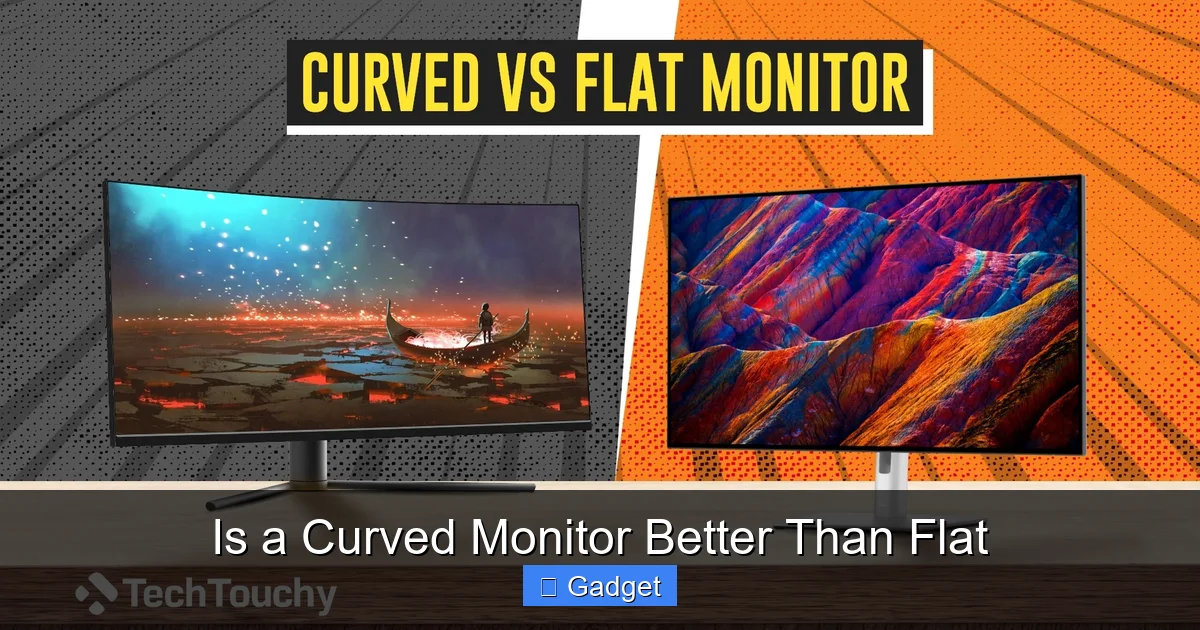
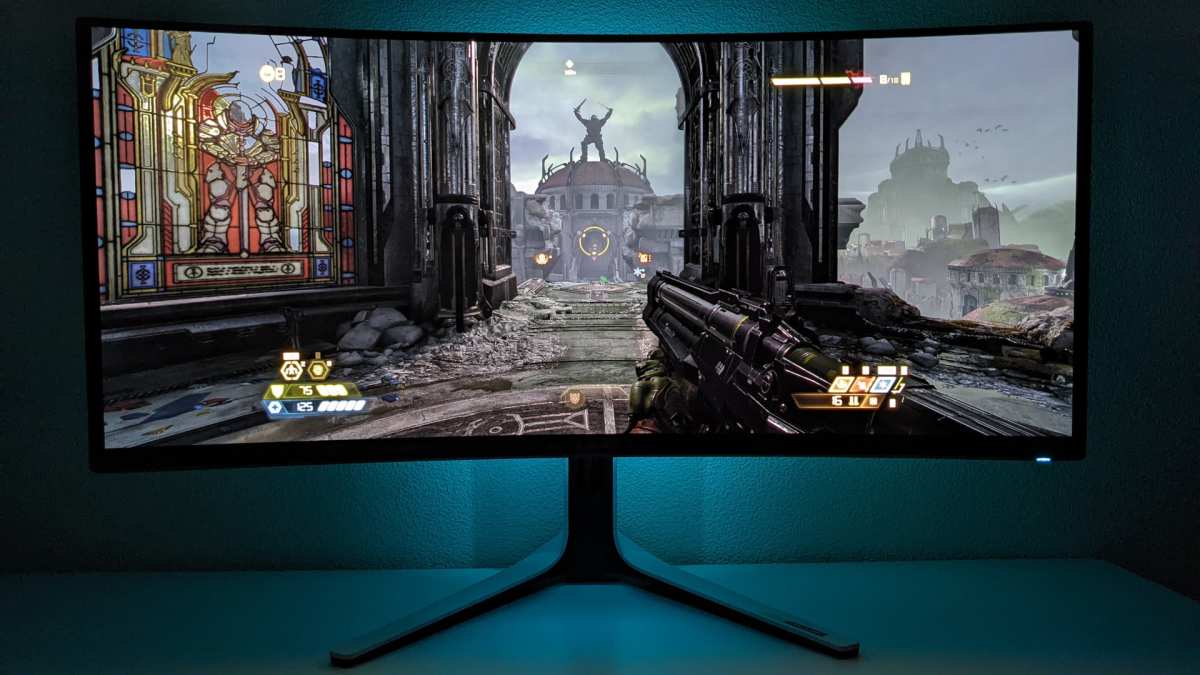
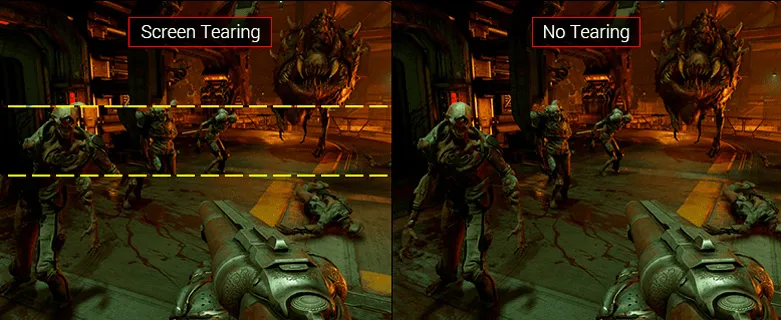
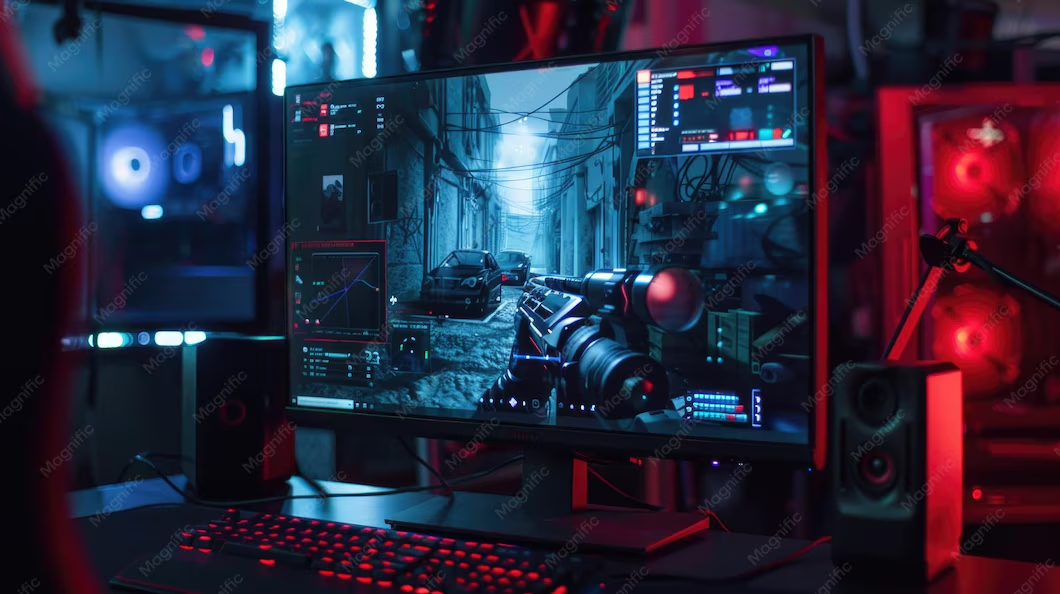
Visual guide about Is a Curved Monitor Better Than Flat
Image source: techtouchy.com
1. Enhanced Immersion
The primary selling point of a curved monitor is its ability to create a more immersive experience. By bending the display inwards, the edges of the screen are brought closer to your peripheral vision. This effect can make you feel like you’re “inside” the content, whether you’re playing a game, watching a movie, or even browsing the web.
Practical Tip: For a truly immersive experience, especially with ultrawide curved monitors (21:9 or 32:9 aspect ratios), consider your viewing distance. Sitting too far back can diminish the sense of immersion.
2. Reduced Eye Strain
One of the less obvious but significant benefits of a curved monitor is its potential to reduce eye strain. On a large, flat screen, the edges can be further away from your eyes than the center. This necessitates constant refocusing as your eyes dart across the screen, which can lead to fatigue over time.
A curved screen, by design, aims to keep the entire display surface at a more consistent distance from your eyes. This minimizes the need for excessive eye movement and refocusing, leading to a more comfortable viewing experience, especially during long work or gaming sessions. This is particularly true for larger monitors where the flat surface would create a more dramatic distance variation.
3. Wider Field of View
For activities that benefit from a broad perspective, like flight simulators or racing games, a curved monitor can offer a more natural and expansive field of view. The wrap-around effect makes it easier to take in more of the on-screen action without having to turn your head significantly.
4. Aesthetic Appeal
While subjective, many users find the sleek, futuristic look of curved monitors to be quite appealing. They can add a modern touch to any desk setup.
The Strengths of Flat Monitors
Despite the rise of curved displays, flat monitors remain the standard for a reason. They offer a reliable and consistent visual experience that excels in certain areas.
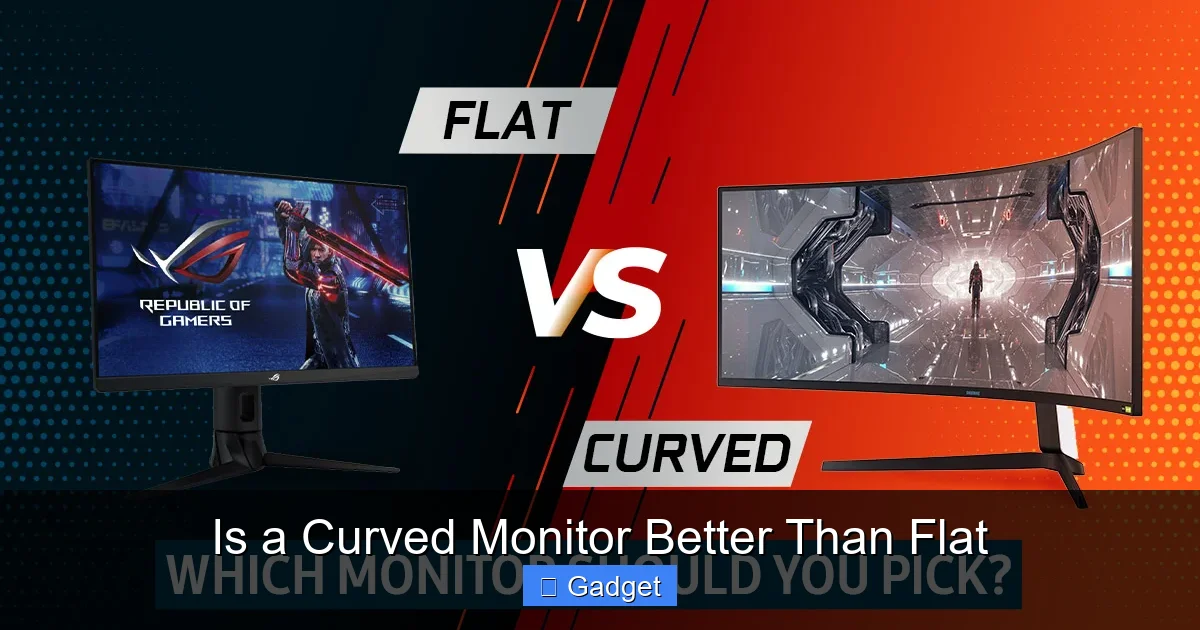
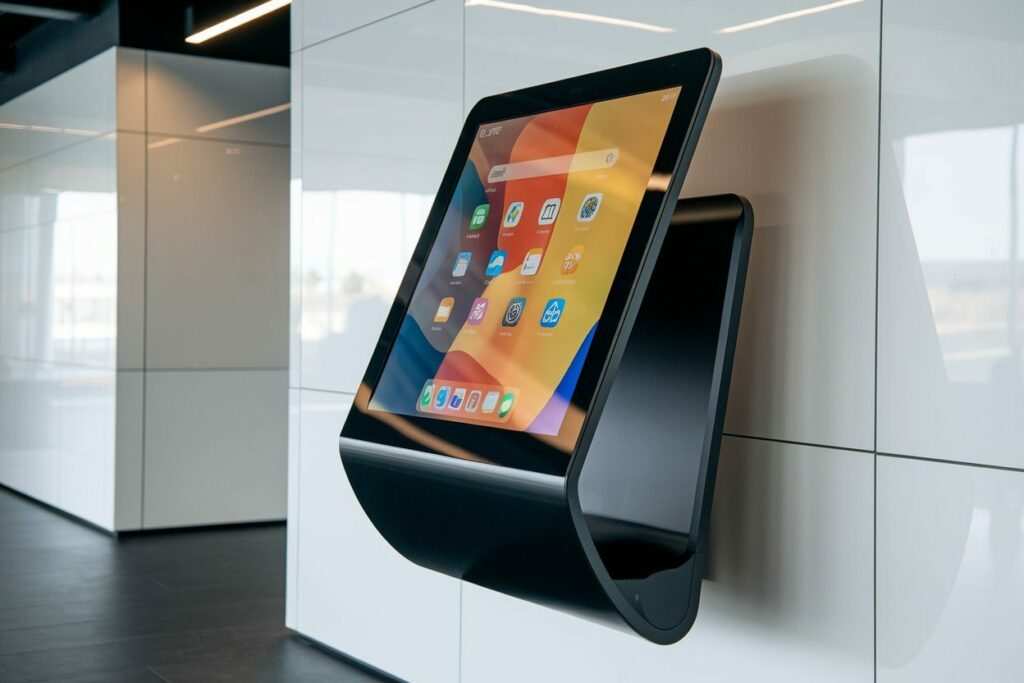
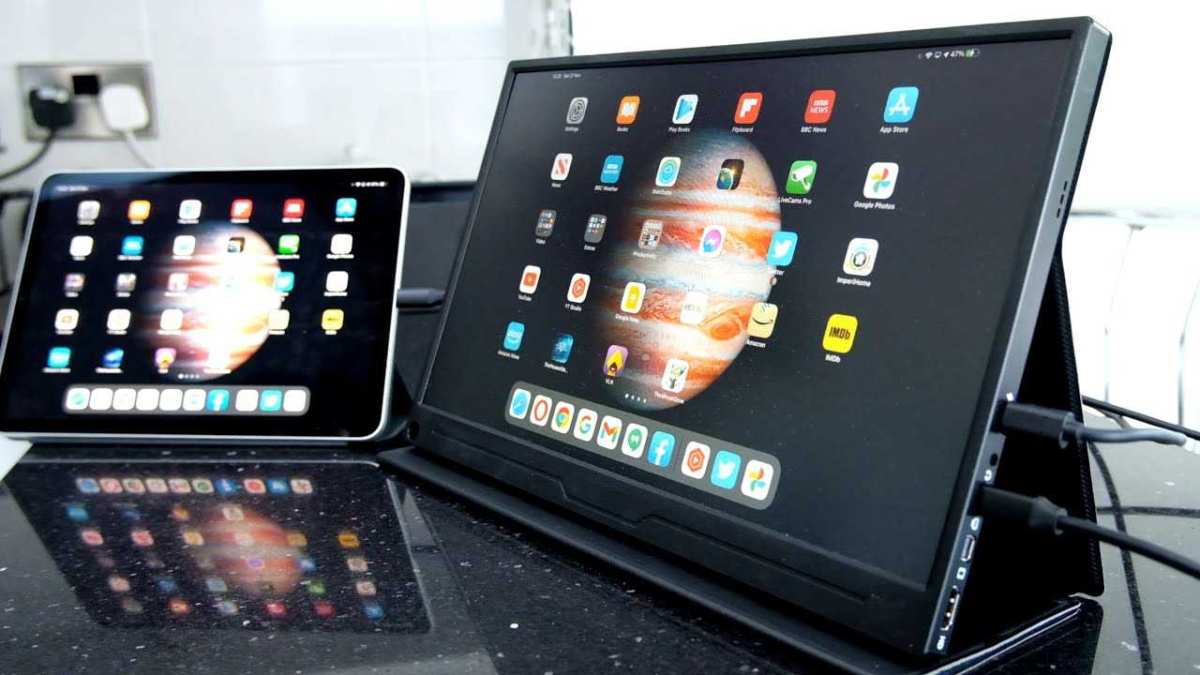
Visual guide about Is a Curved Monitor Better Than Flat
Image source: cgdirector.com
1. Consistent Viewing Angles
One of the most significant advantages of flat monitors is their consistent viewing angles. No matter where you’re sitting in relation to the screen, the image quality, color accuracy, and brightness remain largely uniform. This is crucial for tasks where precise color representation is important, such as photo editing or graphic design, and also for collaborative viewing where multiple people might be looking at the screen.
Example: If you often have colleagues or friends look at your screen, a flat monitor will ensure everyone sees the same image quality, free from distortion or color shift that might occur on a curved screen when viewed from an extreme side angle.
2. Predictable Size and Depth
Flat monitors have a predictable footprint on your desk. They are generally shallower than their curved counterparts, making them a better choice for smaller workspaces or for those who prefer a minimalist setup.
Tip: If you have limited desk real estate, a flat monitor will likely be a more practical choice. Measure your available space before purchasing, especially if considering an ultrawide model, as curved monitors can have a greater depth.
3. Cost-Effectiveness
While the gap is narrowing, flat monitors, especially at common sizes like 24-inch or 27-inch, often remain more affordable than similarly specified curved monitors. If budget is a primary concern, a flat screen might offer more bang for your buck in terms of screen size or resolution.
4. Versatility in Content Creation
For many professional content creators, particularly those working with static images or design software, the lack of distortion inherent in a flat panel is paramount. While curved monitors are improving, some professionals still prefer the absolute flatness of a traditional display to avoid any potential warping of straight lines or perfect symmetry.
Key Factors to Consider When Choosing
When deciding between a curved and flat monitor, consider these crucial factors:

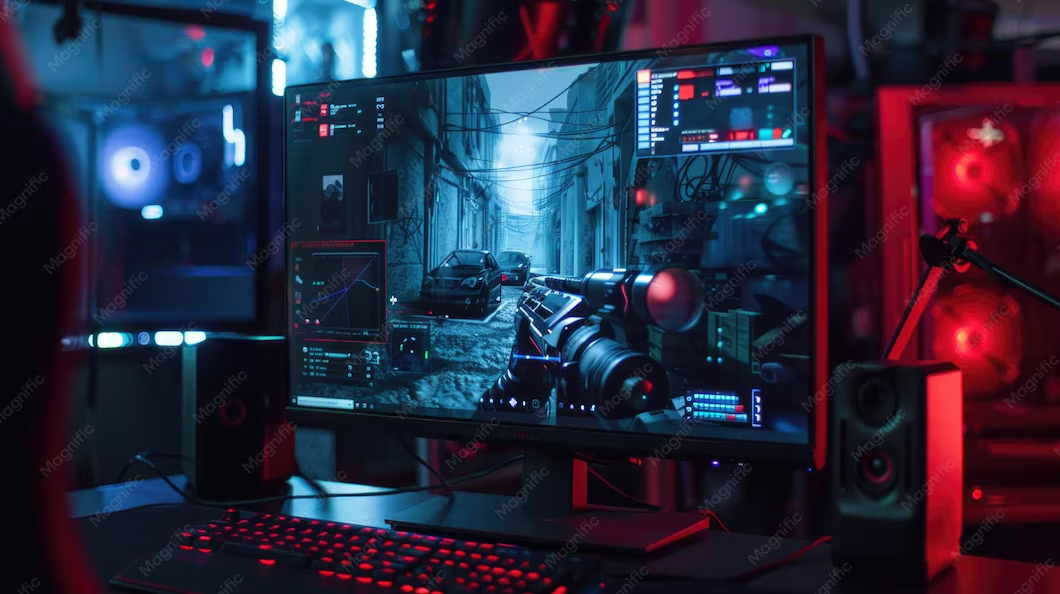
Visual guide about Is a Curved Monitor Better Than Flat
Image source: gamespot.com
1. Screen Size
This is arguably the most important factor. The benefits of curvature become more pronounced as screen size increases.
- Smaller Screens (Under 27 inches): The curvature on smaller screens is often subtle and may not offer a significant advantage in immersion or eye comfort. For these sizes, a flat monitor is often perfectly adequate and potentially more cost-effective.
- Medium to Large Screens (27 inches and above): This is where curved monitors start to shine. The increased screen real estate benefits greatly from the wrap-around effect, enhancing immersion and potentially reducing eye strain.
- Ultrawide Monitors (29 inches and above, 21:9 or 32:9 aspect ratio): Curved ultrawide monitors are where the technology truly excels. The vast horizontal expanse is perfectly complemented by a curve, creating an incredibly immersive experience for gaming and productivity.
2. Viewing Distance
Your typical viewing distance from the monitor plays a crucial role.
- Close Viewing Distance (e.g., standard desk setup): A curved monitor can feel more natural at typical desk viewing distances, as it helps keep the entire screen within your natural field of vision.
- Distant Viewing: If you sit further away from your monitor, the benefits of curvature diminish. In such cases, a flat monitor might be just as effective, if not more so, for maintaining image clarity.
3. Intended Use
What will you primarily use your monitor for?
- Gaming: Gamers often find curved monitors to be superior due to the increased immersion, wider field of view, and reduced eye strain during long gaming sessions. Fast-paced games benefit from the enveloping experience.
- Multimedia Consumption (Movies, TV Shows): Similar to gaming, curved monitors can enhance the cinematic feel of watching content, drawing you deeper into the on-screen action.
- Productivity & Office Work: This is where it’s more subjective. Some users find the reduced eye strain of a curved monitor beneficial for long hours of work. Others prefer the precise, undistorted view of a flat screen for tasks like coding or reviewing documents. Ultrawide curved monitors can also boost productivity by allowing for more windows to be open side-by-side without excessive head turning.
- Content Creation (Graphic Design, Video Editing, Photography): While curved monitors are becoming more viable, many professionals still prefer flat panels for their absolute color accuracy and lack of any potential image distortion. However, some designers find the broader perspective of an ultrawide curved monitor beneficial for their workflow.
4. Panel Type and Resolution
Regardless of curvature, the panel type (e.g., IPS, VA, TN) and resolution (e.g., 1080p, 1440p, 4K) are paramount for image quality. Don’t let curvature overshadow these fundamental specs. An IPS panel generally offers better color accuracy and viewing angles than a TN panel, while a VA panel offers a good balance of contrast and response time. Resolution dictates the sharpness and detail of the image.
5. Refresh Rate and Response Time
For gamers, a high refresh rate (how many times the screen updates per second) and a low response time (how quickly pixels change color) are crucial for smooth motion and minimizing blur. These specifications are independent of whether the monitor is curved or flat, but they are vital for a good gaming experience.
Troubleshooting Common Concerns
Are there any downsides to curved monitors? Here are a few common concerns and how to address them:
Issue: Distortion on Straight Lines or Reflections
Problem: Some users report slight distortion of straight lines, especially when viewing photos or images with strong geometric elements. Reflections can also sometimes appear more pronounced due to the concave surface.
Solution: This is more noticeable on tighter curves (lower ‘R’ numbers) and on very large screens. If this is a significant concern, a flat monitor might be preferable. For most users, especially in gaming and general use, this distortion is minimal and easily overlooked.
Issue: Desk Space and Mounting
Problem: Curved monitors, particularly ultrawide ones, can have a greater depth and may not fit well on all desk setups or with all monitor arms.
Solution: Always check the dimensions and specifications of the monitor before purchasing, especially if you plan to use a VESA mount. Ensure your desk can accommodate its depth. Some monitor arms are better suited for curved displays.
Issue: Content Optimization
Problem: While most modern content adapts well, older games or specific applications might not fully leverage the ultrawide or curved aspect ratio, potentially leading to stretched images or black bars.
Solution: This is less common now, but it’s worth checking reviews for specific games or software you frequently use. Most modern titles and applications are designed to work seamlessly with various aspect ratios and resolutions.
Conclusion: Which is Right for You?
So, is a curved monitor better than flat? The answer, as with many tech questions, is: it depends.
Choose a Curved Monitor if:
- You prioritize immersion in gaming and multimedia.
- You have a larger screen (27 inches or more), especially an ultrawide.
- You want to potentially reduce eye strain during long viewing sessions.
- You appreciate a modern, futuristic aesthetic.
- Your viewing distance is relatively close to the screen.
Choose a Flat Monitor if:
- You need consistent viewing angles for collaboration or precise color work.
- You have a smaller desk space and are concerned about depth.
- Budget is a primary concern, and you can get a better-specced flat panel for the same price.
- You work with content where absolute lack of distortion is critical.
- You don’t see the need for the immersive qualities of a curve.
Ultimately, the best way to decide is to try them out if possible. Visit a store and see how both types of monitors feel to you. Your eyes and your workflow will tell you which one is truly “better” for your needs.

Similar Posts