Are Curved Monitors Worth It

Curved monitors offer a more immersive visual experience, reducing eye strain and enhancing peripheral vision. While they excel in gaming and productivity, their value depends on your specific needs, budget, and desk space. This guide will help you determine if the benefits outweigh the costs for your personal setup. Welcome to the world of curved monitors! If you’ve been eyeing these sleek, futuristic displays, you’ve probably asked yourself, “Are curved monitors worth it?” It’s a valid question, and the answer isn’t a simple yes or no. It truly depends on what you’re looking for in a monitor and how you plan to use it. This guide will break down everything you need to know, from the science behind the curve to the practicalities of owning one. By the end, you’ll be well-equipped to decide if a curved monitor is the right upgrade for your desk. 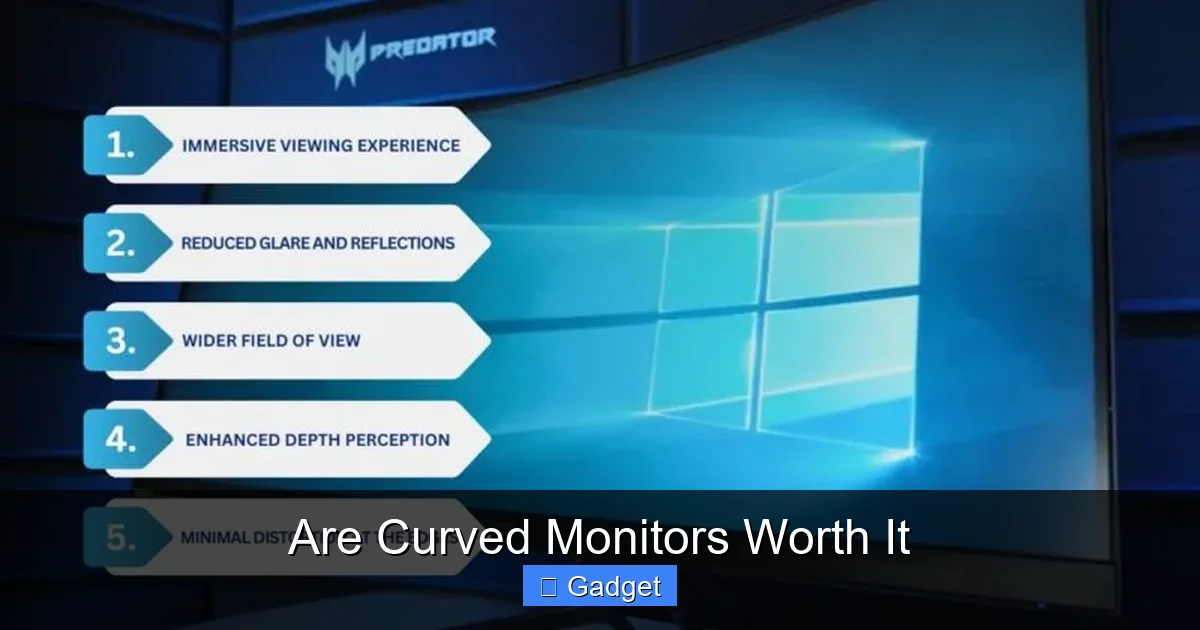

Key Takeaways
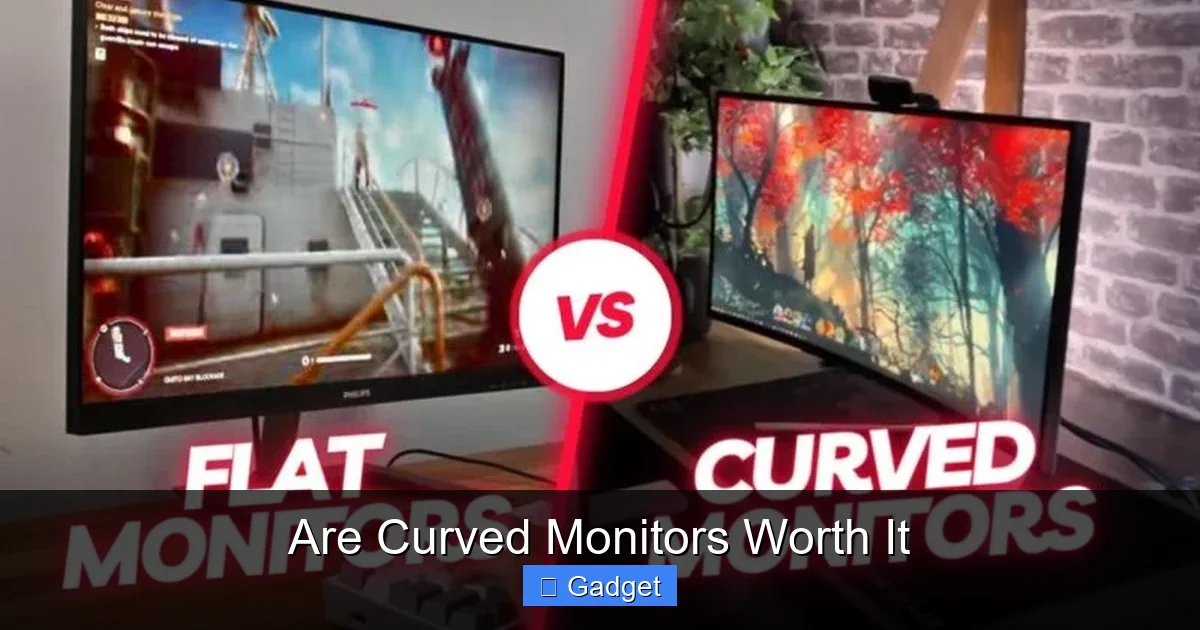
- Enhanced Immersion: Curved monitors wrap around your field of vision, creating a more engaging experience, especially for gaming and movies.
- Reduced Eye Strain: The curvature aims to keep the entire screen at an equidistant focal point from your eyes, potentially leading to less fatigue during long sessions.
- Improved Peripheral Vision: The wider field of view on a curved screen can make you feel more “in” the action, particularly beneficial for fast-paced games.
- Color and Brightness Consistency: For ultra-wide and large curved monitors, the curvature can help minimize distortions in color and brightness across the entire screen.
- Desk Space Considerations: Curved monitors, especially larger ones, can occupy more desk real estate and may not be ideal for very compact workspaces.
- Cost Factor: Generally, curved monitors tend to be more expensive than their flat counterparts with similar specifications.
- Use Case Specificity: The “worth” of a curved monitor is highly subjective and depends on whether your primary activities align with its advantages.
Understanding the Curve: What’s the Big Deal?
At its core, a curved monitor features a display panel that is not flat but gently arcs towards the user. This curvature is measured in a unit called “R” (radius), such as 1800R or 1500R. A smaller “R” number indicates a tighter, more pronounced curve. But why the bend? The idea is to mimic the natural curvature of the human eye. Our eyes perceive the world as a curve, not a flat plane. Flat screens require our eyes to adjust focus as we look from the center to the edges. A curved screen aims to present an equal distance from your eyes to every point on the display. This is the fundamental principle behind the purported benefits of curved monitors.The Advantages of Going Curved
So, what are the actual benefits you can expect from a curved monitor? Let’s dive into the key advantages.Visual guide about Are Curved Monitors Worth It
Image source: goodannotations.com
1. Enhanced Immersion
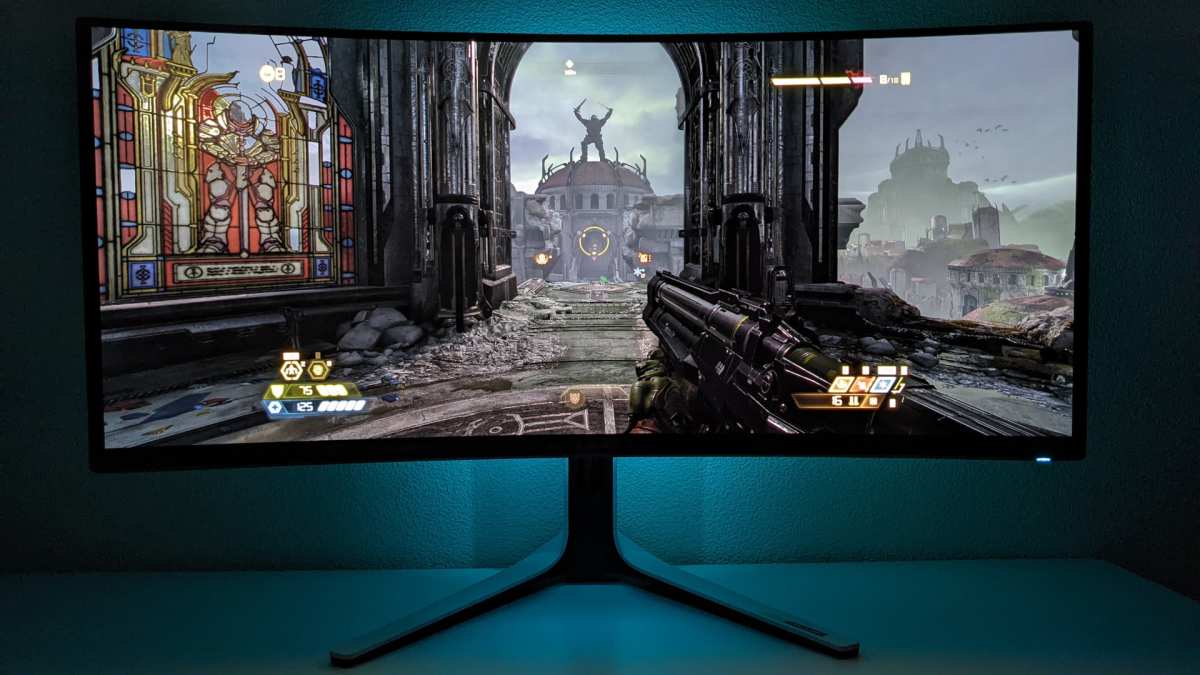
This is arguably the biggest draw for many consumers, especially gamers and movie enthusiasts. When the monitor curves around your field of vision, it creates a more enveloping experience. Instead of looking *at* a screen, you feel like you’re looking *into* the scene. This heightened sense of immersion can make gaming more thrilling and movies more captivating. Example: Imagine playing a first-person shooter game. With a curved monitor, the action feels like it’s happening all around you, pulling you deeper into the game world. Similarly, watching a panoramic film can feel more cinematic.2. Reduced Eye Strain
This is a benefit that appeals to almost everyone, especially those who spend long hours in front of a screen, whether for work or play. As mentioned earlier, the curvature is designed to keep the entire screen at a more consistent distance from your eyes. This means your eye muscles don’t have to work as hard to shift focus from the center to the edges. The theory is that this reduced focusing effort leads to less eye fatigue, dryness, and even headaches. While individual experiences can vary, many users report a noticeable improvement in comfort during extended use. Practical Tip: Even with a curved monitor, remember to take regular breaks. The 20-20-20 rule (every 20 minutes, look at something 20 feet away for 20 seconds) is still a great habit to maintain.3. Improved Peripheral Vision
For gamers, this is a significant advantage. The wrap-around effect of a curved monitor naturally extends your peripheral vision. You can see more of what’s happening on the sides of the screen without having to turn your head as much. This can give you a competitive edge in fast-paced games where every millisecond counts. If you’re wondering what is the best monitor size for gaming, consider how curvature enhances spatial awareness. Example: In a racing game, you might be able to spot an opponent trying to overtake you from the side sooner. In a strategy game, you might have a better overview of your entire battlefield.4. Color and Brightness Consistency (Especially on Larger/Ultra-Wide Displays)
On very large or ultra-wide flat monitors, you might notice slight variations in color and brightness as your eyes move from the center to the edges. The curvature of a curved monitor helps to mitigate this by ensuring that light is reflected towards your eyes at a more consistent angle across the entire panel. This can result in a more uniform visual experience. When this is most noticeable: This benefit is particularly pronounced on monitors with aspect ratios wider than standard 16:9, such as 21:9 or 32:9 ultra-wide displays.The Downsides: When Might a Curved Monitor Not Be Worth It?
While the advantages are compelling, curved monitors aren’t a perfect fit for everyone. Here are some potential drawbacks to consider:Visual guide about Are Curved Monitors Worth It
Image source: goodannotations.com
1. Desk Space Requirements
Curved monitors, especially those with larger screen sizes and wider aspect ratios, tend to “stick out” more on your desk due to their arc. This means they can occupy more depth than a comparable flat monitor. If you have a shallow desk or a very compact workspace, fitting a large curved monitor might be a challenge. For insights on spatial needs, check out this guide on how much desk space an ultrawide monitor needs. Measure your space! Before buying, measure the depth of your desk and compare it to the specifications of the curved monitor you’re considering. Pay attention to the monitor’s stand as well.2. Potential for Glare and Reflections
The curved surface can sometimes act like a parabolic mirror, concentrating reflections from light sources. If you have bright lights behind you or a window with direct sunlight hitting your desk, you might experience more noticeable glare compared to a flat screen. Troubleshooting Glare:- Adjust your monitor’s position.
- Use bias lighting behind the monitor.
- Consider a desk lamp that shines away from the screen.
- If possible, adjust the placement of your light sources or draw blinds/curtains.
3. Not Ideal for All Content or Workflows
While immersion is great for gaming and media, some professional applications might not benefit as much, or could even be hindered. For tasks that require precise straight lines and geometric accuracy, such as architectural design, graphic design with straight vector lines, or intricate photo editing, a flat monitor might be preferred. Specific Examples:- CAD/3D Modeling: While large curved monitors can offer a broad view, precise alignment of lines might be slightly affected by the curve.
- Photography Editing: If you’re meticulously editing straight lines in architectural photos, a flat panel might offer a truer representation without subtle curvature distortion. Learn more about display suitability in our article on whether ultrawide monitors are good for photo editing.
4. Cost
Generally speaking, curved monitors tend to be more expensive than their flat counterparts with similar specifications (resolution, refresh rate, panel type). The manufacturing process for curved panels is more complex, contributing to the higher price point. If you’re on a tight budget, a flat monitor might offer more bang for your buck in terms of raw specs. Value Proposition: The extra cost is often justified by the improved visual experience, but you need to decide if that experience is worth the premium for your usage.5. Viewing Angles (Less of an Issue with Modern Panels)
Historically, some older curved monitors, especially those with certain panel types like TN, could experience color or brightness shifts when viewed from extreme angles. However, most modern curved monitors use VA or IPS panels, which offer excellent viewing angles and largely negate this concern. Still, it’s something to be aware of when looking at older or budget models.Who Should Consider a Curved Monitor?
Based on the pros and cons, here are the types of users who will likely find curved monitors most beneficial:Visual guide about Are Curved Monitors Worth It
Image source: goodannotations.com
1. Gamers
This is the prime audience. The immersion, improved peripheral vision, and reduced eye strain are significant advantages for gaming. Whether you’re exploring vast open worlds, competing in esports, or engaging in intense simulations, a curved monitor can enhance your gameplay.2. Multimedia Enthusiasts
If you love watching movies, TV shows, or any widescreen content, the immersive quality of a curved display will be a significant upgrade. It creates a more cinematic feel right at your desk.3. Productivity Power Users (Especially with Ultra-Wide)
For professionals who multitask extensively, use multiple windows, or work with large spreadsheets and timelines, an ultra-wide curved monitor can be a game-changer. The expansive screen real estate allows you to see more at once, reducing the need to switch between windows and improving workflow efficiency. The reduced eye strain is also a major plus for long workdays.4. Users Seeking a More Comfortable Viewing Experience
If you frequently experience eye fatigue or discomfort after long computer sessions, a curved monitor is definitely worth exploring. The design is specifically intended to alleviate these issues.Who Might Be Better Off with a Flat Monitor?
Conversely, a flat monitor might be a more suitable choice for:1. Budget-Conscious Buyers
If your priority is getting the best possible specifications (like resolution, refresh rate, or color accuracy) for your money, a flat monitor will generally offer more value.2. Users with Very Limited Desk Space
If your desk is small or shallow, the physical footprint of a curved monitor might be a dealbreaker.3. Professionals Requiring Absolute Geometric Precision
For highly specialized design or engineering work where perfect straight lines and symmetry are paramount and any minor distortion is unacceptable, a flat monitor might be the safer bet.4. Those Who Frequently View from Extreme Angles
While less common with modern panels, if you often have people gathering around your monitor to view content from wide angles, a flat screen can sometimes offer more consistent viewing across the entire panel.Key Considerations When Buying a Curved Monitor
If you’ve decided that a curved monitor is for you, here are some crucial factors to keep in mind:1. Screen Size and Resolution
Curved monitors are most common in larger sizes (27 inches and above) and ultrawide aspect ratios (21:9, 32:9). Ensure the resolution is appropriate for the screen size. For example, a 34-inch ultrawide should ideally have a resolution of 3440×1440 (WQHD) for sharp visuals. A smaller curved monitor (e.g., 24-inch) might not offer as significant a benefit from the curve.2. Curvature Radius (R Value)
As mentioned, smaller ‘R’ values (like 1500R or 1000R) mean a more aggressive curve, offering greater immersion but potentially taking more getting used to. Larger ‘R’ values (like 1800R or 3000R) have a subtler curve, which might feel more natural to some users without sacrificing too much immersion. Recommendation: For most users, 1800R is a good starting point. If you want maximum immersion, consider 1500R or tighter. If you’re new to curved monitors, a gentler curve might be less jarring.3. Panel Type (IPS, VA, TN)
- IPS (In-Plane Switching): Offers excellent color accuracy and wide viewing angles. Great for content creation and general use.
- VA (Vertical Alignment): Provides excellent contrast ratios and deep blacks, making it great for gaming and movies. Viewing angles are generally good, but not as wide as IPS.
- TN (Twisted Nematic): The fastest response times, making them ideal for competitive esports players. However, they typically have poorer color reproduction and viewing angles.
4. Refresh Rate and Response Time
Crucial for gaming. A higher refresh rate (e.g., 144Hz, 240Hz) means smoother motion. A lower response time (e.g., 1ms) reduces motion blur. These specs are just as important on a curved monitor as on a flat one.5. Stand and Ergonomics
Consider how the monitor’s stand will fit on your desk and its adjustability. Can it tilt, swivel, and adjust in height? Some curved monitors have very large stands that can limit positioning options.Conclusion: Are Curved Monitors Worth It for You?
So, to circle back to our original question: are curved monitors worth it? For many, the answer is a resounding yes. The enhanced immersion, potential for reduced eye strain, and improved peripheral vision offer tangible benefits that can elevate your computing experience, especially for gaming and multimedia consumption. However, they are not a universal solution. The higher cost, potential desk space issues, and specific workflows where a flat screen might be preferable mean that a curved monitor isn’t for everyone. Carefully consider your primary use cases, your budget, and your workspace constraints. If you spend hours gaming, enjoy watching movies, or are a productivity enthusiast who thrives on expansive screen real estate, a curved monitor is a compelling upgrade that’s likely to be worth the investment. If your needs are simpler, your budget is tight, or your desk is minimalist, a high-quality flat monitor might still be your best bet. Ultimately, the “worth” of a curved monitor is a personal calculation. By understanding the technology and its implications, you can make an informed decision that leads to a more enjoyable and productive computing experience.
Similar Posts