Using Chat Gpt For Coding Help And Debugging: Practical Tips
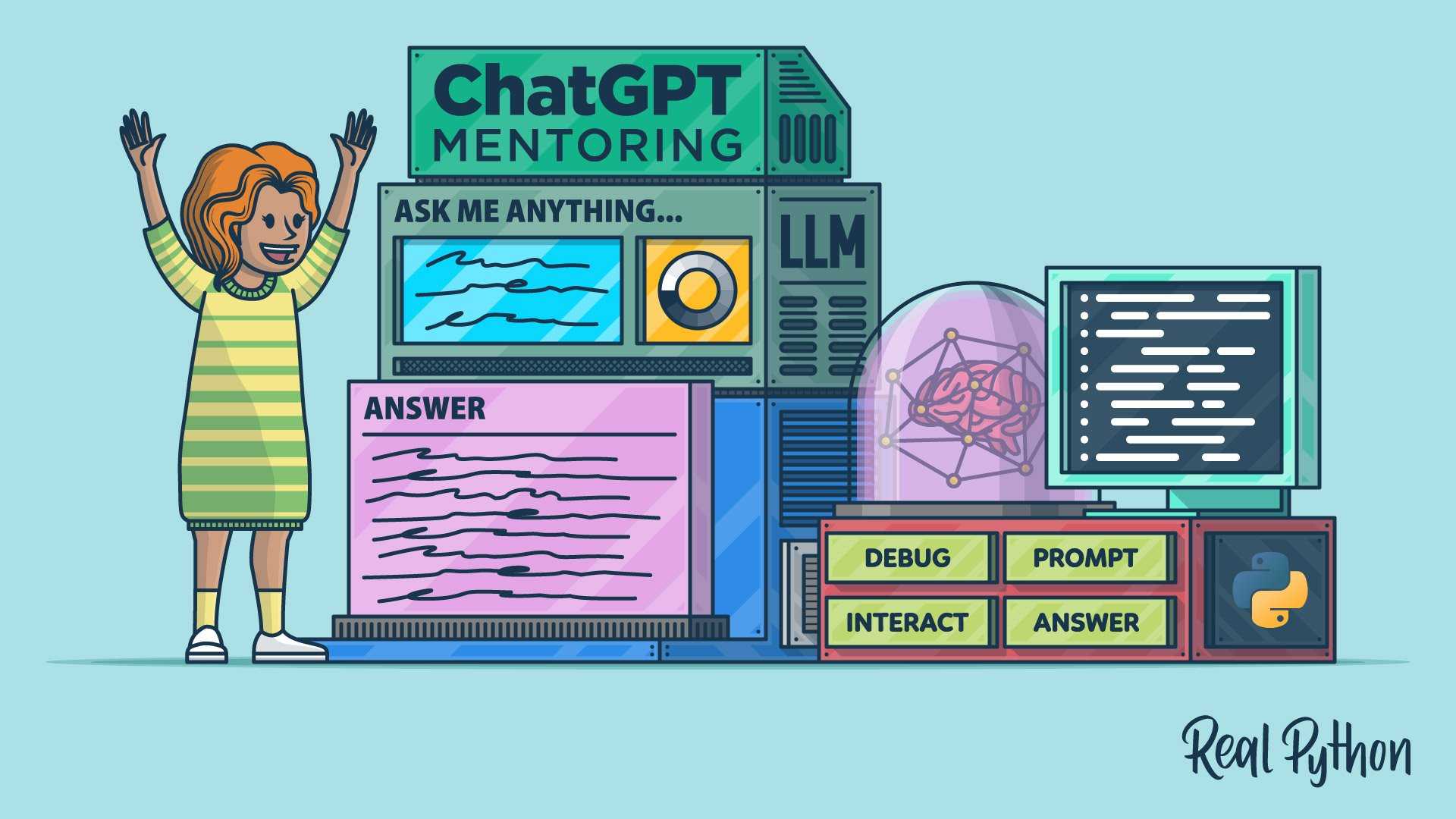

Using Chat GPT for coding help and debugging
Understanding How Chat GPT Assists with Coding
Chat GPT acts as a virtual coding partner that helps programmers solve problems quickly. It can provide code snippets, explain programming concepts, and suggest best practices. Users can ask questions in natural language, making the process easier than searching through endless documentation. This AI tool is especially useful for beginners who might not know where to start. More experienced developers also benefit by quickly finding solutions to more complex issues. It makes coding faster and helps avoid frustration caused by bugs or unclear code.How Chat GPT Can Write and Improve Code
Chat GPT can generate sample code based on descriptions you provide. For example, you can ask for a function that sorts a list or calculates the sum of numbers. It can also improve existing code by making it cleaner or more efficient. By reviewing code snippets, Chat GPT points out errors and suggests improvements. It can help optimize performance, fix syntax errors, and conform to coding standards. This makes your code more reliable and easier to maintain.Debugging with Chat GPT: Step-by-Step
Debugging often feels like solving a puzzle. Chat GPT guides users through the debugging process step by step. First, it helps identify common issues based on error messages or problematic behaviors. Next, it offers possible causes for bugs, such as variable mismanagement or logic errors. After pinpointing the problem, Chat GPT suggests specific fixes. This process accelerates debugging and reduces the time spent on trial and error.Using Chat GPT for Troubleshooting Common Programming Errors
Common programming errors include syntax mistakes, runtime errors, and logical bugs. Chat GPT can help clarify error messages and suggest practical solutions. For syntax errors, it explains the mistake and provides corrected code snippets. For runtime errors, it analyzes the code flow and recommends fixes. Logical bugs, which cause incorrect results, are explained with suggestions to adjust the code logic.Enhancing Learning with Chat GPT
Chat GPT isn’t just for fixing problems; it’s also a powerful learning tool. It explains complex programming concepts in simple language, making learning enjoyable. You can ask Chat GPT to provide examples, tutorials, or explanations of algorithms. This interactive approach helps new programmers understand difficult topics and develop their skills faster.Integrating Chat GPT into Coding Workflows
Integrating Chat GPT into your coding environment enhances productivity. Many developers use it alongside their favorite editors or IDEs. Some platforms even offer plugins that connect Chat GPT directly. This integration allows for quick code generation, explanation, and debugging without switching windows. It keeps your workflow smooth and keeps you focused on the coding task.Limitations and Best Practices When Using Chat GPT
While Chat GPT is a valuable tool, it is not infallible. It occasionally provides incorrect or inefficient code. Always review generated suggestions before implementing them. Use Chat GPT as a supplement, not a replacement for learning and understanding. Combining its help with your knowledge ensures better, more reliable code.Security and Privacy Considerations
When sharing code snippets or questions, be cautious about sensitive data. Avoid inputting proprietary or confidential code. Chat GPT is designed to respect user privacy, but it’s best practice to keep sensitive information secure. Always review the data you share and understand how your information is used in AI tools. This ensures your project’s security remains intact.Future Trends in AI-Assisted Coding and Debugging
The future of AI in coding looks promising. As models become more advanced, they will offer even more precise and context-aware suggestions. Machine learning will enable AI tools to understand codebases deeply, making debugging quicker. New features might include automatic code reviews, real-time bug detection, and personalized coding advice. These advancements will make AI an indispensable part of software development.Choosing the Right Tools for Your Coding Needs
Different projects require different AI assistance levels. For casual learning or small projects, Chat GPT’s free versions work well. Larger teams may prefer enterprise solutions offering more features and security. Evaluate your needs based on project complexity, security concerns, and budget. Finding the right tool set ensures you get the most benefit from AI-powered coding help.Tips for Maximizing Chat GPT’s Effectiveness in Coding
To get the best results, be as clear as possible when describing your problem. Use specific questions instead of vague requests. Providing context helps Chat GPT understand what you need. Experiment with different prompts and specify your preferred programming language. This approach ensures precise, relevant help tailored to your project.Related Topics in AI-Assisted Coding
Aside from Chat GPT, other AI tools support coding tasks. These include code completion engines, static analyzers, and automated testing frameworks. Combining multiple tools can improve code quality and development speed. Learning about these tools expands your toolkit, making you a more efficient programmer. Using Chat GPT for coding help and debugging offers a practical way to enhance your programming skills. It provides quick answers, code generation, and troubleshooting support whenever you need it. While it is a powerful assistant, combining its use with a solid understanding of programming principles ensures the best results. As AI continues to advance, its role in software development is set to grow, making coding more accessible and efficient for everyone.Debug Code Instantly with ChatGPT’s Help
Frequently Asked Questions
How can I get the most effective coding suggestions from Chat GPT?
To receive useful coding suggestions, provide clear, specific descriptions of the problem you’re facing. Include relevant code snippets, desired outcomes, and any constraints. Asking precise questions helps Chat GPT understand your needs better and offers tailored recommendations that can help you progress efficiently.
What strategies should I use when debugging with Chat GPT?
When debugging, start by sharing the exact error messages or unexpected behaviors you encounter. Break down the issue into manageable parts and clarify what you’ve already tried. Use step-by-step descriptions, which enable Chat GPT to identify potential causes and suggest targeted fixes, saving you time and effort.
Can Chat GPT help me understand complex segments of my code?
Yes, you can ask Chat GPT to explain specific parts of your code. Providing context and highlighting what the code is supposed to accomplish allows the model to break down complex logic into simpler terms. This can deepen your understanding and help you modify or troubleshoot the code more effectively.
How do I verify the solutions provided by Chat GPT before applying them?
Always review suggested solutions carefully. Test changes in a controlled environment or on test data before deploying them into production. Cross-reference the suggestions with official documentation or consult with peers if needed. This ensures that the implementation aligns with your project requirements and prevents unintended issues.
Final Thoughts
Using Chat GPT for coding help and debugging offers a practical way to resolve issues quickly. It provides instant suggestions, explanations, and code snippets that save time. Developers can clarify complex concepts and catch errors early in the process. This tool enhances productivity and confidence in coding tasks.
Similar Posts



























