How To Create Multiple Choice Practice Questions With Chat?
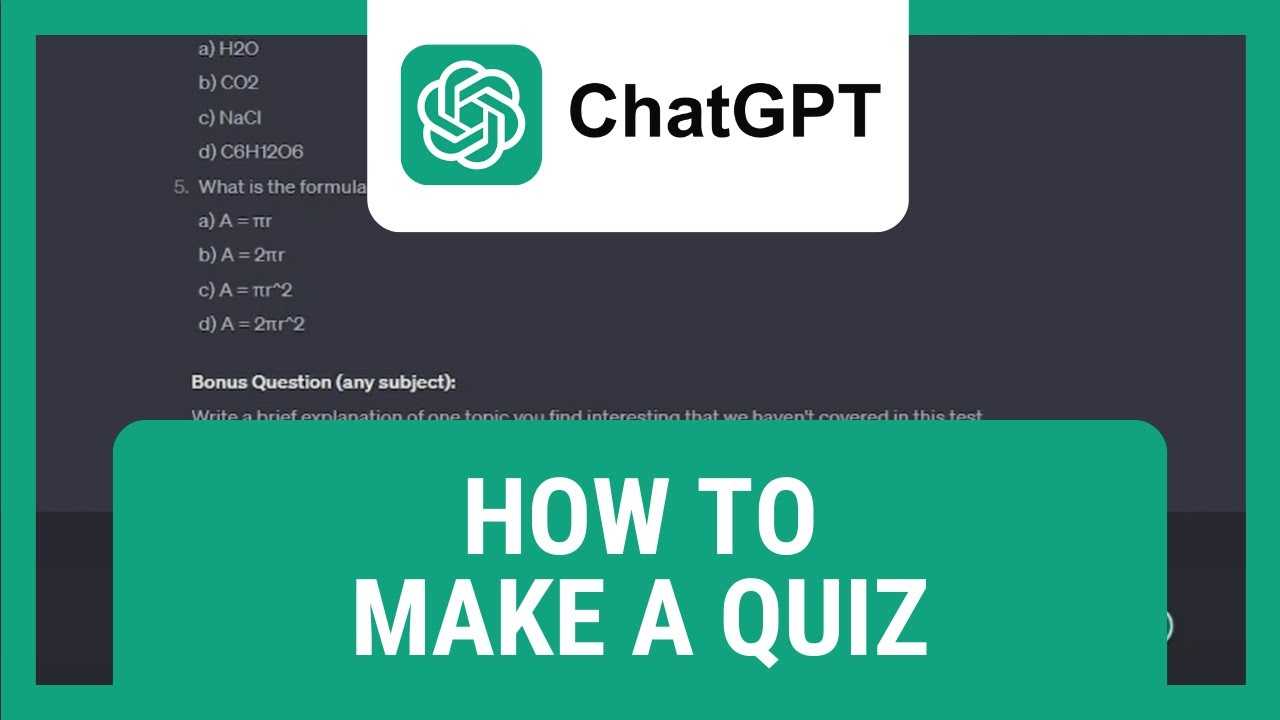

How to Create Multiple Choice Practice Questions with Chat GPT
Creating multiple choice practice questions (MCQs) can be a fun and effective way to help students learn and test their knowledge. Chat GPT can assist you in generating these questions quickly and with clarity. This section will guide you step-by-step on how to leverage Chat GPT for creating high-quality MCQs.Understanding the Basics of Multiple Choice Questions
Before you start, it’s important to understand what makes a good MCQ. An effective question should focus on a single idea, have clear options, and include distractors that are plausible. The question stem should be concise and unambiguous, encouraging critical thinking.- Question Stem: The main question or problem statement.
- Correct Answer: The option that accurately answers the question.
- Distractors: Wrong options that are believable enough to challenge the test-taker.
Setting Up Your Prompt for Chat GPT
Getting the best results from Chat GPT starts with crafting a clear, detailed prompt. Your prompt should specify the subject, difficulty level, and any particular focus or key points.Sample Prompt Template
“`plaintext Create a multiple choice question about [topic]. The question should be suitable for 4th or 5th-grade students. Include four options, with one correct answer and three distractors. Make sure the question is clear, easy to understand, and tests basic knowledge of [key concept]. Provide the correct answer for reference. “` You can customize this template for different subjects, such as science, math, history, or language arts.Generating Multiple Choice Questions
Once your prompt is ready, input it into Chat GPT. It will generate the question along with answer options. Review the output to ensure clarity and correctness.- If the options are too similar or unclear, ask Chat GPT to rephrase or improve the options.
- If the distractors are too obvious, specify in your prompt to make them more plausible.
- Repeat the process for multiple questions to build a diverse set of practice items.
Tips for Effective Prompts
Clear, detailed prompts improve the quality of questions produced. Here are some tips to tailor your prompts effectively:- Specify the subject and grade level.
- Request a specific number of options, usually four or five.
- Ask for questions that test comprehension, application, or analysis depending on your goal.
- Include any key vocabulary or concepts you want to emphasize.
Creating Answer Keys and Explanations
Chat GPT can also provide explanations for each question, which are beneficial for learning. When requesting questions, include a prompt for explanations.- Ask for a brief explanation of why the correct answer is right.
- Request distractors to be explained as well, to clarify why they are incorrect.
- Use these explanations as feedback or in answer keys for learners.
Organizing Your Questions for Practice Sessions
After generating a set of questions, organize them logically. Consider grouping questions by topic or difficulty level for targeted practice. Use tables or spreadsheets to track your questions, answers, and explanations.Sample Table for Organizing Questions
| Question | Options | Correct Answer | Explanation |
|---|---|---|---|
| What is 5 + 3? | A. 6 B. 7 C. 8 D. 9 | C. 8 | Because 5 plus 3 equals 8. |
Using Chat GPT for Variations and Additional Questions
To diversify your practice questions, request multiple variations on the same topic. This can include different question formats or difficulty levels.- Ask Chat GPT to create both easier and harder questions on the same subject.
- Request different question types, such as fill-in-the-blanks or true/false, to complement MCQs.
- Generate questions focusing on misconceptions to help learners identify common errors.
Incorporating Multimedia and Visual Aids
While Chat GPT specializes in text, you can enhance questions with images or diagrams. After generating questions, add visual content to clarify or illustrate key points.- Use online image generators or repositories to find relevant visuals.
- Embed images within your practice questions to enhance understanding.
- Ensure visuals are simple, clear, and relevant to the question.
Reviewing and Editing Questions for Quality Assurance
Always review questions generated by Chat GPT for accuracy, bias, and clarity. Editing may be necessary to align questions with your curriculum standards.- Check for grammatical correctness and age-appropriate language.
- Verify factual accuracy, especially for science and history questions.
- Adjust distractors if they are too obvious or confusing.
Integrating Practice Questions into Your Teaching Tools
Once questions are ready, incorporate them into quizzes, worksheets, or digital learning platforms. Use online quiz makers or PowerPoint to create interactive practice sessions.- Consider using Google Forms or Kahoot for interactive quizzes.
- Export questions into printable formats for offline use.
- Provide immediate feedback based on answers to reinforce learning.
How to prepare for Multiple Choice tests with ChatGPT
Frequently Asked Questions
How can I ensure the multiple choice questions I create with Chat GPT are clear and unambiguous?
To make your questions clear, use straightforward language and avoid complex sentence structures. Clearly state what the question asks and ensure that the options are distinct from one another. Providing context or examples within the question can also help clarify your intent. Additionally, test the questions with a small group to identify any potential ambiguities before finalizing them.
What strategies can I use to generate plausible distractors for my multiple choice questions using Chat GPT?
Ask Chat GPT to generate options that are similar in complexity and style to the correct answer but are incorrect. Request multiple distractors that relate to the topic to make choices less obvious. You can specify that the options should include common misconceptions or partially correct answers, which increases the challenge for learners.
How do I customize the difficulty level of questions created with Chat GPT?
Adjust the prompts you give to Chat GPT by specifying the difficulty level you want. For easier questions, request basic factual queries with straightforward options. For more challenging questions, ask for questions that require application or analysis, and include answer choices that are closely related or nuanced. Providing examples of the target difficulty can also help guide the output.
Can I create different types of multiple choice questions with Chat GPT?
Yes, you can craft various types of multiple choice questions, such as single-answer, multiple-answer, or scenario-based questions. When prompting Chat GPT, specify the type of question you need. For example, you can ask for questions that require selecting all correct options or questions based on real-life situations to test applied knowledge.
What steps should I follow to review and improve questions generated by Chat GPT?
After generating questions, review them for accuracy, clarity, and relevance. Check if the distractors are plausible and if the correct answer is unambiguous. Consider having someone else evaluate the questions for clarity and difficulty. Make necessary edits to improve wording, add context, or refine distractors to ensure they effectively assess the intended knowledge.
Final Thoughts
Creating multiple choice practice questions with Chat GPT offers an efficient way to generate varied assessments. Focus on providing clear prompts that specify the correct answer options. Use concise language to guide the model toward producing relevant questions. Summarizing, how to create multiple choice practice questions with Chat GPT involves crafting precise prompts and reviewing responses for accuracy. This approach saves time and enhances the quality of your quizzes. Keep instructions simple to ensure the generated questions meet your needs effectively.
Similar Posts



























