Is a 27-inch monitor necessary for your gaming needs? This guide dives deep into the benefits and drawbacks, helping you decide if this popular size fits your setup. We’ll cover everything from immersion and performance to desk space and budget, ensuring you make an informed decision. Ultimately, the “need” depends on your personal preferences and gaming style.
Contents
Key Takeaways
- Size Matters for Immersion: A 27-inch monitor offers a larger field of view, enhancing immersion in many games compared to smaller displays.
- Resolution is Crucial: For a 27-inch monitor to look its best, a 1440p (QHD) resolution is highly recommended to maintain sharp visuals.
- Desk Space Considerations: Ensure you have enough physical space on your desk to comfortably accommodate a 27-inch monitor without feeling cramped.
- Performance Requirements: Driving a 27-inch 1440p monitor at high refresh rates requires a capable gaming PC with a strong graphics card.
- Personal Preference is Key: The “need” for a 27-inch monitor is subjective; consider your individual viewing distance, gaming genre, and aesthetic preferences.
- Budgetary Impact: 27-inch monitors, especially those with high refresh rates and QHD resolution, can be more expensive than smaller alternatives.
Do You Need a 27 Inch Monitor for Gaming
So, you’re looking to upgrade your gaming setup, and the question on your mind is: “Do I really need a 27-inch monitor for gaming?” It’s a common dilemma. The world of PC gaming monitors is vast, with options ranging from compact 21-inch displays to ultra-wide behemoths. The 27-inch size has become incredibly popular, often seen as a sweet spot for many gamers. But is it the right choice for *you*? This guide will break down everything you need to know to make an informed decision. We’ll explore the advantages, the potential downsides, and the factors that will ultimately determine if a 27-inch monitor is a “need” or just a “nice-to-have” for your gaming adventures.
By the end of this guide, you’ll understand how screen size impacts your gaming experience, what resolution you should be looking for with a 27-inch display, and how your existing hardware might influence your choice. We’ll also touch on desk space and budget, two very practical considerations. Let’s dive in and figure out if the 27-inch monitor is your next essential gaming upgrade.
Understanding the Appeal of 27-Inch Monitors
The 27-inch monitor has carved out a significant niche in the gaming market, and for good reason. Its popularity stems from a balance of factors that many gamers find highly desirable. Let’s break down why this size resonates so well.
Enhanced Immersion and Field of View
One of the primary benefits of a 27-inch monitor is the increased immersion it offers. The larger screen size naturally expands your field of view, pulling you deeper into the game world. In fast-paced shooters, this can mean spotting enemies at the edges of your screen sooner. In expansive RPGs or open-world titles, the larger display can make environments feel more grand and encompassing. You’re not just looking at a game; you’re more within it. This increased immersion can significantly elevate your overall enjoyment of your favorite games.
The Sweet Spot for Resolution: 1440p
For a 27-inch monitor, the 1440p (Quad HD or QHD) resolution is widely considered the optimal choice. A 1440p resolution offers a significant visual upgrade over 1080p (Full HD). With a 27-inch screen, the pixel density at 1440p is high enough to provide crisp, sharp images without making individual pixels noticeable. This means text will be more readable, textures in games will be more detailed, and the overall visual fidelity will be substantially improved. While 1080p is acceptable on a 27-inch display, especially if budget is a primary concern or your PC struggles, it won’t showcase the screen’s full potential. Conversely, 4K on a 27-inch monitor, while incredibly sharp, can sometimes make on-screen elements too small unless scaling is adjusted, and it demands a much more powerful graphics card. Therefore, 1440p at 27 inches strikes a fantastic balance between visual clarity, performance demands, and immersion.
Versatility for Different Gaming Genres
Whether you’re a competitive esports player or a casual explorer of virtual worlds, a 27-inch monitor can be a great fit. For competitive gamers, the larger screen can offer a slight advantage in spotting targets, especially when paired with high refresh rates and fast response times. For those who prefer slower-paced RPGs, strategy games, or cinematic single-player experiences, the enhanced immersion is a major draw. The 27-inch size is generally versatile enough to handle a wide range of gaming genres without feeling overwhelming or insufficient.
Potential Downsides and Considerations
While 27-inch monitors offer many advantages, it’s essential to be aware of the potential downsides and factors you need to consider before making the leap.
Desk Space Requirements
This is a practical point that can’t be overlooked. A 27-inch monitor is noticeably larger than its 21 or 24-inch counterparts. You need to ensure you have adequate desk space to house it comfortably. Consider the monitor’s physical dimensions, including the stand. If you have a smaller desk or a cluttered setup, a 27-inch monitor might feel cramped, which can detract from the gaming experience rather than enhance it. Measure your desk space before you buy! You might need to rearrange your setup or invest in a larger desk to accommodate it properly.
Performance Demands: Your PC’s Capabilities
This is a critical consideration, especially if you’re eyeing a 27-inch monitor with a 1440p resolution and a high refresh rate (e.g., 144Hz or more). Driving a 1440p display at these higher frame rates requires a powerful gaming PC.
Graphics Card (GPU) Power
Your graphics card is the most important component here. For smooth 1440p gaming, you’ll generally want a mid-range to high-end GPU. Older or entry-level graphics cards might struggle to push enough frames per second at 1440p to take full advantage of a high-refresh-rate monitor. This can lead to stuttering, lag, and a less enjoyable experience. If your PC is a few years old or was built on a tighter budget, you might need to consider upgrading your GPU to truly benefit from a 27-inch 1440p monitor.
CPU and RAM
While the GPU is paramount, your CPU and RAM also play a role. A weak CPU can bottleneck your graphics card, limiting performance even with a powerful GPU. Adequate RAM ensures that your system can handle the game and the operating system smoothly. For 1440p gaming, aim for at least a modern mid-range CPU and 16GB of RAM.
Cost Factor
Generally, 27-inch monitors, especially those with 1440p resolution, high refresh rates, and good response times, tend to be more expensive than their smaller 1080p counterparts. If you’re on a tight budget, you might have to compromise on features like refresh rate or panel type to find a 27-inch monitor that fits your price range. It’s important to weigh the cost against the benefits and determine if it aligns with your overall budget for your gaming setup.
Viewing Distance Matters
Your typical gaming distance from the monitor also plays a role. If you sit very close to your screen, a 27-inch monitor might feel *too* large, requiring you to move your head to see everything on screen, which can be fatiguing. Most users find that a viewing distance of about 2-3 feet (60-90 cm) is ideal for a 27-inch monitor. If you typically sit much closer than that, you might find a smaller monitor more comfortable.
Making the Decision: Do You *Need* It?
The question isn’t always about what’s technically possible, but what’s best for *your* individual gaming experience. Let’s synthesize the information to help you decide if a 27-inch monitor is truly a need for you.
Assess Your Gaming Habits and Preferences
What kind of games do you play? For immersive RPGs, grand strategy titles, or cinematic experiences, the larger screen and enhanced immersion of a 27-inch monitor can be a significant upgrade. If you primarily play fast-paced competitive shooters, the larger field of view can be beneficial, but only if your PC can drive it at high refresh rates.
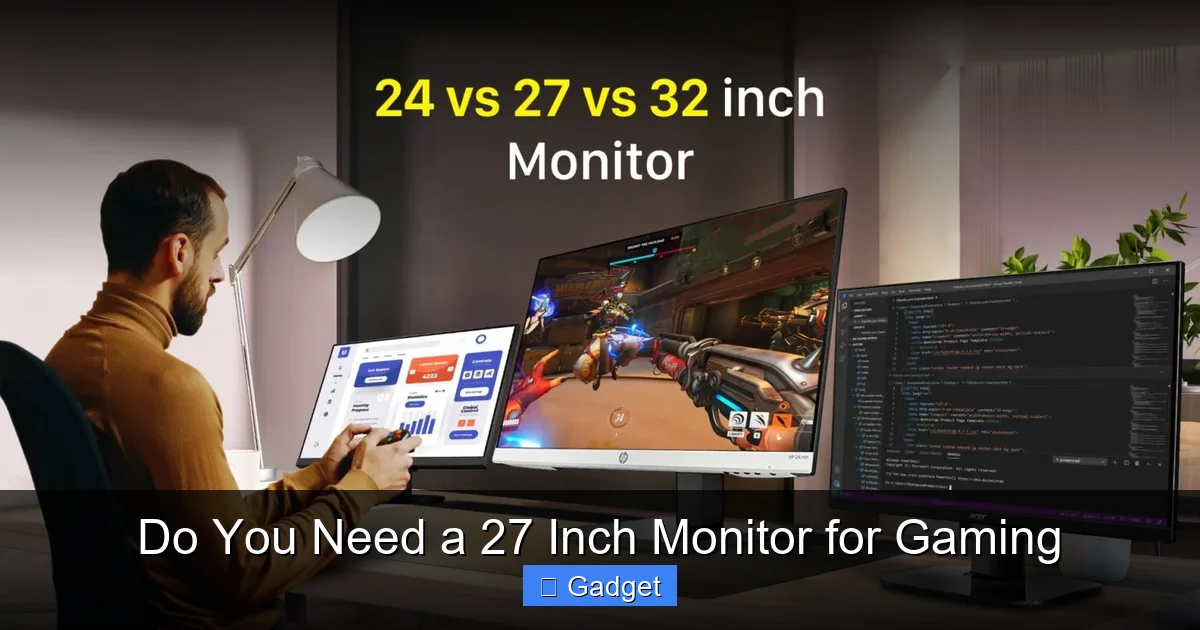
Visual guide about Do You Need a 27 Inch Monitor for Gaming
Image source: techtouchy.com
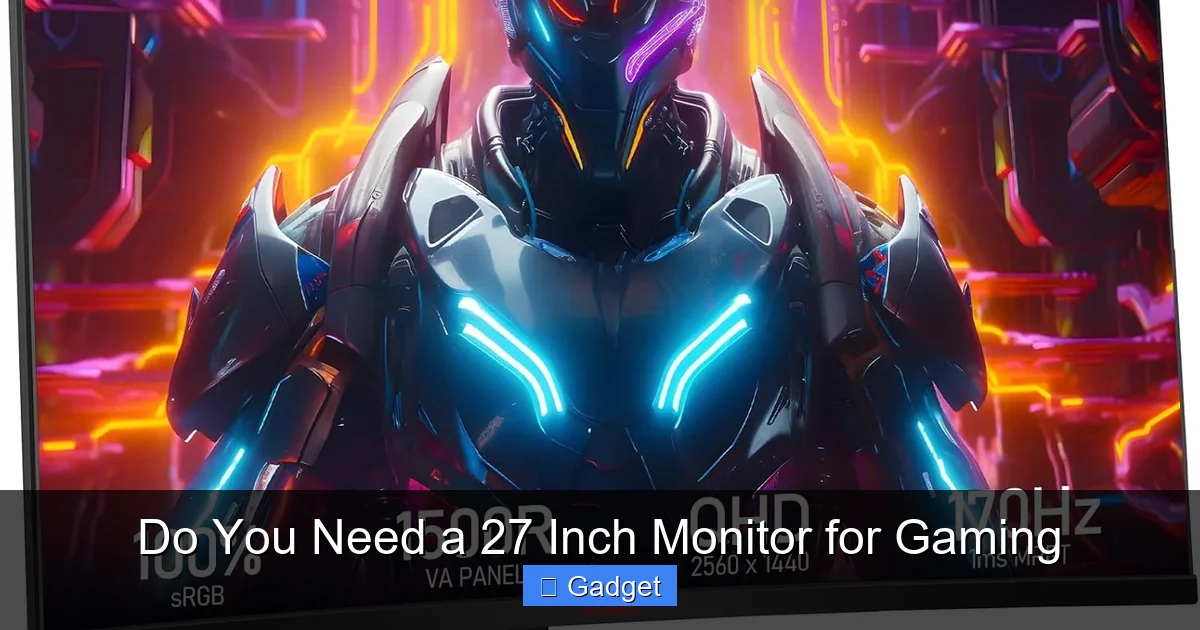
Visual guide about Do You Need a 27 Inch Monitor for Gaming
Image source: m.media-amazon.com
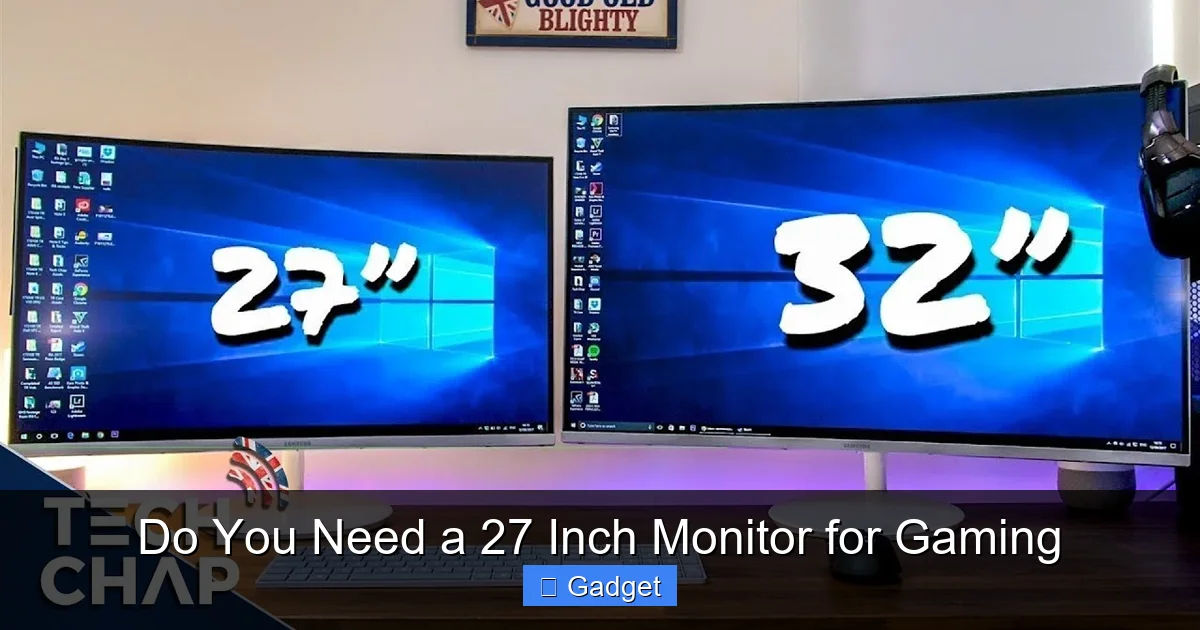
Visual guide about Do You Need a 27 Inch Monitor for Gaming
Image source: i.ytimg.com
What is your current setup? If you’re coming from a small 1080p monitor, a 27-inch 1440p display will feel like a massive upgrade in both size and clarity. If you’re already using a decent-sized monitor, the jump might be less dramatic.
What is your personal comfort level? Some people simply prefer a larger screen, finding it more engaging. Others might find it overwhelming or uncomfortable if they sit too close. There’s no right or wrong answer here; it’s about what feels best to you.
Consider Your PC’s Specifications
As discussed earlier, this is crucial. If your PC’s graphics card is older or entry-level, you might not be able to push games at 1440p with good frame rates on a 27-inch monitor. In such cases, a 27-inch 1080p monitor might be a more realistic option, but the sharpness won’t be as good. Alternatively, you might consider a 24-inch 1080p monitor with a high refresh rate, which is less demanding on your hardware but offers excellent motion clarity.
Recommendation: If your PC can comfortably handle 1440p gaming with decent frame rates (aiming for at least 60 FPS, ideally more for high refresh rates), then a 27-inch 1440p monitor is a fantastic choice. If your PC is more entry-level, you might be better off with a smaller, lower-resolution monitor or accepting lower settings on a 27-inch display.
Evaluate Your Budget
Budget is always a significant factor. A good 27-inch 1440p 144Hz monitor can cost anywhere from $250 to $500+, depending on brand, panel type (IPS, VA, TN), and specific features. If your budget is limited, you might need to compromise. Perhaps a 27-inch 1080p monitor at a lower refresh rate would suffice, or you might opt for a smaller, higher-spec 24-inch monitor.
Tip: Look for sales and discounts! Black Friday, Cyber Monday, and other holiday sales can be excellent times to snag a great deal on a 27-inch monitor.
When a 27-Inch Monitor is Likely a “Need”:
- You crave deeper immersion in visually rich games.
- Your PC is powerful enough to handle 1440p resolution at good frame rates.
- You have sufficient desk space.
- You prioritize sharp visuals and don’t want to see individual pixels at your normal viewing distance.
- Your budget allows for a quality 27-inch 1440p or higher-resolution display.
When a 27-Inch Monitor Might Be a “Nice-to-Have” or Not Necessary:
- You have limited desk space.
- Your PC hardware is on the older or lower-end side and struggles with 1440p.
- You primarily play older games or games that don’t benefit much from higher resolutions or larger screens.
- Your budget is very restrictive.
- You prefer sitting very close to your monitor.
Troubleshooting Common Issues
Even with the right monitor, you might encounter some hiccups. Here are a few common issues and how to address them.
Blurry Text or Images
Cause: Incorrect resolution settings, scaling issues, or sometimes even cable problems.
Solution: Ensure your Windows display settings are set to the monitor’s native resolution (e.g., 2560×1440 for 1440p). Check your graphics card control panel (NVIDIA Control Panel or AMD Radeon Software) for similar settings. If text still looks off, try adjusting ClearType settings in Windows.
Stuttering or Lagging Gameplay
Cause: Your PC is not powerful enough to run the game at the desired resolution and settings, or the monitor’s refresh rate is not being met.
Solution: Lower the in-game graphics settings (resolution, texture quality, anti-aliasing). Ensure your graphics drivers are up to date. If you have a high-refresh-rate monitor, make sure it’s configured correctly in Windows display settings and your graphics card control panel.
Color Accuracy Issues
Cause: Monitor’s default settings are not optimized, or external factors are affecting color perception.
Solution: Explore your monitor’s on-screen display (OSD) menu and experiment with different color profiles or manual adjustments. You can also find online monitor calibration tools or guides for your specific panel type.
Conclusion: The 27-Inch Monitor – A Worthy Upgrade for Many
So, do you need a 27-inch monitor for gaming? The answer, as with many tech questions, is: it depends. However, for a significant portion of gamers, the 27-inch monitor represents a sweet spot that offers a compelling blend of immersion, visual clarity, and versatility.
If you’re looking to elevate your gaming experience, enjoy sharper visuals, and want to feel more pulled into your game worlds, and your PC hardware and desk space can accommodate it, then a 27-inch monitor is very likely an upgrade you won’t regret. It provides a tangible improvement over smaller displays, especially when paired with a 1440p resolution. It’s not an absolute necessity for every gamer, but it’s undeniably a highly desirable and often impactful addition to a gaming setup. Weigh the factors we’ve discussed, consider your personal preferences, and make the choice that best suits your gaming ambitions. Happy gaming!