Are Curved Monitors Good for Productivity
Are curved monitors good for productivity? This comprehensive guide dives deep into the advantages and disadvantages of curved displays, helping you decide if one is right for your workspace. We’ll explore how the immersive viewing experience can reduce eye strain and improve focus, discuss potential drawbacks like distortion and cost, and offer practical advice for choosing and setting up a curved monitor to maximize your productivity.
Are Curved Monitors Good for Productivity?
In today’s fast-paced work environments, every tool that can give you an edge is worth considering. One such tool that has gained significant traction in recent years is the curved monitor. But the big question remains: are curved monitors good for productivity? The answer isn’t a simple yes or no. It depends on a variety of factors, including your work habits, the type of tasks you perform, and your personal preferences. This guide will break down everything you need to know to make an informed decision about whether a curved monitor is the right upgrade for your productivity setup.
Key Takeaways
- Reduced Eye Strain and Fatigue: The curve brings the edges of the screen closer to your peripheral vision, minimizing the need for excessive head and eye movements, leading to less fatigue during long work sessions.
- Enhanced Immersion and Focus: The wider field of view offered by curved monitors can create a more immersive experience, helping users feel more engaged with their work and less distracted by their surroundings.
- Improved Depth Perception: For certain tasks, especially those involving 3D modeling or design, the subtle curvature can enhance depth perception, making it easier to discern spatial relationships.
- Potential for Distortion: While often subtle, straight lines can appear slightly curved on some monitors, which might be an issue for precise graphic design or CAD work where absolute straightness is critical.
- Ideal for Multitasking: Larger curved monitors, especially ultrawide ones, excel at multitasking by providing a vast, uninterrupted workspace that can accommodate multiple windows side-by-side without bezels.
- Consider Your Workspace and Needs: The effectiveness of a curved monitor for productivity depends heavily on your specific tasks, desk size, and personal preferences.
Understanding Curved Monitor Technology
Before we dive into the productivity benefits and drawbacks, let’s quickly understand what makes a monitor curved. Unlike traditional flat screens, curved monitors feature a display panel that gently bends inwards. This curvature is measured by a “radius” value, denoted in millimeters (e.g., 1800R, 1500R, 1000R). A smaller radius number indicates a more pronounced curve. The goal of this design is to mimic the natural curvature of the human eye, bringing the entire screen surface into your peripheral vision.
The Productivity Advantages of Curved Monitors
The unique design of curved monitors offers several potential benefits that can significantly impact your productivity. Let’s explore these advantages in detail.
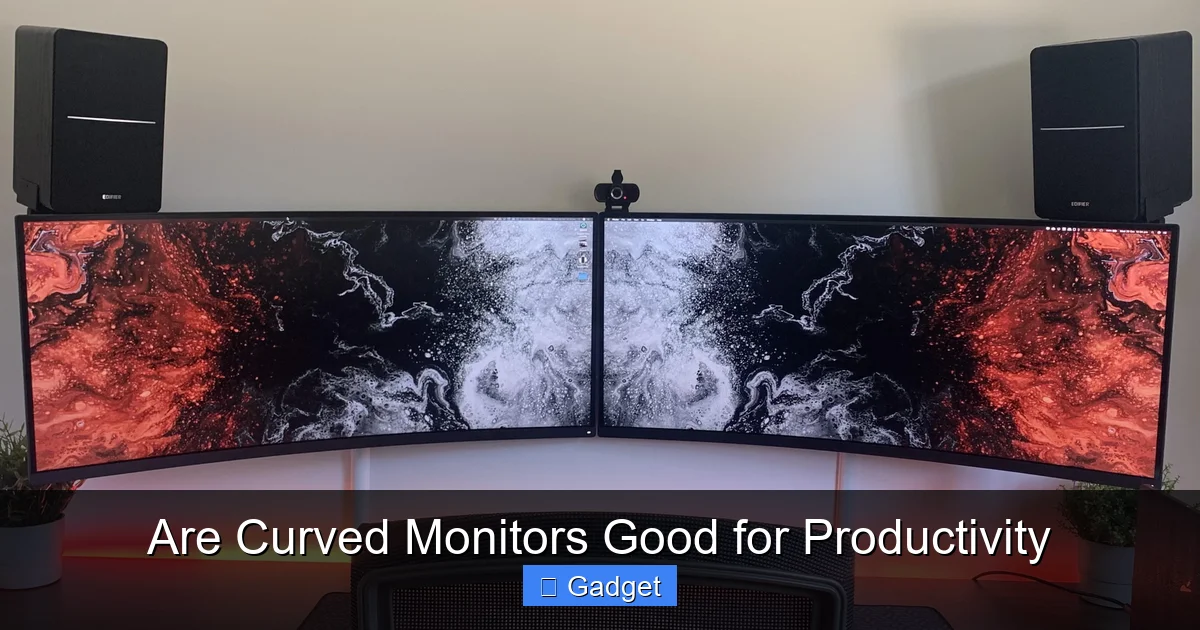
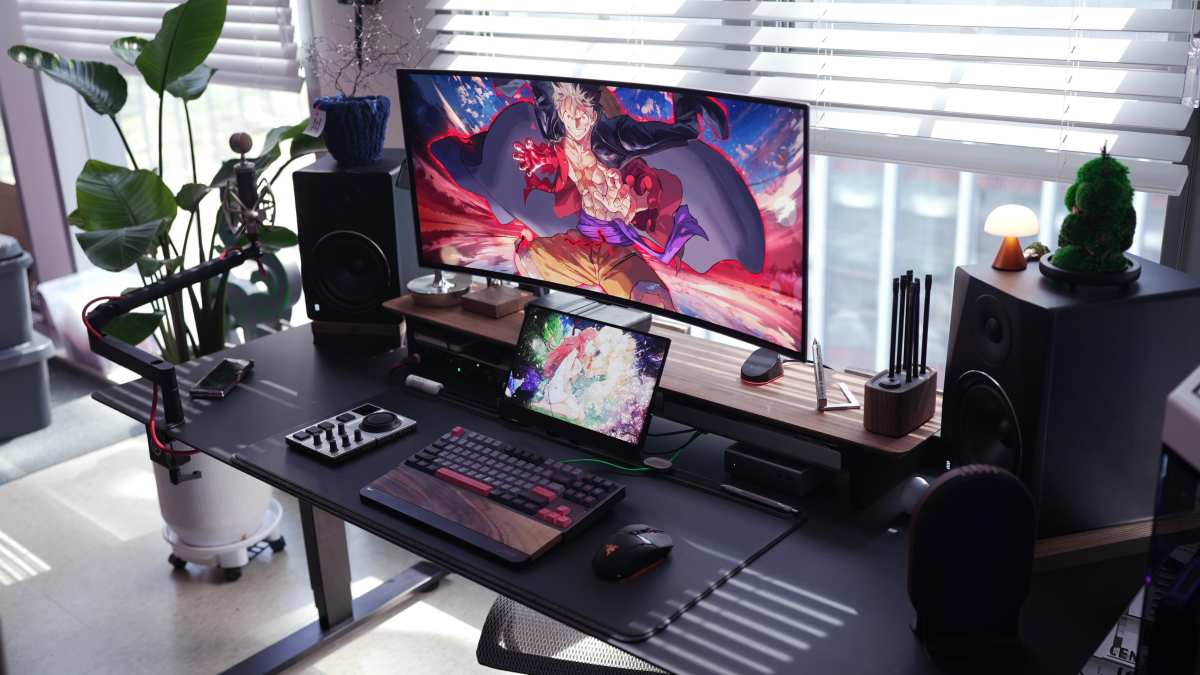
Visual guide about Are Curved Monitors Good for Productivity
Reduced Eye Strain and Fatigue
One of the most frequently cited benefits of curved monitors for productivity is their ability to reduce eye strain and fatigue. Here’s why:

Visual guide about Are Curved Monitors Good for Productivity
Minimized Head and Eye Movement
On a large, flat monitor, your eyes have to work harder to take in the entire screen. You often need to shift your gaze and even your head to focus on information at the edges. A curved monitor, by contrast, brings the edges of the screen closer to your peripheral vision. This means you can see more of the screen with less effort, reducing the need for constant eye and head movements. Over extended periods, this can lead to a noticeable decrease in eye fatigue and discomfort.
Consistent Viewing Distance
The curvature ensures that the distance between your eyes and every point on the screen is more uniform. On a flat screen, the edges are further away than the center. This inconsistency can cause your eyes to constantly readjust focus. A curved display aims to provide a more consistent focal point across the entire panel, which can lead to a more comfortable viewing experience and improved focus.
Enhanced Immersion and Focus
The way a curved monitor envelops your field of view can lead to a more immersive and focused work experience. This can be particularly beneficial for tasks that require deep concentration.
Visual guide about Are Curved Monitors Good for Productivity
Wider Field of View
Curved monitors, especially ultrawide models, offer a significantly wider field of view compared to their flat counterparts. This expanded view can make you feel more “in” your work, reducing distractions from your peripheral environment. For example, when working with spreadsheets, coding, or editing video, seeing more of your project at once without scrolling can be a major productivity booster. If you’re considering an ultrawide model, check out our guide on how wide a 34 inch ultrawide monitor actually is to ensure it fits your desk.
Reduced Glare and Reflections
The subtle inward curve can also help to manage glare and reflections. Instead of reflecting light directly from your windows or overhead lights straight back at you, the curve redirects some of that light away. This results in a more consistent and comfortable viewing experience, especially in environments with variable lighting conditions. Less battling with glare means more time focused on your tasks.
Improved Depth Perception for Specific Tasks
While not universally experienced, some users report an improvement in depth perception with curved monitors. This can be advantageous for particular professional applications.
3D Modeling and Design
For professionals working with 3D models, CAD software, or other spatial design tools, the curvature can subtly enhance the perception of depth and dimension. This can make it easier to understand the relationships between objects in a 3D space, potentially leading to more efficient design and fewer errors.
Gaming and Media Consumption
While this guide focuses on productivity, it’s worth noting that the immersive qualities of curved monitors also make them excellent for gaming and watching movies. This can be a welcome benefit for those who also use their computer for entertainment during breaks, contributing to a more holistic user experience. For gamers, understanding the difference between 144Hz and 240Hz monitors can help optimize both work and play setups.
Superior Multitasking Capabilities
For professionals who frequently juggle multiple applications or large datasets, the real estate offered by curved monitors is a game-changer.
Seamless Workspace
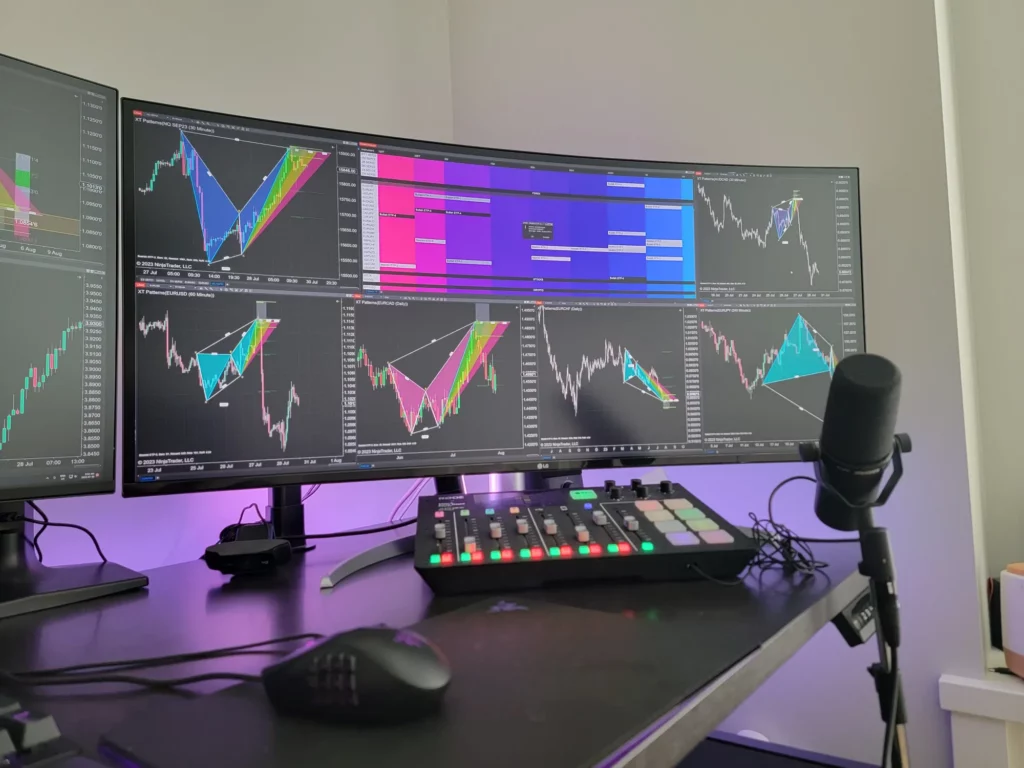
Ultrawide curved monitors (typically 34 inches and above) are fantastic for multitasking. They provide a single, expansive screen that can effectively replace two or even three smaller flat monitors. The absence of bezels between screens means you can move windows around fluidly without visual interruption. Imagine having your code editor on one side, your documentation in the middle, and your terminal on the other, all visible at a glance. Coders in particular may benefit—learn more in our article on whether ultrawide monitors are good for coding.
Ergonomic Multitasking
Arranging multiple windows on a large curved screen often feels more natural than on a multi-monitor setup. The curvature can make it easier to switch focus between different applications without the physical “turning” required with separate flat displays. This ergonomic advantage contributes to sustained focus and efficiency.
Potential Drawbacks and Considerations
While the benefits are compelling, curved monitors aren’t without their potential downsides, especially when it comes to productivity. It’s crucial to weigh these against the advantages.
Potential for Distortion
The very nature of a curved screen can introduce subtle distortions, particularly with straight lines. This is something to be aware of if your work relies heavily on precise geometric accuracy.
Graphic Design and CAD Work
For graphic designers, architects, or engineers who work with straight lines, perfect squares, and precise measurements in their software, the slight curvature might be an issue. While many users adapt quickly, some may find that lines appear subtly bowed, which could impact the accuracy of their work, especially on more aggressively curved displays (e.g., 1000R). It’s essential to test this aspect if your profession is highly sensitive to such distortions.
Color Accuracy and Uniformity
While display technology has advanced significantly, some curved monitors, especially lower-end models, might exhibit slight variations in color accuracy or brightness across the panel due to the physical curvature. This is less common in higher-quality, professional-grade monitors.
Desk Space and Viewing Angles
The physical dimensions and viewing angles of curved monitors require some consideration for your workspace.
Requires More Desk Depth
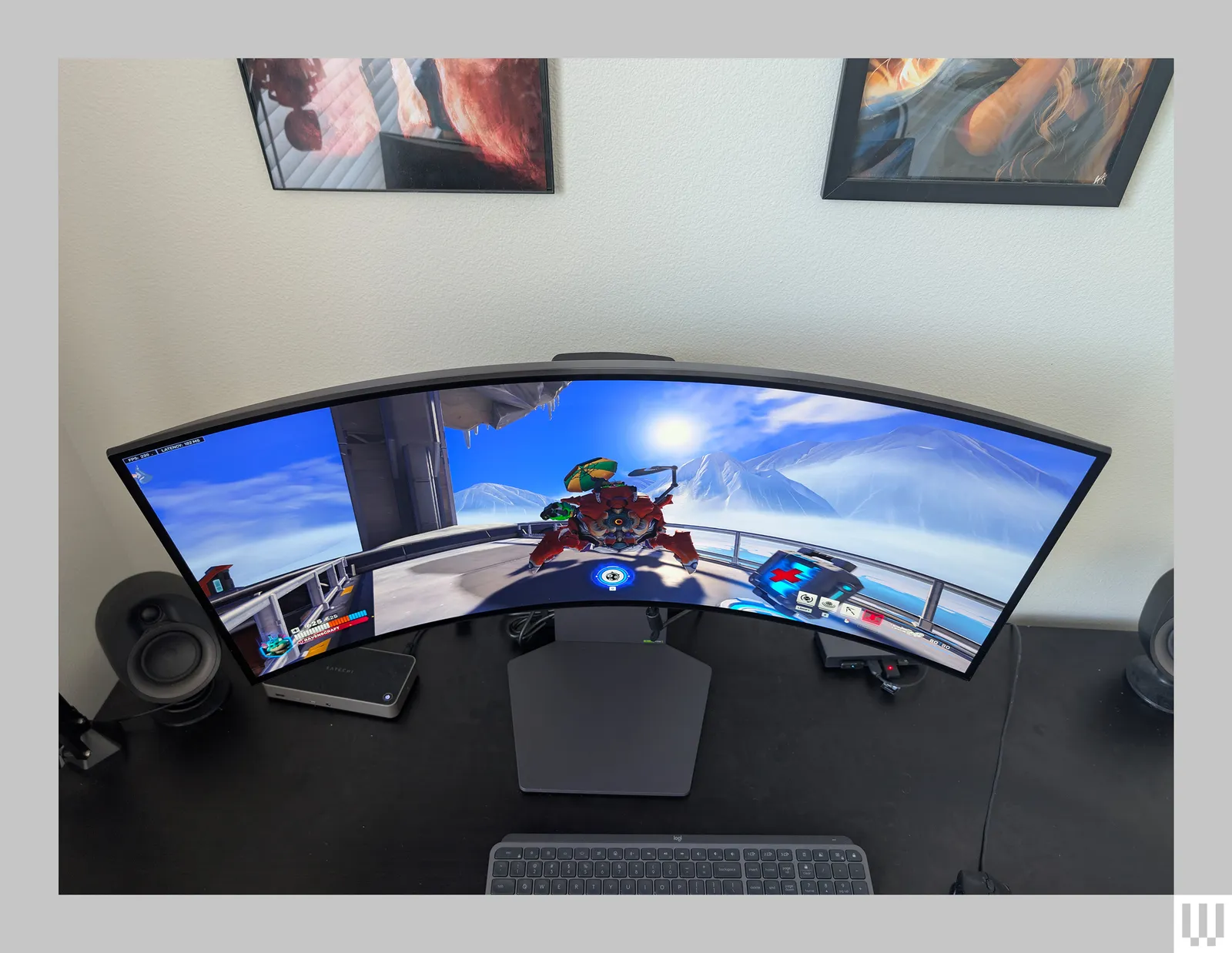
A curved monitor, by definition, extends further into your desk space than a flat monitor of the same diagonal size. You’ll need to ensure you have adequate desk depth to accommodate the curve comfortably without feeling too close to the screen. This is especially true for larger ultrawide models. For help planning your setup, see our guide on how much desk space an ultrawide monitor needs.
Not Ideal for Multiple Viewers
Curved monitors are designed for a single user positioned directly in front of the screen. If you frequently have colleagues or clients looking over your shoulder or collaborating by viewing the screen from off-angles, a curved display’s optimal viewing experience is diminished. Flat monitors generally offer better viewing angles for multiple people.
Cost and Availability
Generally, curved monitors, especially those with high refresh rates, resolutions, and advanced features, tend to be more expensive than their flat counterparts. While the price gap is narrowing, it’s still a factor to consider in your budget.
Choosing the Right Curved Monitor for Productivity
If you’re leaning towards a curved monitor for your productivity setup, here’s how to make the best choice:
Step 1: Assess Your Primary Tasks
This is the most crucial step. What do you spend most of your work time doing?
- For office work, coding, writing, research, and general multitasking: A curved monitor, especially an ultrawide, can be highly beneficial. The reduced eye strain and expanded workspace will likely boost your efficiency.
- For precise graphic design, 3D modeling, or CAD: Proceed with caution. Test for distortion if possible. You might find a high-resolution flat monitor or a very subtly curved (e.g., 1800R) monitor to be more suitable.
- For video editing or photo editing: The immersive experience can be great, but ensure the monitor offers excellent color accuracy and resolution.
Step 2: Consider the Curve Radius (R Value)
The radius dictates how pronounced the curve is.
- 1800R: A gentle curve, often preferred for general productivity and for users new to curved screens. It offers a good balance of immersion and minimal distortion.
- 1500R or 1000R: More aggressive curves that offer greater immersion. These can be excellent for gaming and media but might be more noticeable for straight-line tasks.
For productivity, a 1800R or 1500R is usually a safe bet. A 1000R might feel too intense for extended work unless you specifically find it comfortable.
Step 3: Determine the Right Size and Aspect Ratio
Curved monitors come in various sizes and aspect ratios.
- Ultrawide (21:9 or 32:9 aspect ratio): These are where curved monitors truly shine for productivity. A 34-inch or 38-inch ultrawide can be a fantastic single-monitor setup, replacing multiple flat screens.
- Standard 16:9 aspect ratio: Curved monitors are also available in more traditional sizes (e.g., 27-inch, 32-inch). If you prefer a single, non-ultrawide monitor and want the curved benefit, these are an option.
For maximizing multitasking space, ultrawide is the way to go.
Step 4: Prioritize Resolution and Refresh Rate
For productivity, resolution is key to sharpness and detail.
- Resolution: For ultrawide monitors, consider at least 3440 x 1440 (QHD Ultrawide). For standard aspect ratios, 2560 x 1440 (QHD) or 3840 x 2160 (4K UHD) are excellent choices for sharp text and detailed visuals.
- Refresh Rate: While high refresh rates (144Hz and above) are crucial for gaming, for productivity, 60Hz or 75Hz is often sufficient. However, a smoother refresh rate can still contribute to a more fluid and less jarring experience when scrolling or moving windows.
Step 5: Look for Ergonomic Features
Adjustability is important for any monitor, curved or flat.
- Adjustable Stand: Ensure the stand allows for height, tilt, and swivel adjustments to achieve your optimal ergonomic setup.
- VESA Mount Compatibility: If you plan to use a monitor arm, confirm VESA mounting support.
Setting Up Your Curved Monitor for Maximum Productivity
Once you’ve chosen your curved monitor, proper setup is essential to reap its full benefits.
Positioning on Your Desk
Place the monitor at a comfortable distance. Generally, about an arm’s length away is recommended. For curved monitors, you might find yourself naturally wanting to sit slightly closer due to the immersive feel, but avoid getting too close that you have to strain to see the edges.
Adjusting Your Chair and Desk Height
Ensure your seating and desk are at the correct ergonomic heights. Your eyes should be level with the top third of the screen. This might require adjusting your chair or monitor stand.
Software Adjustments
Some monitors offer software or on-screen display (OSD) settings to fine-tune the curvature effect or customize picture modes for different tasks (e.g., reading mode, gaming mode). Explore these options to optimize your viewing experience.
Troubleshooting Common Issues
While rare, some users might encounter minor issues.
Distortion with Straight Lines
If you find straight lines problematic, first try adjusting your seating position or slightly tilting the monitor. If it persists and is critical for your work, you might need to consider a flat monitor or a monitor with a very subtle curve.
Eye Strain Despite the Curve
Even with a curved monitor, prolonged screen time can cause strain. Ensure you take regular breaks (e.g., the 20-20-20 rule: every 20 minutes, look at something 20 feet away for 20 seconds). Adjust screen brightness and contrast to comfortable levels, and ensure adequate room lighting to avoid harsh contrasts.
Conclusion: Are Curved Monitors Worth It for Productivity?
So, are curved monitors good for productivity? For many users, the answer is a resounding yes. The enhanced comfort from reduced eye strain, the improved focus from immersive viewing, and the superior multitasking capabilities of ultrawide curved displays can significantly boost efficiency and job satisfaction. They are particularly well-suited for individuals who spend long hours in front of their screens, working on tasks that benefit from an expansive, uninterrupted digital workspace.
However, it’s vital to acknowledge the potential downsides. If your work demands absolute geometric precision, or if you frequently collaborate with others looking at your screen from wide angles, a flat monitor might still be the better choice. The cost can also be a factor. Ultimately, the decision hinges on your individual needs, work habits, and the types of tasks you perform daily. If you value comfort, immersion, and a vast digital canvas for multitasking, a curved monitor is very likely a productivity-enhancing investment you’ll appreciate.

Similar Posts