
Curved monitors can significantly enhance immersion by wrapping the display around your field of view, reducing peripheral distractions. This guide explores how their curvature improves visual experience in gaming, media consumption, and productivity, explaining the science behind the effect and helping you decide if a curved monitor is right for your needs. Unlock a more engaging digital world.
Do Curved Monitors Help with Immersion
In today’s world of dazzling displays, the question of whether a curved monitor truly enhances your experience is a common one. You’ve seen them in stores, online, and perhaps in a friend’s setup. They promise a more captivating view, a deeper dive into your games, or a more comfortable way to get through your workday. But do curved monitors actually live up to the hype when it comes to immersion? This guide is here to break it all down for you. We’ll explore the science behind curved displays, how they impact different activities like gaming and productivity, and help you understand if a curved monitor is the right choice to elevate your digital world.
Contents
- 1 Key Takeaways
- 2 Understanding the Curve: The Science Behind Immersion
- 3 Curved Monitors and Gaming: Diving into the Action
- 4 Curved Monitors and Productivity: A Different Kind of Immersion
- 5 Curved Monitors and Media Consumption: A Cinematic Experience
- 6 Potential Downsides and Who Might Not Benefit
- 7 Conclusion: Is a Curved Monitor Worth It for Immersion?
Key Takeaways
- Curvature Mimics Human Vision: Curved monitors are designed to match the natural arc of the human eye, creating a more comfortable and immersive viewing experience by bringing the edges of the screen closer to your periphery.
- Reduced Peripheral Distortion: Unlike flat screens, the curve on monitors helps to minimize geometric distortion at the edges, making images appear more consistent and natural across the entire display.
- Enhanced Gaming Immersion: Gamers often report a heightened sense of presence and immersion with curved monitors, as the display pulls you into the game world and can offer a wider perceived field of view.
- Improved Productivity for Multitasking: For those who use multiple windows or large spreadsheets, a curved monitor can provide a more cohesive and less jarring experience, allowing for easier multitasking.
- Individual Preference and Room Size Matter: The effectiveness of a curved monitor’s immersion is subjective and can depend on factors like screen size, curvature radius (e.g., 1800R, 1000R), and the viewing distance from the user.
- Potential Downsides Exist: While beneficial for immersion, curved monitors may not be ideal for precise design work requiring straight lines or for use in brightly lit environments where reflections can be more pronounced.
Understanding the Curve: The Science Behind Immersion
Before we dive into how curved monitors help with immersion, it’s crucial to understand *why* they’re designed the way they are. Our eyes aren’t flat surfaces; they’re spherical. This means our natural field of vision is curved. Think about it: when you look straight ahead, you can also see things to your left and right without turning your head much. This peripheral vision is key to how we perceive the world.
Flat monitors, by their very nature, present a flat plane to this curved visual system. This can lead to a few issues:
- Peripheral Viewing Strain: The edges of a large, flat monitor can be further away from your eyes than the center. This difference in distance can strain your eyes as they try to focus on different planes.
- Geometric Distortion: On very large flat screens, especially those with ultrawide aspect ratios, you might notice some slight distortion at the edges. Straight lines can appear to bow slightly, which can be noticeable in certain applications.
- Limited Peripheral Engagement: The center of a flat screen commands your attention, but the edges can feel less engaging, more like a separate element rather than a seamless part of your visual experience.
Curved monitors aim to solve these problems by mimicking the natural arc of your vision. They essentially wrap the display around your field of view.
How the Curve Works
The curvature of a monitor is measured in a “R” rating, like 1800R, 1000R, or even 500R. This number indicates the radius of the circle (in millimeters) that the curve would form if it were a full circle. A smaller “R” number means a more aggressive curve.
- Bringing the Edges Closer: The primary benefit is that the edges of a curved screen are closer to your eyes, just like the center. This creates a more uniform viewing distance across the entire panel.
- Increased Perceived Field of View: By wrapping around your vision, a curved monitor can make the on-screen content feel more expansive. You feel more “enveloped” by the display.
- Reduced Eye Strain: Because your eyes don’t have to adjust as much to different focal distances, curved monitors can be more comfortable for long viewing sessions, potentially reducing eye strain and fatigue.
So, when we talk about immersion, we’re talking about that feeling of being drawn into the content, of the screen disappearing and the digital world taking over. Curved monitors are specifically designed to enhance this feeling.
Curved Monitors and Gaming: Diving into the Action
For gamers, immersion is often the holy grail. The feeling of being present in the game world, reacting to every detail, and experiencing the thrill of victory or the agony of defeat is what makes gaming so compelling. This is where curved monitors truly shine for many players.
The Gaming Advantage: Why the Curve Helps
Let’s break down why curved monitors are so popular among gamers:
Visual guide about Do Curved Monitors Help with Immersion
Image source: cdn.mos.cms.futurecdn.net
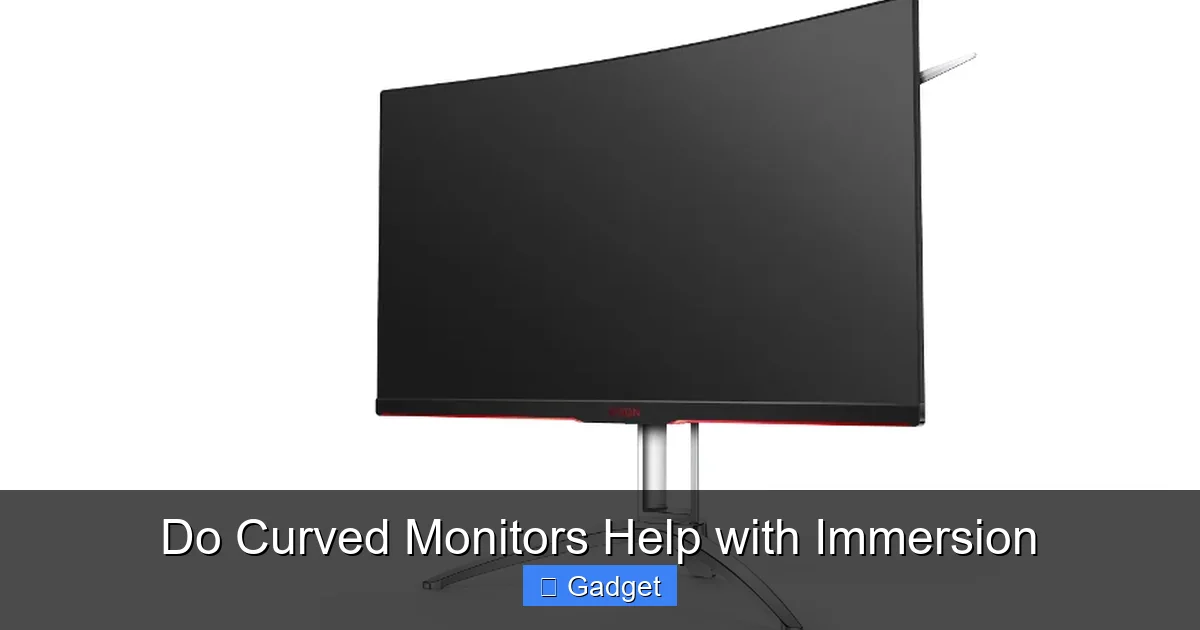
- Enhanced Field of View: Imagine playing a first-person shooter or a racing game. With a curved monitor, the edges of the game world naturally extend into your peripheral vision. This can give you a more expansive view of the game environment without you needing to constantly scan your eyes from edge to edge. You feel like you’re seeing more of the battlefield or the racetrack.
- Increased Sense of Presence: Because the display wraps around your vision, it can create a more enveloping experience. It feels less like you’re looking *at* a screen and more like you’re looking *through* a window into the game world. This heightened sense of presence is a core component of immersion.
- Reduced Glare and Reflections: While not a primary function, the curvature can sometimes help to direct light away from your eyes, especially if the light source is directly in front of you. This can lead to fewer distracting reflections on the screen, allowing you to focus better on the game.
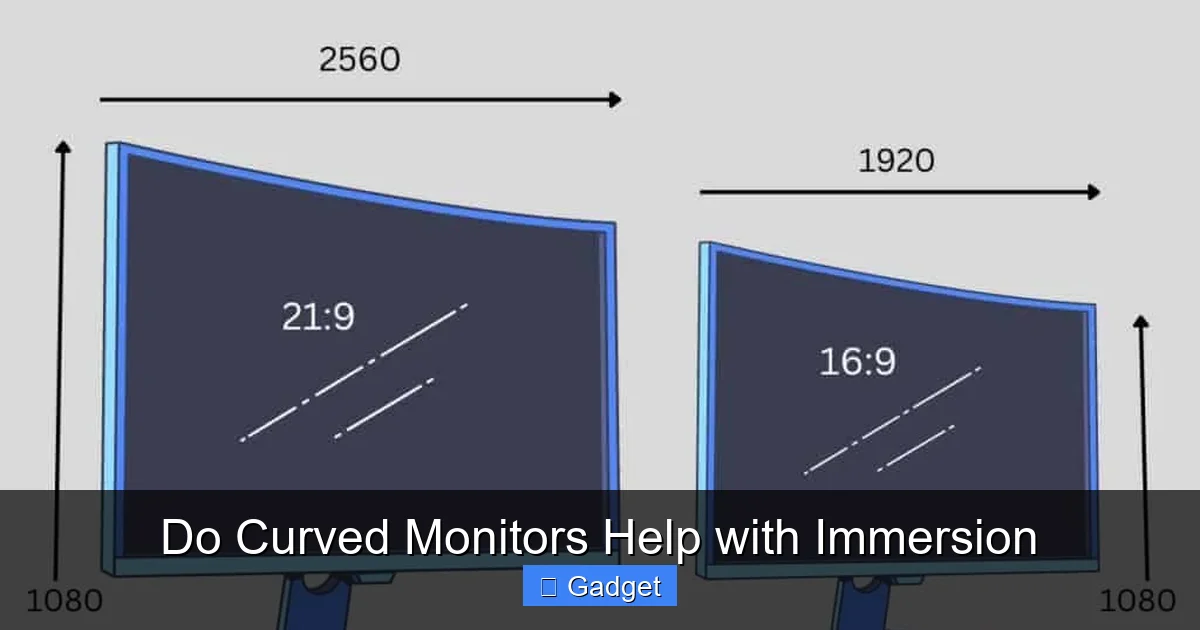
- More Comfortable for Ultrawide Setups: Many gaming monitors are ultrawide (21:9 aspect ratio). On a flat ultrawide, the extreme edges can be quite far from your eyes, making it hard to take it all in. A curved ultrawide brings those edges closer, making the entire expansive screen usable and comfortable.
Practical Tips for Gamers
If you’re a gamer considering a curved monitor, here are some tips:
- Consider the Curvature Radius (R): For gaming, especially on larger monitors, a more aggressive curve (lower R number like 1000R or 500R) can offer greater immersion. However, this is highly subjective.
- Screen Size Matters: The benefits of a curve are generally more pronounced on larger screens (27 inches and above). A small curved monitor might not offer a noticeable improvement in immersion compared to a similarly sized flat screen.
- Seating Distance: For the best effect, position yourself at an appropriate distance from the monitor. Too close, and the curve might feel overwhelming; too far, and you might not perceive the benefit. Generally, a distance of about 2-3 feet is ideal for many curved displays.
- Test if Possible: If you can, try to see a curved monitor in action before you buy. What feels immersive to one person might feel distracting to another.
For many gamers, the jump to a curved monitor is a game-changer, literally. It transforms the way they interact with and perceive their favorite titles.
Curved Monitors and Productivity: A Different Kind of Immersion
While gaming often comes to mind first, curved monitors can also significantly boost productivity. This isn’t about being “lost” in a game, but rather about creating a more efficient and comfortable workspace where you can focus deeply on your tasks.
The Productivity Advantage: Streamlining Your Workflow
How does a curved monitor help you be more productive?
Visual guide about Do Curved Monitors Help with Immersion
Image source: cgdirector.com
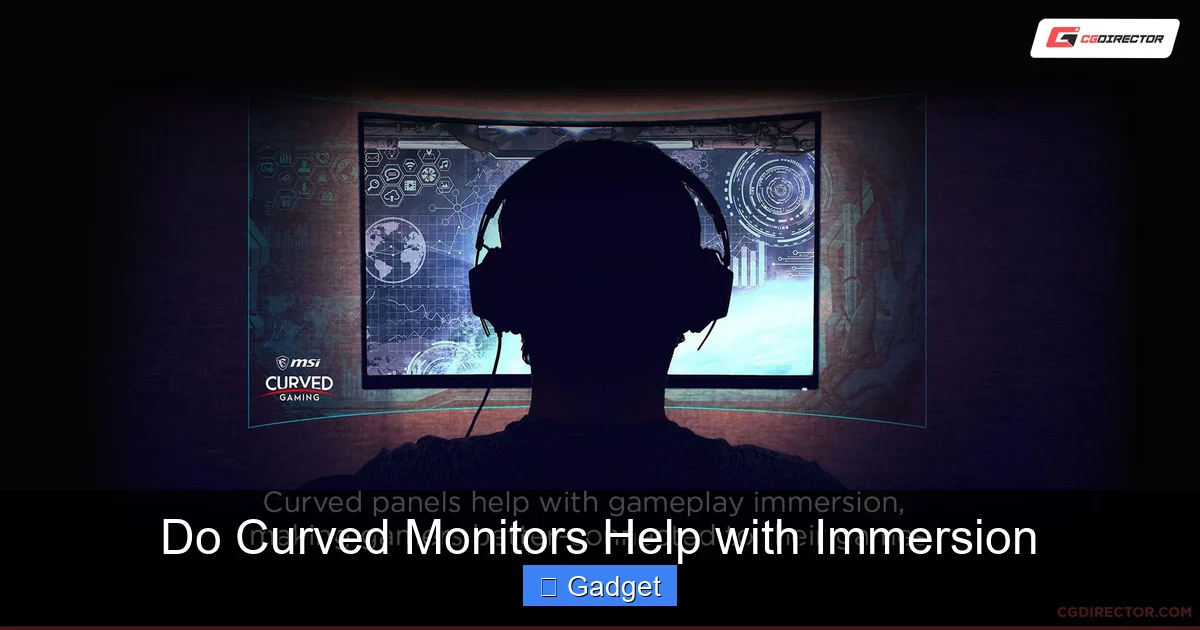
- Better Multitasking: If you’re someone who juggles multiple windows – a browser, an email client, a document editor, a coding IDE – a curved monitor can make this experience more cohesive. The gentle wrap-around effect can make different windows feel like they’re part of a continuous workspace, reducing the jarring transition when you move your eyes between them.
- Reduced Eye Strain for Long Hours: Many office professionals spend 8+ hours a day in front of a screen. The reduced eye strain that curved monitors offer can lead to greater comfort and focus throughout the workday, potentially reducing fatigue and the likelihood of errors.
- Enhanced Data Visualization: For tasks involving large spreadsheets, data analysis, or complex timelines, the expanded horizontal real estate of an ultrawide curved monitor can be incredibly beneficial. The curve helps you take in more information at a glance without excessive scrolling.
- More Comfortable for Peripheral Vision: Even when you’re not actively looking at the edges of the screen, having them more within your natural field of vision can reduce the feeling of a screen being “too wide” or “too far away.”
Practical Tips for Productivity
If you’re considering a curved monitor for work:
- Consider the Curve for Ultrawide or Super Ultrawide: The benefits of curvature are most evident on wider aspect ratio monitors (21:9, 32:9). A standard 16:9 curved monitor might offer less dramatic improvements for productivity.
- Think About Your Specific Workflows: Do you work with many overlapping windows? Do you stare at spreadsheets all day? If so, a curved monitor is likely to be a good fit. If your work involves precise architectural drawings or graphic design where straight lines are paramount, you might want to weigh this carefully.
- Adjust Your Setup: Ensure the monitor is positioned correctly. You want the center of the screen directly in front of you, with the sides wrapping naturally.
- Resolution and Pixel Density: For ultrawide or super ultrawide monitors, higher resolutions (e.g., 3440×1440 or 5120×1440) are crucial to ensure text and images are sharp and clear across the entire expansive display.
The productivity “immersion” is about focus and efficiency. By reducing visual distractions and making your workspace feel more unified, curved monitors can help you get more done with less effort.
Curved Monitors and Media Consumption: A Cinematic Experience
Watching movies, TV shows, or even YouTube videos can be a more engaging experience on a curved monitor, especially if you’re watching content in its native aspect ratio.
The Media Advantage: More Immersive Viewing
Here’s how curved displays enhance your entertainment:
Visual guide about Do Curved Monitors Help with Immersion
Image source: thenaturehero.com
- Bringing the Cinema Home: The wrap-around effect can make you feel more like you’re in a movie theater. The screen edges blend more naturally into your peripheral vision, reducing the feeling of looking at a flat, contained box.
- Reduced Off-Angle Distortion: If you have multiple people watching, a curved monitor can be more forgiving for viewers slightly off to the sides compared to a flat monitor, although the primary benefit is still for the central viewer.
- Wider Aspect Ratio Content: Many films and some TV shows are produced in wider aspect ratios (like 2.35:1 or 2.39:1). When these are displayed on an ultrawide curved monitor, the black bars at the top and bottom are minimized, and the image fills more of your screen, leading to a more cinematic feel.
Practical Tips for Media Lovers
- Choose the Right Aspect Ratio: For the best movie-watching experience, consider an ultrawide (21:9) curved monitor. This aspect ratio is closer to many cinematic formats.
- Seating is Key: Sit directly in front of the center of the monitor for the most immersive experience.
- Content Matters: The immersion will be most noticeable with content that utilizes wider aspect ratios. Standard 16:9 content will still have black bars on an ultrawide monitor, but the curve can still enhance the overall feeling.
Potential Downsides and Who Might Not Benefit
While curved monitors offer many advantages, they aren’t perfect for everyone or every situation. It’s important to be aware of the potential drawbacks before making a purchase.
When a Curve Might Not Be Ideal
- Precise Design Work: For professions like graphic design, architectural rendering, or CAD, where absolute straight lines and precise geometric accuracy are critical, a flat monitor is often preferred. While the distortion on a curved monitor is minimal, it can still be a concern for highly technical visual work.
- Highly Reflective Environments: Curved monitors can sometimes be more prone to glare and reflections, especially in rooms with multiple light sources or windows. The curve can sometimes concentrate reflections rather than scattering them.
- Limited Viewing Angles (for multiple viewers): While the center viewer gets the best experience, people sitting significantly off to the sides of a strongly curved monitor might experience some image distortion or reduced color accuracy.
- Cost: Historically, curved monitors have been more expensive than their flat counterparts, although this gap is narrowing.
- Subjectivity: Ultimately, the feeling of immersion is personal. Some people simply don’t feel a significant difference or even find the curve distracting.
If your primary use case involves highly technical design or you work in a very bright, reflective space, it’s worth considering these factors carefully.
Conclusion: Is a Curved Monitor Worth It for Immersion?
So, do curved monitors help with immersion? The answer is a resounding yes, for many users and many use cases. The fundamental design of a curved monitor, which aligns with the natural shape of our eyes, directly contributes to a more enveloping and comfortable visual experience.
For gamers, this translates to a more engaging battlefield and a heightened sense of presence. For productivity enthusiasts, it means a more cohesive workspace and reduced eye strain for longer work sessions. And for media lovers, it offers a more cinematic view that pulls you into the on-screen action.
However, it’s not a one-size-fits-all solution. The effectiveness of a curved monitor depends on your individual needs, the size of the display, the curvature radius, and your viewing environment. If your work demands absolute geometric precision, or if you find the curvature distracting, a flat monitor might still be your best bet.
But if you’re looking to deepen your engagement with your digital world, whether for work, play, or entertainment, a curved monitor is a compelling technology that demonstrably enhances immersion. By bringing the screen’s edges closer to your periphery and creating a more unified visual field, curved monitors help the digital content take center stage, making you feel more a part of it than ever before.


