Can I Upload Images To Chat Gpt In 2023
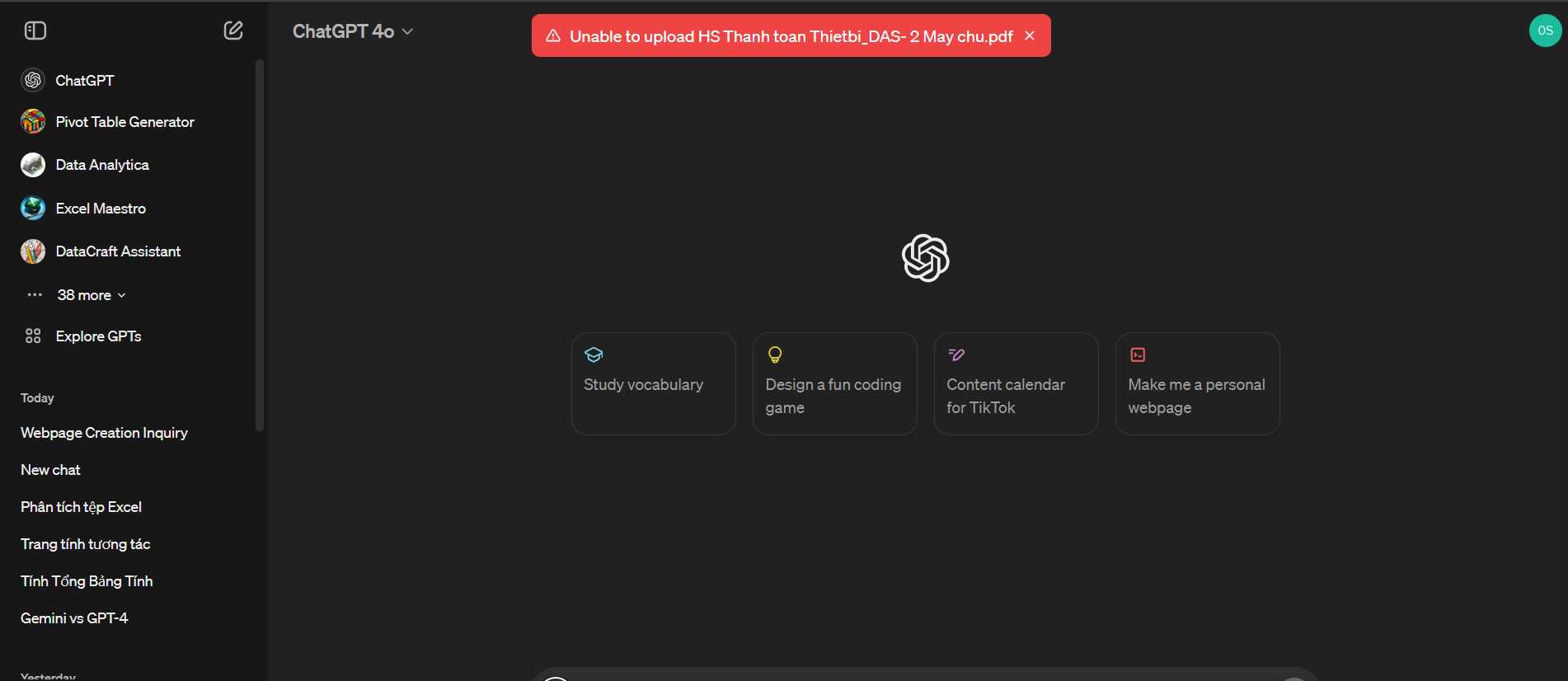

Can I Upload Images to ChatGPT? Exploring How to Share Visuals with AI
Many people wonder if they can share images with ChatGPT. Until recently, ChatGPT focused only on text, but new updates have changed that. Understanding how to upload images and what you can do with them is essential for making the most of this AI chat tool.
Current Capabilities of ChatGPT Regarding Images
As of now, ChatGPT’s standard versions don’t allow users to upload images directly. It mainly processes and responds to text-based inputs. However, OpenAI has introduced features that let users share images in specific versions of ChatGPT.
How to Share Images with ChatGPT
In some platforms, you can upload images by clicking a camera or image icon in the chat window. This feature is usually available in ChatGPT Plus or enterprise versions. Once an image is uploaded, the AI can analyze and discuss its contents.
Supported Image Types and Formats
The platform typically accepts common image formats like JPEG, PNG, and GIF. These formats are widely used because of their compatibility and high quality. It’s best to upload clear, well-lit images for accurate analysis.
Steps to Upload Images to ChatGPT
- Open the ChatGPT interface on a platform that supports image uploads.
- Locate the image upload button, often marked with a camera icon.
- Select the image file from your device.
- Upload and wait for the AI to process the image.
After upload, you can ask ChatGPT questions related to the image, like identifying objects or explaining details. This process makes it easier to get visual insights from AI.
Limitations of Uploading Images
Although the feature is promising, it comes with limits. Some restrictions include the size of the image and the types of content supported. Very large images may take longer to upload or process.
Moreover, AI may sometimes misinterpret images or struggle with complex visuals, so results aren’t always perfect. It’s best to upload simple, clear images for the best outcome.
Privacy and Security Concerns When Uploading Images
When sharing images, be cautious about sensitive or personal content. OpenAI has privacy measures, but users should avoid uploading private images. Always check the platform’s privacy policies before sharing visuals.
Remember that uploaded images may be stored or reviewed to improve AI performance. Avoid sharing confidential or private images unless you trust the platform’s security.
Use Cases for Uploading Images in ChatGPT
1. Identifying Objects and Text
You can upload images of handwritten notes, signs, or objects to get descriptions or transcriptions. This feature helps when textual explanation isn’t enough.
2. Visual Assistance for Learning
Students and teachers can upload diagrams, charts, or photos for explanations. It makes learning more interactive and engaging.
3. Customer Support and Troubleshooting
Businesses can share images of products or issues, enabling ChatGPT to suggest solutions or provide guidance based on visual info.
Future Prospects of Image Uploads in ChatGPT
OpenAI continues to enhance its AI models to better analyze and understand images. Future updates may include faster processing, more accurate recognition, and broader support for different media types.
Developers are also working on blending text and visuals for richer conversations, making AI even more useful in everyday life.
Related Technologies That Support Image Uploads
- OpenAI DALL·E for creating and editing images
- Computer vision APIs for object recognition and scene understanding
- OCR (Optical Character Recognition) tools to convert images of text into editable formats
These technologies complement ChatGPT’s capabilities, expanding what users can do with visual inputs.
Comparison: ChatGPT with and Without Image Uploads
| Feature | Without Image Uploads | With Image Uploads |
|---|---|---|
| Input Type | Text only | Text and images |
| Processing Speed | Fast, text-based responses | Variable, depends on image complexity |
| Use Cases | Writing, chatting, brainstorming | Analyzing visuals, identifying objects, explaining diagrams |
| Limitations | No visual understanding | Size restrictions, image quality issues |
Tips for Effective Image Uploads
- Use high-quality, clear images for better recognition.
- Crop unnecessary parts to focus on relevant details.
- Keep images within size limits specified by the platform.
- Avoid sharing sensitive personal images to protect privacy.
- Combine images with descriptive text for more accurate responses.
Closing Thoughts on Uploading Images to ChatGPT
Uploading images to ChatGPT opens up many new possibilities for interaction. It allows you to bring visual information into your conversations, making AI responses more comprehensive. Although the feature is still evolving, it already provides useful tools for learning, troubleshooting, and creative projects.
As AI continues to improve, expect even better integration of images and text, enriching your experience and expanding what you can accomplish with ChatGPT. Staying informed about updates ensures you make the most of this powerful technology.
How to Use GPT-4 with Images?!! 🤔#shorts
Frequently Asked Questions
Is it possible to upload images directly into ChatGPT for analysis?
No, current versions of ChatGPT primarily support text inputs and do not allow users to upload images directly. However, OpenAI is developing features that may enable image uploads in future updates. For now, users need to describe images through text for assistance.
Can I use ChatGPT to interpret visual data from images?
While ChatGPT cannot process images directly at this time, you can describe the visual data in detail. Based on your description, the model can provide insights or answer questions related to the visual content you share.
Are there any tools that allow image uploads to interact with AI models similar to ChatGPT?
Yes, some AI tools and platforms provide capabilities to upload images for analysis or interaction. For example, certain image recognition tools or multisensory AI models can analyze pictures and offer responses. These are often specialized services separate from the standard ChatGPT interface.
Will future versions of ChatGPT support image uploads?
OpenAI has plans to enhance ChatGPT’s abilities to include multimodal processing, which would involve handling images alongside text. Although specific release dates are not confirmed, this feature is likely to be integrated in upcoming updates, broadening the range of interactions.
What alternatives exist if I need AI to analyze images?
If you need AI assistance with images, you can explore platforms that specialize in image recognition and analysis. Tools like image captioning AI, vision-based APIs, and certain chatbot integrations are designed to interpret and work with visual content effectively.
Final Thoughts
You can upload images to ChatGPT with the latest updates, making interactions more versatile. This feature allows users to share visuals for better context and clearer communication. However, availability may vary depending on your version or platform. Regarding ‘can i upload images to chat gpt,’ the answer is yes, if your platform supports this function. Keep an eye on updates to ensure you access this convenient feature.
Similar Posts