Best Android Battery Charger Tips For Better Charging
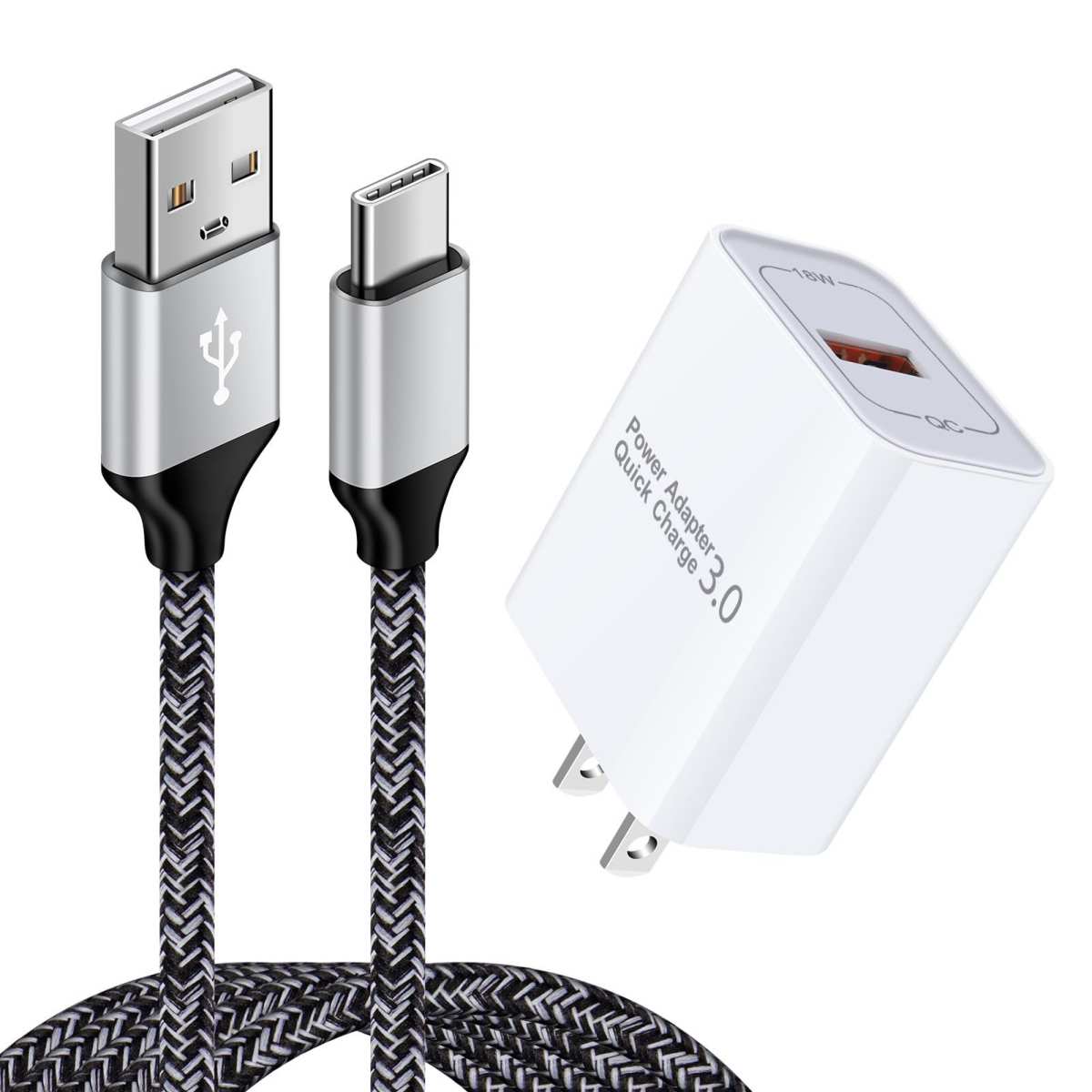

Everything You Need to Know About Android Battery Chargers
Choosing the right battery charger for your Android device is essential to keep your phone running smoothly. With so many options available, it can be confusing to find the perfect fit. In this article, we’ll explore the different types of Android battery chargers, how they work, and what features to consider to get the best charging experience.
Understanding How Android Battery Chargers Work
All batteries, including those in Android smartphones, need a specific process to charge safely and efficiently. When you plug your phone into a charger, it connects to a power source, which supplies electrical energy to the battery. The charger regulates the flow of electricity, ensuring your battery charges at a safe rate.
Most Android devices use lithium-ion batteries, which require a charger that can deliver a steady current without overheating your phone. The charging process involves several stages: initial fast charging, a gradual slowdown as the battery approaches full capacity, and then maintaining a trickle charge to keep the battery topped up without damage.
Types of Android Battery Chargers
When choosing a charger, understanding the different types available can help you make the right decision. Here are common categories:
Standard Wall Chargers
These are the most common chargers used to power Android phones. They connect to an electrical outlet via a USB cable and are available in various wattages and sizes. They are reliable and generally affordable, making them a popular choice for everyday use.
Wireless Chargers
Wireless charging offers a convenient way to power your Android device without plugging in a cable. Using the Qi standard, these chargers transfer energy through electromagnetic fields. Simply place your phone on the charging pad, and it begins to charge. Wireless chargers are great if you want to avoid cable clutter, though they tend to charge slower than wired options.
Car Chargers
If you spend a lot of time driving, a car charger is a smart investment. These connect to your vehicle’s cigarette lighter socket and allow you to charge your Android device on the go. Many car chargers support fast charging and multiple devices at once, keeping your phone powered during long trips.
Power Banks
Power banks are portable external batteries that store electrical energy for charging your phone anywhere. They are ideal for outdoor activities, travel, or situations where power outlets are unavailable. Modern power banks support fast charging and can charge multiple devices simultaneously.
Important Features to Consider in an Android Battery Charger
Not all chargers are created equal. Here are critical features to look for when selecting a charger for your Android device:
- Fast Charging Capabilities: Seek chargers that support technologies like Qualcomm Quick Charge or USB Power Delivery (PD). These allow your phone to charge significantly faster, saving you time, especially when you’re in a hurry.
- Compatibility: Check if the charger is compatible with your specific Android model. Some phones require higher wattage or specific charging standards to achieve optimal speed.
- Port Options: If you own multiple devices, look for chargers with multiple ports. This allows you to power up your phone, tablet, or other gadgets simultaneously.
- Build Quality and Safety: Choose chargers with over-current, over-voltage, and short-circuit protection features. Good build quality ensures safety and longer-lasting performance.
- Size and Portability: Consider how portable the charger needs to be. Compact chargers are perfect for travel, while larger ones may offer higher charging speeds and capacity.
Benefits of Using the Right Android Battery Charger
Using a compatible and high-quality charger provides multiple advantages:
- Faster Charging: Optimized chargers deliver energy efficiently, reducing charging time.
- Enhanced Battery Lifespan: Proper chargers prevent overcharging and overheating, helping your battery stay healthy longer.
- Convenience and Flexibility: Wireless, portable, or multi-port chargers offer flexibility to charge your device whenever and wherever needed.
- Safety: Certified chargers reduce the risk of electrical hazards and damage to your device.
Tips to Maximize Charging Efficiency
To get the most from your Android battery charger, follow these simple tips:
- Use Original or Certified Chargers: Avoid cheap knockoffs, as they may not support fast charging or could damage your device.
- Charge in a Cool Environment: Avoid exposing your phone to high temperatures during charging, as heat can reduce battery life.
- Don’t Use Your Phone While Charging: Using resource-intensive apps while charging can slow down the process and generate excess heat.
- Maintain Battery Health: Keep your battery charge level between 20% and 80% for optimal battery longevity.
- Update Device Software: Regular updates can improve charging efficiency and battery management.
How to Choose the Perfect Android Battery Charger for Your Needs
Selecting the right charger involves assessing your daily habits and device requirements. Here are some questions to consider:
- Do you want a wired or wireless charging option?
- How often do you need to charge your device on the go?
- Are fast charging speeds essential for you?
- Do you need to charge multiple devices simultaneously?
- What is your budget for a charger?
Once you answer these questions, you can narrow down your choices and select a charger that best fits your lifestyle.
Common Mistakes to Avoid When Using Android Battery Chargers
While it might seem straightforward, some mistakes can harm your device or reduce battery efficiency:
- Using Uncertified Chargers: Cheap, uncertified chargers may cause overcurrent, overheating, or short circuits.
- Overcharging: Leaving your device plugged in after it reaches 100% can degrade battery health over time.
- Charging with Damaged Cables: Frayed or damaged cables can cause inconsistent charging or safety hazards.
- Ignoring Safety Features: Not choosing chargers with protection features can risk electrical damage.
How to Extend the Lifespan of Your Android Battery
Your charger plays a vital role in maintaining your battery’s health. Here are additional tips:
- Use chargers that support your device’s fast charging standards to avoid prolonged charging times.
- Avoid letting your battery drain completely before recharging; partial charges are better.
- Keep your device clean and free of dust around charging ports to ensure a good connection.
- Use a surge protector when plugging into wall outlets to prevent voltage spikes.
Final Thoughts on Choosing the Best Android Battery Charger
Picking the right charger for your Android device involves considering compatibility, features, safety, and convenience. A high-quality charger can make your charging process quicker and safer, contributing to the overall health of your device’s battery. Whether you prefer wired, wireless, car, or portable chargers, ensure you select one that meets your needs and provides reliable performance. Remember to buy from reputable brands and prioritize safety features to protect your device and yourself during charging sessions.
Frequently Asked Questions
How can I identify a compatible charger for my Android device?
Check the device’s specifications for supported charging standards, such as Quick Charge or Power Delivery. Use chargers that match these standards to ensure efficient charging. Also, verify the connector type, typically USB-C or Micro USB, to ensure compatibility with your device.
What are the signs that my Android battery charger is not functioning properly?
If your phone takes longer than usual to charge, doesn’t reach full battery capacity, or the charger gets excessively hot, these are signs of potential problems. Additionally, if the charger or cable show visible damage or if the connection is loose, it’s time to replace or repair your charger.
Can using a third-party charger harm my Android device?
Using reputable third-party chargers can be safe if they meet quality standards and support your device’s charging requirements. However, low-quality chargers may deliver inconsistent power or cause damage over time. Always choose chargers from trusted brands and check for compatibility with your device model.
What should I do if my Android device doesn’t charge even when connected to a charger?
Try inspecting the charging cable and port for dirt, debris, or damage. Use a different charger and cable to determine if the issue lies with the accessory. Restart your device and attempt to charge again. If problems persist, consider having your device or charging port examined by a professional.
Final Thoughts
Choosing the right android battery charger ensures your device stays powered all day. A reliable charger prevents damage and boosts charging speed. Consider compatibility and safety features for optimal performance. Investing in a quality android battery charger saves you time and extends your device’s lifespan. Prioritize efficiency and durability to meet your daily needs. In conclusion, selecting the best android battery charger enhances your mobile experience and keeps your device ready at all times.
Similar Posts































