Is a Curved Monitor Good for Streaming
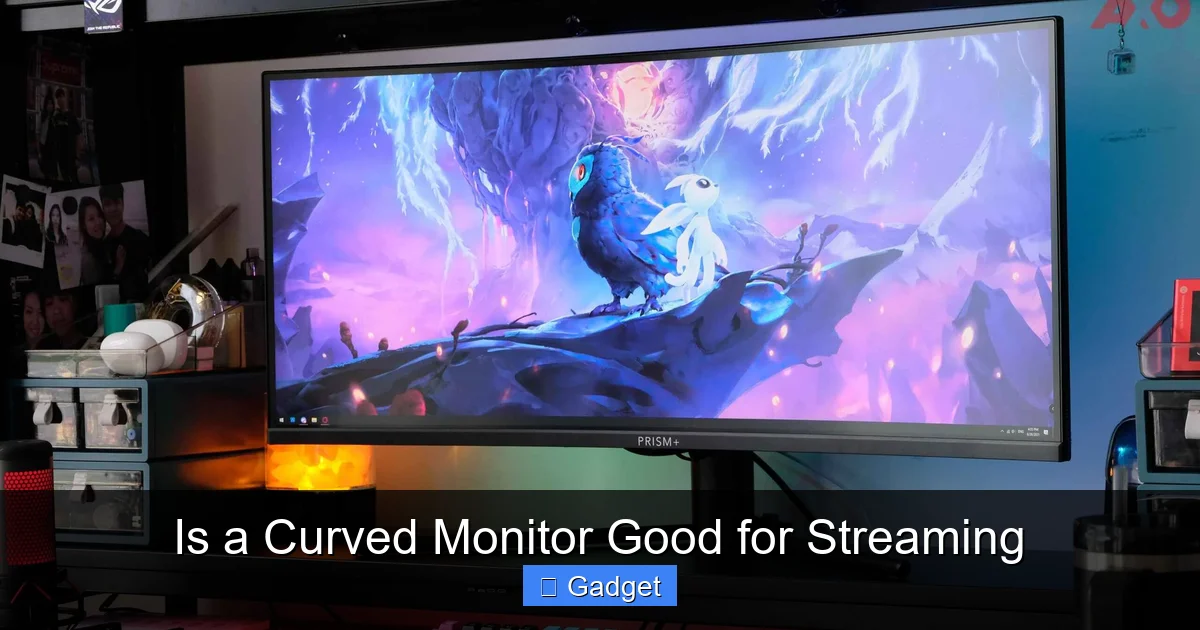
Deciding if a curved monitor is good for streaming involves weighing its immersive benefits against potential drawbacks. Curved monitors can enhance your viewing experience and create a more engaging atmosphere for your audience. However, factors like screen glare and content distortion need consideration. This guide will help you understand how a curved display might impact your streaming setup and whether it’s the right fit for you. 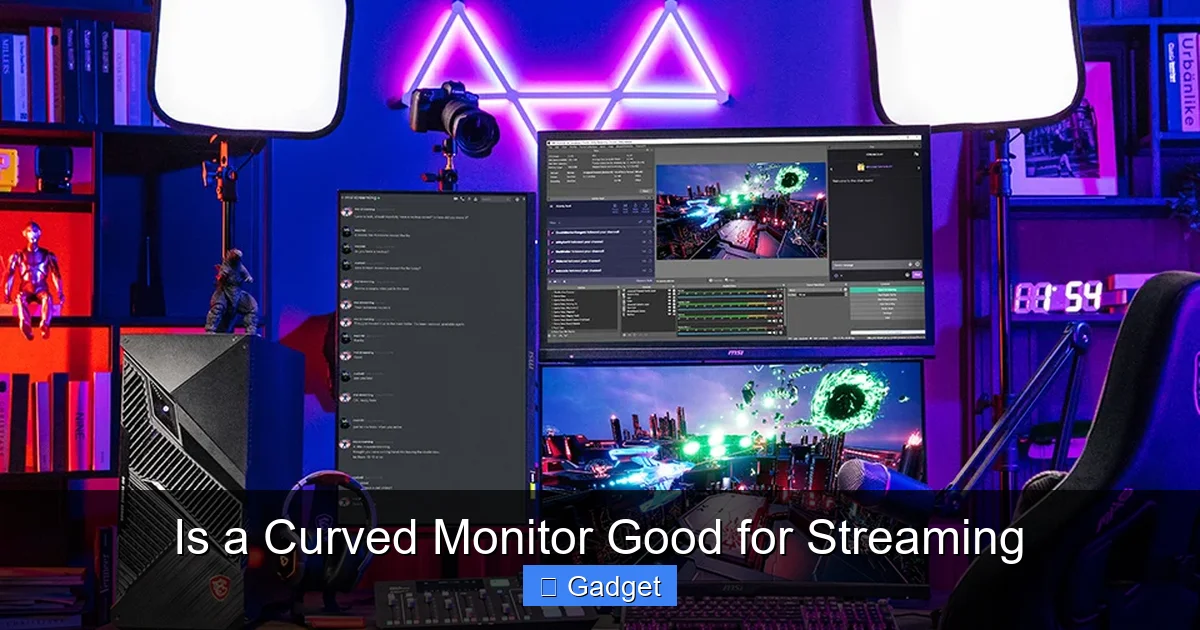 Before we dive into streaming specifics, let’s quickly cover what makes a curved monitor different. Unlike traditional flat screens, curved monitors have a display panel that gently bends inwards. This curvature is designed to mimic the natural curve of the human eye, aiming to create a more enveloping and immersive viewing experience. They come in various degrees of curvature, often denoted by an ‘R’ number (e.g., 1800R, 1500R, 1000R), where a lower number signifies a tighter, more pronounced curve. When selecting the ideal size for your setup, you might also want to explore What Is the Best Monitor Size for Gaming.
 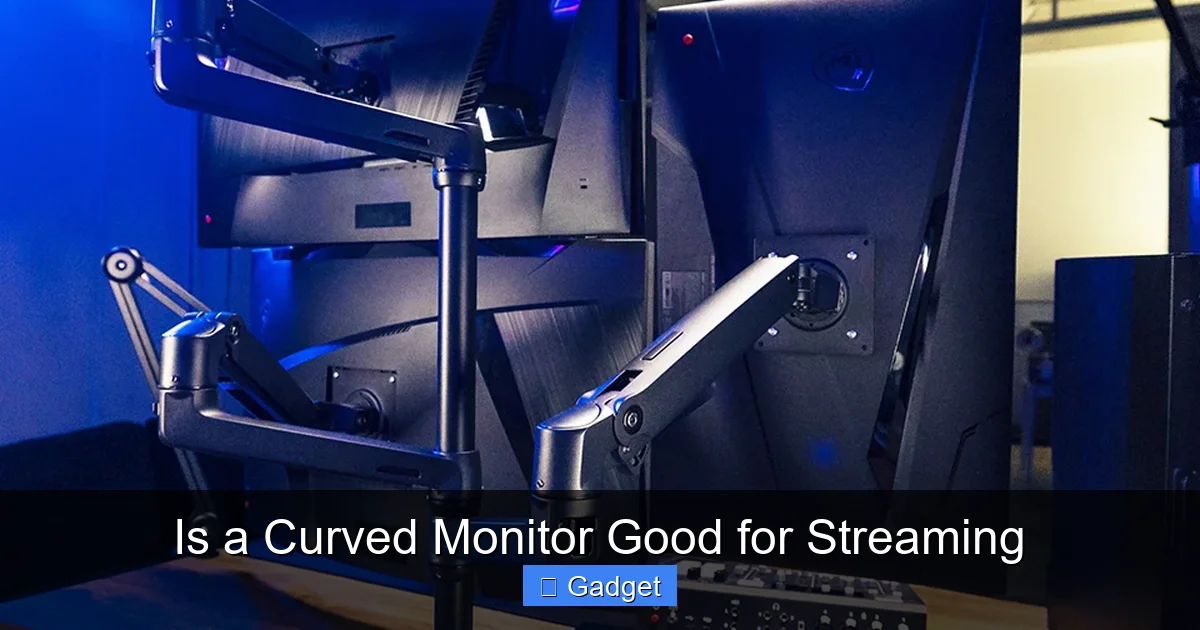 Let’s start with the good news! Curved monitors offer several benefits that can genuinely enhance your streaming experience.
 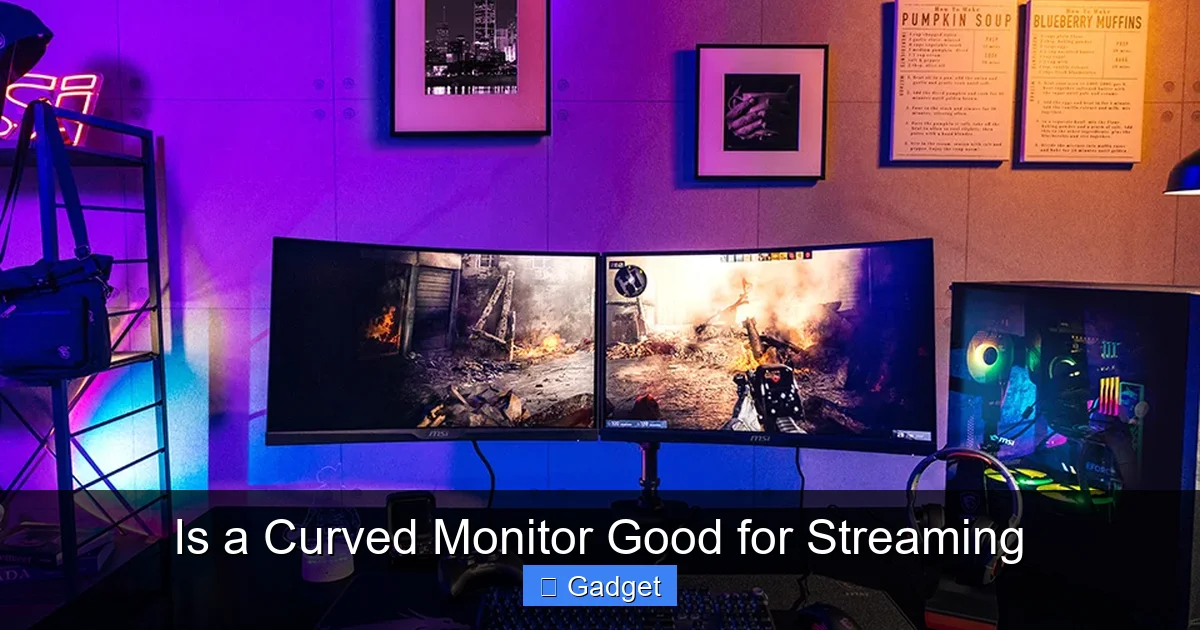 It’s not all perfect, however. There are some potential drawbacks to consider when choosing a curved monitor for your streaming setup.
Key Takeaways
- Enhanced Immersion: Curved monitors wrap around your field of view, creating a more immersive experience for both you and your viewers, especially for gaming and cinematic content.
- Reduced Eye Strain: The curvature can lead to less eye strain by minimizing the distance from your eyes to the edges of the screen, making longer streaming sessions more comfortable.
- Wider Field of View: A curved display can make a wider screen feel more encompassing, allowing you to comfortably see more of your content or multiple applications simultaneously.
- Potential for Distortion: Straight lines, especially at the edges of very aggressive curves, might appear slightly distorted, which could be a concern for certain professional applications like graphic design or detailed editing.
- Glare and Reflection Management: While curves can sometimes help diffuse light, they can also create unique glare patterns depending on your room’s lighting. Careful setup is crucial.
- Cost and Space Considerations: Curved monitors, especially ultrawide ones, can be more expensive and require more desk space than their flat counterparts. For insights on space requirements, check out How Much Desk Space Does an Ultrawide Monitor Need.
- Viewer Perspective: For viewers watching your stream, the curvature might not be as apparent or might even introduce minor visual artifacts if not captured correctly by your webcam.
Is a Curved Monitor Good for Streaming?
So, you’re thinking about upgrading your streaming setup, and that sleek, curved monitor has caught your eye. It looks futuristic, and the promise of immersion is tempting. But the big question remains: is a curved monitor actually *good* for streaming? As a streamer, your setup directly impacts both your comfort and the quality of the content you deliver to your audience. We’re here to break down everything you need to know about curved monitors and how they fit into the streaming world. This guide will walk you through the advantages and disadvantages of using a curved monitor for your streams. We’ll explore how it can enhance your viewing experience, affect your gameplay or content creation, and what your viewers might see. By the end, you’ll have a clear understanding of whether a curved monitor is the right choice to elevate your streaming game.Understanding Curved Monitors
Visual guide about Is a Curved Monitor Good for Streaming
Image source: storage-asset.msi.com
The Pros of Using a Curved Monitor for Streaming
Visual guide about Is a Curved Monitor Good for Streaming
Image source: storage-asset.msi.com
Enhanced Immersion for You and Your Viewers
This is perhaps the most talked-about benefit. When you’re playing a game or working on creative projects, a curved monitor can pull you into the action. The screen wraps around your peripheral vision, making it feel like you’re *inside* the game world or deeply focused on your project. For viewers, this can translate into a more dynamic and engaging stream. If you’re playing a visually rich game, the immersive quality can be infectious. Imagine playing a racing game or exploring a vast open world; the curved display can make it feel more real and exciting, and that excitement can carry over to your audience.Reduced Eye Strain During Long Sessions
Streamers often spend long hours in front of their screens. Eye strain is a common complaint, leading to discomfort and fatigue. Curved monitors can help alleviate this. Because the screen is curved, the distance from your eyes to every part of the screen is more consistent. On a flat screen, the edges are further away from you than the center. This difference in distance can cause your eyes to refocus constantly, leading to strain. A curved display minimizes this refocusing, making your viewing experience more comfortable over extended periods. This means you can stream longer and feel better while doing it.Wider Field of View and Better Screen Real Estate Utilization
Curved monitors, especially ultrawide variants (like 21:9 or 32:9 aspect ratios), excel at providing a massive amount of screen real estate. This is fantastic for multitasking, a crucial skill for streamers. You can have your game or main application on one side, your chat window on another, your streaming software (like OBS or Streamlabs) open, and maybe even a browser for quick lookups, all visible at once without significant overlap or feeling cramped. The curvature makes these ultrawide displays feel more manageable and less like you’re looking at two separate monitors pushed together.Improved Perceived Contrast and Depth
Some users report that curved monitors can make images appear to have more depth and that contrast can be perceived as slightly better. While this is subjective and depends on the specific panel technology, the way the light wraps around can contribute to a more engaging visual experience. For content where visual fidelity is key, like cinematic games or high-definition videos, this can be a subtle but welcome enhancement.The Cons of Using a Curved Monitor for Streaming
Visual guide about Is a Curved Monitor Good for Streaming
Image source: storage-asset.msi.com
Potential for Content Distortion
This is a crucial point, especially if your stream involves more than just gaming. For tasks requiring precise straight lines and geometry, like graphic design, video editing, or even some software interfaces, a curved screen can introduce slight distortions. Straight lines at the edges of the screen might appear slightly bowed. While most modern curved monitors are designed to minimize this, and the effect is subtle on moderate curves, it’s something to be aware of if your streaming content heavily relies on perfect geometric accuracy. For gaming, this is usually not an issue, as the game’s rendering engine handles perspective.Glare and Reflection Management Can Be Tricky
While the curve can sometimes help diffuse ambient light, it can also create unique and sometimes more noticeable glare patterns. The way light bounces off a curved surface can be different from a flat one. If you have lights directly behind you or to the side, you might find yourself dealing with specific hot spots or reflections that can be distracting for you and potentially visible to your viewers if they catch the reflection in your eyes or elsewhere. Careful room lighting setup and potentially using anti-glare screen protectors (though less common and potentially effective on curved surfaces) are important.Viewer Perspective Might Differ
It’s important to remember that your viewers are seeing your stream through a webcam and a flat display (their own monitor or device). While you’re experiencing the full immersion of the curve, they might not perceive it in the same way. The curvature might be slightly flattened or even introduce minor visual artifacts in the captured video feed depending on your webcam’s field of view and how it captures the screen. For most viewers, the content itself will be the primary focus, but the “wow” factor of the curved screen might be less impactful for them than it is for you.Cost and Size Considerations
Curved monitors, especially those with ultrawide aspect ratios or high refresh rates, tend to be more expensive than their flat counterparts. Additionally, ultrawide curved monitors are physically larger and take up more desk space. You need to ensure you have adequate room for such a monitor and that it fits ergonomically within your streaming setup. This can be a significant investment for a streamer, and it’s worth comparing the price-to-performance ratio with a high-quality flat ultrawide or a standard-sized high-refresh-rate flat monitor. For those considering ultrawide displays, understanding Why Are Ultrawide Monitors More Expensive can help inform your decision.Making the Decision: Is a Curved Monitor Right for Your Stream?
Now, let’s bring it all together. Is a curved monitor the golden ticket for every streamer? Not necessarily. It depends heavily on your primary streaming content and personal preferences.For Gamers: A Strong Contender
If your primary streaming content is gaming, especially visually rich and immersive titles (RPGs, racing games, simulators, open-world adventures), then a curved monitor can be an excellent choice. The enhanced immersion can make your gameplay more exciting to watch and play. The wider aspect ratios often found with curved monitors are also fantastic for many modern games, providing a broader field of view. The potential for slight distortion is usually negligible in games, and the immersive aspect often outweighs any minor downsides.For Variety Streamers and Content Creators: Weigh the Pros and Cons Carefully
If you stream a variety of content, including creative work like graphic design, video editing, or coding, you need to consider the potential for distortion more carefully. While many modern curved monitors minimize this, it’s still a factor. However, the benefits of reduced eye strain and increased screen real estate for multitasking can still be highly valuable. You might consider a moderate curve (e.g., 1800R or 1500R) which offers some of the immersive benefits without extreme distortion.For Those Focused on Chat and Interaction: Less of a Game-Changer
If your stream is heavily focused on just talking to your chat, doing Q&As, or reactions where the visual content on your screen isn’t the primary draw, then the immersive benefits of a curved monitor might be less impactful for you. A good quality flat monitor might serve your needs just as well, allowing you to allocate your budget elsewhere in your streaming setup.Practical Tips for Using a Curved Monitor for Streaming
If you’ve decided to go with a curved monitor, here are some tips to maximize its effectiveness for your stream:Optimize Your Room Lighting
This is crucial for managing glare. Position your lights so they don’t directly hit the screen or cause strong reflections. Ambient lighting is often better than direct overhead lights. Experiment with different lighting setups until you find one that minimizes glare for both you and your viewers.Adjust Your Camera Placement
Ensure your webcam is positioned to capture your face clearly without picking up distracting reflections from the screen. Sometimes adjusting the camera angle slightly can make a big difference.Leverage Ultrawide Capabilities
If you have an ultrawide curved monitor, take full advantage of the extra screen space. Arrange your chat, streaming software, and alerts in a way that is organized and easily accessible without feeling cluttered. This can lead to a more professional and engaging stream.Consider the Curve Radius
For most users, a moderate curve like 1800R or 1500R offers a good balance between immersion and minimal distortion. Very aggressive curves (e.g., 1000R) offer maximum immersion but might be more prone to noticeable distortion for certain content.Monitor Resolution and Refresh Rate Still Matter
Don’t forget that the fundamental specifications of the monitor are still important. Ensure the resolution (e.g., 1440p or 4K) and refresh rate (e.g., 120Hz or 144Hz) are suitable for your gaming needs and streaming quality. A curved monitor with a low resolution or refresh rate will still offer a subpar experience, regardless of its shape. For more on refresh rates, see What Is the Difference Between 144Hz and 240Hz Monitor.Conclusion
So, is a curved monitor good for streaming? The answer is a resounding “it depends.” For gamers seeking an immersive experience and streamers who value comfort during long sessions, a curved monitor can be a fantastic upgrade. The wrap-around effect can draw both you and your audience deeper into the content. However, if your work involves precise visual accuracy or if glare management is a major concern in your streaming space, you’ll need to weigh those factors carefully. Ultimately, the best monitor for your stream is one that enhances your workflow, keeps you comfortable, and provides a great viewing experience for your audience. A curved monitor offers a unique set of advantages that can elevate your stream, but it’s essential to understand its potential limitations before making the investment. By considering your primary content, your budget, and your space, you can make an informed decision about whether to embrace the curve and potentially revolutionize your streaming setup.
Similar Posts