How To Choose The Best Android Tv Box For Your Needs
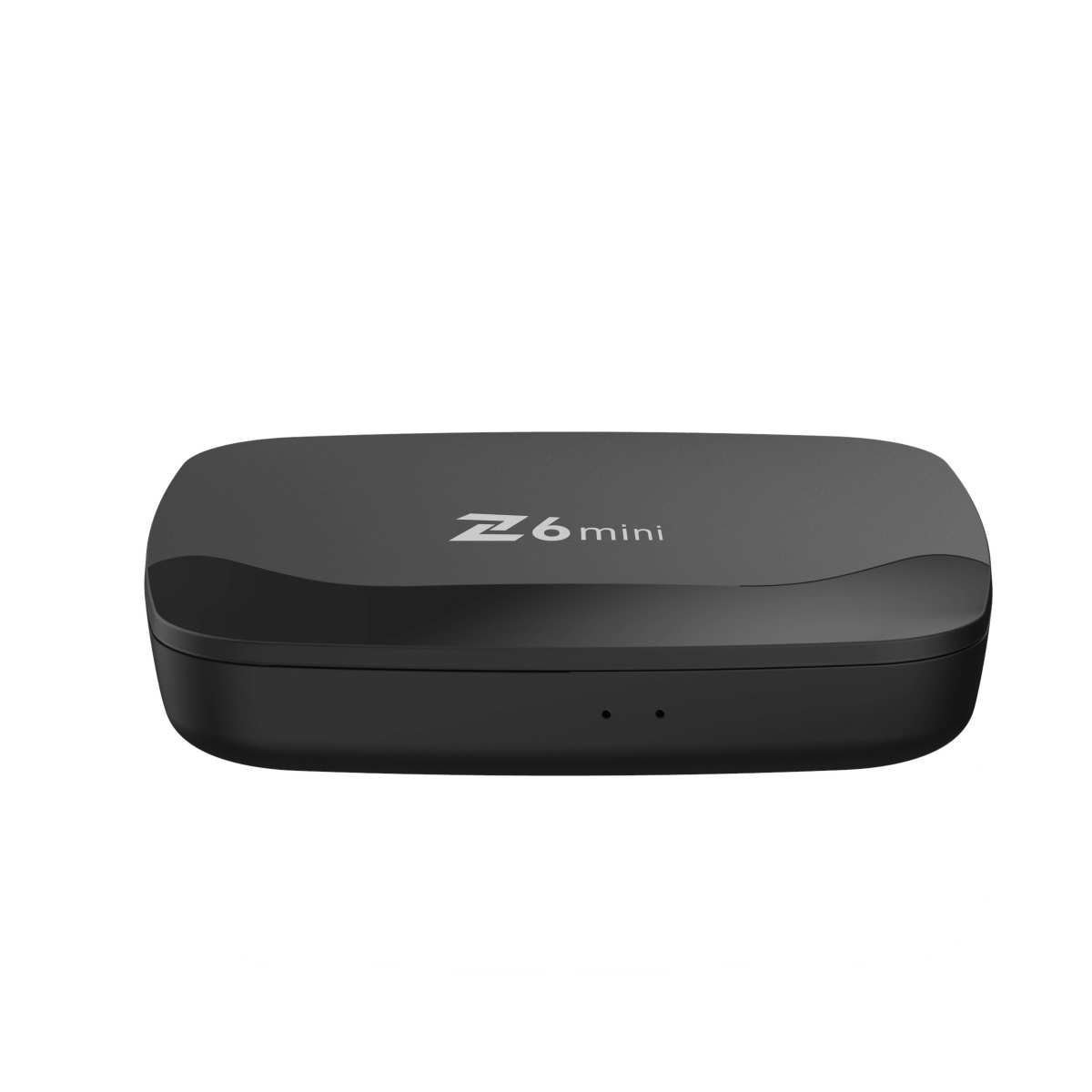

How to Choose the Best Android TV Box
Choosing the right Android TV box can feel like a tough task with so many options available. But understanding what makes one box better than another can help you find the perfect fit for your entertainment needs. In this detailed guide, we will walk you through everything you need to consider when selecting an Android TV box, including performance factors, features, and compatibility tips. By the end, you’ll be equipped to make an informed decision that brings your favorite shows, movies, and apps right to your living room screen with ease.Understanding What an Android TV Box Is
Before diving into how to select the best device, it’s important to understand what an Android TV box actually is. Simply put, it is a small device that connects to your TV, transforming it into a smart TV capable of streaming content from the internet. Android TV boxes run on the Android operating system, meaning they support countless apps available through the Google Play Store, including popular streaming services like Netflix, Hulu, YouTube, and more. The main purpose of an Android TV box is to give you access to a wide array of entertainment options in one place. They are affordable, easy to set up, and highly versatile. Whether you want to watch movies, play games, or browse the internet, an Android TV box can be a great addition to your home entertainment system.Key Factors to Consider When Choosing an Android TV Box
To find a device that matches your needs, you need to consider several key features and specifications. Let’s explore these in detail:Performance Hardware
Performance is fundamental for smooth streaming, quick app loading, and gaming performance. Pay close attention to:- Processor: Look for boxes with at least a quad-core processor. Popular options include the Amlogic S905X3 or the MediaTek processors, which provide good speed for most tasks.
- RAM: More RAM helps with multitasking. Aim for a minimum of 2GB for basic streaming, although 4GB is preferable for better performance with gaming and multiple apps.
- Storage: Internal storage allows you to install apps and store files. A minimum of 16GB is recommended, but 32GB or more offers more room.
Video and Audio Capabilities
Quality streaming depends heavily on the AV specs:- Support for 4K Ultra HD: Ensures you can watch movies in high resolution. Check for devices that support 4K at 60 fps for smooth playback.
- HDR Compatibility: Supports high dynamic range for better contrast and color accuracy.
- Audio Support: Look for support for Dolby Atmos or DTS:X if you want immersive sound quality.
Connectivity Options
A device needs good connectivity options to keep your streaming seamless:- Wi-Fi: Dual-band Wi-Fi (2.4 GHz and 5 GHz) offers faster and more stable internet connections.
- Ethernet Port: For more reliable internet connections, especially if you stream in 4K.
- Bluetooth: Essential for connecting wireless headphones, remote controls, or game controllers.
- USB Ports: Useful for connecting external drives, keyboards, or controllers.
Operating System and User Interface
Since devices run on Android, look for ones with a clean, user-friendly interface. Some Android TV boxes come with a customized launcher that simplifies navigation. Ensure that the device supports the latest Android versions for security and app compatibility.Remote Control and User Experience
A good remote makes all the difference:- Look for remote controls with a comfortable grip, dedicated shortcut buttons for popular apps, and voice control features if possible.
- Some Android TV boxes support voice commands through Google Assistant, adding convenience for searching content.
Additional Features
Depending on your preferences, consider additional functionalities:- Gaming Capabilities: Some boxes support game controllers and have better graphics hardware.
- Pre-installed Apps: Devices with a variety of pre-installed apps can save setup time.
- Compatibility with Smart Home Devices: For integrating with other smart home systems.
Popular Android TV Box Brands and Models
Let’s take a quick look at some of the top options currently available:Amazon Fire TV Cube
– Supports 4K Ultra HD and HDR. – Built-in Alexa for voice commands. – Good Wi-Fi connectivity and voice remote.NVIDIA Shield TV
– Excellent gaming performance. – Supports 4K HDR streaming. – Voice control with Google Assistant.Xiaomi Mi Box S
– Affordable with 4K support. – Android TV interface. – Good connectivity options with Bluetooth and Wi-Fi.Ubtech Link TV
– Budget-friendly. – Supports 4K and HDR. – Simple user interface. Each of these models offers different strengths, so your choice should depend on your specific needs and budget.How to Test Your Android TV Box Before Buying
If possible, test the device in-store or read reviews, especially those with video demonstrations. Check for:- Ease of setup and navigation.
- Performance with various apps and streaming quality.
- Remote control responsiveness.
Frequently Asked Questions
What technical specifications should I consider when choosing an Android TV box?
Focus on the processor speed, RAM capacity, and storage options. A faster processor and more RAM allow smooth navigation and efficient multitasking. Look for at least 8GB of internal storage or support for external storage via USB or SD card to ensure enough space for apps and media files. Additionally, check if the device supports 4K resolution and HDR for high-quality video playback.
How important is software compatibility and updates in selecting an Android TV box?
Ensure the TV box runs a current version of Android to access the latest features and security patches. Compatibility with popular streaming apps is essential for seamless usage. Regular software updates from the manufacturer improve performance, fix bugs, and add new functionalities. Verify if the device has ongoing support and easy access to firmware updates before making a decision.
What connectivity options should I look for in an Android TV box?
Check for multiple HDMI ports, USB ports, and support for Bluetooth to connect various peripherals like game controllers, keyboards, or external storage devices. Ensure Wi-Fi standards are compatible with your network, preferably Wi-Fi 5 (802.11ac) or Wi-Fi 6 for faster and more reliable internet connections. Additionally, an Ethernet port can provide a stable internet connection for streaming or gaming if Wi-Fi quality is inconsistent.
How does the user interface and remote control impact the overall experience?
A user-friendly interface simplifies navigation and allows quick access to your favorite apps and settings. Look for a remote control with dedicated buttons for popular streaming services and voice control features for added convenience. The remote should have a comfortable layout, responsive buttons, and support for additional peripherals like keyboards, which enhance the overall usability of the device.
What is the importance of device size and design for placement flexibility?
Select a size that fits well in your entertainment setup without cluttering your space. Compact devices are easier to place behind TVs or within entertainment centers. Consider the build quality and design aesthetics to match your room decor. Some models include features like wall-mounting options or sleek profiles that help keep your setup neat and organized.
Final Thoughts
Choosing the best android tv box involves considering your specific needs and budget. Focus on features like processing power, storage capacity, and app compatibility to ensure smooth performance. Check user reviews and expert opinions for insights into reliability and updates. Understanding these factors helps you make an informed decision. Remember, how to choose the best android tv box depends on matching features to your viewing habits. Opt for a device that offers the best value and longevity for your entertainment setup.
Similar Posts































