Looking for the perfect file manager to organize your Android device effortlessly? You’re in luck! The best file managers let you navigate, organize, and secure your files quickly and intuitively, transforming your phone into a well-ordered digital workspace. With so many options out there, choosing the right one can be overwhelming, but don’t worry—I’ve got you covered. In this article, you’ll discover the top file managers that combine user-friendliness, powerful features, and customization options to keep your Android device neat and efficient. Whether you need basic file browsing or advanced file management tools, these apps will make managing your files a breeze. Say goodbye to clutter and hello to streamlined device organization! If you’re looking to improve how you manage files on your Android phone, choosing a reliable and feature-rich file manager is essential. The right app can help you quickly find, organize, and back up your files, making your device more efficient and stress-free to use. In this article, we’ll explore some of the best options available, highlighting their standout features to help you find the perfect match for your needs.
Best file managers for Android phones
Introduction to Android File Managers
Android file managers are essential tools that help you organize, access, and manage all the files stored on your device. They make it easy to browse your folders, move files, delete unwanted items, and often offer extra features like cloud integration. With many options available, choosing the right file manager can improve your smartphone experience significantly.
Why Use a File Manager on Android?
A good file manager simplifies managing your data and keeps your device organized. It allows you to quickly find photos, documents, music, and videos without needing a computer. Plus, some file managers provide security features, file compression, and support for external storage devices.
Key Features to Look for in a File Manager
When selecting a file manager, consider these important features:
User Interface: Should be clean and easy to navigate.
File Browsing: Support for viewing different file types and formats.
Storage Management: Ability to transfer files between device and SD card or cloud.
Security: Features like password-protected folders or encryption.
Additional Tools: Support for file compression, sharing, and remote access.
Top 10 Best File Managers for Android Phones
Below, we discuss the most popular and highly recommended file managers for Android devices. Each offers unique features suited for different needs.
1. Files by Google
Files by Google is a free, clean, and reliable app designed by Google. It offers simple file browsing, storage cleanup, and sharing features without ads. Its “Clean” feature helps remove duplicate and large files, freeing storage space.
2. Solid Explorer
Solid Explorer is known for its elegant interface and powerful features. It supports dual-pane browsing, cloud storage services, encrypted file vaults, and FTP connections. It also offers customization options and easy file transfer between devices.
3. ES File Explorer
ES File Explorer is a popular choice loaded with features such as file compression, app management, and network sharing. It includes a built-in media player and supports remote file access, making it versatile.
4. FX File Explorer
This app boasts a clean interface and robust security options. It supports a variety of file formats, cloud services, and has a built-in file encryption tool. Its focus on privacy makes it ideal for sensitive data.
5. File Commander
File Commander provides a comprehensive file management experience with features like cloud integration, media playback, and file sharing. Its user-friendly interface caters to both beginners and advanced users.
6. Total Commander
Total Commander sports a classic dual-pane view, allowing efficient file operations. It supports plugins, ZIP extraction, and network browsing. It’s perfect for users who prefer a more traditional approach.
7. Astro File Manager
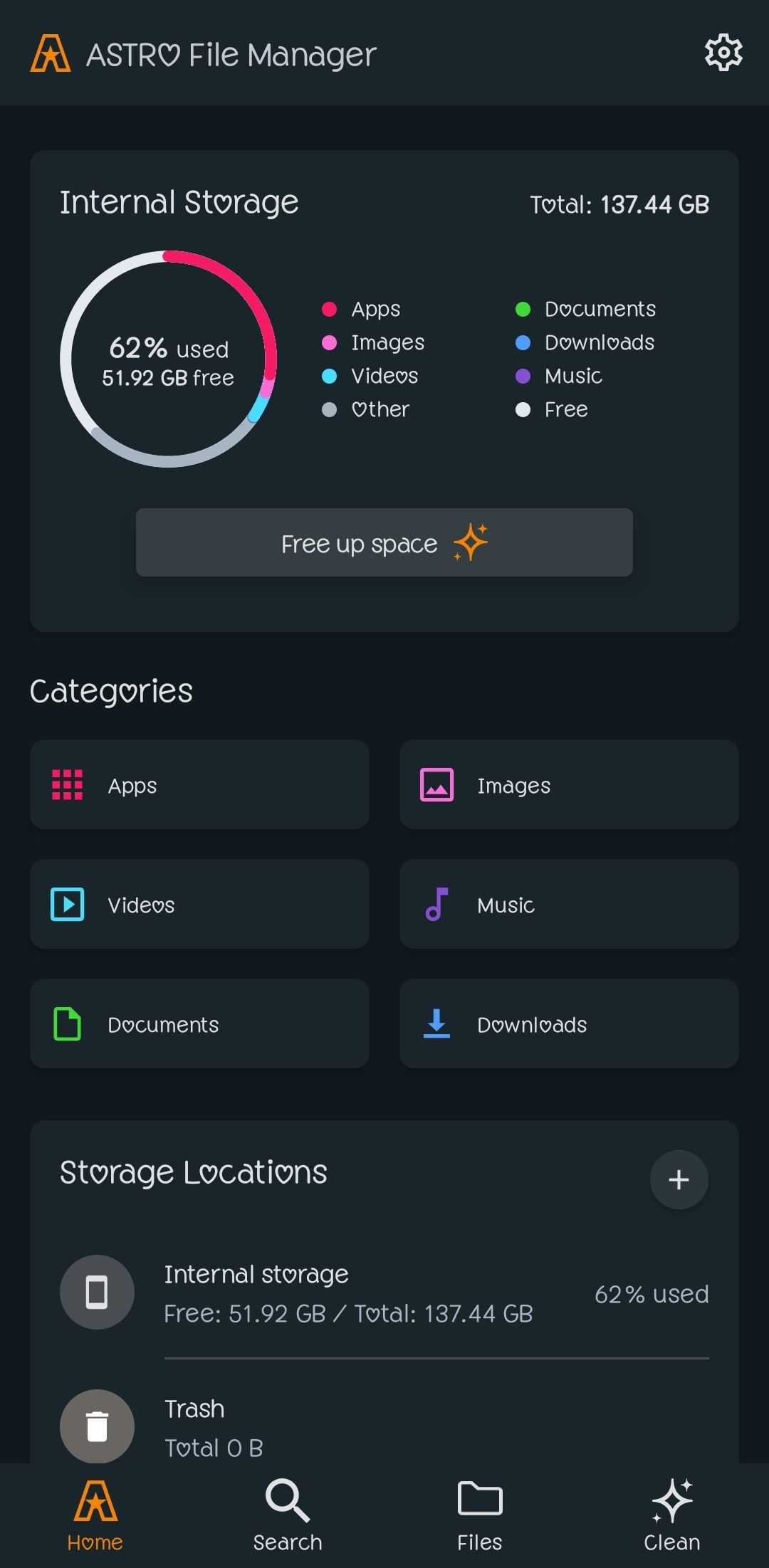
Astro offers easy file browsing, app management, and a built-in cloud provider. It also includes file compression and sharing options, making it a reliable all-in-one solution.
8. X-plore File Manager
X-plore features a dual-pane layout and supports browsing internal and external storage simultaneously. It offers file encryption, cloud support, and FTP/SFTP connections.
9. Amaze File Manager
Amaze is an open-source app with a straightforward interface. It provides essential features like file browsing, app management, and lightweight operation suitable for low-spec devices.
10. Root Explorer
Root Explorer is tailored for advanced users with rooted devices. It allows deep system access, file modification, and management of system files, but requires caution when used.
Comparison Table of Top File Managers
Feature
Files by Google
Solid Explorer
ES File Explorer
FX File Explorer
User Interface
Simple and clean
Elegant and customizable
Functional with ads
Minimalist and secure
Cloud Support
Yes
Yes
Yes
Yes
Encryption
No
Yes
Optional
Yes
Price
Free
Freemium with paid upgrade
Free with ads
Free
Best Practices for Using a File Manager
Always back up important files before deleting or editing them. Use encryption or password protection for sensitive data. Regularly clean up unnecessary files to free storage and improve device performance.
Security Tips When Managing Files on Android
Be cautious when granting permissions to file management apps. Stick to trusted apps from reputable sources. Avoid transferring files from unknown or unsafe sources to prevent malware infections. Choosing the right file manager depends on your needs, device capabilities, and desired features. Whether you want a simple tool like Files by Google or a more advanced app like Solid Explorer, there’s a suitable option for everyone. Using a good file manager makes your Android experience smoother and keeps your data organized.
Top 5 Best File Manager Apps for Android in 2025 – Organize Like a Pro!
Frequently Asked Questions
What features should I look for in a reliable Android file manager?
A reliable Android file manager should offer features such as easy navigation, support for various file formats, cloud integration, and secure file transfer options. It should also provide options for file compression, sharing, and managing permissions efficiently. An intuitive interface and regular updates are essential to keep the app running smoothly and securely.
How do you ensure the security of files when using a file manager on Android?
To keep your files secure, choose a file manager that offers password protection, encryption, and secure access controls. Always download apps from trusted sources like the Google Play Store. Avoid granting unnecessary permissions and regularly update the app to benefit from security patches. Using built-in security features or third-party encryption tools adds extra layers of protection for sensitive data.
Can I manage cloud storage services with Android file managers?
Yes, most modern Android file managers support integration with popular cloud storage services such as Google Drive, Dropbox, OneDrive, and Box. This allows you to browse, upload, and download files directly from your cloud accounts without needing to switch apps. Managing cloud storage within your file manager simplifies file organization and access across devices.
Are there any free Android file managers that offer premium-like features?
Several free Android file managers come with features typically found in paid versions, such as dual-pane browsing, advanced search, file compression, and network sharing. Apps like Solid Explorer and MK Explorer provide a rich set of functionalities without requiring a purchase. However, some may include ads or offer optional paid upgrades for additional features.
Final Thoughts
Best file managers for Android phones simplify organization and access to your files. Applications like Solid Explorer and Files by Google offer intuitive interfaces and essential features. They enhance user experience with easy navigation and quick file management. Choosing the right file manager depends on your needs, whether simple browsing or advanced file handling. These options ensure your device stays organized and efficient. In summary, the best file managers for Android phones provide seamless management and improved productivity. Selecting the right app helps you stay organized and makes file handling effortless.
I am a technology writer specialize in mobile tech and gadgets. I have been covering the mobile industry for over 5 years and have watched the rapid evolution of smartphones and apps. My specialty is smartphone reviews and comparisons. I thoroughly tests each device's hardware, software, camera, battery life, and other key features. I provide in-depth, unbiased reviews to help readers determine which mobile gadgets best fit their needs and budgets.