How To Make Your Android Screen Rotate Easily
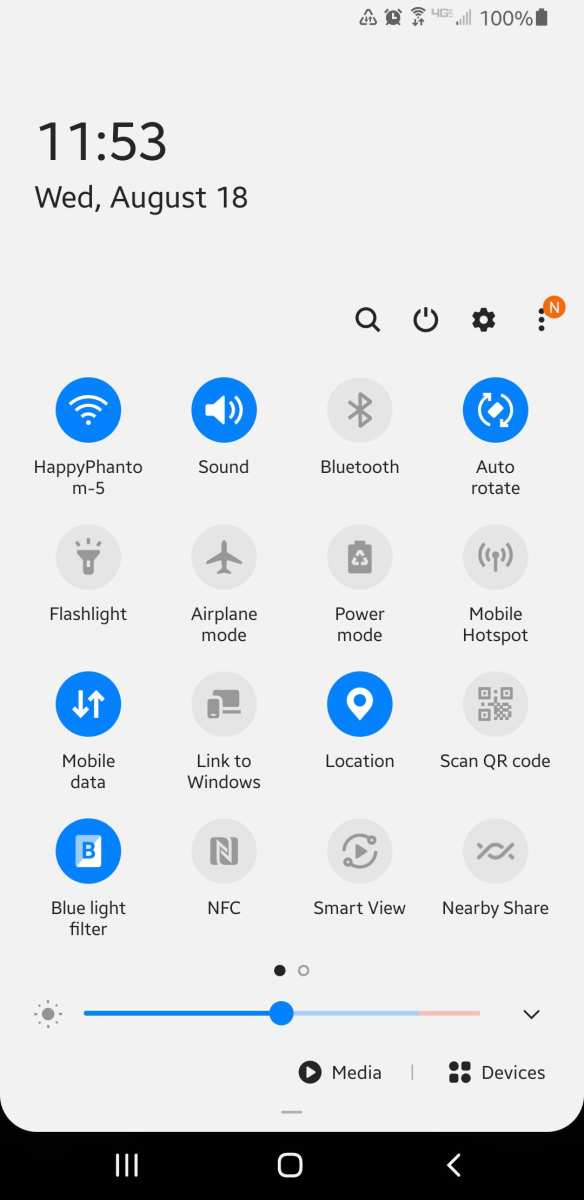
To make your Android screen rotate, you simply need to enable auto-rotate in settings. **You can quickly do this by flipping down the notification…
To make your Android screen rotate, you simply need to enable auto-rotate in settings. **You can quickly do this by flipping down the notification…
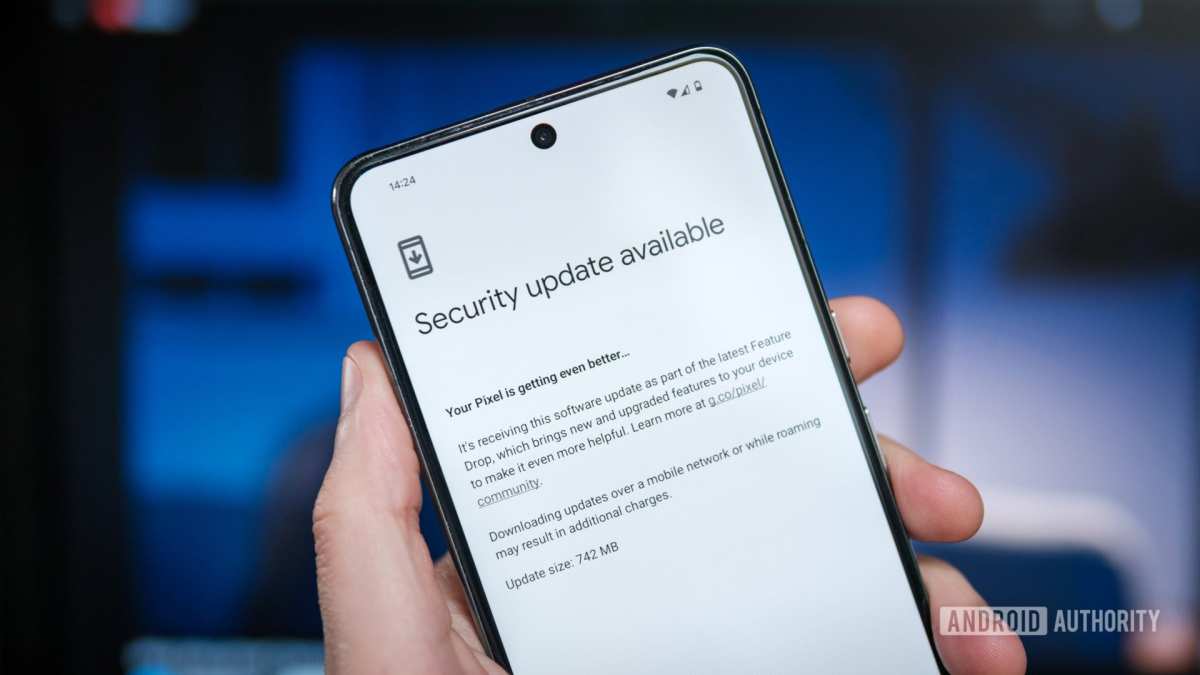
To make your Android phone update, simply go to Settings, then tap on Software Update and follow the prompts. **The key is ensuring your…
To make your Android phone talk, simply enable the text-to-speech feature in your settings. **This quick adjustment allows your device to read text aloud…
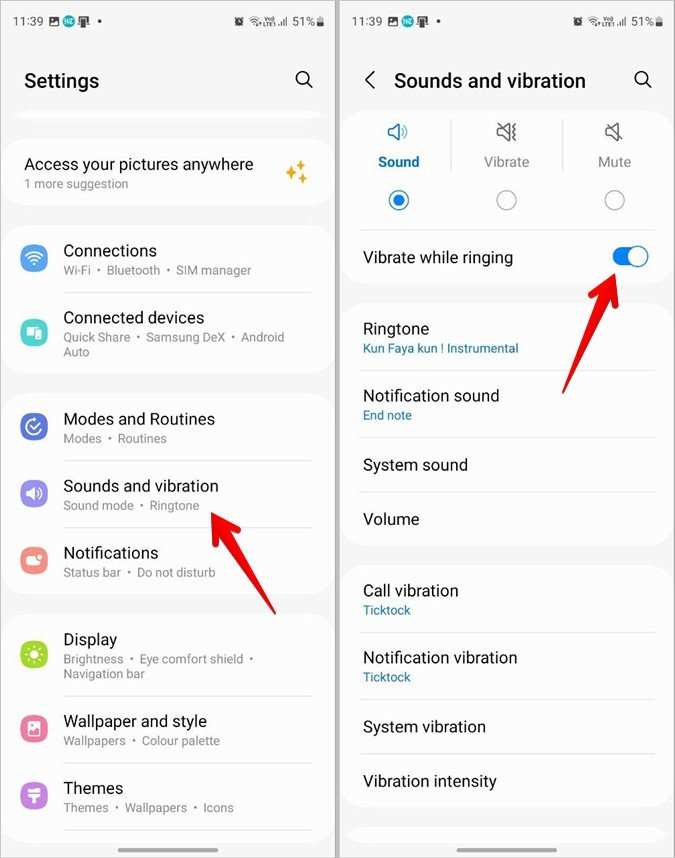
To stop your Android phone from vibrating when typing, simply turn off the vibrate option in your settings. If you want to know how…
If you’re wondering how to make your android phone speaker louder, the solution is simple: adjust the volume settings and explore some handy tricks.…
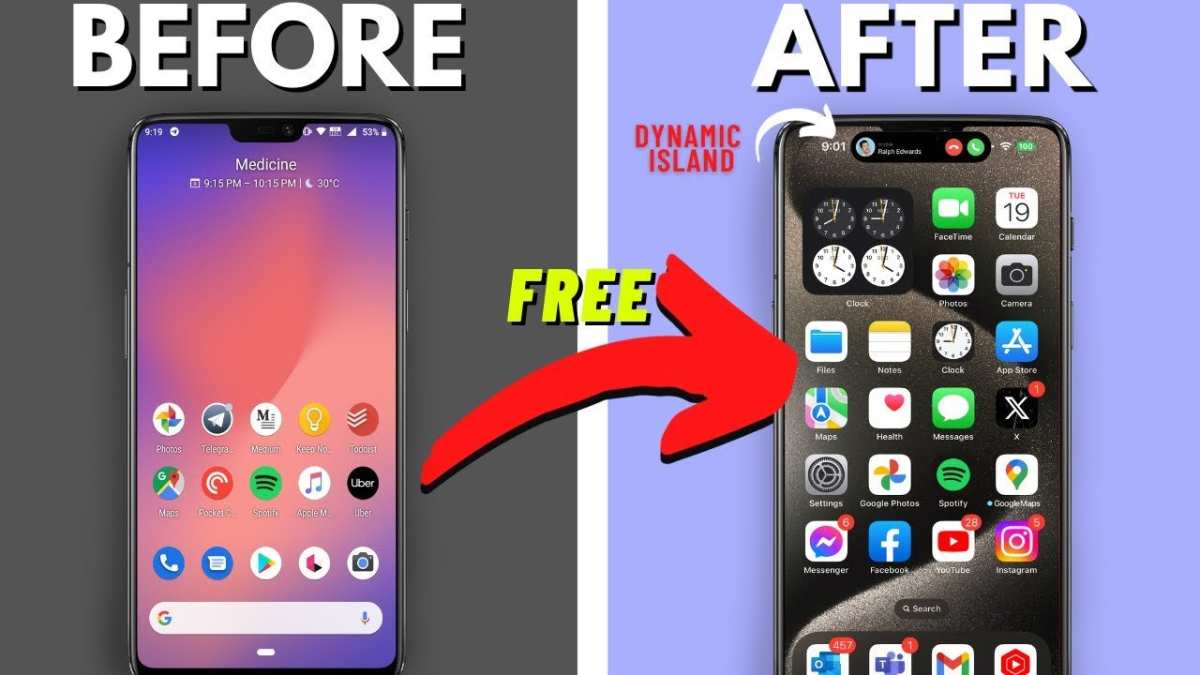
To make your Android phone look like iOS, start by installing a launcher that mimics the iOS interface. **You can easily do this by…
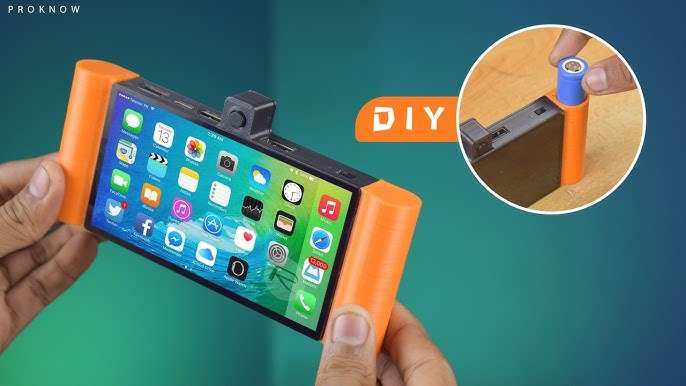
To make your own android device, you need a combination of hardware components and custom software. **Assemble a compatible microcontroller, install an open-source Android…
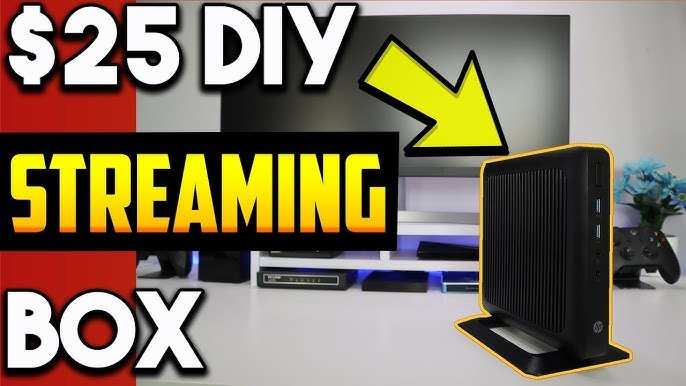
To make your own android box, you simply need a compatible single-board computer, like a Raspberry Pi, and the right software. **Assembling your device…
Creating an Android app without coding is easier than you think. **You can use free app builders that require no programming skills.** If you’re…