Top Android Battery Saving App For Longer Device Use
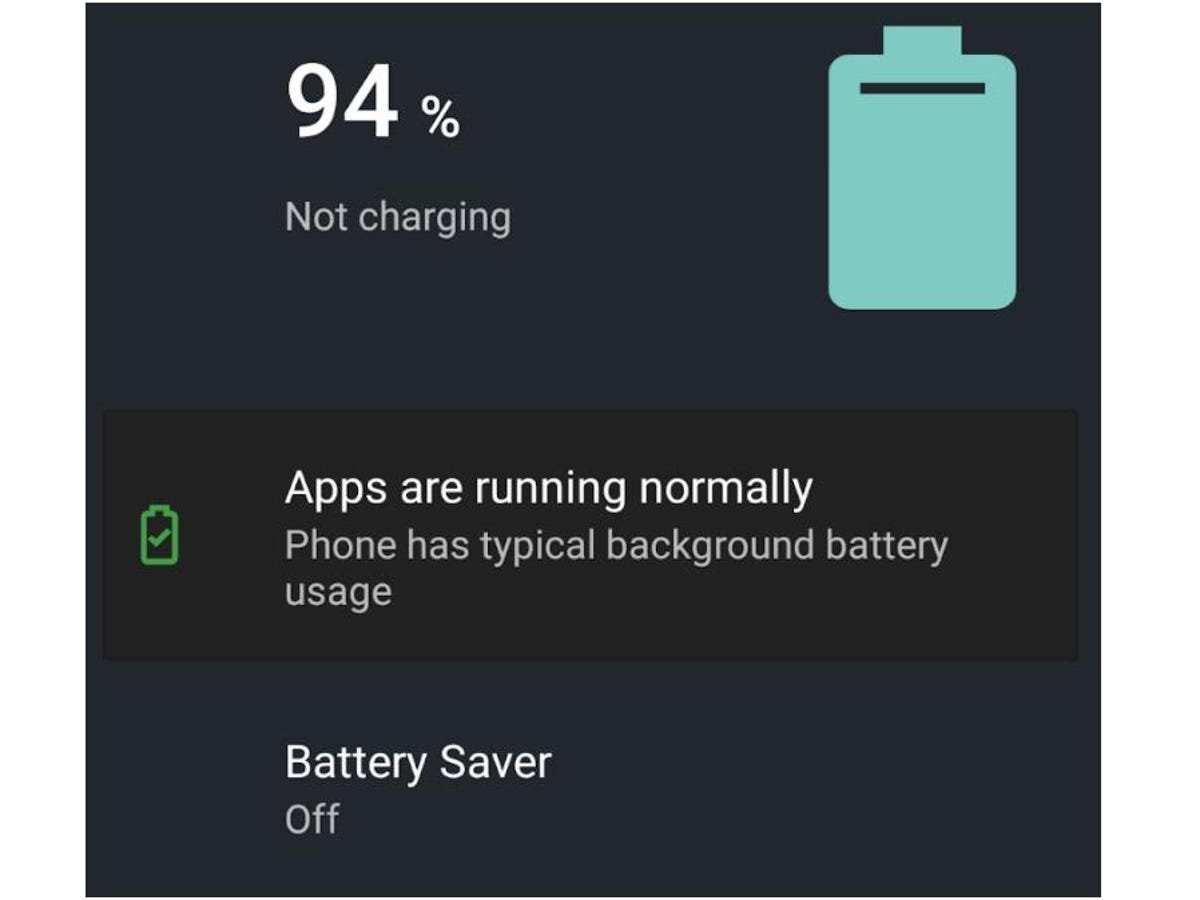

Comprehensive Guide to Android Battery Saving Apps
In today’s world, our smartphones have become an essential part of everyday life. We use them for communication, entertainment, work, and many other reasons. However, one common issue many Android users face is running out of battery quickly. To address this, battery saving apps for Android have gained popularity. These apps help extend your device’s battery life, ensuring your phone stays powered longer throughout the day. In this article, we will explore everything you need to know about Android battery saving apps, including how they work, their features, and tips on choosing the best one for your needs.
What Is an Android Battery Saving App?
An Android battery saving app is a tool designed to optimize your device’s power consumption. These apps identify power-draining activities and applications, then take corrective actions to reduce energy wastage. They can help improve battery longevity without compromising your experience. Some apps automatically close background apps, turn off unnecessary services, or adjust settings like brightness and Wi-Fi to conserve energy.
Why Do Android Devices Drain Battery Quickly?
Several factors can contribute to fast battery drain on Android devices:
- Background applications: Many apps run in the background, using data and power without your knowledge.
- Screen brightness and timeout settings: Keeping your screen bright and setting long timeout durations consume significant power.
- Connectivity features: Wi-Fi, Bluetooth, GPS, and mobile data use energy, especially when left on unnecessarily.
- Old or faulty battery: Batteries degrade over time, leading to reduced capacity and faster drain.
- Operating system issues: Outdated or buggy software can cause inefficient power use.
Top Features to Look for in a Battery Saving App
Not all battery saver apps offer the same features. When choosing an app, consider these important functionalities:
- Automatic optimization: The app should automatically identify and shut down unnecessary processes.
- App management: Ability to see which apps consume the most energy and manage them easily.
- Battery usage analysis: Detailed reports on how your device uses power.
- Customizable profiles: Options to create specific power-saving modes for different scenarios.
- Quick toggle switches: Easy access to turn features like Wi-Fi, Bluetooth, or airplane mode on or off.
- Charging features: Some apps offer tips or tools to optimize charging speed and battery health.
Popular Android Battery Saving Apps in the Market
There are many apps available for Android devices that can help conserve battery life. Here are some of the most popular and highly rated options:
AccuBattery
AccuBattery provides real-time battery consumption data. It also tracks your battery health, helping you understand how your usage impacts battery lifespan. Its detailed insights allow you to make smarter decisions on app usage and charging habits.
Greenify
Greenify focuses on hibernating background apps that drain power. It ensures apps don’t consume resources when not in use, which can significantly boost battery life. The app is especially effective for users who want control over which apps run in the background.
DU Battery Saver
This app offers one-tap optimization, killing unnecessary background processes instantly. It also provides useful features like charging tips and device cooling options to prevent overheating and extend battery life.
Battery Doctor
Battery Doctor offers a combination of monitoring tools and power-saving modes. It provides customized saving profiles, helps identify power-hungry apps, and offers tips for extending your battery’s lifespan.
How to Use an Android Battery Saving App Effectively
Simply installing a battery saver app isn’t enough. To maximize benefits, you should use these apps correctly. Here are some tips:
- Enable automatic optimization: Allow the app to run in the background and automatically manage power settings.
- Configure power saving modes: Use preset modes like “Save Battery” or “Ultra Power” during low-charge situations.
- Regularly check battery usage: Analyze which apps consume the most power and adjust usage habits accordingly.
- Limit background activity: Use the app to restrict background data for apps that don’t need to run constantly.
- Adjust device settings: Lower screen brightness, disable Wi-Fi and Bluetooth when not needed, and turn off location services to save more energy.
Additional Tips to Extend Your Android Battery Life
Using a battery saving app is helpful, but combining it with these practices can give you even better results:
- Reduce screen brightness: The display is one of the biggest power consumers on your device.
- Shorten screen timeout duration: Make your screen turn off quickly when not in use.
- Disable unused connectivity features: Turn off Bluetooth, Wi-Fi, GPS, and mobile data when you don’t need them.
- Close unused apps: Regularly close apps running in the background to prevent unnecessary battery drain.
- Keep your device updated: Software updates often include improvements to battery efficiency.
Common Misconceptions About Battery Saving Apps
Some users think that battery saver apps are magic solutions that fix all battery problems. This isn’t entirely true. Here are some myths to avoid:
- Myth: Battery saver apps can fix a degraded battery.
- Reality: They can optimize current usage but cannot restore battery health that has declined over time.
- Myth: Turning on a battery saver app will boost battery life indefinitely.
- Reality: While helpful, these apps only improve efficiency; they don’t replace good device habits.
- Myth: All battery saver apps are safe and free of malware.
- Reality: Always download apps from trusted sources like the Google Play Store and check user reviews.
Managing your Android device’s battery life doesn’t have to be complicated. With the right battery saving app and some smart usage habits, you can extend your phone’s power throughout the day. Remember to choose apps that fit your needs and offer essential features like automatic optimization and detailed battery analysis. Combining these tools with good device management practices will help you get more out of your battery. Staying aware of how and when your device consumes power can make a big difference, ensuring your smartphone remains a reliable companion whenever you need it most.
Frequently Asked Questions
How can I optimize my Android device’s battery life without using a dedicated app?
You can extend your Android device’s battery life by adjusting settings such as lowering screen brightness, reducing screen timeout duration, turning off unnecessary Bluetooth and Wi-Fi connections, and disabling auto-sync for apps. Managing background app activity and keeping your device updated also help conserve battery power effectively.
What features should I look for in an effective battery saving app?
An effective battery saving app should offer features like real-time battery usage monitoring, customizable power-saving modes, automatic adjustment of settings based on activity, and the ability to identify and close power-consuming apps. User-friendly interfaces and minimal advertising also enhance the overall experience.
Can using a battery saving app cause any negative impact on my device’s performance?
Many battery saving apps can improve battery life without affecting device performance if used correctly. However, some apps may run excessive background processes or have intrusive features that could slow your device or cause unintended behavior. Choose reputable apps and monitor their impact to ensure smooth operation.
Final Thoughts
In conclusion, choosing the right android battery saving app can significantly extend your device’s battery life. These apps optimize settings and manage background activities effectively. Using a reliable android battery saving app ensures your phone stays powered throughout the day without inconvenience.
Similar Posts































