

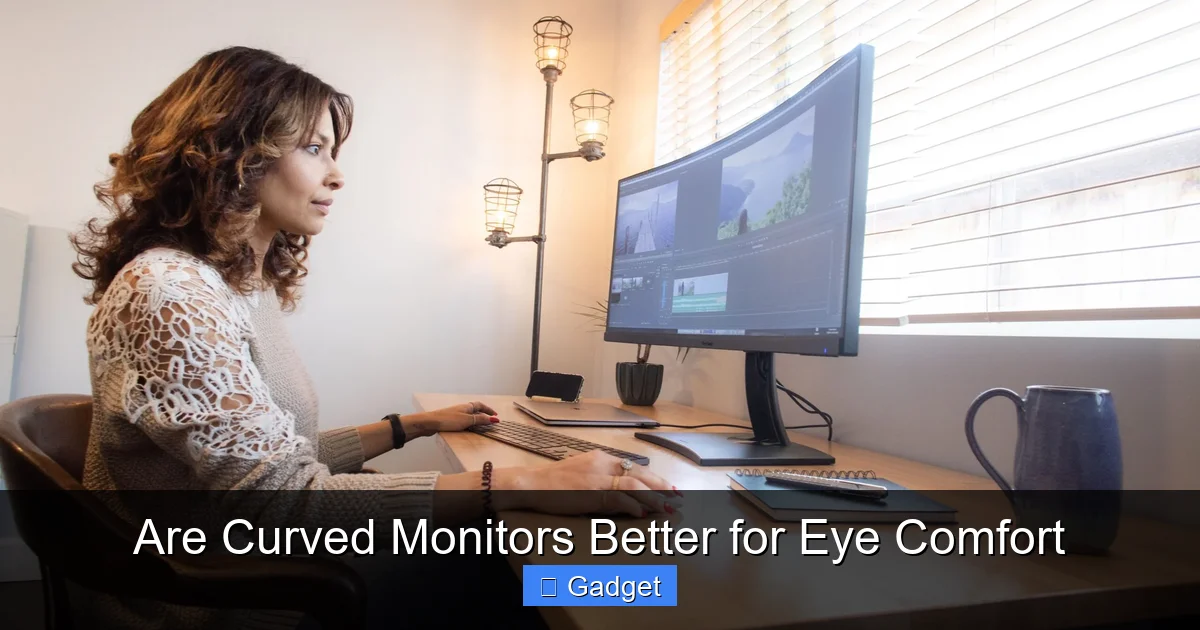
Are curved monitors better for eye comfort? This guide delves into the science behind the curve, explaining how it can reduce eye strain by offering a more immersive and natural viewing experience. We’ll explore the benefits for various users and help you decide if a curved display is the right choice for your eyes.
 The science points to several tangible benefits that curved monitors can offer for your eye comfort. These advantages are not just theoretical; many users report a noticeable difference.
While the general benefits apply to most users, certain groups might experience a more pronounced positive impact on their eye comfort and overall experience.
If you’re convinced that a curved monitor might be for you, there are a few key factors to consider when making your selection.
The science points to several tangible benefits that curved monitors can offer for your eye comfort. These advantages are not just theoretical; many users report a noticeable difference.
While the general benefits apply to most users, certain groups might experience a more pronounced positive impact on their eye comfort and overall experience.
If you’re convinced that a curved monitor might be for you, there are a few key factors to consider when making your selection.
Are Curved Monitors Better for Eye Comfort
In today’s digital age, our eyes are constantly glued to screens. Whether you’re a hardcore gamer, a dedicated professional crunching numbers, or simply browsing the web, the amount of time spent in front of a monitor can take a toll. This has led to a growing interest in technologies that promise greater eye comfort. One such innovation is the curved monitor. But do these gracefully arced displays actually deliver on their promise of a more comfortable viewing experience? This comprehensive guide will dive deep into the world of curved monitors and their impact on eye comfort. We’ll explore the science behind why they might be beneficial, examine the advantages they offer, and help you understand if a curved monitor is the right choice for you. By the end of this guide, you’ll have a clear understanding of whether a curved monitor is indeed better for your eyes.Contents
- 1 Key Takeaways
- 2 Understanding the Science Behind Curved Monitors
- 3 Benefits of Curved Monitors for Eye Comfort
- 4 Who Benefits Most from Curved Monitors?
- 5 Choosing the Right Curved Monitor: What to Consider
- 6 Are There Any Downsides to Curved Monitors?
- 7 Troubleshooting Common Issues
- 8 Conclusion: Is a Curved Monitor Worth It for Eye Comfort?
Key Takeaways
- Reduced Eye Strain: Curved monitors can alleviate eye strain by minimizing the need for constant refocusing as your eyes naturally track the screen’s arc.
- Wider Field of View: The curve draws your peripheral vision into the display, creating a more immersive experience and making it feel like you’re closer to the action.
- Consistent Viewing Distance: Unlike flat screens, a curved monitor maintains a more uniform distance between your eyes and all points on the screen, reducing visual distortion.
- Improved Immersion: For gaming and media consumption, the wrap-around effect of a curved monitor enhances immersion and can make content feel more engaging.
- Individual Preference Matters: While many users report improved comfort, the benefit is subjective. Some individuals may still prefer flat monitors.
- Consider Curve Radius: The degree of curvature (e.g., 1800R, 1000R) impacts the viewing experience. Smaller numbers indicate a tighter curve.
- Size is a Factor: Larger curved monitors tend to offer more noticeable benefits in terms of immersion and comfort due to their expansive screens.
Understanding the Science Behind Curved Monitors
The idea behind a curved monitor is simple yet ingenious: to mimic the natural curvature of the human eye. Our eyes are not flat; they are spherical. This means that when we look at a flat surface, especially a large one, our eyes have to work harder to focus on the edges compared to the center.How the Human Eye Works
Think about how you naturally see the world. Your vision isn’t confined to a small, flat rectangle. Instead, it’s a panoramic experience. Your peripheral vision plays a crucial role in how you perceive your surroundings. When you look at a flat screen, especially a wide one, the edges are naturally further away from your direct line of sight. This forces your eyes to constantly adjust their focus, leading to fatigue.The Curve Advantage
A curved monitor gently wraps around your field of view. This means that the edges of the screen are brought closer to your eyes, creating a more uniform distance between your eyes and all parts of the display. This uniformity reduces the need for your eyes to constantly refocus, which is a major contributor to eye strain. Imagine watching a movie on a huge flat TV versus a large curved one. On the flat screen, you might find yourself turning your head slightly to catch details at the edges. On a curved screen, the action seems to surround you more naturally, requiring less physical movement and less mental effort to keep everything in focus.Benefits of Curved Monitors for Eye Comfort
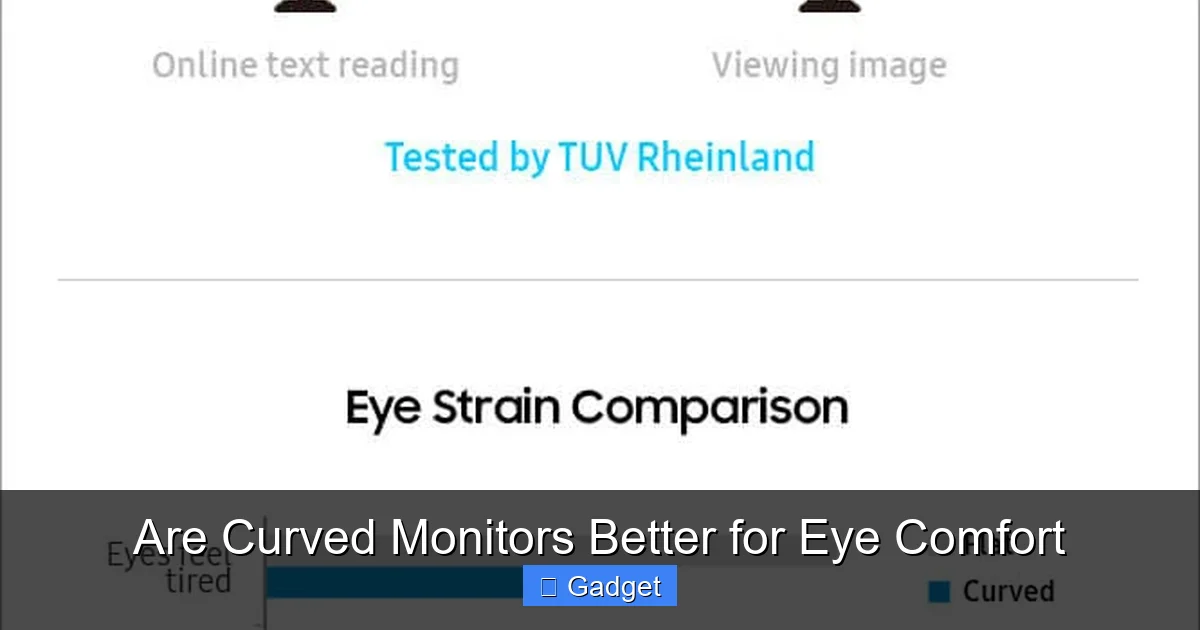
Visual guide about Are Curved Monitors Better for Eye Comfort
Image source: softwaretestinghelp.com
Reduced Eye Strain and Fatigue
This is the most significant benefit. By reducing the need for constant refocusing and keeping more of the screen within your natural field of vision, curved monitors can significantly lessen the symptoms of digital eye strain. These symptoms can include dry eyes, blurred vision, headaches, and general discomfort. * Consistent Focus: Your eyes can maintain a more relaxed, consistent focus across the entire screen. * Less Peripheral Distortion: Unlike a flat screen where the edges can feel distorted or out of focus, a curved screen minimizes this effect.Enhanced Immersion and Engagement
While not directly an “eye comfort” feature, immersion plays a role in how engaged you are with your content, which can indirectly affect how much you notice discomfort. A curved monitor creates a more wrap-around experience, pulling you into the content. * Gaming: For gamers, this means feeling more “in the game.” The action on the screen feels more encompassing, with less distraction from the real world around you. This can lead to longer, more enjoyable gaming sessions without as much fatigue. For more insights on gaming performance, check out our guide on whether monitor response time matters for gaming. * **Media Consumption:** Watching movies or TV shows on a curved monitor can be a more cinematic experience. The wider field of view makes you feel like you’re sitting closer to the screen, enhancing the feeling of being present in the scene.Improved Ergonomics and Field of View
A curved monitor can help you position yourself more comfortably in front of your display. The natural arc encourages you to sit a bit closer, as the entire screen is more accessible to your eyes. * **Wider Perceived Screen Size:** Even with the same diagonal measurement, a curved screen can feel larger because it fills more of your peripheral vision. * **Reduced Head Movement:** Because more of the screen is within your direct line of sight, you’ll find yourself turning your head less, which can also reduce neck strain.Who Benefits Most from Curved Monitors?
Visual guide about Are Curved Monitors Better for Eye Comfort
Image source: cdn.mos.cms.futurecdn.net
Gamers
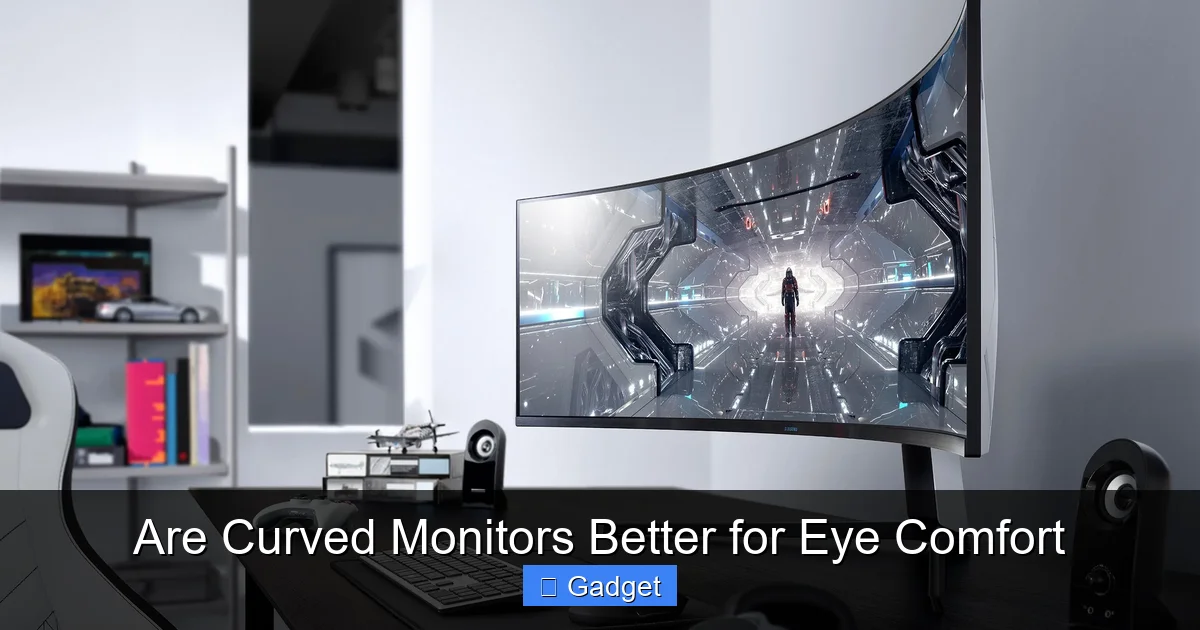
Gamers are often the prime candidates for curved monitors. The immersive nature of games, combined with long play sessions, makes eye comfort a critical factor. The wrap-around effect of a curved display can significantly enhance the gaming experience, making it more engaging and less tiring. * **First-Person Shooters (FPS):** The wider field of view can give you an advantage by allowing you to see more of your surroundings. * **Racing Games and Simulators:** The sense of depth and immersion is greatly amplified, making the experience much more realistic. Learn more about how ultrawide curved monitors can elevate racing games in our detailed comparison on whether ultrawide monitors are better for racing games.Professionals and Multitaskers
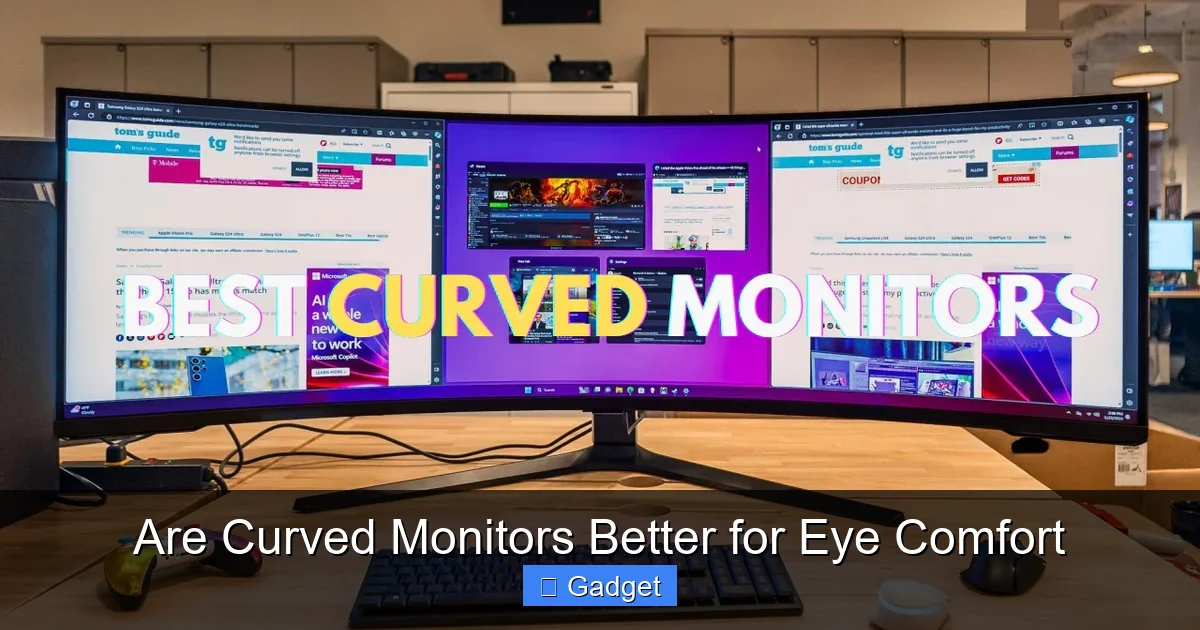
For those who spend hours in front of their screens for work, eye comfort is paramount. Professionals who regularly use multiple applications, spreadsheets, or need to view large amounts of data can find curved monitors beneficial. * **Increased Screen Real Estate: **Ultrawide curved monitors offer a vast workspace. The curve makes it easier to view and manage multiple windows side-by-side without excessive eye or head movement. * **Reduced Glare: **The curve can help to reduce glare from ambient light sources, as the light is reflected at an angle rather than directly back into your eyes.Everyday Users
Even for casual users who browse the web, check emails, or watch videos, a curved monitor can offer a more pleasant experience. The reduction in eye strain over time can lead to greater overall comfort.Choosing the Right Curved Monitor: What to Consider
Visual guide about Are Curved Monitors Better for Eye Comfort
Image source: arzopa.com
