

Curved monitors offer an immersive viewing experience that can benefit video editing by reducing eye strain and enhancing field of view. However, their suitability depends on factors like curvature, resolution, color accuracy, and individual workflow. This guide dives deep into whether a curved monitor is a good investment for your video editing setup, helping you make an informed decision.
Is Curved Monitor Good for Video Editing?
If you spend hours hunched over your computer, meticulously cutting footage, color grading, and adding effects, you’re likely always on the lookout for ways to improve your workflow and comfort. One piece of hardware that’s gained a lot of attention in recent years is the curved monitor. But the big question remains: is a curved monitor actually good for video editing, or is it just a trendy gimmick?
In this comprehensive guide, we’ll dive deep into the world of curved monitors and their application in video editing. We’ll break down the advantages and disadvantages, explore the technical specifications you need to consider, and help you decide if upgrading to a curved display is the right move for your creative process.
Contents
- 1 Key Takeaways
- 2 Understanding Curved Monitors
- 3 The Potential Benefits of Curved Monitors for Video Editing
- 4 The Potential Drawbacks of Curved Monitors for Video Editing
- 5 Key Factors to Consider When Choosing a Curved Monitor for Video Editing
- 6 Putting it All Together: Is a Curved Monitor Right for You?
- 7 Troubleshooting Common Issues
- 8 Conclusion
Key Takeaways
- Enhanced Immersion and Reduced Eye Strain: The subtle curvature of a monitor can wrap the image around your field of vision, making the display feel larger and more enveloping. This can lead to less eye movement and reduced fatigue during long editing sessions.
- Wider Perceived Field of View: For those working with expansive timelines or multiple reference windows, a curved monitor can create a wider, more encompassing workspace. This can feel more natural and less constricting than a flat display.
- Potential for Distortion (Especially with Sharp Curves): While mild curves are generally beneficial, extremely pronounced curvatures can sometimes introduce geometric distortion, particularly in the peripheral areas of the screen. This might be a concern for precise graphical work.
- Color Accuracy and Brightness Uniformity are Crucial: Regardless of curvature, consistent and accurate color reproduction and uniform brightness across the entire panel are paramount for video editing. A curved monitor is no exception.
- Resolution and Screen Real Estate Matter: A curved monitor, especially ultrawide ones, needs sufficient resolution (like 4K or higher) and physical screen real estate to truly shine in a video editing context. Simply being curved isn’t enough; it needs to provide usable space.
- Personal Preference and Workflow Integration: Ultimately, whether a curved monitor is “good” for video editing is subjective. It depends on your specific editing software, the types of projects you handle, and your personal comfort and work style.
Understanding Curved Monitors
Before we get into the nitty-gritty of video editing, let’s first understand what makes a curved monitor different. Unlike traditional flat-screen displays, curved monitors have a subtle bend or arc. This curvature is measured in a ‘radius’ rating, such as 1800R, 1500R, or 1000R. A smaller number indicates a tighter, more pronounced curve. The idea behind this design is to create a more immersive and comfortable viewing experience by mimicking the natural curve of the human eye.
The Potential Benefits of Curved Monitors for Video Editing
So, how does this curvature translate into benefits for video editors? Let’s explore:
Visual guide about Is Curved Monitor Good for Video Editing
Image source: cgdirector.com
Immersive Viewing Experience and Reduced Eye Strain
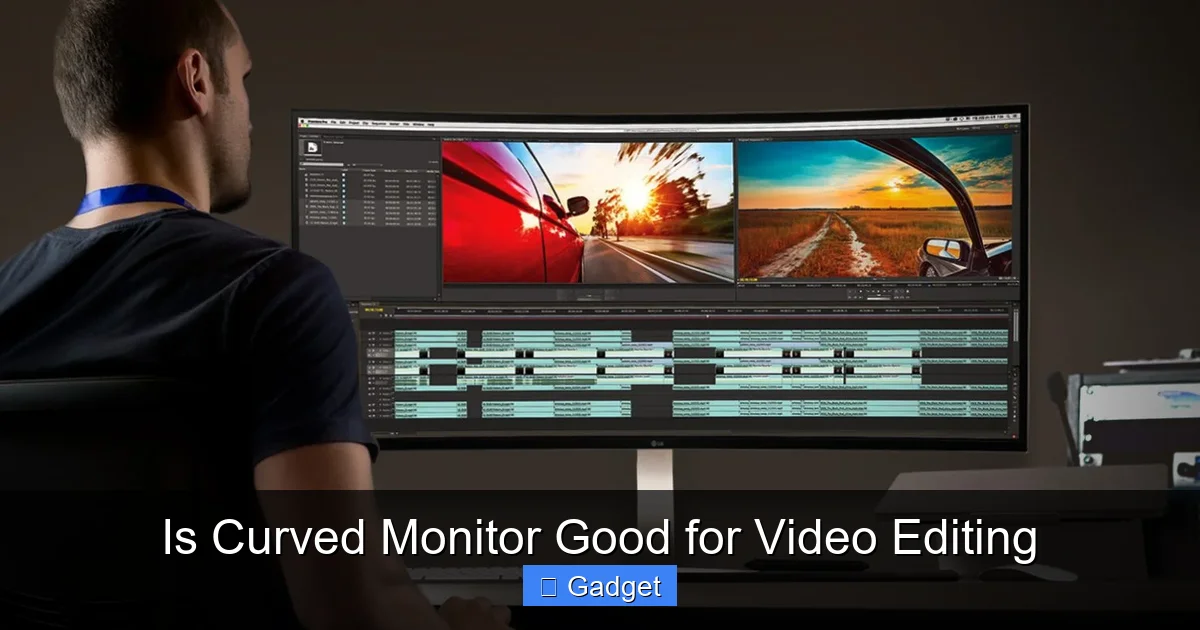
One of the most touted benefits of curved monitors is their ability to create a more immersive viewing experience. When you’re editing, especially with larger screen sizes, the edges of a flat monitor can feel distant. A curved display gently wraps the image around your peripheral vision. This can make the content feel closer and more encompassing. For video editors, this can mean less eye movement needed to scan the entire screen. Your eyes can stay more focused on the center of the display, which can significantly reduce eye strain and fatigue during long editing sessions. Think of it like sitting in the sweet spot of a movie theater – everything feels more present.
Wider Perceived Field of View
Curved monitors, particularly ultrawide models, can offer a significantly wider perceived field of view compared to their flat counterparts. This is incredibly beneficial for video editing timelines. Imagine having your video playback, your editing timeline, your effects panel, and your media browser all visible on one screen without feeling cramped. This expansive workspace can streamline your workflow, reducing the need to constantly switch between windows or panels. You can see more of your project at once, which can lead to faster decision-making and more efficient editing.
Enhanced Depth Perception
Some users report that curved monitors offer a subtle enhancement in depth perception. While not as pronounced as in a 3D movie, the gentle wrap-around effect can make on-screen elements feel slightly more three-dimensional. For tasks involving visual effects or detailed compositing, this slight boost in perceived depth could be helpful, although it’s not the primary reason most editors consider a curved display.
The Potential Drawbacks of Curved Monitors for Video Editing
While the benefits are appealing, it’s crucial to consider the potential downsides of curved monitors for video editing:
Visual guide about Is Curved Monitor Good for Video Editing
Image source: i0.wp.com
Geometric Distortion
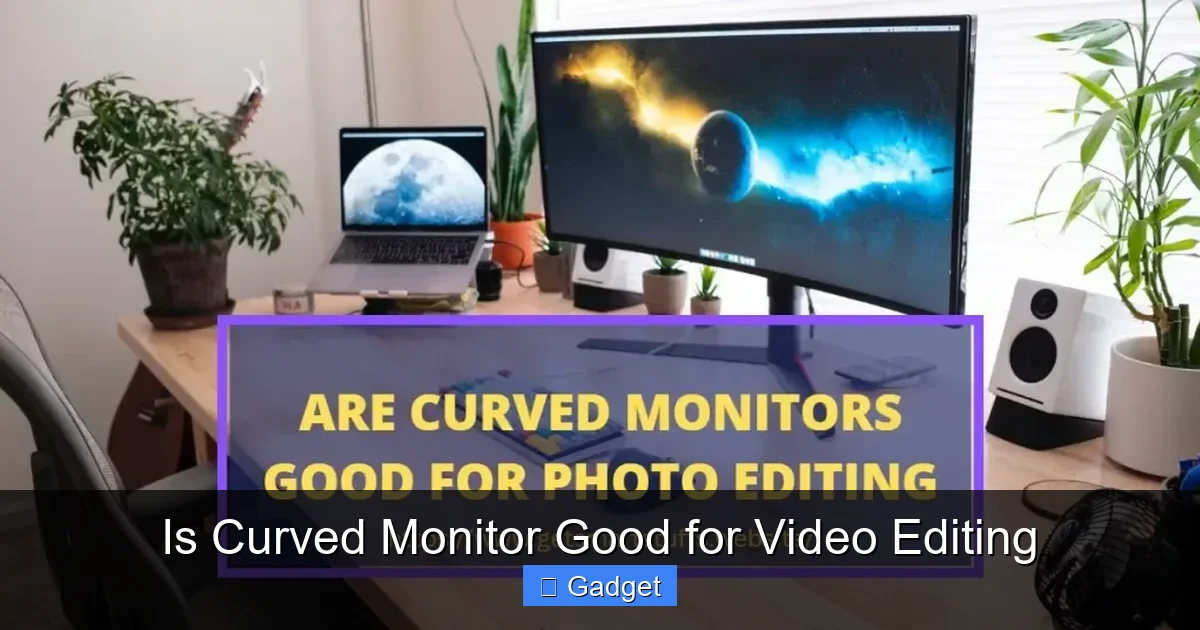
This is perhaps the most significant concern for video editors. While mild curves (like 1800R) are generally not an issue, more aggressive curves (like 1000R) can introduce geometric distortion, especially at the edges of the screen. This means straight lines might appear slightly bowed. For tasks that require extreme precision, such as architectural visualization, precise graphical overlays, or screen recordings where straight lines are critical, this distortion can be problematic. Most video editing tasks, however, are less sensitive to this, but it’s something to be aware of.
Color Accuracy and Brightness Uniformity Concerns
This isn’t exclusive to curved monitors, but it’s a critical point for any display used for video editing. Not all curved monitors are created equal. Some cheaper models might not offer the color accuracy or brightness uniformity that professional video editors demand. If the colors aren’t accurate across the entire screen, your color grading decisions could be flawed. Similarly, if the brightness varies significantly from the center to the edges, it can be distracting and affect your perception of the image.
Reflection Issues
Curved monitors can sometimes be more prone to glare and reflections from ambient light sources. The curvature can, in some cases, direct reflections towards the viewer. This can be mitigated with proper room lighting and monitor placement, but it’s a factor to consider, especially if your editing environment has a lot of bright lights or windows.
Cost
Generally, curved monitors, especially those with high resolutions and professional-grade color accuracy, can be more expensive than their flat counterparts. You need to weigh the potential benefits against the added cost to determine if it’s a worthwhile investment for your budget.
Key Factors to Consider When Choosing a Curved Monitor for Video Editing
If you’re leaning towards a curved monitor for your video editing setup, here are the essential specifications and features you should prioritize:
Visual guide about Is Curved Monitor Good for Video Editing
Image source: monitornerds.com
Curvature Radius
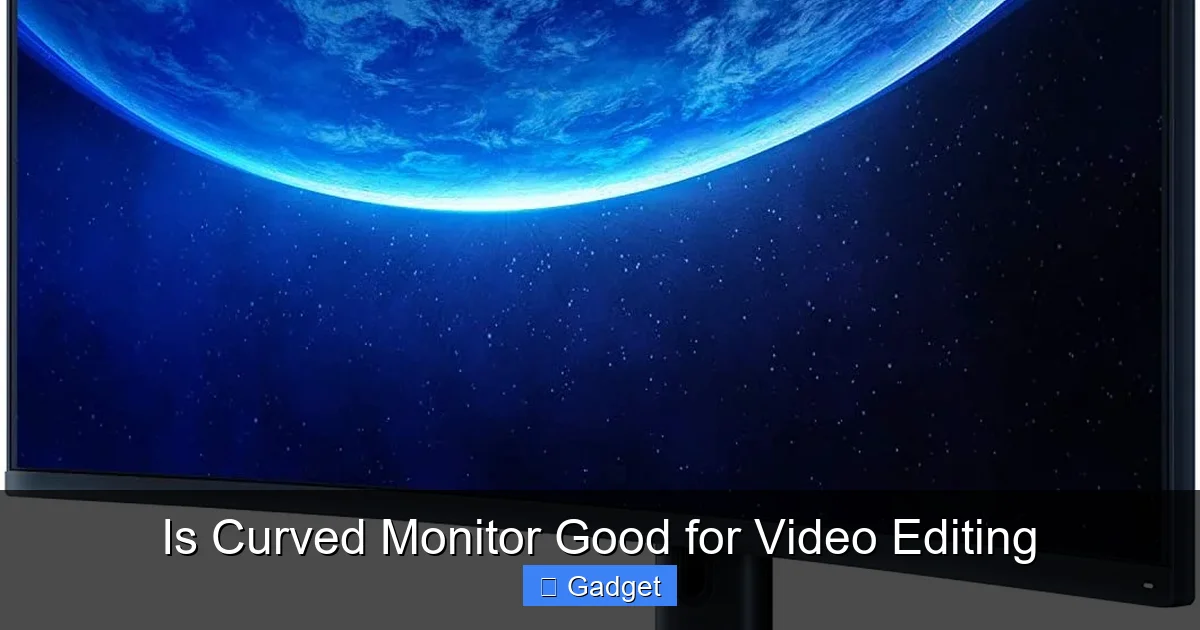
For video editing, a gentler curve is generally preferred. Look for monitors with a radius of 1800R or 1500R. These offer a comfortable wrap-around effect without introducing noticeable distortion. A 1000R curve might be too aggressive for some editing tasks.
Resolution and Screen Size
This is arguably more important than the curvature itself. For video editing, you need ample screen real estate and detail.
- Resolution: Aim for at least 4K UHD (3840 x 2160) for a crisp, detailed image. Ultrawide monitors will have different resolutions like 3440 x 1440 or 5120 x 1440.
- Screen Size: Larger screens (27 inches and above for standard aspect ratios, or ultrawide variants) are generally better for editing timelines and multiple panels.
A curved 27-inch 1440p monitor might not offer enough space compared to a flat 32-inch 4K monitor. The combination of size and resolution is key.
Color Accuracy and Gamut
This is non-negotiable for video editing.
- Color Gamut: Look for monitors that cover a wide color gamut, such as 100% sRGB, and ideally high coverage of DCI-P3 or Adobe RGB, especially if you work with HDR content or professional color grading.
- Color Accuracy: Check for factory calibration reports or specifications that indicate low Delta E values (ideally below 2), signifying minimal color deviation.
Panel Type
- IPS (In-Plane Switching): This is the most recommended panel type for video editing due to its excellent color accuracy, wide viewing angles, and good brightness.
- VA (Vertical Alignment): VA panels offer better contrast ratios than IPS, but their color accuracy and viewing angles can be inferior.
- TN ( Twisted Nematic): TN panels are fast but have poor color reproduction and viewing angles, making them unsuitable for professional editing.
Stick with IPS panels for the best results.
Brightness and Contrast Ratio
A good brightness level (around 300-400 nits or higher for HDR) ensures you can work in various lighting conditions and see details clearly. A decent contrast ratio will help with image depth and distinction between dark and light areas.
Refresh Rate and Response Time
While not as critical as for competitive gaming, a higher refresh rate (e.g., 120Hz or 144Hz) and a faster response time (e.g., 4ms or less) can contribute to a smoother visual experience, especially when scrubbing through footage or playing back dynamic scenes. However, prioritize color and resolution over extreme refresh rates.
Connectivity
Ensure the monitor has the necessary ports for your setup, such as HDMI, DisplayPort, and USB-C (which can be useful for daisy-chaining or single-cable solutions if your laptop supports it).
Putting it All Together: Is a Curved Monitor Right for You?
The decision ultimately boils down to your individual needs and preferences:
When a Curved Monitor Might Be a Good Fit:
- Long editing sessions: If you frequently experience eye strain and fatigue with your current setup, the immersive and less demanding viewing experience of a curved monitor could be a significant improvement.
- Ultrawide workflows: If you work with ultrawide aspect ratios or often need to see multiple windows simultaneously, a curved ultrawide monitor can provide an exceptionally expansive and comfortable workspace.
- General multimedia consumption: If you also use your editing machine for watching movies or playing games, the immersive nature of a curved display is a definite plus.
When a Flat Monitor Might Be Better:
- High precision graphical work: If your editing involves very precise graphical overlays, architectural visualizations, or anything where geometric distortion is a critical concern, a flat monitor is likely safer.
- Budget constraints: Professional-grade curved monitors can be expensive. If budget is a major factor, you might get more overall quality (color accuracy, resolution) from a similarly priced flat monitor.
- Limited desk space: While curved monitors can feel more immersive, their physical depth can sometimes be greater than flat monitors, which is a consideration for small desks.
- Existing setup: If you’re perfectly happy with your current flat monitor and your workflow isn’t hampered by eye strain or limited screen space, there might not be a compelling reason to switch.
Troubleshooting Common Issues
If you decide to go with a curved monitor and encounter problems, here are a few common issues and solutions:
Issue: Noticeable geometric distortion at the edges.
Solution:
- Adjust curvature: If your monitor allows it, try reducing the curve.
- Software calibration: Some software might have options to correct for distortion, though this is less common.
- Reposition yourself: Ensure you are sitting directly in front of the monitor, centered, to minimize the perception of distortion.
- Consider a flatter curve: If this persists, the monitor’s curvature might be too aggressive for your needs, and a flatter curve (e.g., 1800R instead of 1000R) might be a better choice next time.
Issue: Glare and reflections are distracting.
Solution:
- Adjust lighting: Minimize direct light sources hitting the screen. Use ambient or indirect lighting.
- Monitor hood: Consider purchasing a monitor hood to block out external light.
- Matte screen finish: Look for monitors with a matte anti-glare coating.
- Positioning: Angle the monitor so that light sources are not directly reflected into your eyes.
Issue: Colors don’t look right or are inconsistent.
Solution:
- Calibrate your monitor: Use a hardware color calibrator (like a Spyder or X-Rite) for the most accurate results.
- Check color settings: Ensure your graphics card settings and monitor’s OSD (On-Screen Display) settings are correctly configured.
- Use professional software: Editing software often has its own color management settings.
- Ensure correct gamut coverage: Verify that the monitor meets your color space requirements (e.g., 100% sRGB).
Conclusion
So, is a curved monitor good for video editing? The answer isn’t a simple yes or no. For many video editors, a curved monitor, especially an ultrawide one with a gentle curve, can offer a more comfortable, immersive, and productive editing experience. The reduced eye strain and expanded perceived workspace are significant advantages. However, if your work demands absolute geometric precision or if you’re on a tight budget, a high-quality flat monitor might still be the better choice.
Ultimately, the best way to know for sure is to try one out if possible. Visit a local electronics store and see how a curved display feels to you. Consider your specific editing software, the types of projects you handle, and your personal comfort. By weighing the benefits against the potential drawbacks and focusing on crucial specifications like resolution, color accuracy, and panel type, you can make an informed decision that will enhance your video editing workflow for years to come.
