What To Do With An Outdated Ipad Tips And Ideas
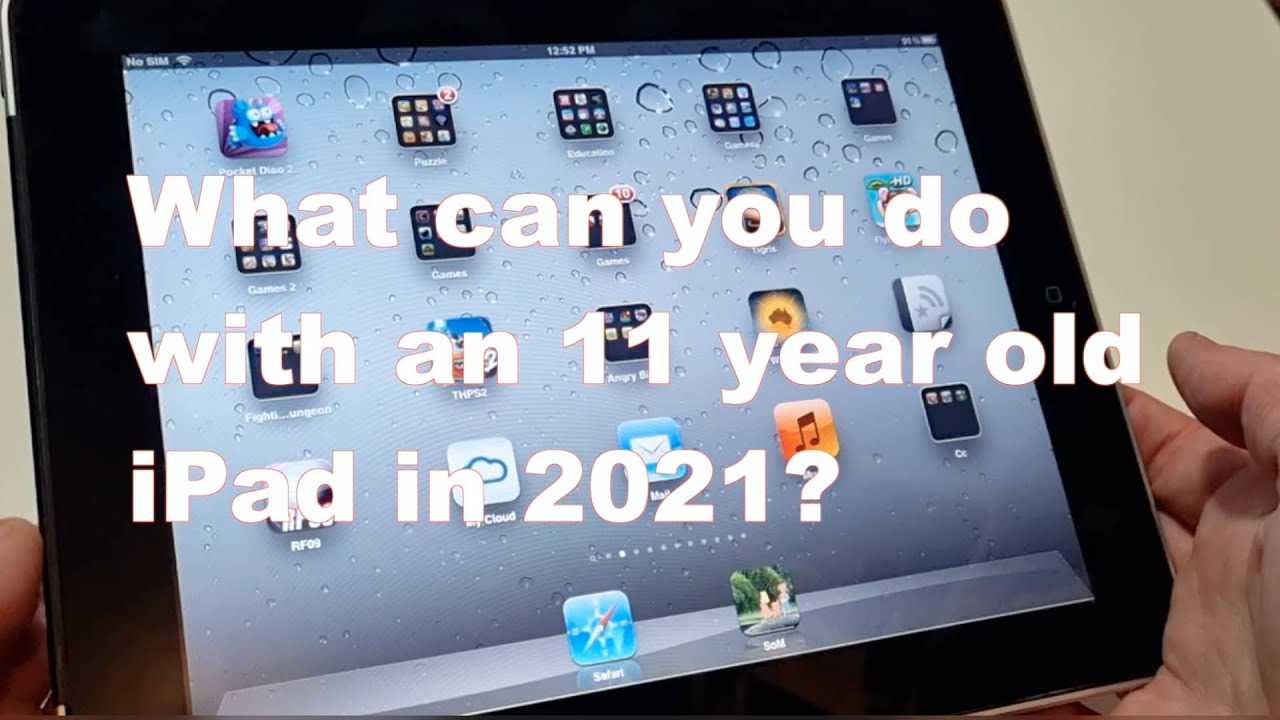

What to do with an outdated iPad?
Understanding Why Your iPad Is Outdated
Your iPad may become outdated for several reasons. Software updates may no longer support your device, or the hardware might slow down over time. Recognizing the signs helps you decide what next steps to take, whether that’s repairing, repurposing, or recycling.Assessing Your iPad’s Condition
Before choosing what to do with your old iPad, check its condition thoroughly. Look for screen damage, battery life issues, or hardware malfunctions. A working device, even if slow, might still serve some useful purposes.How Old Is Too Old? Recognizing the Age of Your iPad
Apple generally supports iPads with software updates for around 4 to 6 years. If your device is older than this, it may no longer receive new iOS versions. This limits the device’s compatibility with newer apps and features.Updating Software and Resetting Your iPad
Sometimes, a simple software update can improve the performance of an aging iPad. If the device is functional, resetting it to factory settings can clear out clutter and improve speed. Back up your data before proceeding to avoid losing important information.Using Your Old iPad as a Backup Device
A practical way to keep your old iPad relevant is to use it as a backup device. Store essential apps, e-books, or music on it so it’s ready in case your primary device runs into issues. This allows you to extend its functionality without much hassle.Repurposing Your Outdated iPad for Home Automation
An outdated iPad can serve as a dedicated control center for your smart home. Use it to manage lights, thermostats, security cameras, or smart locks. Install relevant apps and keep the device plugged in for continuous use.Transforming Your iPad Into a Digital Photo Frame
Turn your old iPad into a digital picture frame that displays your favorite photos. Apps like LiveFrame or PhotoView make this easy. Place it on a stand or mount it on a wall for a stylish, personal touch to any room.Using Your iPad for Kids’ Learning and Entertainment
Children can enjoy educational games, videos, and e-books on an old iPad. Set up parental controls to keep content appropriate. This can turn your outdated device into a safe and fun learning tool for kids.Converting Your iPad Into a Dedicated E-Reader
Remove unnecessary apps and use your device primarily for reading books, magazines, or comics. E-reader apps like Kindle or Apple Books work well, making it a simple, lightweight device for reading on the go.Donating or Selling Your Old iPad
If your iPad still works well, consider donating it to a charity or giving it to someone in need. Alternatively, sell it through online marketplaces like eBay or Gazelle to get some cash back. Be sure to erase all personal data before sale or donation.Recycling Your Outdated iPad Responsibly
When your iPad is no longer functional or worth selling, recycling is the best option. Find a local electronic waste recycling center or Apple’s recycling program. Proper disposal prevents environmental harm from e-waste.How to Prepare Your iPad for Recycling or Donation
Before recycling or donating, wipe your device clean. Sign out of iCloud, disable Find My iPad, and perform a factory reset. Remove any cases or accessories to ensure a smooth transfer.Creative DIY Projects Using Old iPads
Get creative and repurpose your iPad into useful items. Turn it into a weather station with sensors, a security camera with an app, or a digital clock. Many online tutorials guide DIY projects to give your outdated device new life.Security Tips for Data Privacy
Always back up your data before repurposing or selling your iPad. Perform a factory reset to delete personal information. Use strong passwords and enable security features to protect your privacy during reuse or recycling.Cost-Effective Ways to Repair Your iPad
If your device has minor issues like a broken screen or battery problems, consider repair options. Look for local repair shops or authorized service providers. Sometimes a simple fix extends your device’s life significantly and costs less than buying a new one.Buying a Replacement iPad or Upgrading
If repairing isn’t worthwhile, compare the costs of upgrading to a new or refurbished iPad. Newer models offer better performance, longer support, and advanced features. Consider your budget and needs when making this decision.Supporting the Environment by Recycling
Choosing to recycle your iPad instead of throwing it away helps reduce e-waste. It ensures valuable materials like rare earth metals are recovered and reused. Responsible disposal benefits the environment and promotes sustainability.Final Thoughts on Managing Outdated iPads
An outdated iPad still has potential uses, whether for personal, educational, or environmental purposes. Thoughtful options like repurposing, donating, or recycling help extend its life or give it a final, positive purpose. Deciding what to do depends on its condition, your needs, and your values.Frequently Asked Questions
How can I repurpose my outdated iPad for daily use?
You can repurpose your outdated iPad as a dedicated device for specific tasks such as a digital photo frame, a home automation controller, or a dedicated e-reader. Setting up these functions allows you to extend the device’s usefulness without relying on its current operating system or hardware limitations.
What are some secure ways to dispose of an old iPad?
If you decide not to reuse your old iPad, ensure you securely erase all data by performing a factory reset. Remove any linked accounts and disconnect the device from your Apple ID. Afterwards, you can take it to an authorized e-waste recycling center or donate it to organizations that refurbish electronics to give it a second life.
Can I upgrade or repair my outdated iPad to improve its performance?
Most outdated iPads have limited options for hardware upgrades, but you can improve performance by restoring the device to factory settings or removing unused apps. If the device has a damaged screen or battery, consider professional repairs to extend its usability, though in some cases, investing in a newer model may be more practical.
Is it possible to turn my old iPad into a security or baby monitor?
Yes, you can convert your old iPad into a security or baby monitor using various apps available on the App Store. Set the device in a suitable location, install the monitoring app, and connect it to your home Wi-Fi. This way, you efficiently utilize the device while keeping an eye on your home or little ones.
How can I donate my outdated iPad to charity or educational programs?
Look for local charities, schools, or non-profit organizations that accept old electronics. Before donating, erase all your data and restore the iPad to factory settings. Contact the organization to verify their device requirements and ensure the iPad meets their standards, helping someone else benefit from your unused device.
Final Thoughts
An outdated iPad can still find new life through simple solutions. Repurpose it as a dedicated e-reader or a smart home control panel. You can also donate it to schools or charities, giving it a second purpose. Recycling your old device responsibly supports environmental efforts. Consider selling it if it still holds value or upgrade to a newer model if needed. What to do with an outdated iPad? You can repurpose, donate, recycle, or sell it, ensuring it remains useful rather than discarded. These options help extend its life and reduce waste.
Similar Posts































