How Do I Choose a Gaming Monitor
Choosing the right gaming monitor can significantly enhance your gaming experience. This comprehensive guide will walk you through everything you need to know, from understanding key specifications like refresh rate and response time to choosing the ideal panel type and resolution for your needs and budget. By the end, you’ll be equipped to make an informed decision and find the perfect display to elevate your gameplay. So, you’re ready to upgrade your battlestation with a new gaming monitor, but the sheer number of options is overwhelming, right? Don’t worry, you’re not alone! Choosing the right gaming monitor can feel like navigating a minefield of jargon and technical specs. But fear not, this comprehensive guide is here to demystify the process. We’ll break down every crucial factor, from resolution and refresh rate to panel types and adaptive sync technologies, ensuring you make an informed decision that perfectly suits your gaming style and budget. By the end of this guide, you’ll be confident in selecting a gaming monitor that will truly elevate your gaming experience. Let’s dive into the essential elements of choosing a gaming monitor.  Resolution refers to the number of pixels on your screen. More pixels mean a sharper, more detailed image.
 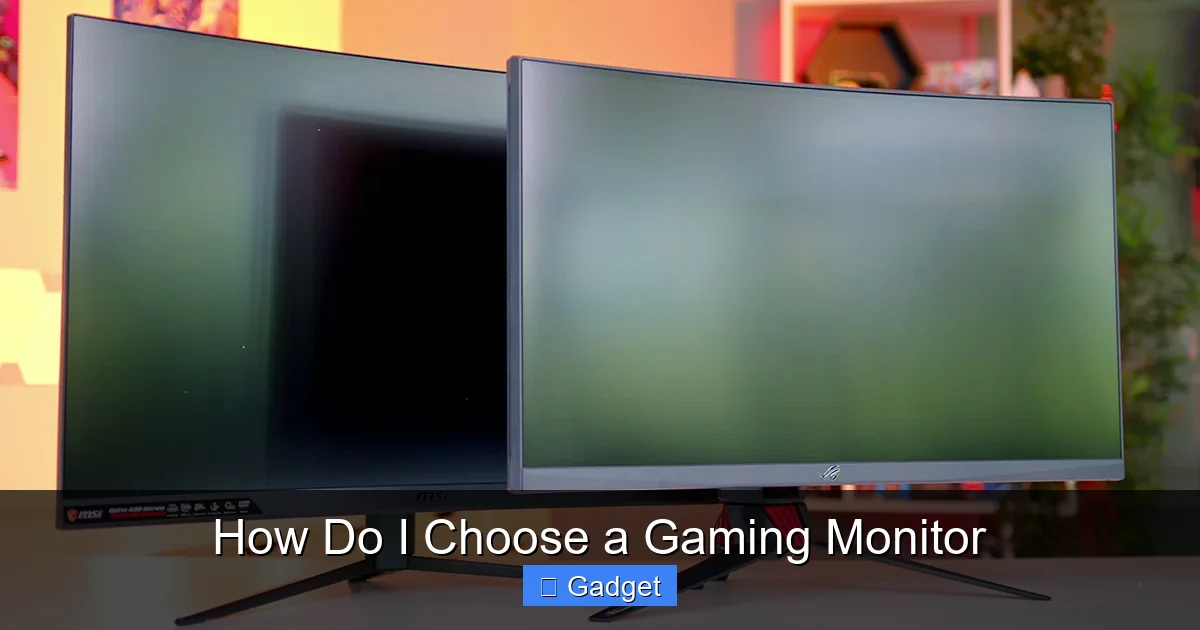 Refresh rate, measured in Hertz (Hz), indicates how many times per second your monitor updates the image on the screen. A higher refresh rate results in smoother motion and reduces motion blur.
 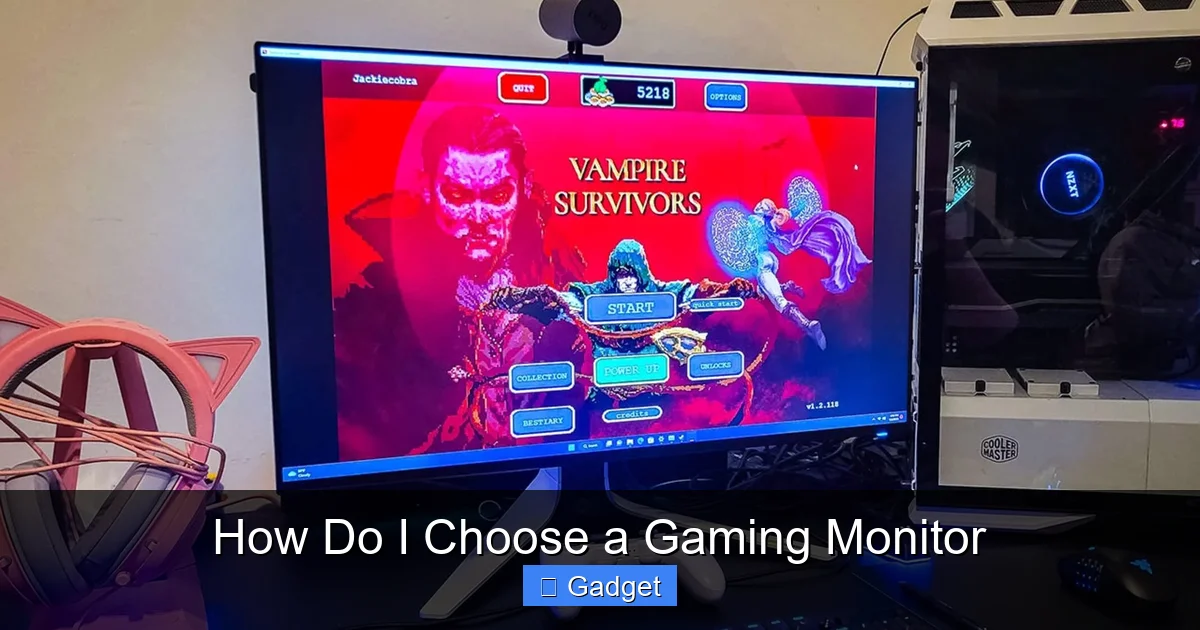 Response time measures how quickly a pixel can change from one color to another, typically measured in milliseconds (ms). Lower response times are crucial to reduce motion blur and “ghosting” (trails left by moving objects).
Key Takeaways
- Resolution Matters for Clarity: Higher resolutions like 1440p and 4K offer sharper images, but require a more powerful GPU. 1080p remains a solid choice for budget-conscious gamers and high refresh rates.
- Refresh Rate for Smoothness: A higher refresh rate (Hz) means smoother motion. Aim for at least 144Hz for competitive gaming, while 60Hz is the bare minimum for casual play.
- Response Time for Ghosting: Lower response times (ms) reduce motion blur and ghosting. Look for 1ms or 4ms GtG (Gray-to-Gray) for the best results.
- Panel Type Influences Performance: IPS panels offer excellent color accuracy and viewing angles, TN panels are fastest but have weaker colors, and VA panels provide deep blacks and good contrast.
- Adaptive Sync Technologies are Crucial: NVIDIA G-Sync and AMD FreeSync synchronize your monitor’s refresh rate with your GPU’s frame rate, eliminating screen tearing.
- Screen Size and Aspect Ratio for Immersion: Ultrawide monitors and larger screen sizes offer greater immersion, but consider your desk space and GPU capabilities.
1. Understand Your Gaming Needs and Budget
Before you even start looking at specific monitors, take a moment to think about how you game and how much you’re willing to spend.What Kind of Games Do You Play?
* Competitive Shooters/Esports: If you’re all about fast-paced games like *CS:GO*, *Valorant*, or *Apex Legends*, you’ll prioritize high refresh rates and low response times. These specs are crucial for clear, fluid motion and quick reactions. * RPGs/Adventure Games: For immersive single-player experiences like *The Witcher 3* or *Cyberpunk 2077*, you might prioritize visual fidelity, color accuracy, and a larger screen size for a more cinematic feel. * Simulators (Racing/Flight): These genres often benefit from ultrawide monitors and high resolutions to increase immersion and provide a wider field of view. * All-Around Gamer: If you play a mix of everything, you’ll need to find a balance between speed and visual quality.Set a Realistic Budget
Gaming monitors range from a couple of hundred dollars to well over a thousand. Knowing your budget will help you narrow down your options considerably. Remember to also factor in the cost of a GPU that can actually drive the resolution and frame rates of your chosen monitor. A 4K 144Hz monitor is useless if your graphics card can only push 60 frames per second at that resolution.2. Resolution: The Key to Visual Clarity
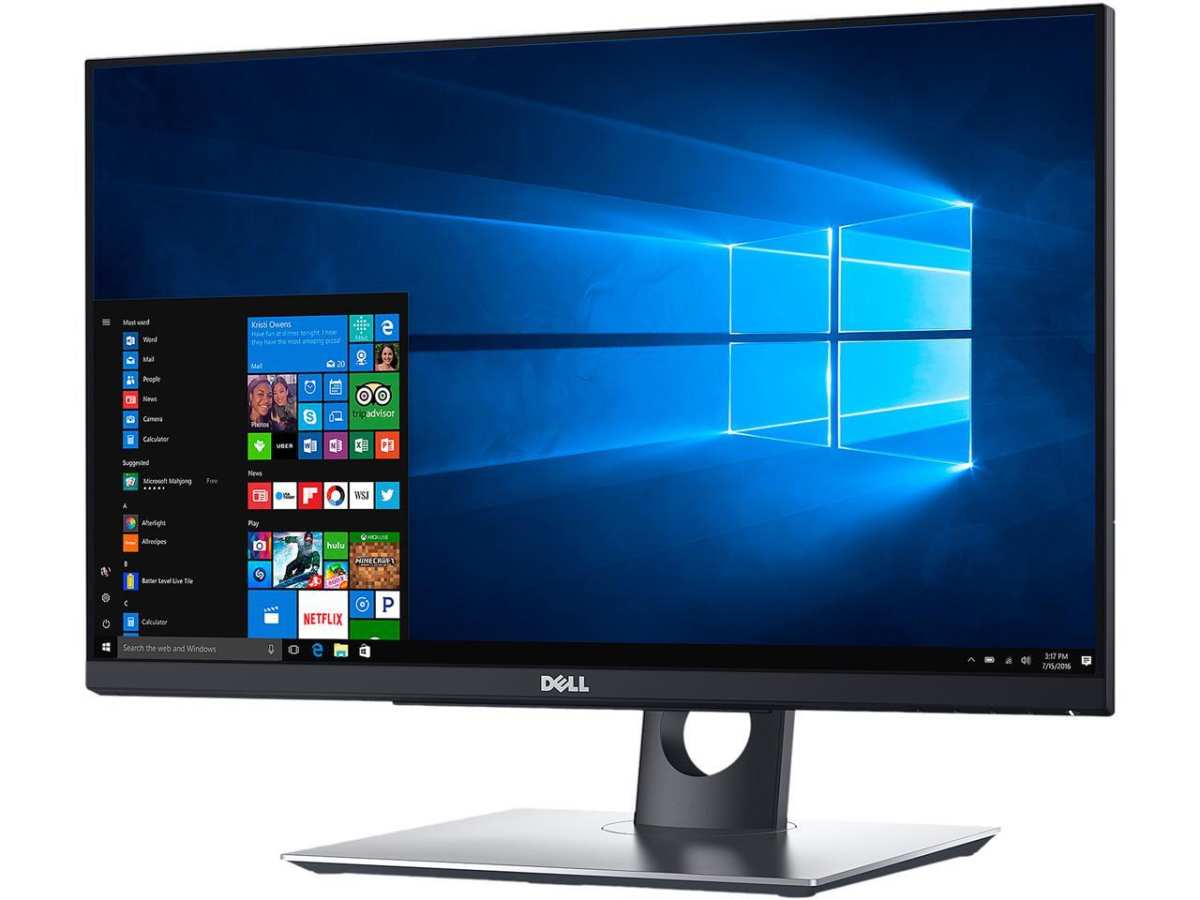
Visual guide about How Do I Choose a Gaming Monitor
Image source: gamer1.neweggimages.com
Common Resolutions
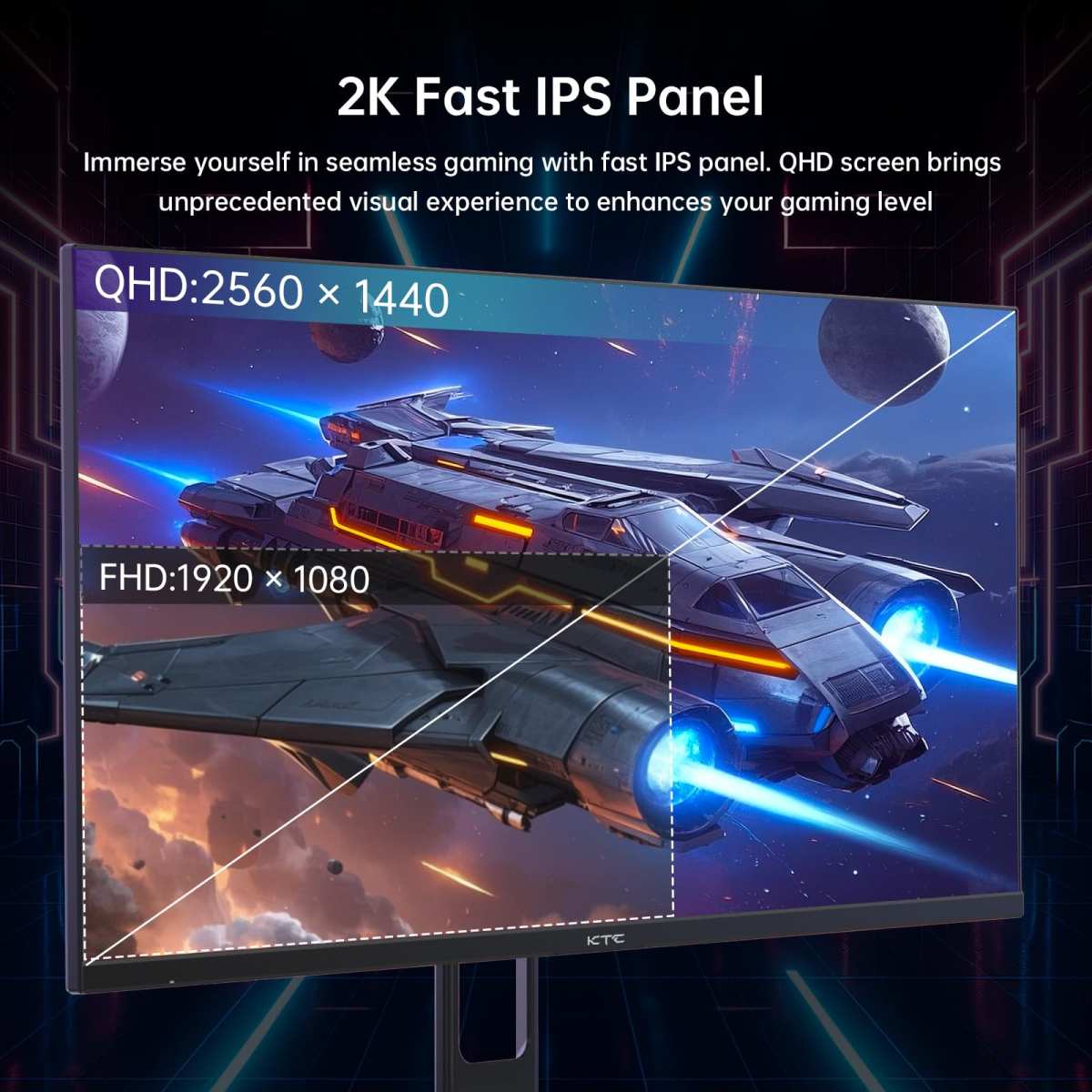
* 1080p (Full HD / 1920 x 1080): This is the most common resolution. It’s the most affordable and requires the least powerful GPU to achieve high frame rates. It’s a great choice for competitive gamers on a budget or those with less powerful PCs. * 1440p (QHD / 2560 x 1440): Also known as Quad HD, this resolution offers significantly more detail than 1080p, providing a noticeable improvement in sharpness. It’s a great sweet spot, offering a good balance between visual fidelity and performance demands. You’ll need a more powerful GPU than for 1080p. * 4K (UHD / 3840 x 2160): This is the highest common resolution for consumer monitors. It delivers incredibly sharp and detailed images, perfect for graphically demanding games where visual immersion is key. However, it requires a very powerful GPU to run games at playable frame rates, especially at higher refresh rates.Choosing Your Resolution
* For competitive gaming on a budget: 1080p is excellent, allowing for very high refresh rates. * For a great balance of detail and performance: 1440p is often considered the sweet spot. * For maximum visual fidelity and if you have a high-end PC: 4K is the ultimate choice.3. Refresh Rate: Smoothness is King
Visual guide about How Do I Choose a Gaming Monitor
Image source: robots.net
Key Refresh Rates
* 60Hz: The standard for most non-gaming monitors. It’s acceptable for casual gaming but will feel noticeably less smooth than higher rates. * 75Hz: A slight improvement over 60Hz, offering a bit more fluidity. * 120Hz: A significant jump in smoothness, especially noticeable in fast-paced games. * 144Hz: This is the current sweet spot for many serious gamers, offering a fantastic balance of smoothness and affordability. * 165Hz – 240Hz+: For esports professionals and enthusiasts who demand the absolute smoothest gameplay and have the hardware to support it. The difference becomes less pronounced above 144Hz, but it’s still there.Choosing Your Refresh Rate
* Casual gamer: 60Hz or 75Hz might be sufficient, but 120Hz is a worthwhile upgrade if your budget allows. * Enthusiast gamer/Competitive player: 144Hz is highly recommended. Going higher to 165Hz or 240Hz is for those who want the absolute best and have the PC to match. Important Note: To benefit from a high refresh rate, your PC’s graphics card (GPU) must be able to produce enough frames per second (FPS) to match or exceed the monitor’s refresh rate.4. Response Time: Minimizing Motion Blur
Visual guide about How Do I Choose a Gaming Monitor
Image source: robots.net
Common Response Times
* 5ms or higher: Can lead to noticeable ghosting and motion blur in fast-paced games. * 4ms: A good standard for most gaming monitors. * 1ms: The ideal for competitive gaming, virtually eliminating ghosting.Understanding GtG and MPRT
* GtG (Gray-to-Gray): This is the most common and generally the most reliable metric for response time. It measures the time it takes for a pixel to transition from one shade of gray to another. * MPRT (Moving Picture Response Time): This is a marketing metric that often shows lower numbers by using techniques like backlight strobing. While it can make motion appear sharper, it can also reduce brightness and introduce flicker. Stick to GtG when comparing.Choosing Your Response Time
* For any serious gaming: Aim for 1ms GtG. * For most gamers: 4ms GtG is a good, affordable option.5. Panel Type: Color, Contrast, and Speed
The type of panel your monitor uses significantly impacts its visual characteristics. The three main types are TN, IPS, and VA.TN (Twisted Nematic)
* Pros: Fastest response times, generally the most affordable. * Cons: Poorer color reproduction and viewing angles. Colors can look washed out, and images shift when viewed from an angle. * Best for: Purely competitive gamers who prioritize speed above all else and aren’t concerned with color accuracy.IPS (In-Plane Switching)
* Pros: Excellent color accuracy, wide viewing angles, good for gaming and general use. * Cons: Historically slower response times than TN (though this gap is closing significantly), can sometimes suffer from “IPS glow” (a faint glow visible on dark screens from an angle). * Best for: Gamers who also value visual fidelity, enjoy watching content, and want accurate colors. Many modern IPS panels offer excellent response times and refresh rates.VA (Vertical Alignment)
* Pros: Excellent contrast ratios, deep blacks, good color reproduction. * Cons: Slower response times compared to TN and many IPS panels, can exhibit “black smearing” (darker objects leaving trails) in fast motion. Viewing angles are better than TN but not as good as IPS. * **Best for:** Gamers who love dark, atmospheric games and want deep blacks and great contrast. They are a good middle ground if you want better contrast than IPS without the color limitations of TN.Choosing Your Panel Type
* For competitive esports players: TN might be considered, but modern IPS is often just as fast and much better visually. * **For a great all-around experience:** IPS is usually the best choice. * **For games with deep blacks and high contrast:** VA can be excellent, but be mindful of potential smearing.6. Adaptive Sync Technologies: Eliminating Screen Tearing
Screen tearing occurs when your GPU’s frame output is out of sync with your monitor’s refresh rate, resulting in a visibly “torn” image. Adaptive sync technologies fix this.NVIDIA G-Sync
* How it works: G-Sync synchronizes your monitor’s refresh rate with your NVIDIA GPU’s frame output. * **Requires:** An NVIDIA graphics card and a G-Sync certified monitor. G-Sync monitors often have a dedicated hardware module, making them more expensive. * **”G-Sync Compatible”:** NVIDIA also certifies some FreeSync monitors as “G-Sync Compatible,” meaning they work well with NVIDIA cards, offering a more budget-friendly option.AMD FreeSync
* **How it works: Similar to G-Sync, FreeSync synchronizes your monitor’s refresh rate with your AMD GPU’s frame output. * **Requires:** An AMD graphics card and a FreeSync certified monitor. * **FreeSync Tiers:** FreeSync has different tiers (FreeSync, FreeSync Premium, FreeSync Premium Pro), with higher tiers offering better performance and features like HDR support.Choosing Your Adaptive Sync
* **If you have an NVIDIA GPU:** Look for G-Sync or G-Sync Compatible monitors. * **If you have an AMD GPU:** Look for FreeSync certified monitors. * **If you might switch GPU brands in the future:** G-Sync Compatible or FreeSync Premium Pro monitors often offer the best cross-compatibility.7. Screen Size and Aspect Ratio: Immersion and Workspace
Screen size and aspect ratio significantly impact how immersive your gaming experience feels.Screen Size
* 24-inch: A popular size for 1080p resolution, offering good pixel density and is ideal for competitive gaming where you want the entire screen within your peripheral vision. * 27-inch: A very popular size for 1440p resolution, offering a great balance of immersion and detail. It’s also becoming popular for 4K. * 32-inch and larger: Offers the most immersion but requires more desk space and a more powerful GPU to drive higher resolutions effectively.Aspect Ratio
* 16:9 (Standard): The most common aspect ratio, used for 1080p, 1440p, and 4K resolutions. It’s compatible with almost all games. * 21:9 (Ultrawide / 3440 x 1440): These monitors offer a much wider field of view, which is incredibly immersive for cinematic games, simulators, and multitasking. However, not all games support ultrawide resolutions natively, and some might display black bars on the sides. * 32:9 (Super Ultrawide): Even wider than ultrawide, offering an incredibly panoramic view. These are the most immersive but also the most demanding and expensive.Choosing Your Size and Aspect Ratio
* **For competitive gaming:** 24-inch 16:9 is often preferred. * **For a great all-around experience:** 27-inch 16:9 is a solid choice. * **For maximum immersion in compatible games:** Consider an ultrawide (21:9) monitor, usually 27-34 inches.8. Other Important Features to Consider
Beyond the core specs, a few other features can enhance your gaming experience.HDR (High Dynamic Range)
HDR allows for a wider range of colors and brightness levels, resulting in more vibrant and realistic images with better contrast between light and dark areas. Look for DisplayHDR certifications (like DisplayHDR 400, 600, 1000) as an indicator of HDR performance.Curved vs. Flat Screens
* **Curved monitors:** Can enhance immersion by wrapping the display around your field of vision. This is especially noticeable on larger and ultrawide displays. However, some users find curves distracting for productivity tasks. * **Flat monitors:** Are the traditional choice and are perfectly fine for most users.Connectivity (Ports)
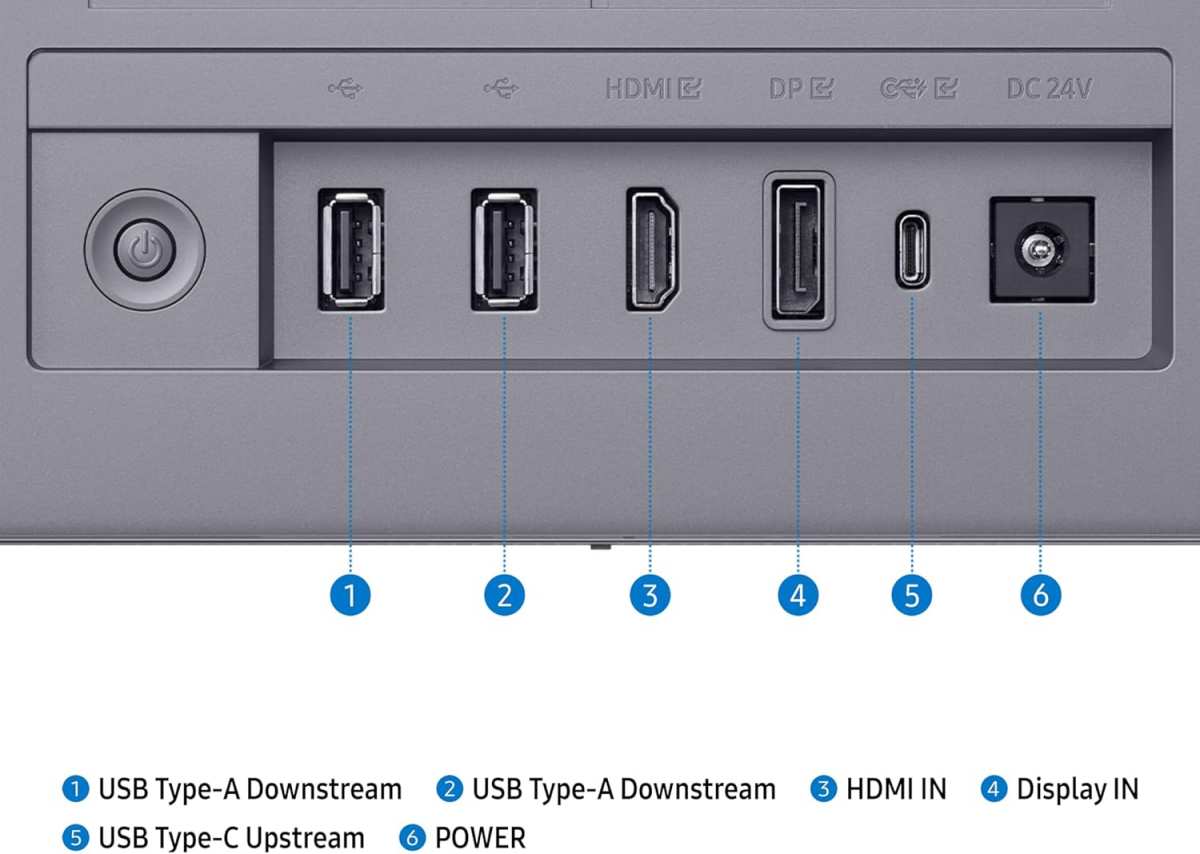
Ensure the monitor has the ports you need, such as HDMI 2.1 (for newer consoles and high refresh rates) and DisplayPort (generally preferred for PC gaming).Built-in Speakers
Most gaming monitors have basic built-in speakers, but you’ll likely get better audio quality from a dedicated headset or external speakers.9. Putting It All Together: Example Scenarios
Let’s look at a few example gamer profiles and what they might choose: * The Esports Enthusiast: * **Resolution:** 1080p (for maximum FPS) * **Refresh Rate:** 240Hz+ * **Response Time:** 1ms GtG * **Panel Type:** Fast IPS or TN * **Adaptive Sync:** G-Sync or FreeSync Premium * **Screen Size:** 24-inch * **Why:** Prioritizes speed, low input lag, and smooth motion above all else. * **The Immersive Story-Driven Gamer:** * **Resolution:** 1440p or 4K * **Refresh Rate:** 120Hz – 144Hz * **Response Time:** 4ms GtG (1ms if available without significant cost increase) * **Panel Type:** IPS (for color accuracy) or VA (for contrast) * **Adaptive Sync:** G-Sync or FreeSync Premium * **Screen Size:** 27-inch or 32-inch (or even an ultrawide) * **Why:** Values visual fidelity, color, and an immersive experience. * **The Budget-Conscious All-Rounder:** * **Resolution:** 1080p or 1440p * **Refresh Rate:** 144Hz * **Response Time:** 4ms GtG * **Panel Type:** IPS (if budget allows, otherwise TN is an option) * **Adaptive Sync:** G-Sync Compatible or FreeSync Premium * **Screen Size:** 24-inch or 27-inch * **Why:** Seeks a good balance of performance and visuals without breaking the bank.Conclusion
Choosing a gaming monitor doesn’t have to be a daunting task. By understanding your gaming needs, setting a budget, and familiarizing yourself with key specifications like resolution, refresh rate, response time, and panel type, you can make an informed decision. Remember to consider adaptive sync technologies for tear-free gameplay and the screen size and aspect ratio that best suit your setup and preferences. With this guide, you’re well-equipped to find the perfect gaming monitor that will transform your virtual adventures into stunning, smooth, and responsive realities. Happy gaming!
Similar Posts